

Minecraft is full of pre-built structures to find. It’s got Woodland Mansions, Nether Fortresses, and Mineshafts, among many other rare structures hidden throughout its biomes. Discovering these areas is one of the best aspects of Minecraft — filling out the map and all of your world’s locations.
However, few structures are as rare as an Ancient City. The Ancient City structure is massive, located in a hard-to-find biome, and quite dangerous. But, it brings with some awesome blocks in the Sculk Catalysts or Skulk Sensor, and provides some cool treasure at that. If you’re looking to find an Ancient City, this guide has you covered.
Updated 11/21/2025
Prefer To Watch Instead Of Read? Check Out Our New Video!
What Is An Ancient City In Minecraft?
An Ancient City is the largest of the pre-made structures in Minecraft. It’s a massive, dark, sprawling space littered with chests, statues, and lots of carpet?
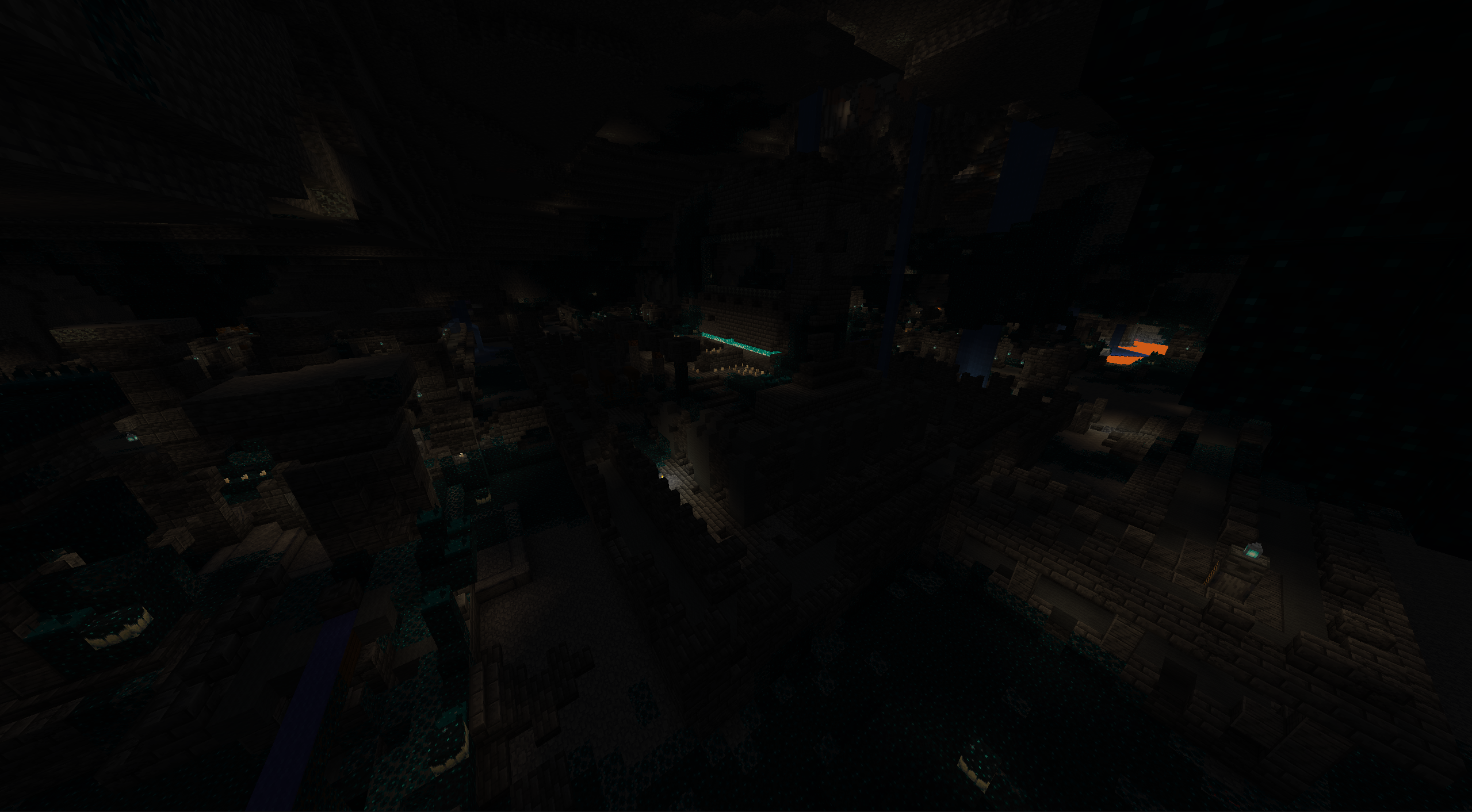
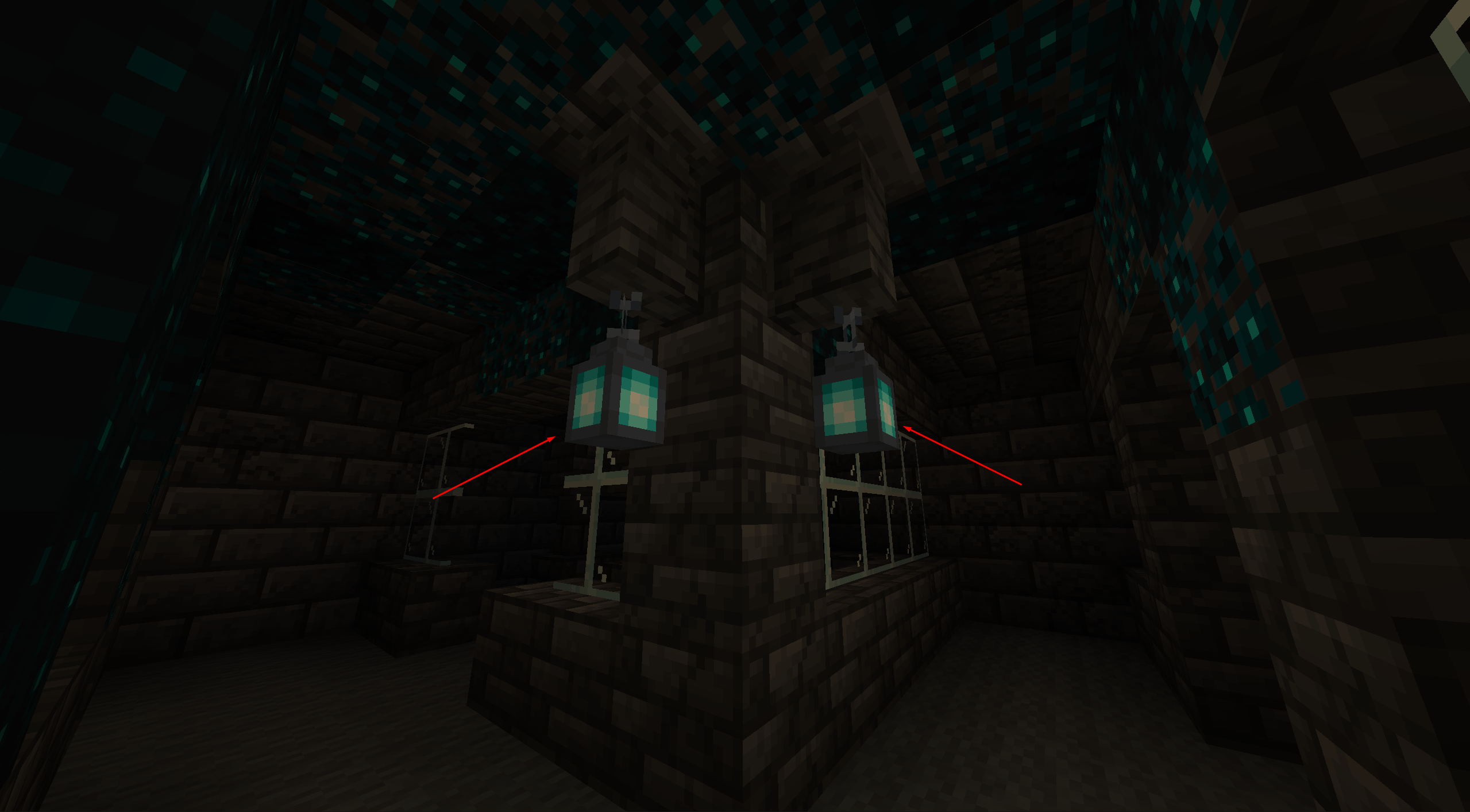
Aside from the obvious loot inside chests, this is one of the only areas where you can gather Soul Lanterns and Candles alongside a few unique forms of Deepslate blocks. For example, you can find Reinforced Deepslate here, which is a block you cannot acquire naturally.
Ancient Cities are also the only way to find two Armor Trim Smithing Templates: the Ward Armor Trim Smithing Template and the Silence Armor Trim Smithing Template.
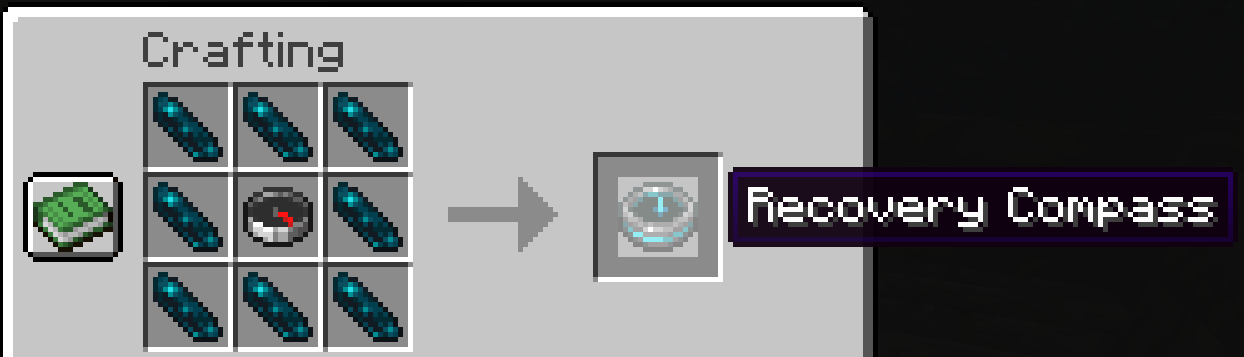
The other unique item you can find is an Echo Shard. Echo Shards are rare, Skulk-like items with a single purpose: to create a Recovery Compass. A Recovery Compass points to the location of your last death, making it a vital tool to have while exploring.
To make a Recovery Compass, gather eight Echo Shards and a Compass and organize them as follows:
Even more interesting, Ancient Cities include a variety of secret passages built through Redstone. If you’re looking to grab some Pistons or other Redstone-related items, this is the place to do it.
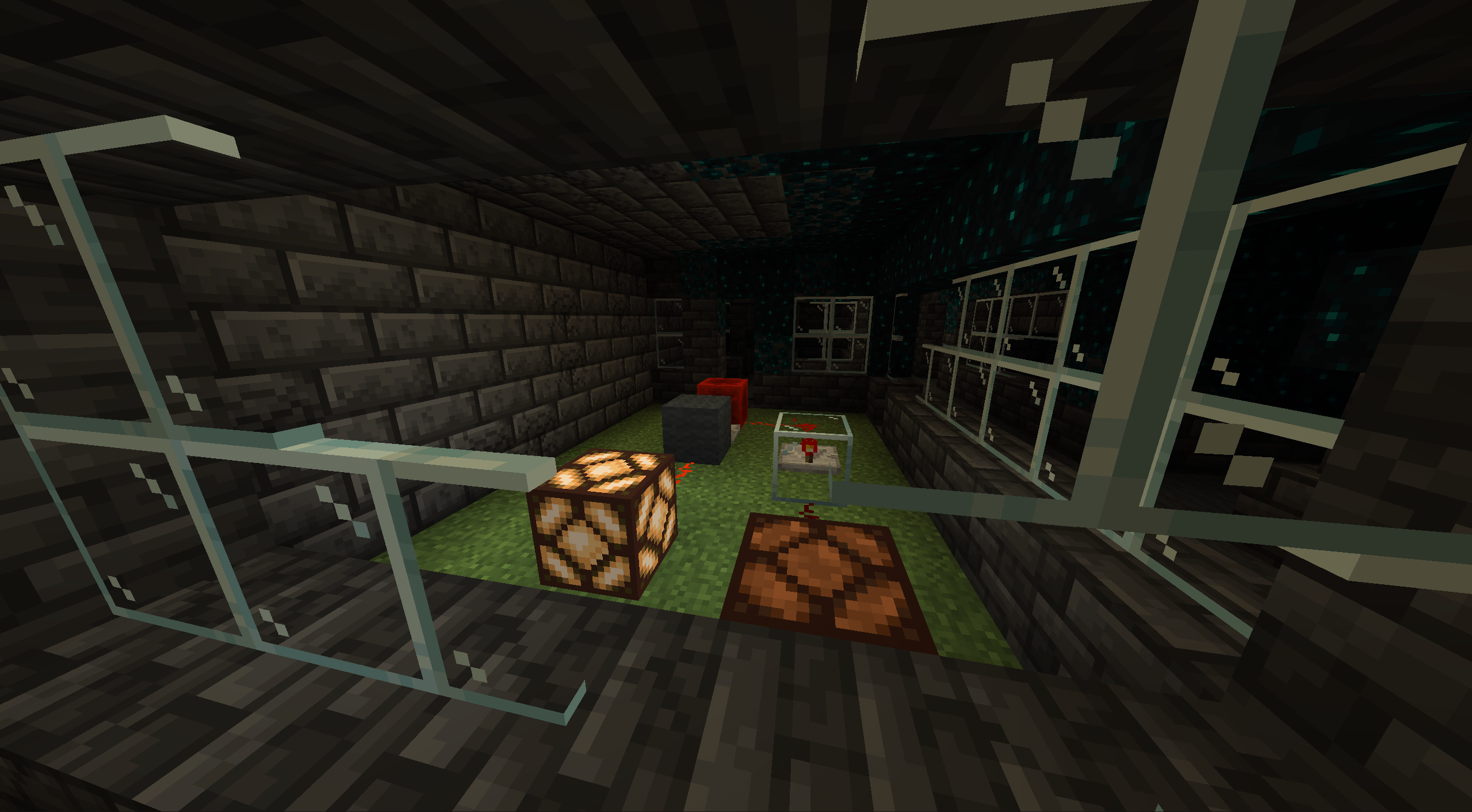
To find these items, simply explore the lower areas of the Ancient City. That’s the fun part of Minecraft—you can destroy anything to get through these secret areas!
Ancient Cities also provide one of the highest chances of finding an Enchanted Golden Apple. You cannot craft an Enchanted Golden Apple. You can only find it in rare areas. This version of the Golden Apple restores four hunger meter points and provides you with the Absorption IV, Regeneration II, Fire Resistance, and Resistance status effects through one use.
Much like the Recovery Compass, an Enchanted Golden Apple is one more reason to find an Ancient City spawn location.
How To Find An Ancient City In Minecraft?
An Ancient City makes its home in the Deep Dark biome.
What is A Deep Dark Biome?
Deep Dark biomes generate under the -51 y level, specifically beneath mountain biomes. What’s neat is that the Deep Dark can spawn under any mountain biome, be it Cherry Groves, Jagged Peaks, or something else entirely. These areas are covered in Sculk Blocks, Sculk Sensors, and other gross blue entities spread by the Warden boss.
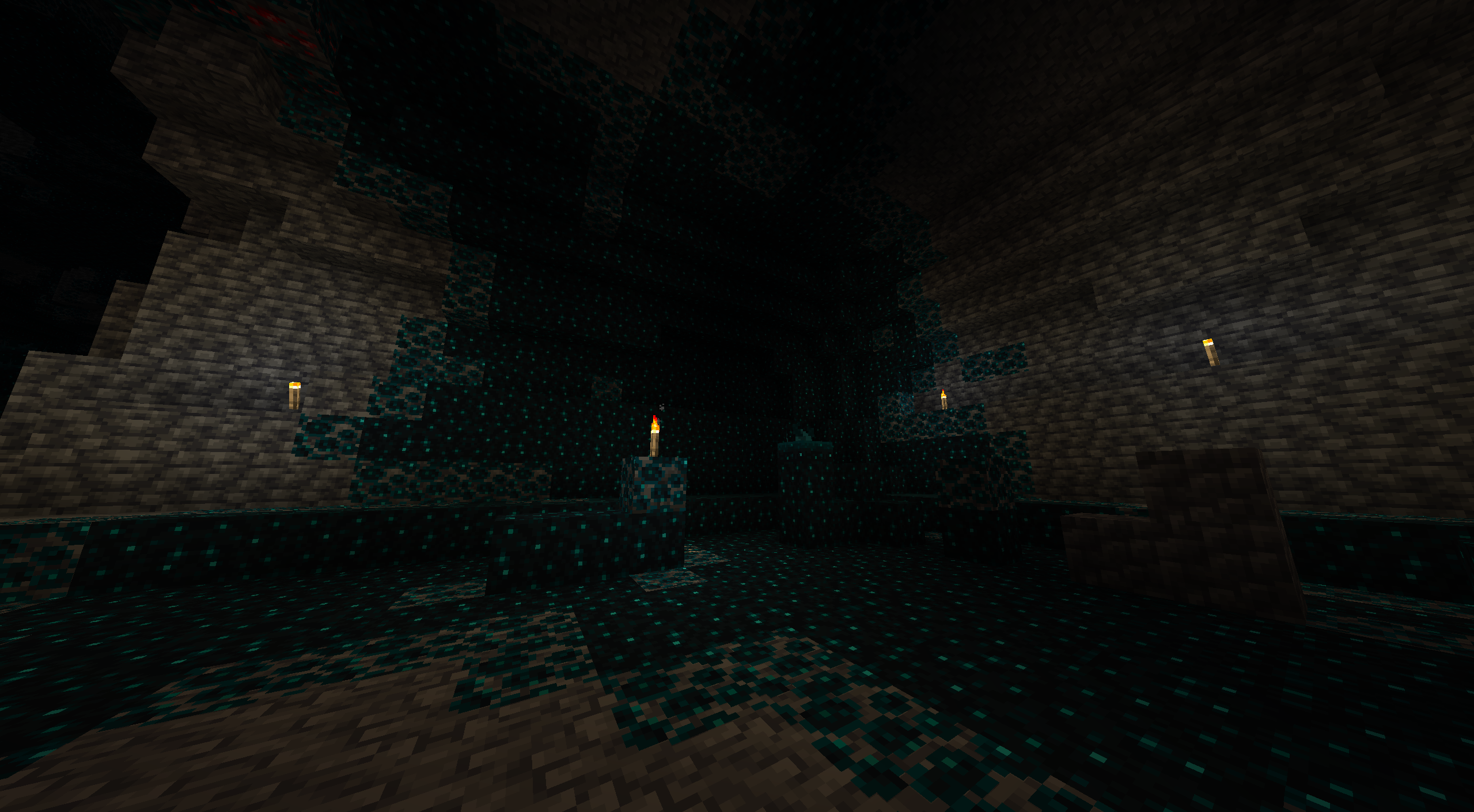
As scary as it sounds, you must traverse a Deep Dark biome to find an Ancient City. But here’s the thing: you won’t always find an Ancient City within a Deep Dark biome. Sometimes, you’ll find a Stronghold, while other times, you’ll find nothing at all.
Interestingly, enemies do not spawn in Deep Dark biomes. Instead, they’re filled with Sculk Shriekers, which trigger when a player walks near a Sculk Sensor—even if they’re sneaking. While triggering one or two Sculk Sensors is no big deal, triggering a lot of them will activate the Darkness status effect. If they continue, the Warden boss will appear. The Warden is no joke and requires a ton of preparation to defeat.
You’ll know you’ve found an Ancient City when you start seeing Chiseled Deepslate amongst the Sculk Blocks. When you see it, make your way over or dig around to find the Ancient City.
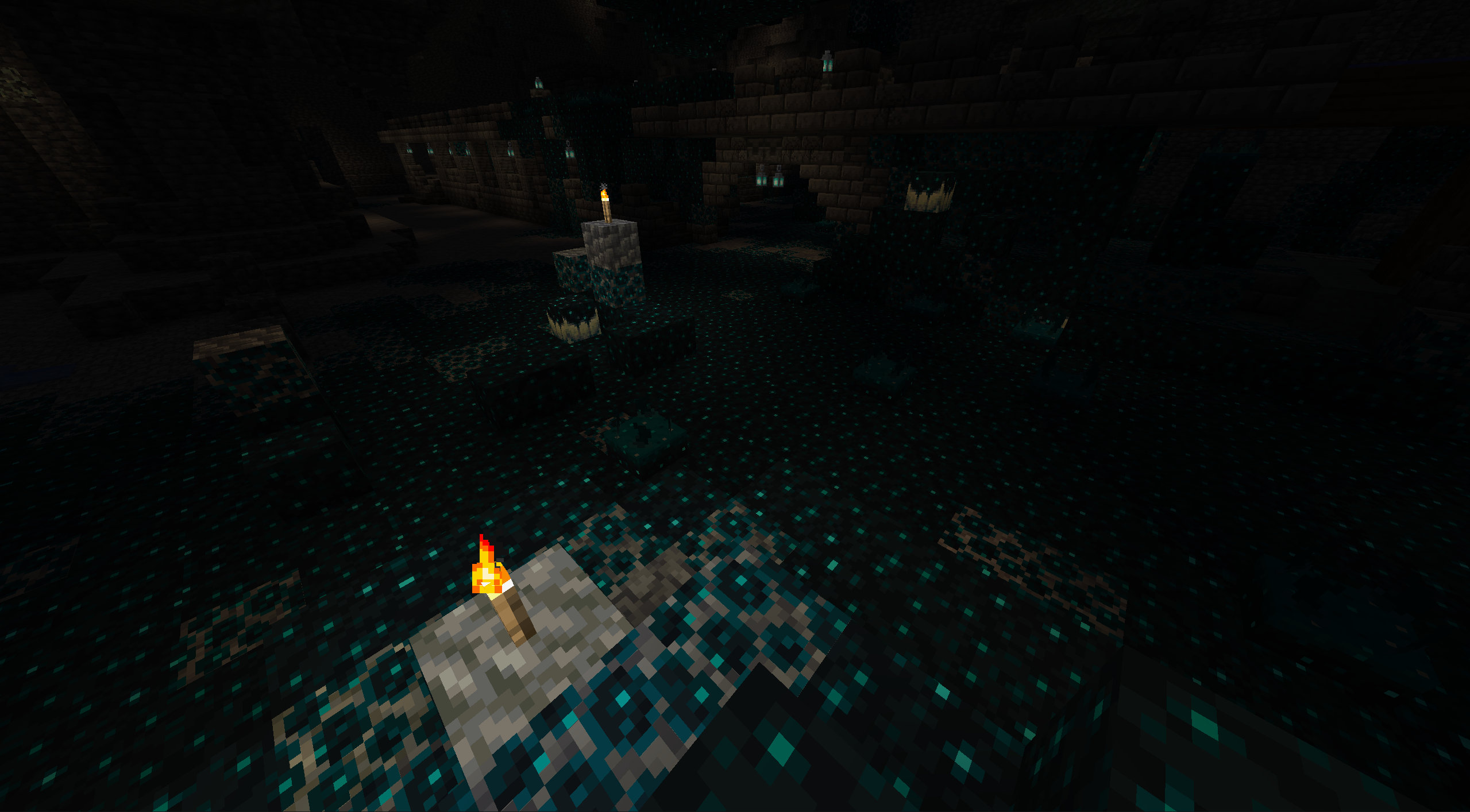
You can also use an Ancient City finder to discover where Ancient Cities spawn in your world.
What is an Ancient City finder?
An Ancient City finder can help you discover the nearest Ancient City to you and your base.
To start, head to this website.
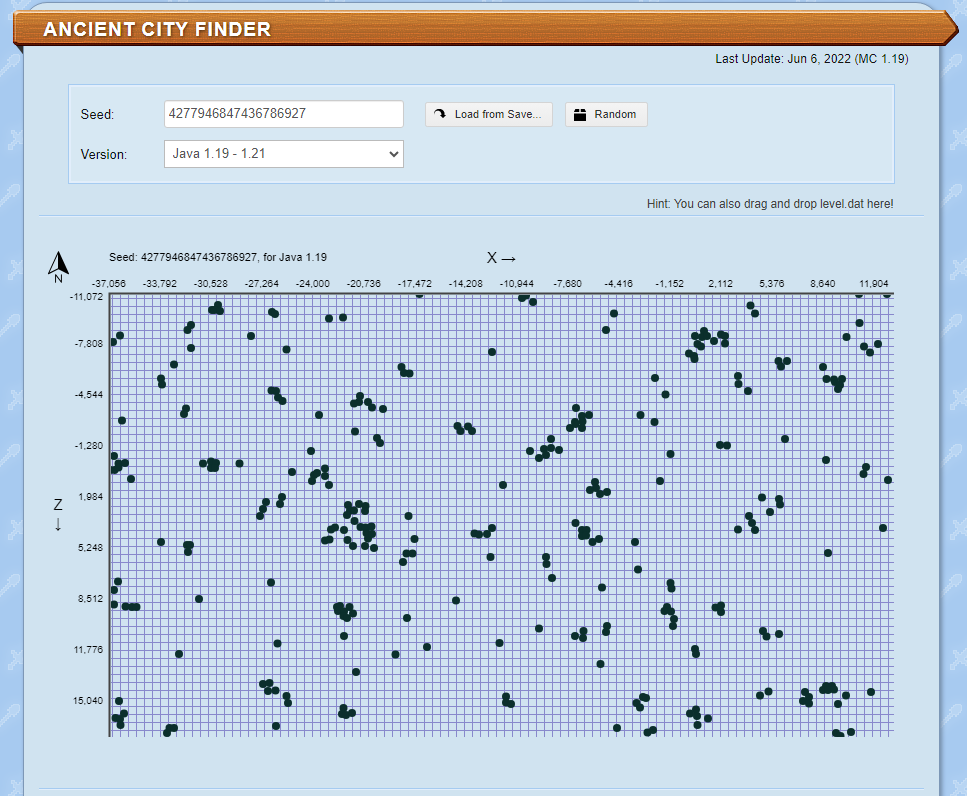
From here, enter your world’s seed and select your Minecraft: Java Edition version.
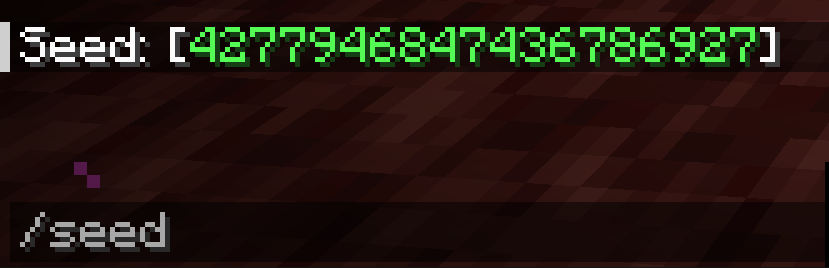
To find your seed, simply type “/seed” in your game’s chat box. The seed will appear. You can then click on it to copy it to your computer’s clipboard.
If you’ve properly input the info, the tool will show you all of the closest Ancient Cities and their coordinates.
Now you can use the in-game coordinates tracker to make your way to an Ancient City.
If you don’t want to use a third-party service, you can also use in-game methods to find Ancient Cities.
How to Find Ancient Cities Using Minecraft Tools?
Note that this method requires your world to have commands activated (similar to cheat codes).
First, type /locate structure minecraft:ancient_city in the command box.

Upon doing so, Minecraft will show you the coordinates for the closest Ancient City.

With this info in mind, you can choose to walk all the way to those coordinates, or you can teleport to them.
To teleport, enter /tp [Username] [coordinates] into the chat box, as shown in the image below.

Upon hitting enter, the game will instantly take you to those coordinates.
Now that you know how to find one of the game’s hardest areas, why not explore it with your friends?
NameHero offers servers for you and up to 50 of your closest friends, providing multiple levels of DDOS protection and comprehensive backups. Our higher tiers even include a ton of RAM for intensive mods, allowing you to create the ultimate Minecraft experience. For more information on NameHero Minecraft servers, click here.

Max is a freelance writer with a love for gaming and technology. He’s always looking for the next big game to play and tinkers with tech in his remaining free time.
Leave a Reply