
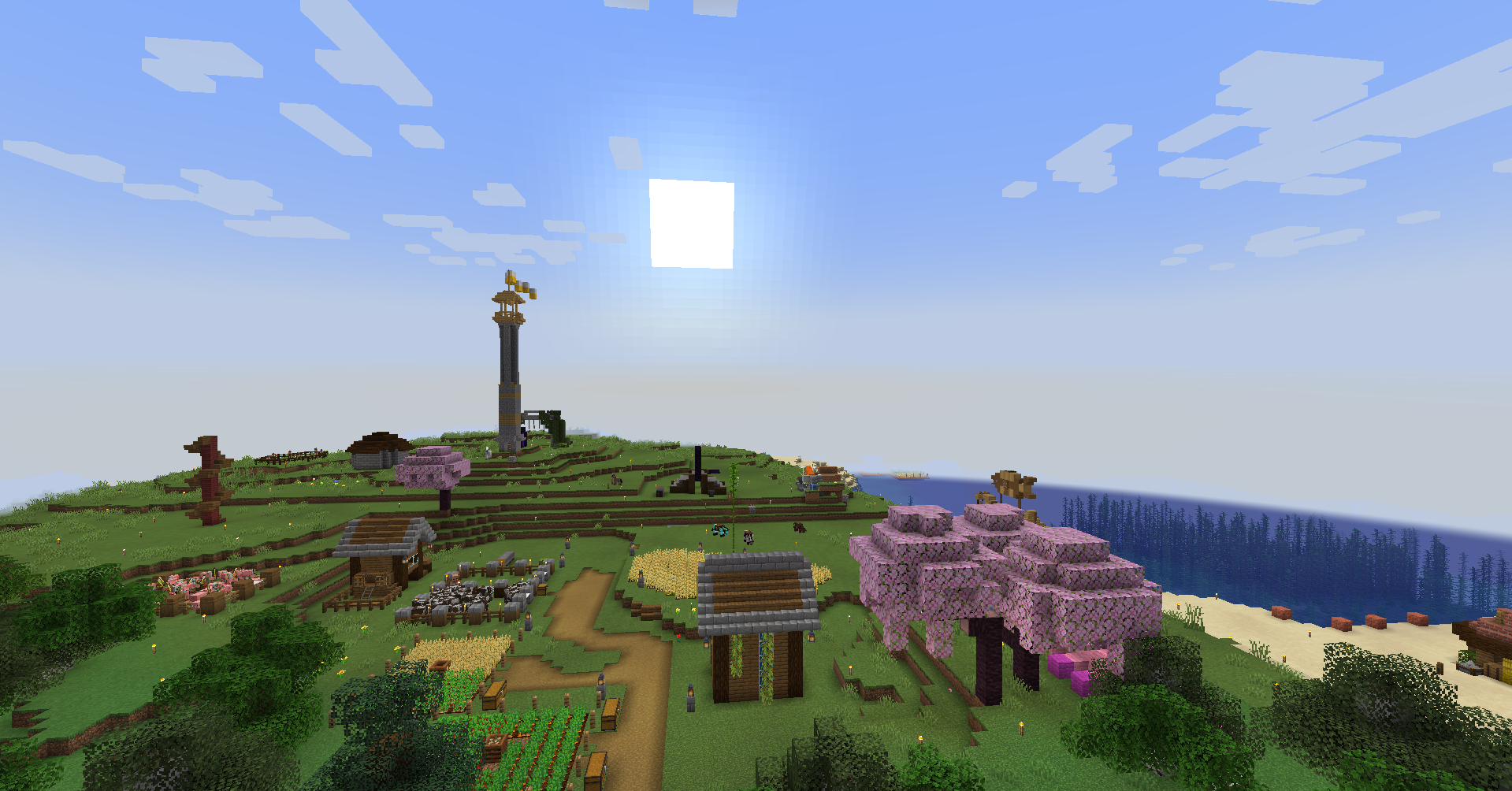
As you first enter your Minecraft world, you’ll feel that your possibilities for playing are endless. From a wide horizon, abundant flora, and unlimited adventures, your world seems infinite. However, you’ll notice that time controls your movements in Minecraft, with the game’s day and night cycle influencing how you play.
The transition between the day and night cycle of Minecraft can feel immersive, yet surprising, as day and night can come by pretty quickly. Long minutes of exploring an area can turn deadly as soon as night falls. While this system seems difficult to track, it becomes important to understand how Minecraft time works.
Whether it’s daytime or nighttime, using time wisely will allow you to maximize each session of Minecraft. To help you out, we’ve created this quick guide below on the daylight cycle of Minecraft, even letting you know how long a Minecraft day is, comparing it to real-life time, the importance of knowing the daylight cycle, and even how you can control the day in Minecraft.
What is the Minecraft Daylight Cycle?
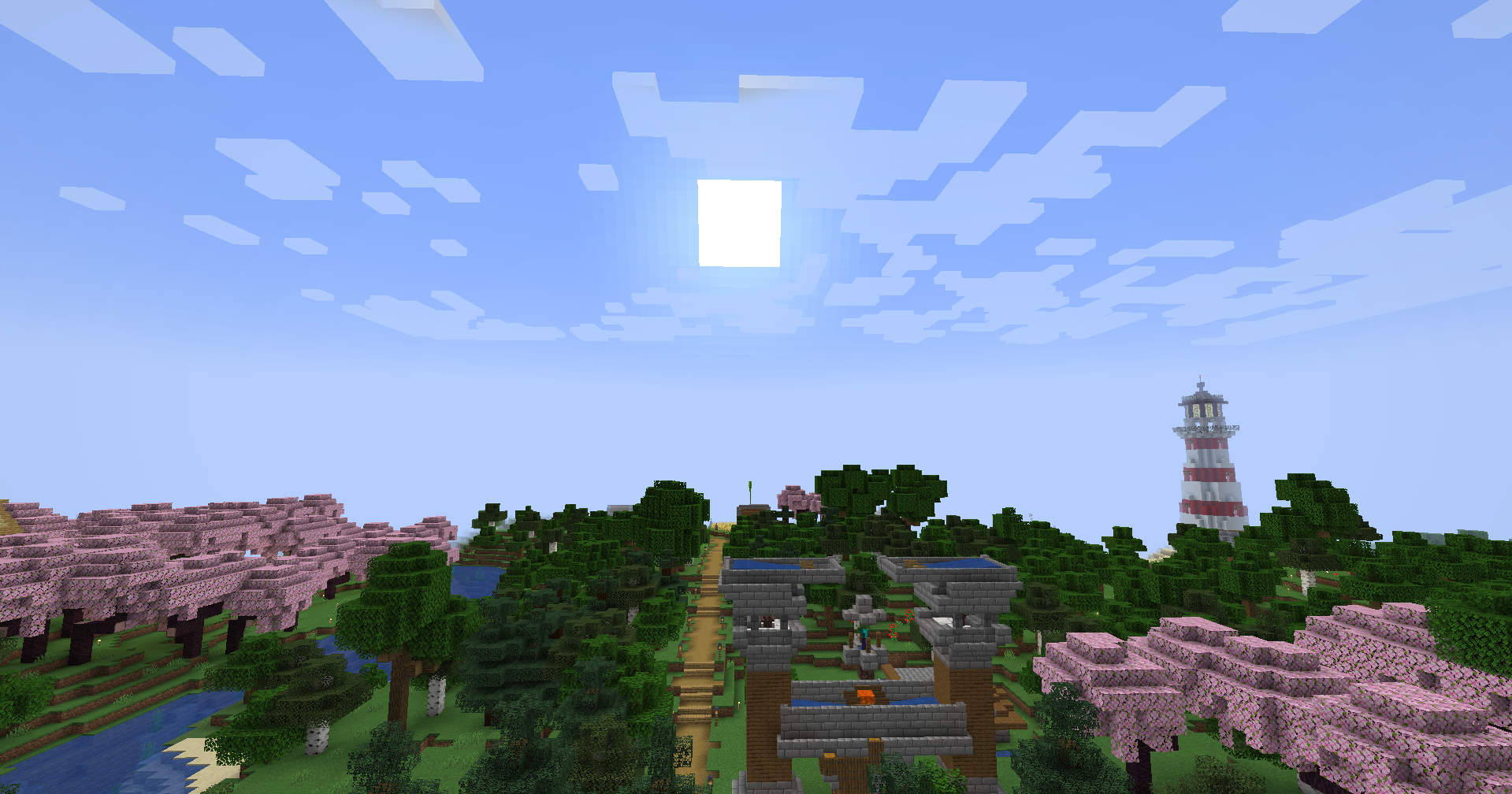
Before we get to the actual Minecraft day length, it’s essential to know what the Minecraft Daylight Cycle is. It’s Minecraft’s system that controls how time flows in the game, in alternating periods of daytime and nighttime. It’s comparable to real-world time as we experience day and night as the sun rises and when night falls. Minecraft feels alive because time is moving with it, pushing you as the player to plan activities throughout each Minecraft day.
You’ll notice during the day that your world in the Minecraft server is illuminated by sunlight, making it safe for you to explore, farm, and build. With that in mind, you’ll get to see a lot of Passive Mobs like Cows, Sheep, Pigs, and Chickens spawn freely, and you get to explore without minimal risk.
However, as you experience a Minecraft night during sunsets, hostile mobs will appear. This is because these night-spawned mobs generate in the darkness. You might find yourself fighting against Zombies, Skeletons, and Creepers, which changes Minecraft’s pacing as a game altogether. Players are forced to either seek shelter and sleep on a Bed to skip the night by sleeping or try to survive until the sun rises and burns all the hostile mobs.

The Daylight Cycle ideally pushes you during Survival Mode to gather resources, use your time wisely, and prepare for the dangers that come with each changing day in Minecraft. Players are given a natural sense of urgency that encourages them to use different strategies in playing.
Length of a day-night cycle in Minecraft
Now that we’ve explored what the Daylight Cycle is and how it works, the next question you and other players might wonder is just how long is a Minecraft day in terms of its in-game day and night cycle.
A typical Minecraft day length lasts around 20 minutes in real-time. This entire 20-minute period includes sunrise, sunset, daytime, and nighttime in one Minecraft day. Each period has a specific time breakdown in which we’ll differentiate in the next part.
Differences between the day and night cycles
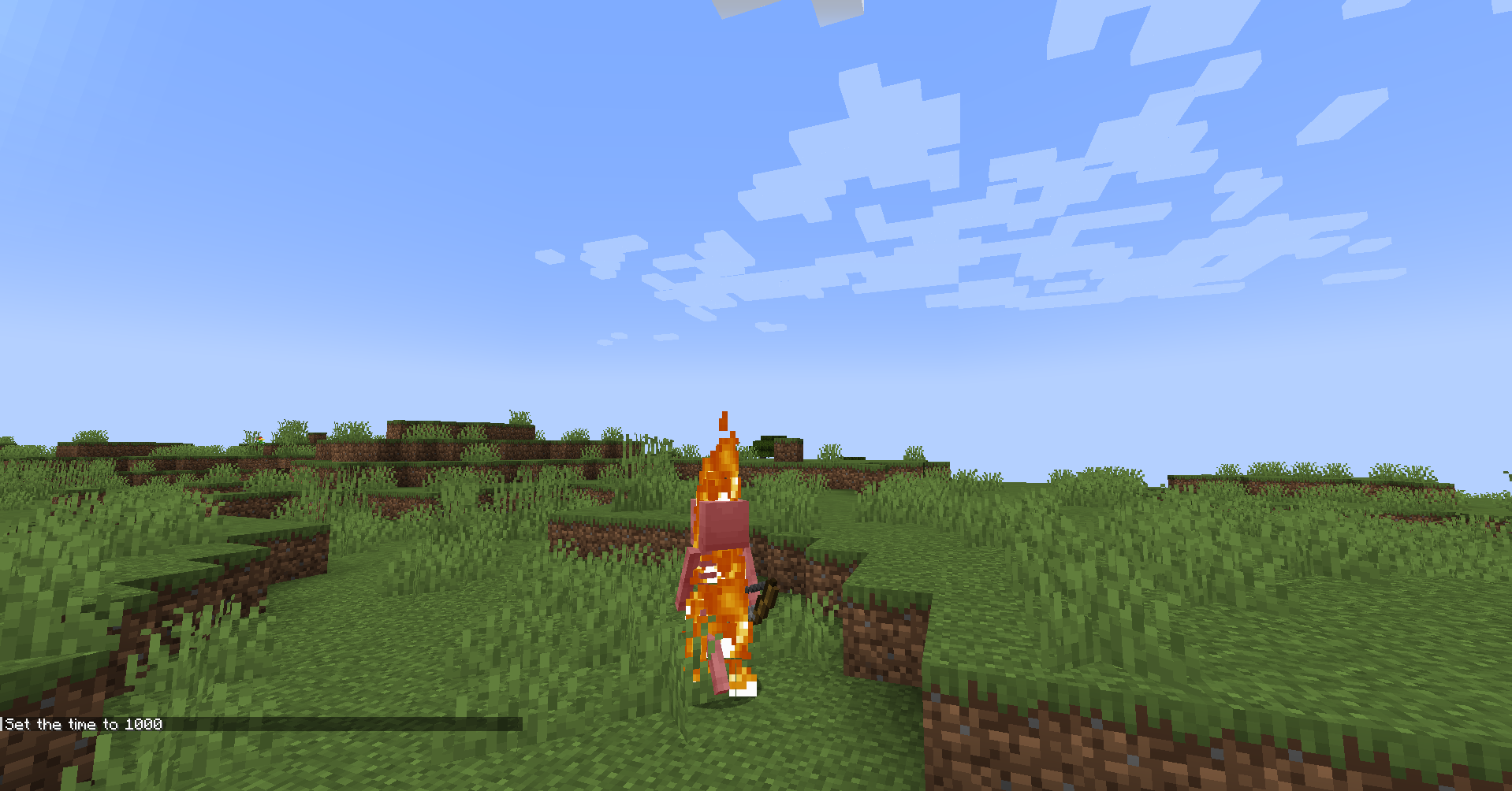
The Minecraft Day and Night Cycle can be divided into four main phases, which impact gameplay in their own way as detailed below.
- Daytime (10 minutes): Daytime is actually the longest phase, as it gives you the longest time of light to farm, build, and explore Minecraft’s vast world with minimal danger (that is, if you’re careful). Hostile mobs would burn in the sunlight, so it’s a safe period to do anything you want to do.
- Sunset (1.5 minutes): With sunsets, you’ll notice that your Minecraft world changes visually, with warmer hues coming in and the light itself fading. It warns you that night is about to begin.
- Nighttime (7 minutes): Most Minecraft players feel that the game’s Nighttime cycle feels longer. But that isn’t true with Nighttime lasting only 7 minutes. A Minecraft night brings in hostile mobs and reduced visibility, making a player’s survival their priority.
- Sunrise (1.5 minutes): Lastly, the sunrise period brings you a sense of relief, signaling you that the dangers of the nighttime are over, starting your day all over again.
Why is the Minecraft Daylight Cycle Important?
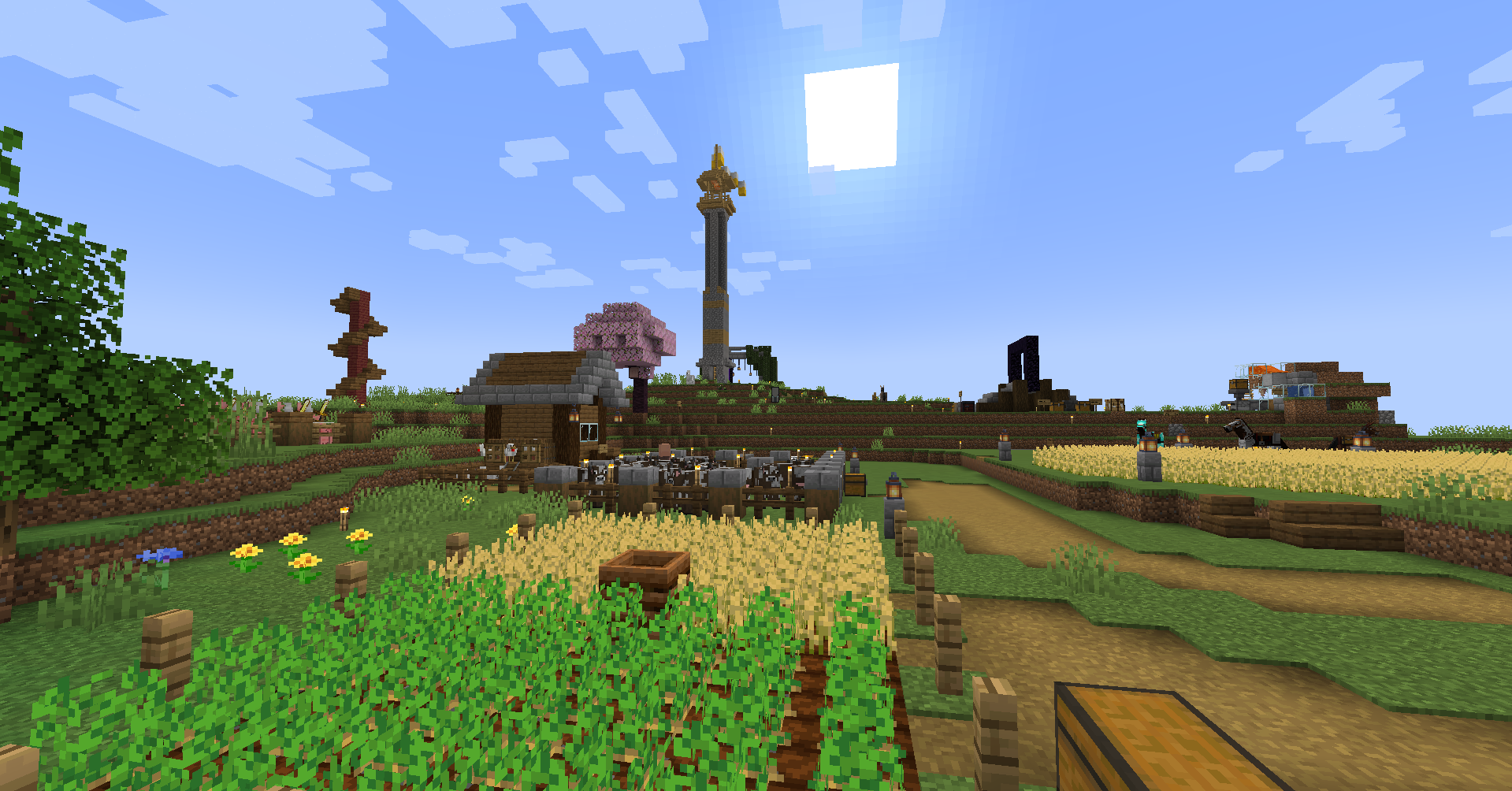
Understanding the differences between the day and night cycles in Minecraft is only one part of mastering it as a whole. Knowing the Minecraft day length helps you navigate the game and interact with it strategically, making it significant to know about it.
Timing your survival activities
In survival mode, the Daylight Cycle is the foundation of how you use time with full control. You need to prioritize gathering resources, mining, and building during the day. The cycle gives you a sense of structure in your game world, creating pacing that mirrors a real day. You especially don’t want to be caught off-guard by undead mobs once the sun sets. Learn how to balance your activities around the full cycle.
Combat
In relation to activities, the cycle mainly impacts when hostile mobs spawn. Nighttime itself introduces the threats of Zombies, Skeletons, and Spiders, with some of the former even spawning with armor and Enchanted Weapons. They will stay active until sunrise, unless you take some steps to stay safe. However, you can also use the cycle to your advantage, as you can use the night to collect rare drops you won’t usually attain during the day.
Farming and Gardening
Besides combat, the cycle is also essential for farming and gardening. You can grow crops such as Wheat and Potatoes to be able to craft food for your survival. The aforementioned crops even grow faster under proper lighting, which naturally happens during the day in Minecraft. Knowing how long a day lasts also helps you maximize your efficiency in crop-growing.
Redstone Mechanics
For the more advanced Minecraft players, the cycle is also used for Redstone builds. This is more specific to Daylight Sensors that can trigger automated farms, lighting systems, and even traps. You can have full control of how the world can react to sunrises and sunsets, making the day-night cycle a tool for creativity.
Game Progression
Then we have game progression. As mentioned earlier in this guide, the cycle provides structure and pacing to your game. It helps you to have fun because every action you take feels connected to time’s passage. You’ll feel like there are longer days and shorter days when you play Minecraft, as cycles are dependent on your varying activities in a full day.
How do I change the day in Minecraft?
While the day-night cycle of Minecraft runs automatically, there’s also fun in actually controlling the time in your world. This becomes especially useful if you want to have longer days when it comes to building, skipping to a new day, or trying to change up how you play.
Using a Bed
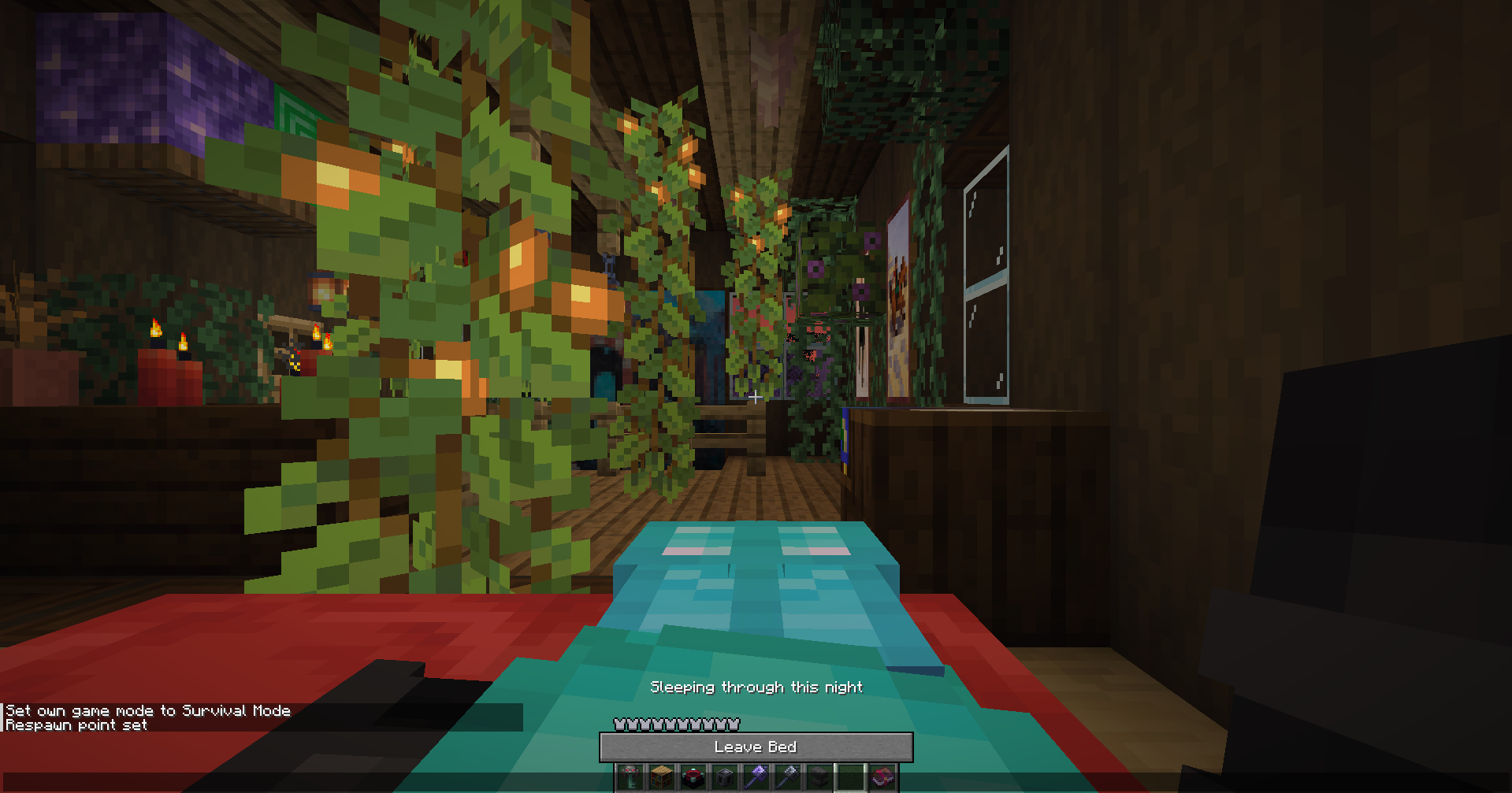
The easiest way you can change the day in vanilla Minecraft is by sleeping in a Bed to fast-forward time. When night comes, you simply have to right-click on the Bed. Do keep in mind that you have to be far from any hostile mobs to be able to sleep instantly, and set the current time to dawn.
Using Commands
If you want to change the daylight cycle to specific times in a day, you have to use commands to control the time.
First off, you need to have “Allow Commands” enabled when you start up a single-player world or have operator access if you’re playing on a multiplayer server.
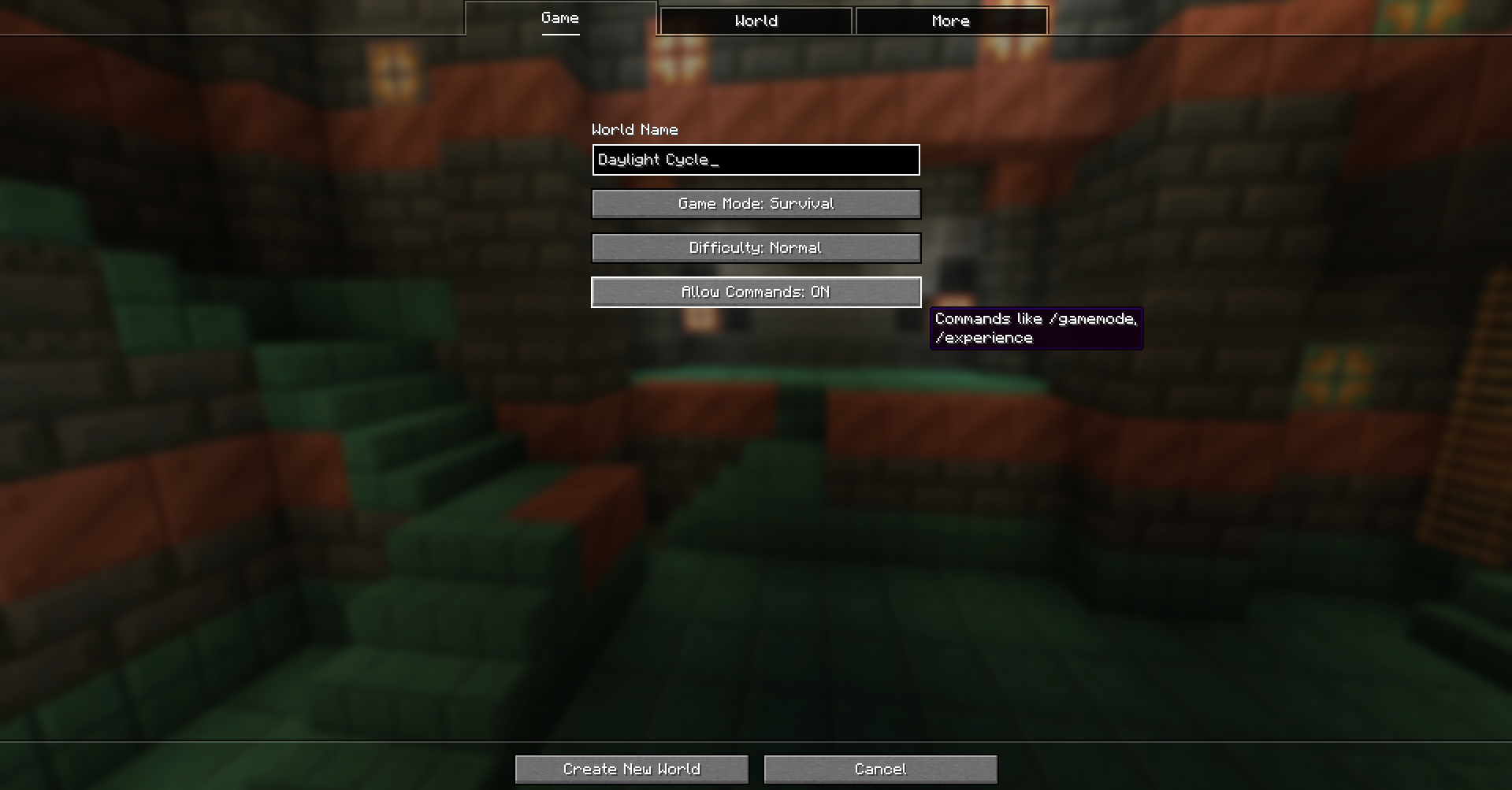
Once you’ve done that, you can use the “/time set” commands to instantly change your Minecraft world’s time.
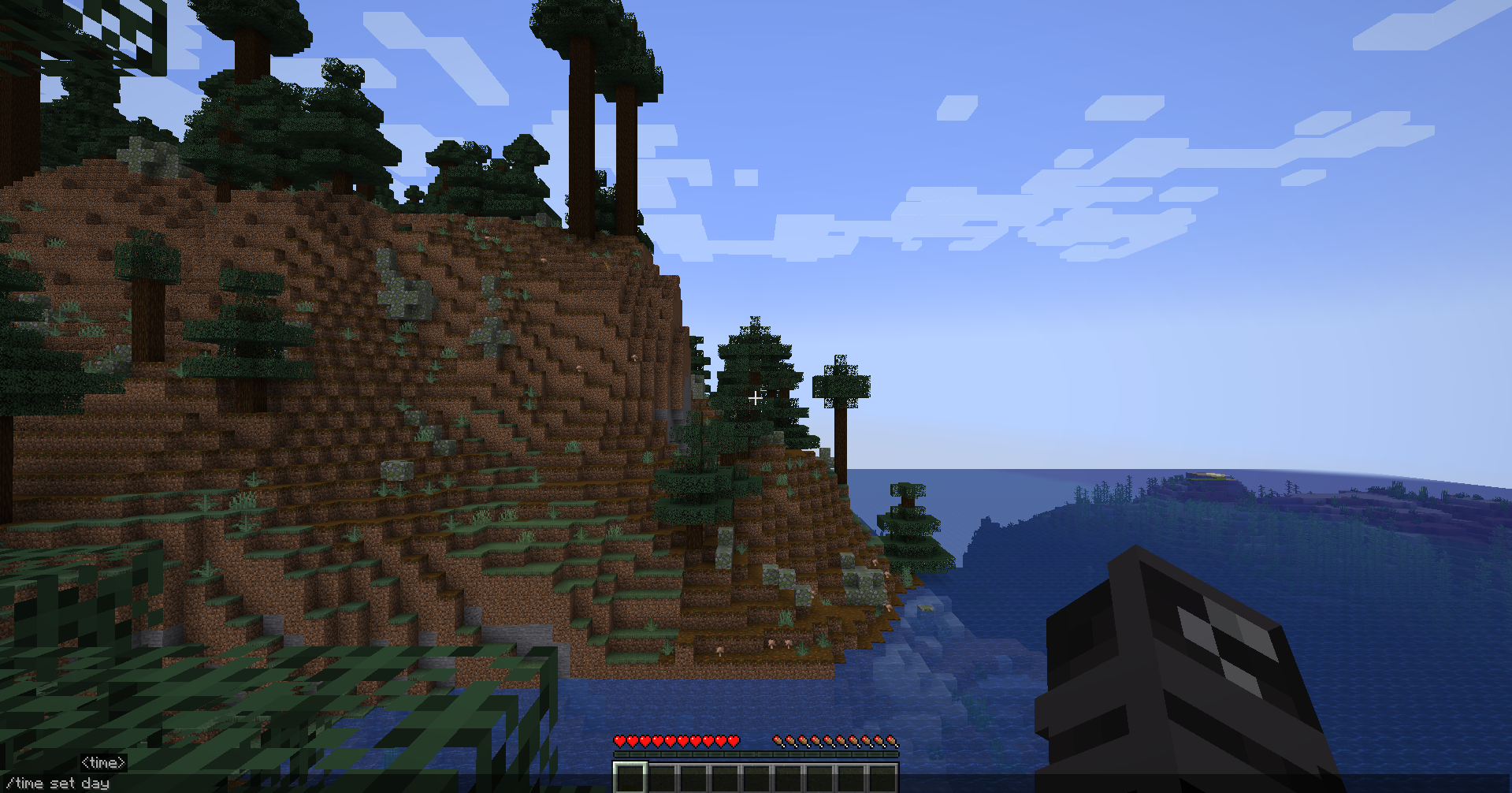
- /time set day – Sets the time to day.
- /time set night – Sets the time to night.
- /time set noon – Sets the time to noon.
- /time set midnight – Sets the time to midnight.
There’s also the “/gamerule doDaylightCycle” command, which you can also use both in Survival Mode with “Allow Commands” enabled or be in Creative Mode. The value of this command can either be “true” (to enable it) or “false” (to disable it)
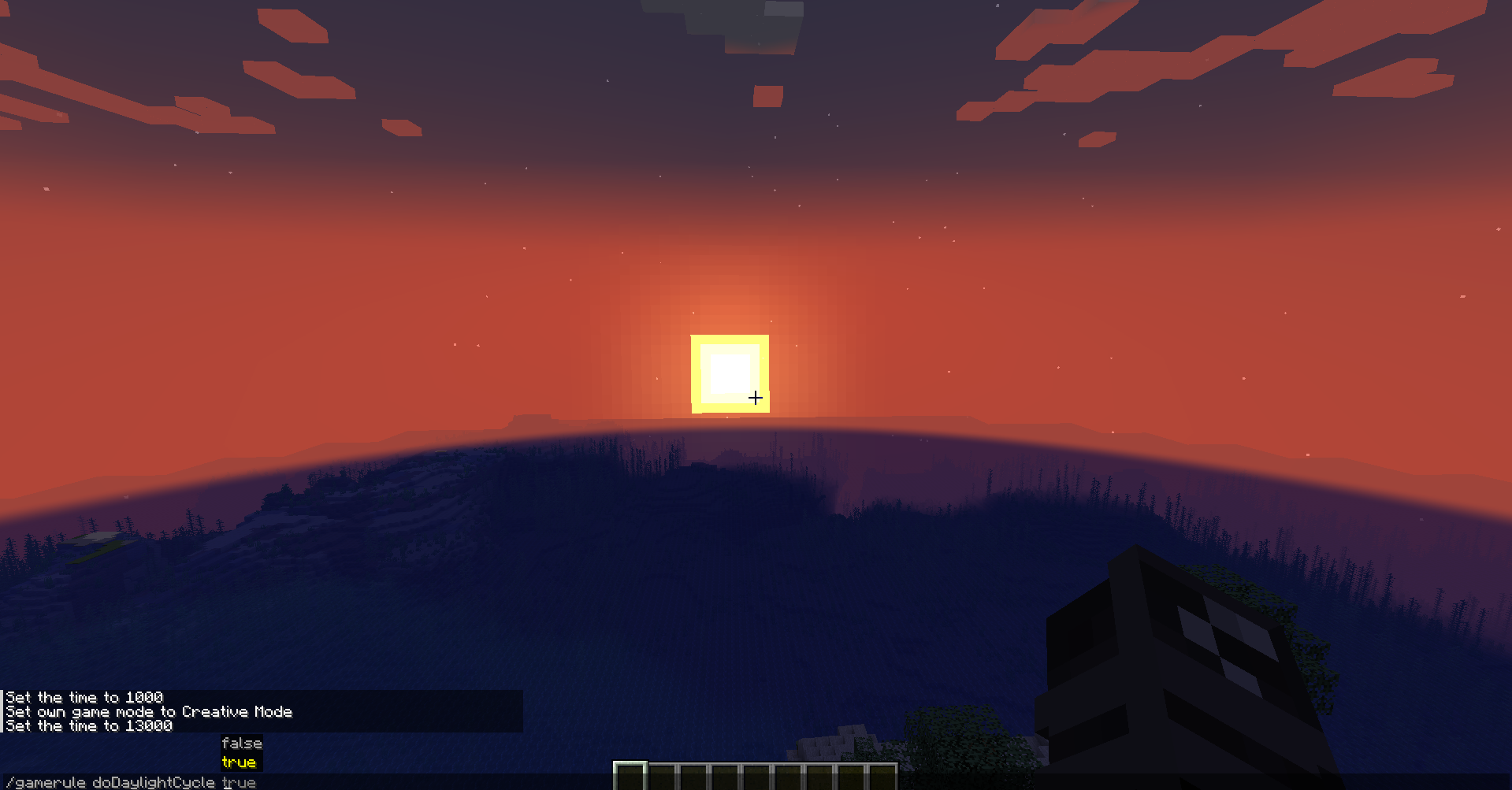
This command locks the daylight cycle at whatever time you prefer. So if you set the time to day, night, use the command during sunset or sunrise, your Minecraft world will stay in that time permanently until you change it back.
Ultimately, time in Minecraft is more than just a simple background mechanic. It’s become a core part of the game’s design. It can influence how you play Minecraft, whether that’s exploring, farming, or building. By understanding how long is a Minecraft day, you get to plan your activities better and manage your resources more efficiently.
Each full cycle of a Minecraft day gives you new challenges and opportunities, making each playing session you have by yourself or with your friends more alive and dynamic. Once you’ve mastered the daylight cycle, you won’t only survive, you’ll thrive, with each new day becoming a fresh adventure.

Renee is a freelance writer with a passion for gaming and pop culture content. While she mainly writes about games, she also does graphic design and illustration work from time to time. With a passion for the creative arts, she blends her skills to tell stories across various mediums.
Leave a Reply