
In Minecraft’s 1.19 The Wild Update, new biomes and new items were added into the game. One of the newest and most exciting biomes that was added was the deep dark biome. This biome gave off a mysterious and scary aura with dim lights illuminating everywhere.
Inside the deep dark was a new structure – the ancient city. This city is one of the hardest structures to find in Minecraft, but it has a lot of rare loot chests. One of the new loot items inside these chests is the echo shard.
Echo shards are valuable items needed to craft the recovery compass, which gives players the ability to track their last death location. This way, they can retrieve any items that they dropped upon death. In this guide, we will show how you can find echo shards.
Finding the Deep Dark Biome
Step #1: Mine Down or Enter Caves
Echo shards cannot be crafted and they only appear inside the loot chests of the ancient city. To find the ancient city, we first need to locate a deep dark biome. The ancient city is only located around a Y-level of -51, so to have a chance of finding the city, you will have to mine down or explore deep caves. You can keep track of your Y-level by pressing the F3 button on your keyboard.
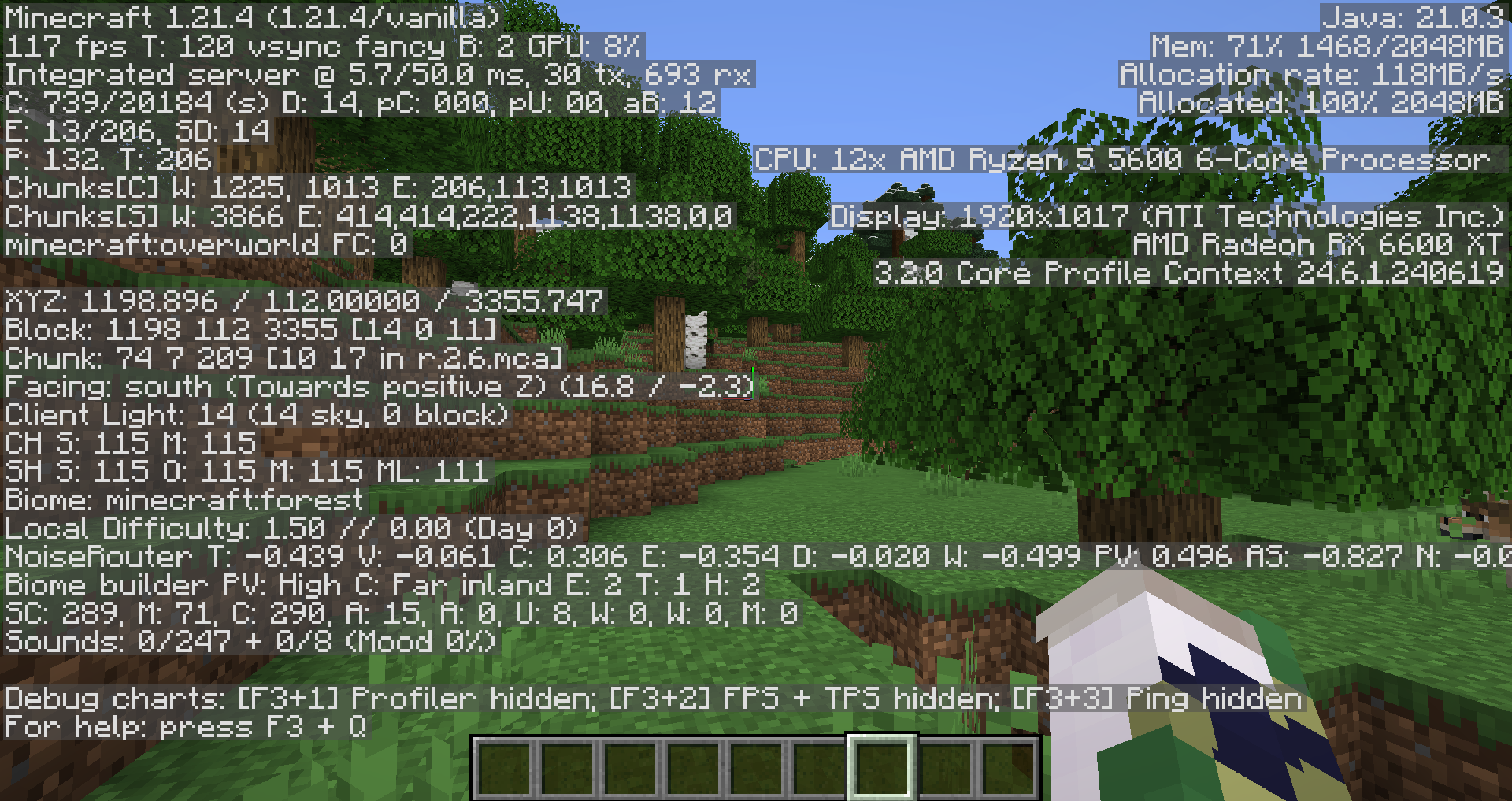
Here are a few biomes you will need to avoid, because the deep dark doesn’t generate underneath them:
- Oceans
- Rivers
- Swamps
- Deserts
The biome that has the most chance of having the deep dark spawn underneath it is the mountain biome. If you want to increase your chances of finding one, try finding snowy mountain biomes with caverns.
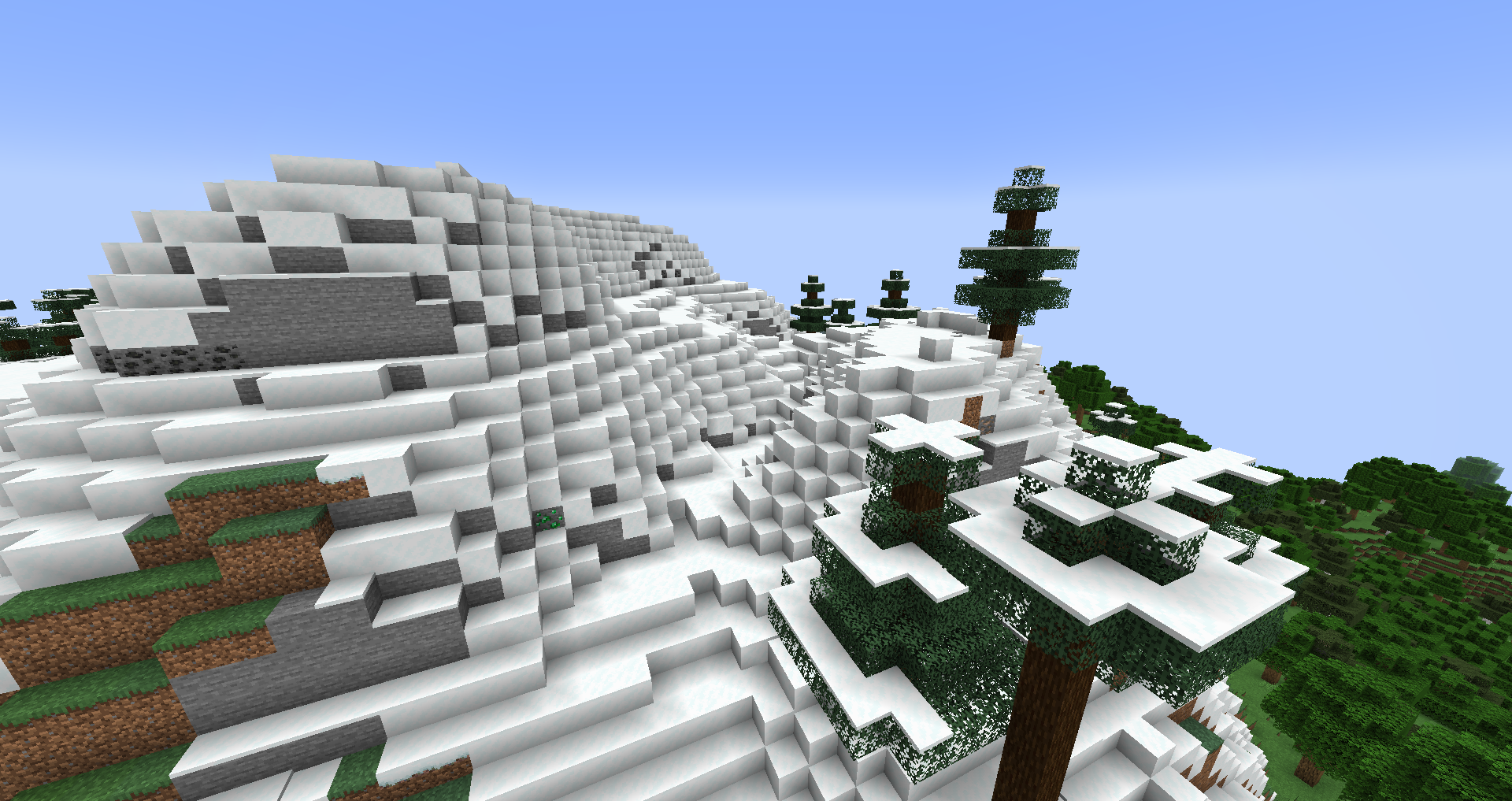
Step #2: Locating the Deep Dark
Once you have reached the needed Y-level, start finding signs of the deep dark biome. The main clues indicating that you have found the biome are the appearance of sculk blocks. These blocks have a dark-blue color with glimmering lights on them.
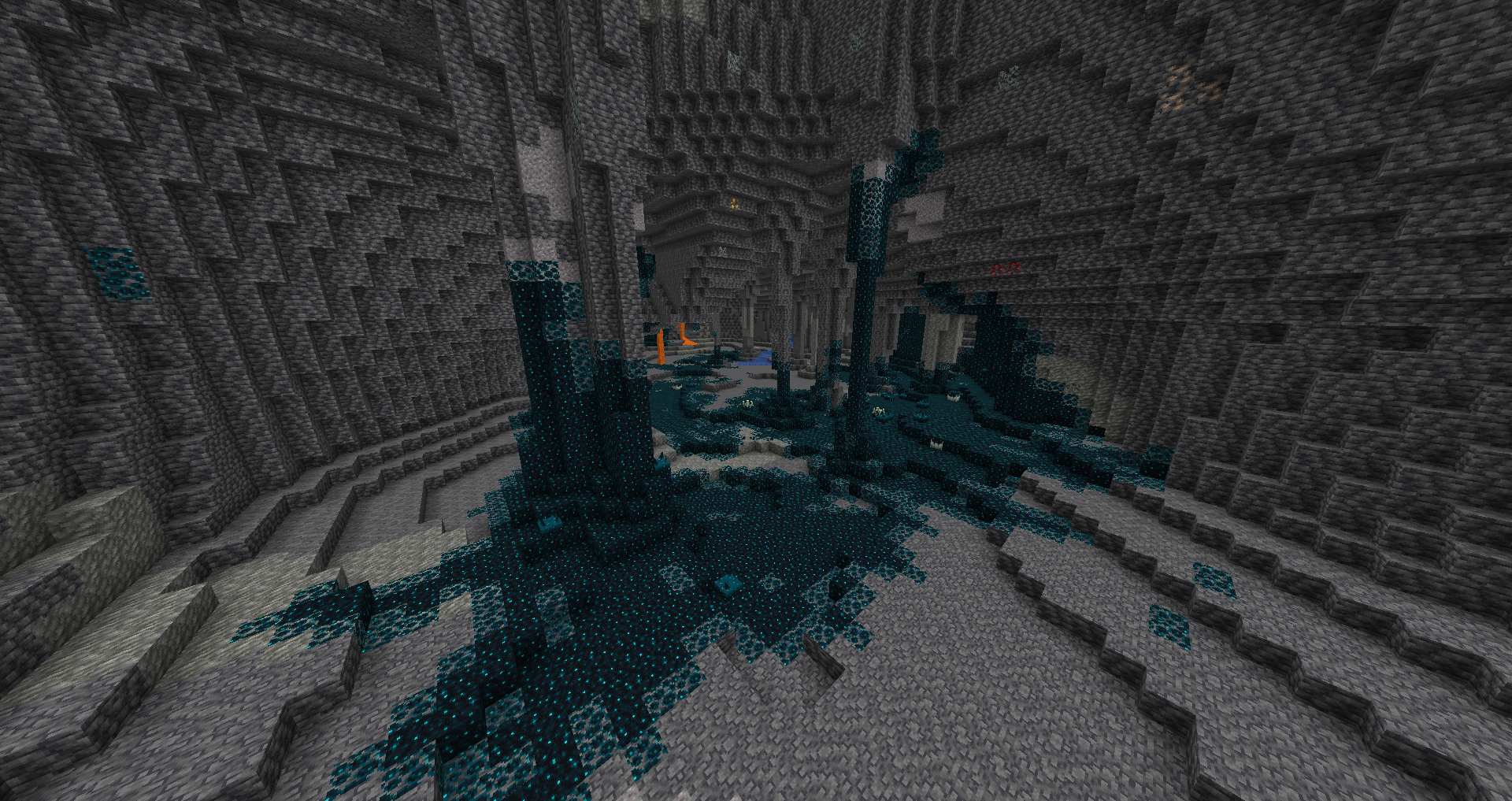
While venturing through the biome, be sure not to make too much noise, as the sculk shriekers will summon a Warden.
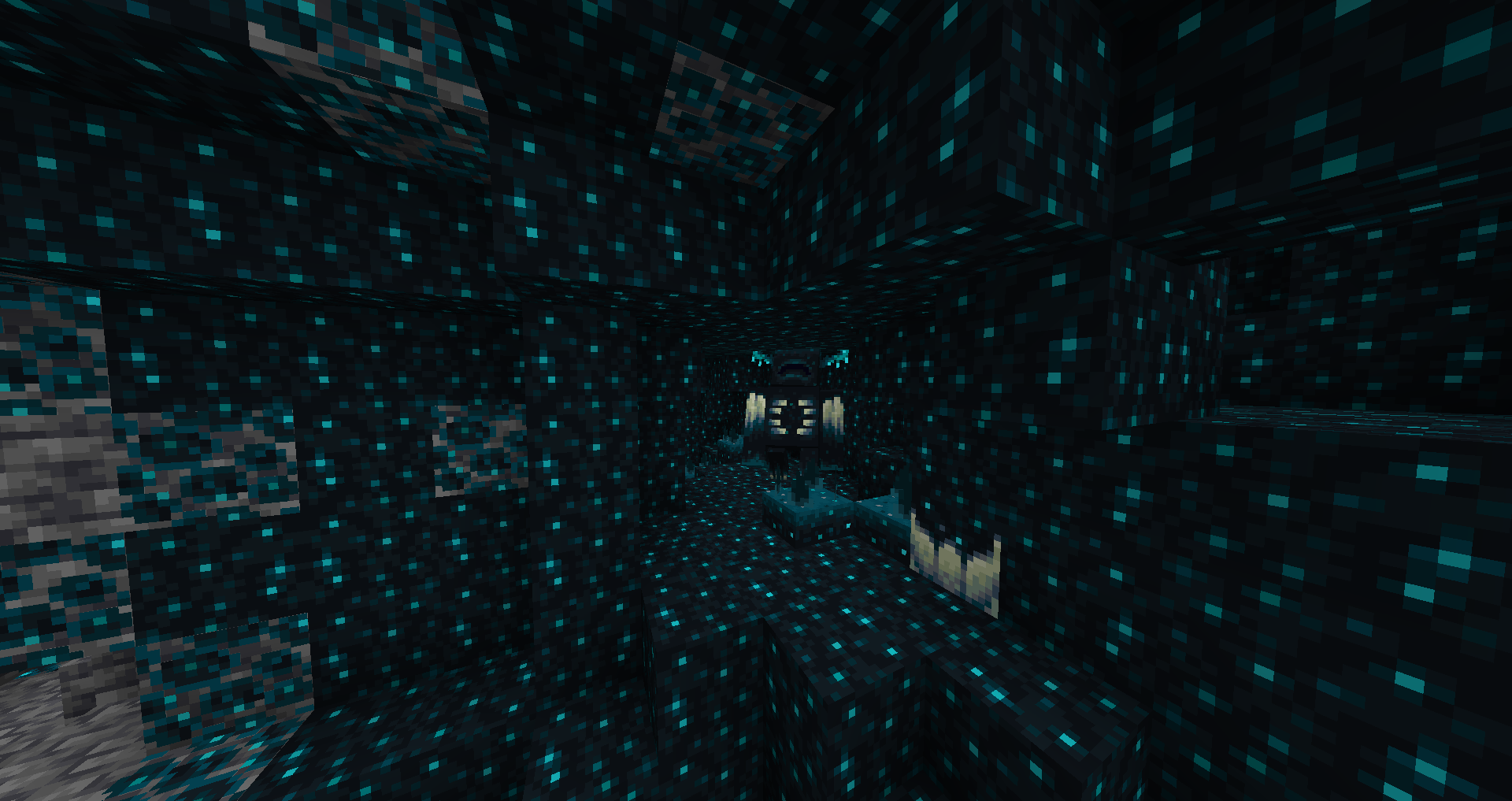
Step #3: Find the Ancient City
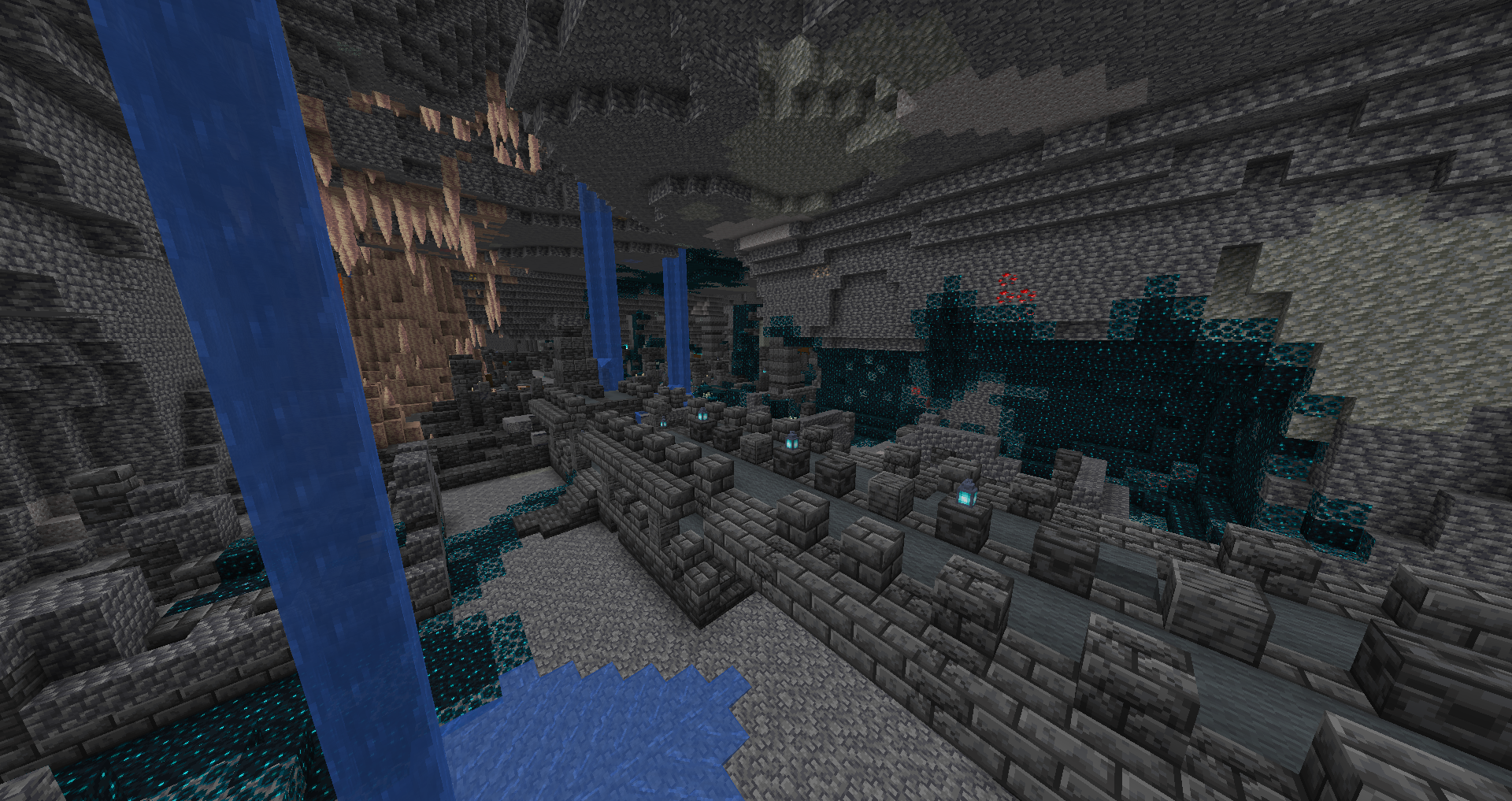
The best and only way to find an ancient city is to get lucky. Ancient cities are very rare and don’t always generate in every deep dark biome. In order to find one, you will need to be patient and keep exploring. One indication that you may have found one is the appearance of deepslate bricks, as the structure of the city is made up of these blocks.
Step #4: Look For Chests
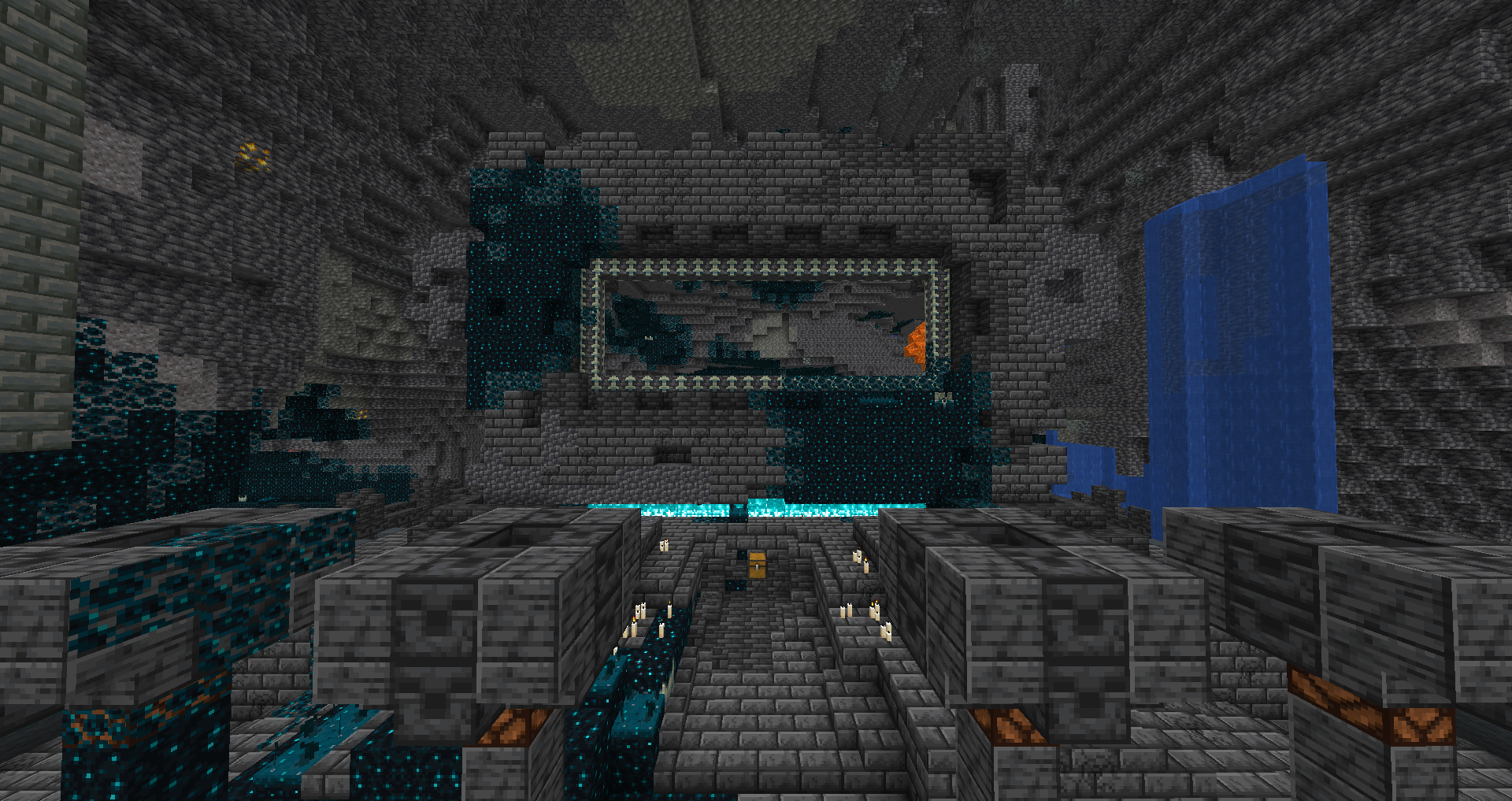
When you are inside the ancient city, start looking for chests. Every chest in the city has a 29.8% chance of containing echo shards. If you having trouble finding chests, head toward the warden-like structure of the city. You will only need to collect eight echo shards to craft a recovery compass.
Some Notes:
- While inside the city, be sure to stay quiet, because there are still sculk shriekers and sensors around. If you make too much sound, you will awaken a Warden.
- Make sure you also prepare yourself when trying to find the ancient city. Find good equipment, craft enough torches, and make sure you have enough food for the trip.
- If you are using command cheats, type ‘/locate structure minecraft:ancient_city’ into the chat
Crafting the Recovery Compass
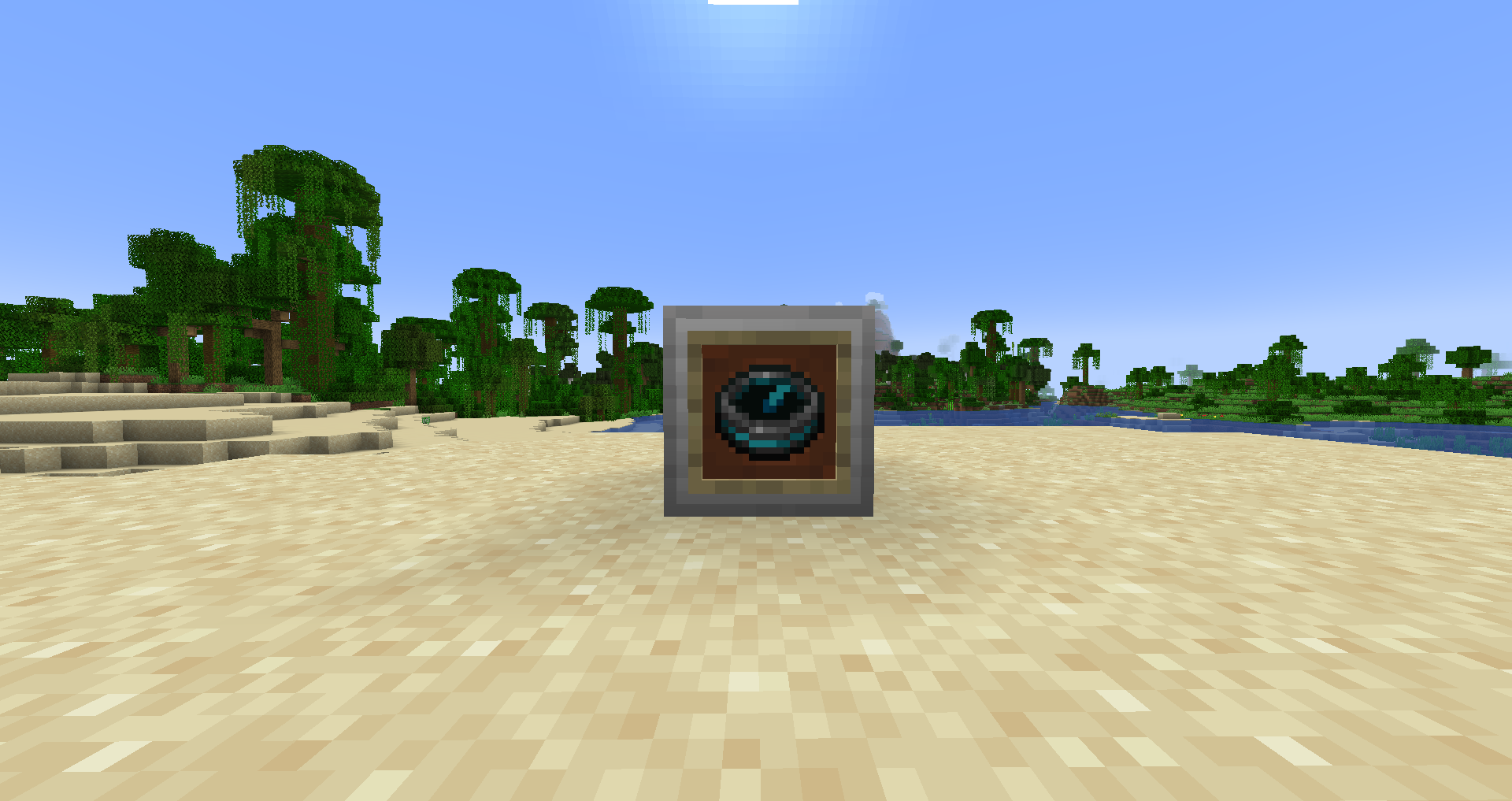
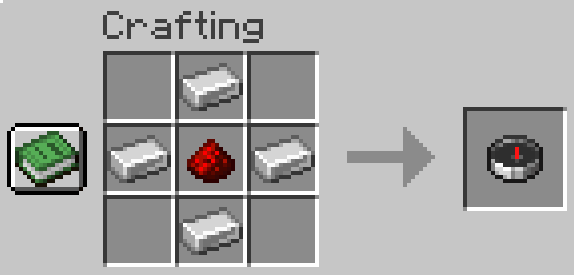
Once you have collected enough echo shards, the only other item you will need is a compass. To craft a compass, you will need:
- 4x iron ingots
- 1x redstone dust
Once you have found these items, place them on the crafting table like this:
After you have crafted the compass, open your crafting table again and put the eight echo shards around the compass like this:
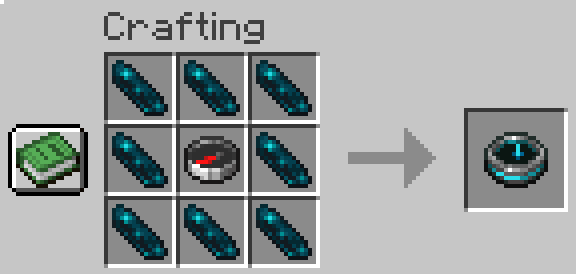
You have now finished crafting a recovery compass!
How to Use a Recovery Compass
Once you have finished crafting the recovery compass, put the compass into a chest next to where you spawn. This is to make sure that the compass doesn’t drop with you when you die.
In the event that you do die during your exploration, take out your recovery compass from the chest as soon as you spawn. Hold the compass in your hand and the compass should then point to the direction of your last death. The point of the needle in the compass indicates the direction you should go.
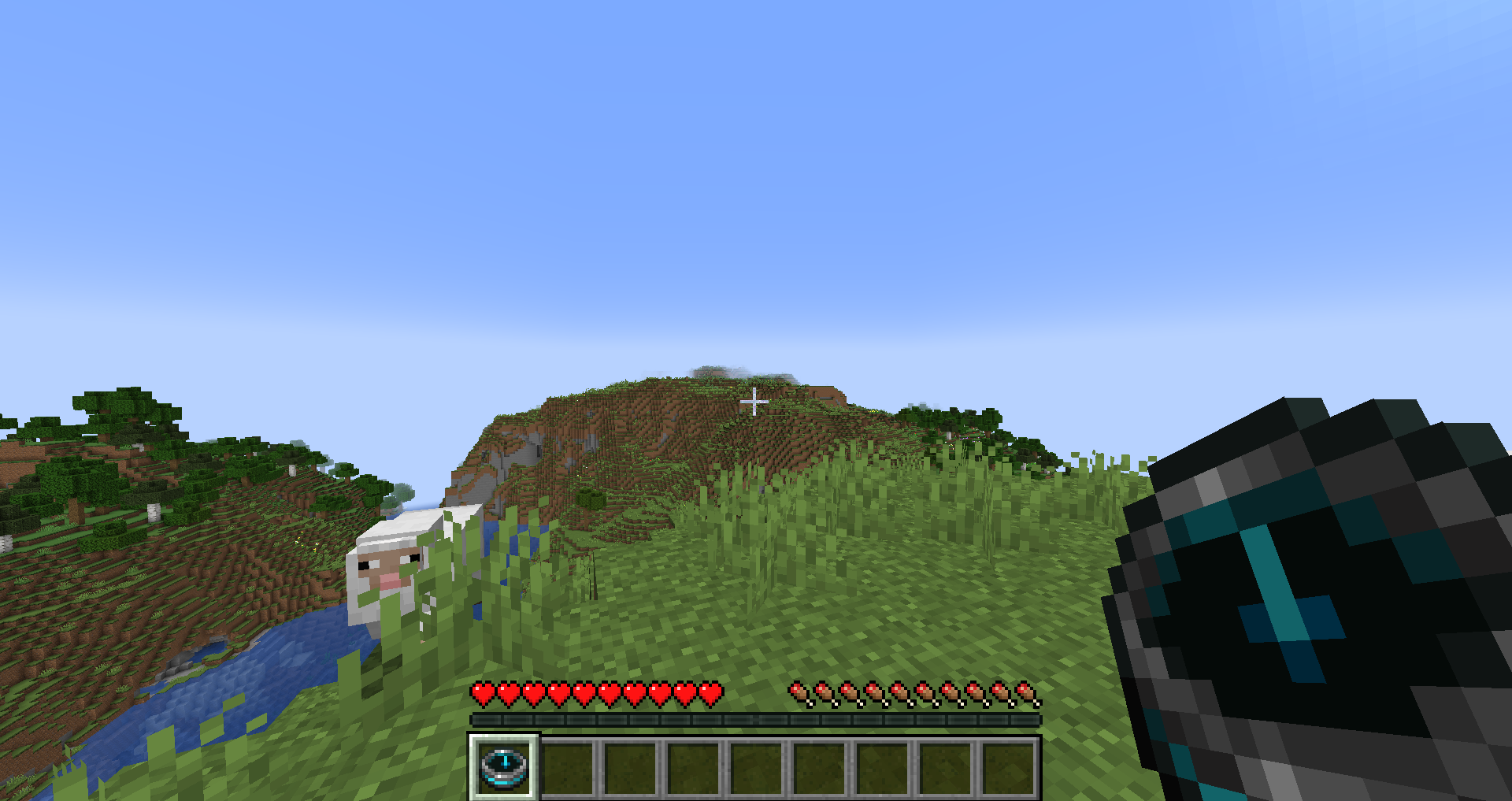
Start walking in the pointed direction, and in no time, you should be able to find your lost items.
Other Notes
If you are still having trouble finding an ancient city or a deep dark biome, check out this guide on how to find them.
If you still don’t know how to use a recovery compass, watch this easy tutorial on YouTube.

Alex is a gaming enthusiast with a passion in content creation and social media. In his free time,
he enjoys playing golf, building keyboards, and cooking.
Leave a Reply