• Skip to primary navigation
  • Skip to main content
  • Skip to primary sidebar
NameHero's Gaming Blog

NameHero's Gaming Blog

In-Game Tutorials, Gaming Server Guides, & More!

  • AI Agents
    • OpenClaw
    • Claude Code
    • n8n
    • Hermes Agent
    • Open WebUI
    • Docker
  • Hosting
    • Web Hosting
    • WordPress Hosting
    • WooCommerce Hosting
    • Enterprise Hosting
    • Email Hosting
    • HeroicGuard
    • GPU Hosting
    • Website Builder
  • VPS
    • Managed VPS
    • Unmanaged VPS
    • Flex VPS
  • Reseller
  • Gaming
    • Minecraft Hosting
    • Palworld Hosting
    • Rust Hosting
    • Soulmask Hosting
    • Stardew Valley Hosting
    • Terraria Hosting
    • DayZ Hosting
    • Project Zomboid Hosting
    • Hytale Hosting
  • Domains
  • Account
  • Blog Home
  • Categories
  • Authors

How To Find Buried Treasure In Minecraft: Everything You Need To Know

Bella Potter

Published on: November 13, 2024

Categories: Minecraft 0

Buried Treasure has been in the game for quite some time now and was introduced on July 18th, 2018 otherwise known as the 1.13 update. The 1.13 update consists of the Aquatic Update. The Aquatic Update added items like turtle eggs, tridents, coral, kelp, phantom membranes, and many more like buried treasure!

Table of Contents
  • Prefer To Watch Instead Of Read? Check Out Our New Video!
  • How To Find Buried Treasure
  • The Trick To Finding Buried Treasure (Java Edition)
  • The Trick To Finding Buried Treasure (Bedrock Edition)
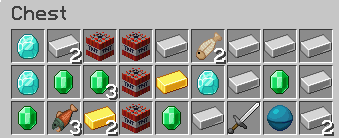
    • What Loot You Can Find In Buried Treasure
  • Conduit
  • How To Find Shipwrecks
  • Conclusion

Updated 7/30/2025

Prefer To Watch Instead Of Read? Check Out Our New Video!

How To Find Buried Treasure

You can find Buried Treasure by following a Buried Treasure Map you found in a Shipwreck or by feeding a Dolphin some Raw Cod or Raw Salmon. Dolphins can bring the player to Shipwrecks, Buried Treasure, or Ocean Ruins when fed, making the search for Shipwrecks and Buried Treasure much easier.

The Trick To Finding Buried Treasure (Java Edition)

The easiest way to find Buried Treasure is by hitting F3 and looking at your coordinates. If your Chunk X and Z coordinate are equal to 9 and you’re over the X on the map you’re above the treasure. In Java Buried Treasure generates at Chunk coordinates 9 (0 – 15) on both your X and Z axis.

The chunk coordinate is the 3rd one down on the middle chart on the left side.

(On Buried Treasure chest)

The Trick To Finding Buried Treasure (Bedrock Edition)

Bedrock is a little trickier. You want to follow the same steps as Java with one exception, when you’ve made it to the X on the map you want to look at your cords and divide them by 8, when divided you should get a number that is divisible by 8. If you don’t get a number divisible by 8 you’re not above the Buried Treasure, make sure to break the Treasure chest so no other maps lead you to it. Buried Treasure Chests generate at Chunk Coordinates 8 (0 – 15) on the X and Z axis. Buried Treasure has a chance of spawning below stone in Bedrock edition.

What Loot You Can Find In Buried Treasure

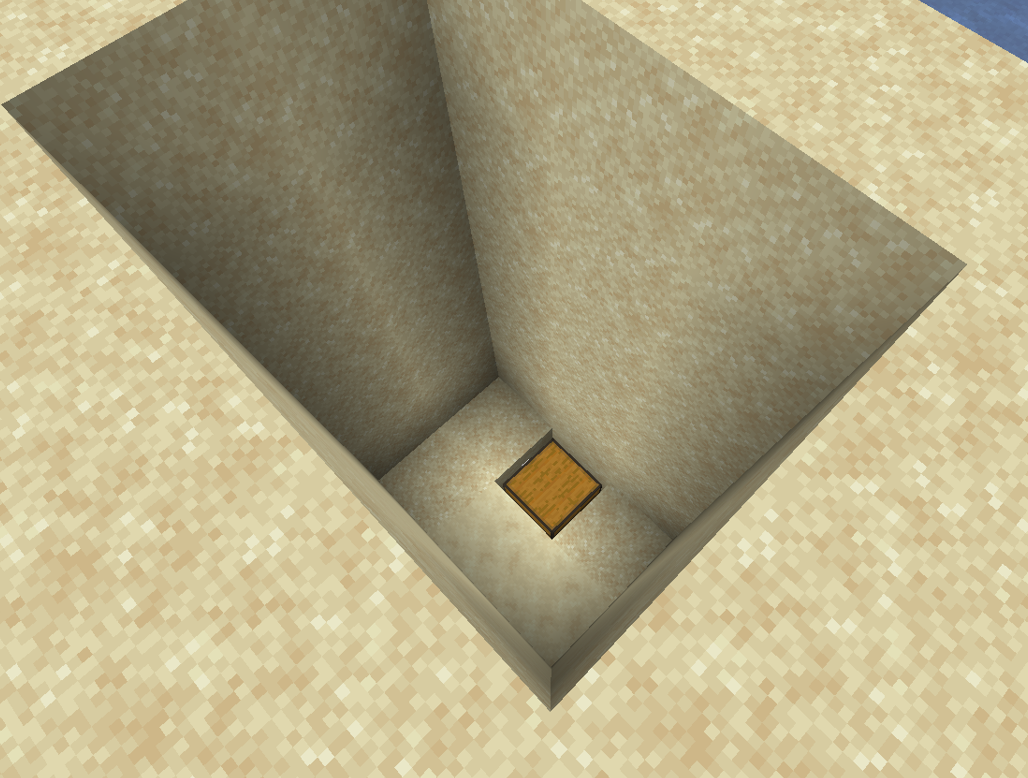
After finding your Buried Treasure Map you now need to head to the X on the Map. Once you’ve found your way to the X on the map you must dig till you find your Treasure chest, it can spawn under the ocean or under the beach.
You can find Ores, TnT, Fish, Tools, a Heart Of The Sea, and lots more. 

Conduit

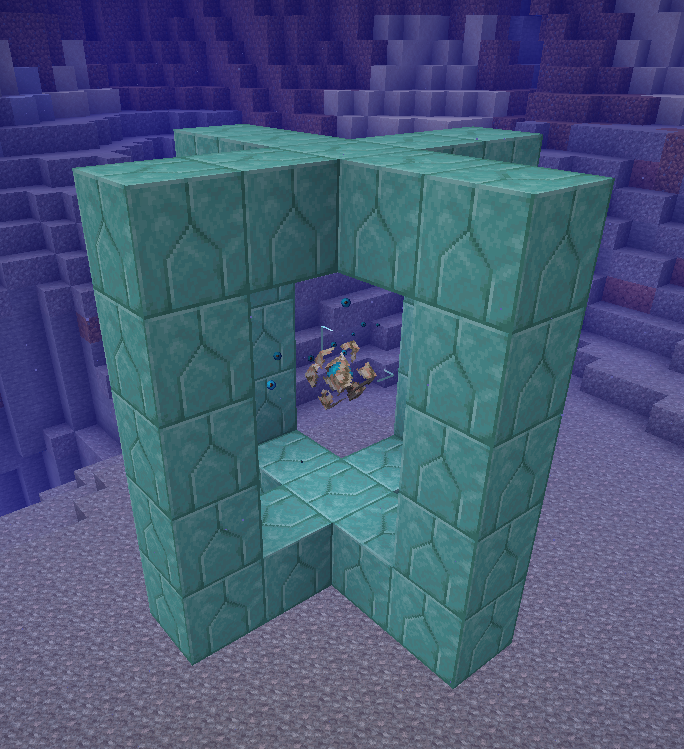
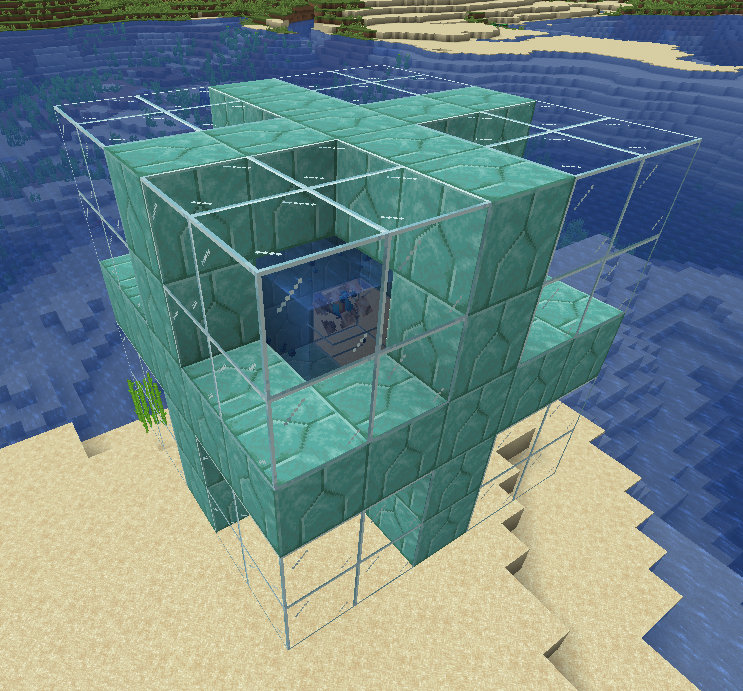
The Heart Of The Sea can be used to create the Conduit. The Conduit is a placeable item which is used underwater. When placed underwater with prismarine stone blocks around it you will get the effect “Conduit Power”, which gives the player Underwater breathing, Night Vision, and it increases mining speed. The Conduit will also attack any hostile mobs in its range of 8 blocks.

You can place the Conduit above water but keep in mind it must still be in water for it to activate.

To craft the Conduit, you need x8 Nautilus Shells and x1 Heart Of The Sea.

How To Find Shipwrecks

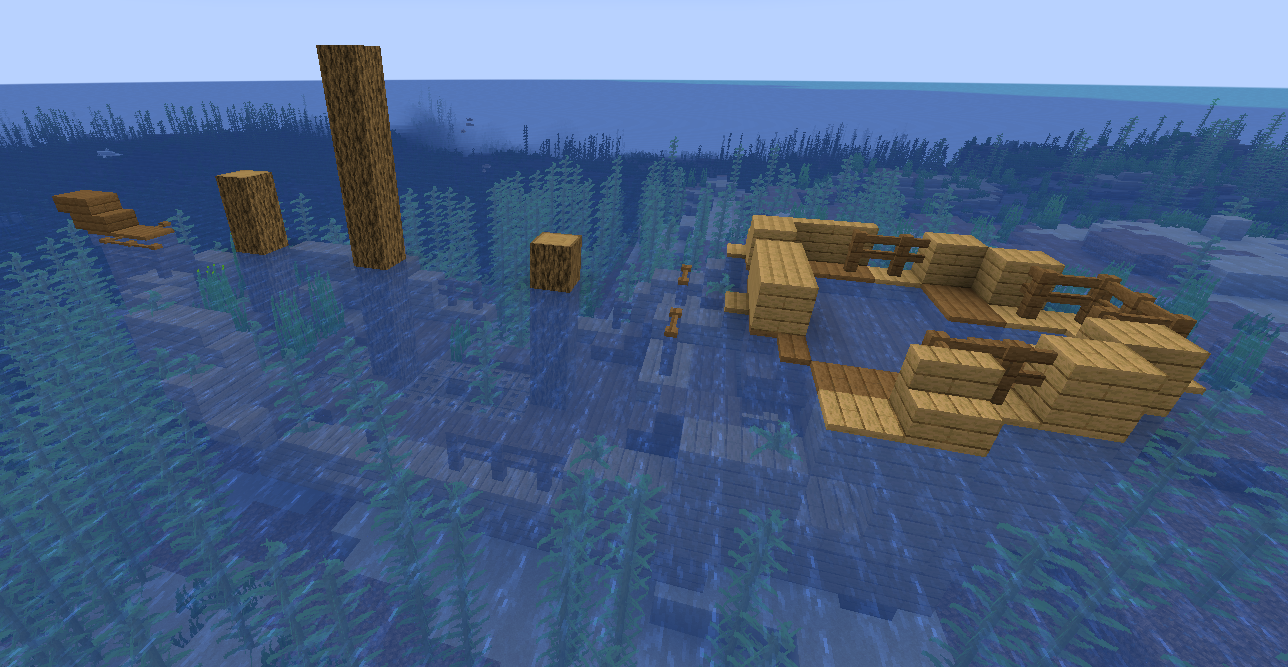
Buried Treasure can be found by digging up sand on beaches. You can find Buried Treasure Maps in Shipwrecks. Shipwrecks can spawn in any ocean biome and can be a pretty common find in the ocean. By swimming around underwater you can find them, if you want to make the search easier you can get yourself some water breathing and night vision potions.

Each Shipwreck is guaranteed to spawn with one chest but up to three can spawn each giving different kinds of items.
Conclusion

Buried Treasure in Minecraft offers a rewarding exploration experience, rewarding players with valuable items and the ability to create powerful structures like the Conduit. To locate buried treasure, players can either follow maps found in shipwrecks or feed dolphins. While the exact coordinates for buried treasure vary between Java and Bedrock editions, both versions involve digging at specific locations marked on the map. The loot found in buried treasure chests can include ores, TNT, fish, tools, and the coveted Heart of the Sea, a crucial component for crafting the Conduit.

Bella Potter

Bella Potter is a writer with the love for gaming. She writes articles on the side and likes to play Slime Rancher and Borderlands.

Related Posts

How To Change Your Minecraft Username: A Quick Guide

Learn how to change your Minecraft username with this simple step-by-step guide. Make the switch easily and get back to playing.

Minecraft Trial Ruins: The Ultimate Guide

Explore the fascinating trail ruins in Minecraft, learn what to expect, and discover tips for your adventure.

How To Fix The getsockopt Minecraft Error: A Quick Guide

Struggling with the getsockopt error in Minecraft? Follow this step-by-step guide to troubleshoot and resolve the issue.

Fixing The Minecraft Bedrock Waiting On Install Error: Quick Guide

This guide will break down the Minecraft: Bedrock waiting on install error. What that error is, why it may occur, and steps to solve it.

Reader Interactions

Leave a Reply Cancel reply

Your email address will not be published. Required fields are marked *

This site uses Akismet to reduce spam. Learn how your comment data is processed.

Primary Sidebar

Get Started With a Minecraft Server


Looking to create your own gaming server? It only takes a few minutes.

Create Server Learn More

Most Popular Posts

How To Add Minecraft Launcher To Desktop: A Complete Guide

How To Make Netherite Armor In Minecraft

Minecraft Glow Berries: The All-in-One Guide

How To Get Trial Keys In Minecraft: The Ultimate Guide

7 Cool Minecraft Mods Bedrock Edition Players Should Try

Carved Pumpkins In Minecraft: The Complete Guide

How To Download Optifine

8 Best Minecraft Cherry Blossom Seeds For Bedrock

How To Find Bastions in Minecraft: The Ultimate Guide

How To Port Forward A Minecraft Server

Join Our Gaming Discord!

Come hang out or get support!

Top Categories

  • Palworld
  • Minecraft
  • Soulmask
  • Rust
  • Stardew Valley
  • Terraria
  • Hytale
NameHero

NameHero® proudly provides web hosting to over 40,000 customers with 99.9% uptime to over 750,000 websites.

  • Master Card
  • Visa
  • American Express
  • Discover
  • Paypal
Products
  • Web Hosting
  • Managed VPS Hosting
  • Unmanaged VPS Hosting
  • Flex VPS Hosting
  • WordPress Hosting
  • WooCommerce Hosting
  • Reseller Hosting
  • Enterprise Hosting
  • GPU Hosting
  • Email Hosting
  • HeroicGuard
  • Domains
  • Website Builder
  • AI Agent Hosting
Gaming Products
  • Game Hosting
  • Minecraft Hosting
  • Palworld Hosting
  • Rust Hosting
  • Soulmask Hosting
  • Stardew Valley Hosting
  • Terraria Hosting
  • DayZ Hosting
  • Project Zomboid Hosting
  • Hytale Hosting
Help & Support
  • NameHero Blog
  • NameHero Gaming Blog
  • Support
  • Help Center
  • Migrations
  • Affiliates
  • Gaming Affiliates
  • Call 1-855-984-6263
Company
  • About Us
  • Contact Sales
  • Reviews
  • Uptime
  • We're Hiring

Copyright © 2026 Name Hero, LLC. All rights reserved.
NameHero® is a registered trademark.

  • Privacy Policy
  • Terms of Use
  • Acceptable Use Policy
  • Payment Policy
  • DMCA