

As Hytale moves closer to its Early Access launch, many players are asking a simple question: can my PC run Hytale? The short answer is yes for most modern systems, but performance will depend heavily on how you play. Hytale is not a lightweight game. It combines large procedural worlds, detailed voxel environments, complex NPC behavior, and deep mod support. All of that places real demands on your hardware.
This guide breaks down the official Hytale hardware requirements in a clear and easy to understand way while still including full technical details for advanced users. Whether you plan to play casually, host singleplayer worlds, or create content, this article will help you choose the right setup.
Can My PC Run Hytale?
Hytale requires a 64-bit operating system and processor. The game is currently launching on Windows, with Mac and Linux support planned for the future. Performance targets are based on resolution, graphics settings, and view distance, which is one of the most important settings in the game. Here we will go over the actual hardware requirements and the game’s system requirements.
Here is how Hytale defines its performance tiers:
- Minimum requirements target 30+ FPS at 1080p on Low settings
- Recommended requirements target 1080p 60 fps on High settings for a stable framerate
- Recording and streaming requirements focus on stable frame times at 1440p while capturing video
Minimum Hytale Hardware Requirements
These minimum specs are designed for players who want a playable experience at 1080p with lower graphics settings.
Target: 1080p at 30 FPS on Low
- OS: 64-bit Windows 10 version 1809 or Windows 11
- Minimum CPU: Intel Core i5-7500 or AMD Ryzen 3 1200
- RAM:
- 8 GB for singleplayer with a dedicated GPU
- 12 GB for singleplayer using integrated graphics
- 8 GB for multiplayer only
- GPU:
- Integrated: Intel UHD Graphics 620 or AMD Radeon Vega 6
- Dedicated: NVIDIA GTX 900 Series, AMD Radeon 400 Series, Intel Arc A Series
- Storage: SATA SSD with 20 GB of free space
- Network: 2 Mbps connection for multiplayer
A graphics card with current drivers and support for OpenGL 4.1 is required. Future versions of the game may also need Vulkan 1.3 and DirectX 12 support.
Recommended Hytale System Requirements
This is the ideal setup for most players. If you want smooth gameplay with higher view distances and better visuals, these recommended specs are strongly recommended.
Target: 1080p at 60 FPS on High
- OS: 64-bit Windows 10 version 1809 or Windows 11
- CPU: Intel Core i5-10400 or AMD Ryzen 5 3600
- RAM: 16 GB
- GPU:
- Integrated: Intel Iris Xe Graphics or AMD Radeon 660M
- Dedicated: NVIDIA GTX 900 Series, AMD Radeon 400 Series, Intel Arc A Series
- Storage: NVMe SSD with 20 GB of free space
- Network: 8 Mbps connection for multiplayer
An NVMe SSD is not mandatory, but it helps significantly with world loading and chunk generation, especially at higher view distances.
Recording and Streaming PC Requirements
If you plan to record gameplay, stream on platforms like YouTube or Twitch, or create cinematic content, Hytale benefits from higher end hardware. The focus here is consistent frame times rather than raw FPS for high quality video capture.
Target: 1440p at 60 FPS while recording or streaming
- OS: 64-bit Windows 10 version 1809 or Windows 11
- CPU: Intel Core i7-10700K or AMD Ryzen 7 3800X
- RAM: 32 GB
- GPU: NVIDIA RTX 30 Series, AMD Radeon RX 7000 Series, Intel Arc A Series.
- Storage: NVMe SSD with at least 50 GB of free space
Newer GPUs are strongly recommended for creators because they provide better video quality at lower bitrates. If available, AV1 or HEVC encoding offers the best results.
Hytale Storage Requirements
Hytale worlds are procedurally generated and can grow very large over time. Storage usage depends on how much you explore and build.
- Base installation size: Approximately 8 GB
- World save size:
- Around 661 MB for a 5000 x 5000 block area
- Roughly 27 KB per 32 x 32 chunk
While the game can technically run with less, having at least 20 GB of free space is recommended for long term play. An SSD is highly recommended to avoid stuttering and long load times and on a separate drive.
Hytale Network Requirements
Hytale does not require an internet connection for offline singleplayer once downloaded. Multiplayer bandwidth usage depends mostly on view distance.
Here are worst case scenarios based on internal testing:
- 192 block view distance: 2 Mbps minimum, 4 Mbps recommended
- 384 block view distance: 4.5 Mbps minimum, 7 Mbps recommended
- 480 block view distance: 6 Mbps minimum, 10 Mbps recommended
Most players will use far less bandwidth during normal gameplay. Minigames and small maps use very little data and run well even on slower connections.
Why CPU and RAM Matter More Than GPU
Hytale is a sandbox voxel game, which means it relies heavily on CPU performance and available memory. The game runs both a client and a server, even in singleplayer. This includes world simulation, NPC behavior, and terrain generation.
Once your GPU meets the minimum recommended requirements, upgrading your CPU and adding more RAM usually improves performance more than buying a faster graphics card. Dedicated GPUs are strongly preferred over integrated graphics, especially on laptops.
How View Distance Affects Performance
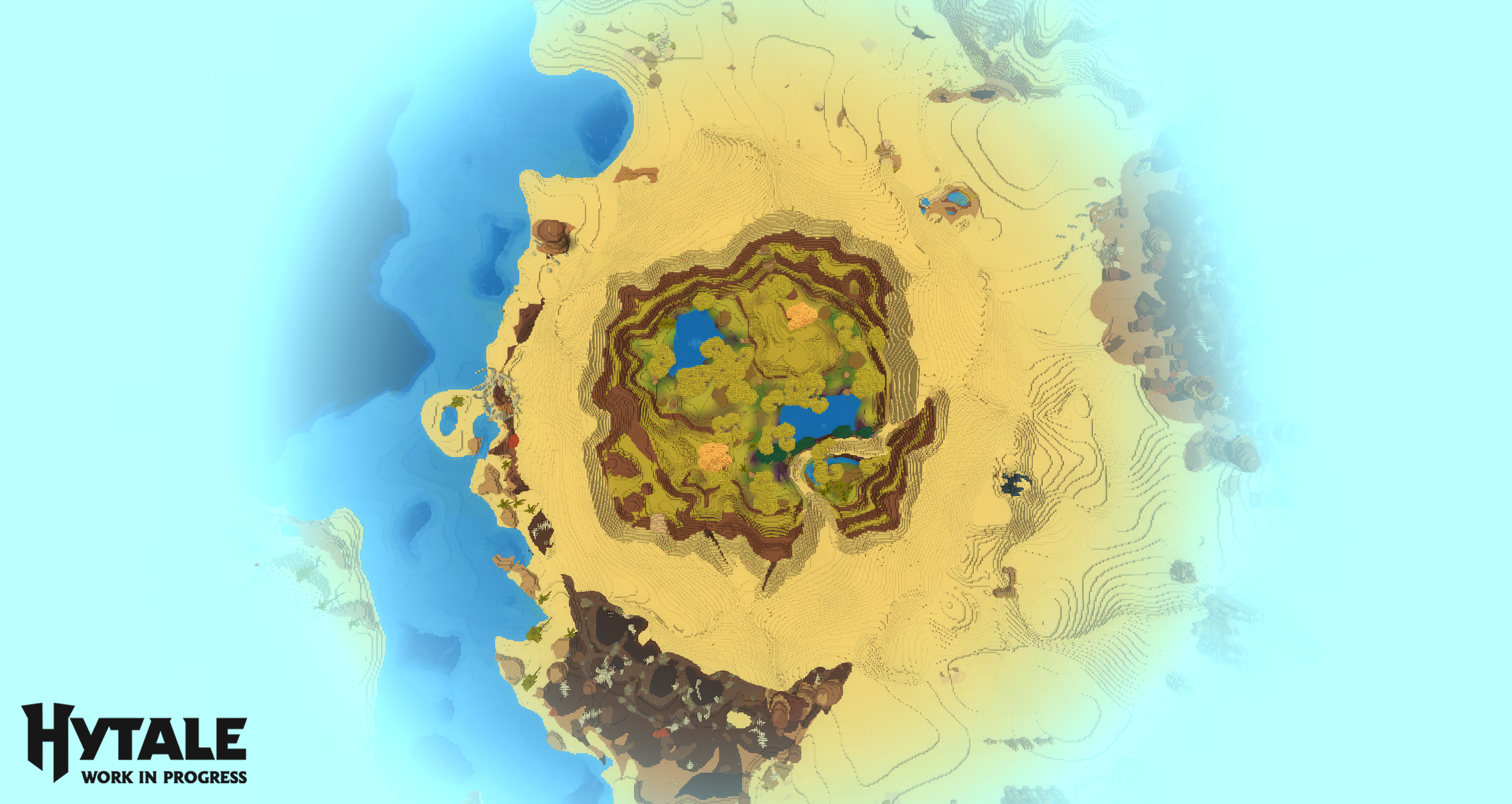
View distance is the single most important performance setting in Hytale. Increasing view distance dramatically increases the amount of world data your system must render and simulate.
Doubling the view distance results in roughly four times the world being loaded. This impacts CPU usage, RAM consumption, and GPU memory. The developers recommend a view distance of 384 blocks for the intended gameplay experience, but lower settings may be necessary on weaker systems.
Final Thoughts

Hytale is still being optimized, and performance is expected to improve throughout Early Access. The goal is to support a wide range of systems without sacrificing scale, depth, or modding potential.
If your PC struggles in singleplayer (offline mode), playing on multiplayer servers can have significant performance improvements since the server simulation runs remotely. For many players, this is the easiest way to enjoy Hytale on older hardware for the best performance. You can also try to close unnecessary programs to improve the game client.
These requirements will continue to evolve, so expect updates as development progresses. For now, most mid range gaming PCs built within the last several years should be well equipped to handle Hytale.
Looking to start your Hytale adventures? Check out our affordable Hytale Server Hosting

Hunter is the Gaming Server Specialist at NameHero with a passion for gaming and technology with years of experience in the gaming industry. In his free time you can find him playing the latest trending games.
With a passion for gaming and technology, Hunter, the Gaming Server Specialist at NameHero, brings years of experience in the gaming industry. Previously, he ran his own gaming company with over 800 customers, demonstrating his expertise in delivering high-quality gaming products. In his free time, you can find him playing the latest trending games.
Leave a Reply