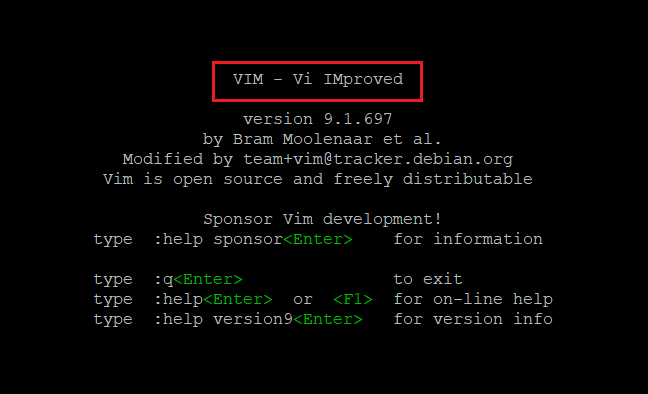
How to Use Vim Search and Replace in Linux
The vim search and replace functionality in Linux consists of a series of very powerful tools - but also simple ones to get started easily.
Bhagwad Park writes for the NameHero blog.

The vim search and replace functionality in Linux consists of a series of very powerful tools - but also simple ones to get started easily.
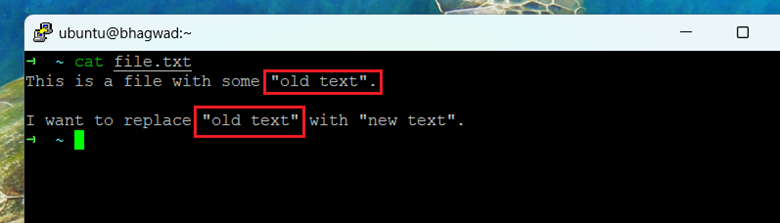
The "Stream Editor" tool - the "sed" command in Linux, is often used to replace strings in files. Here's how to do it.
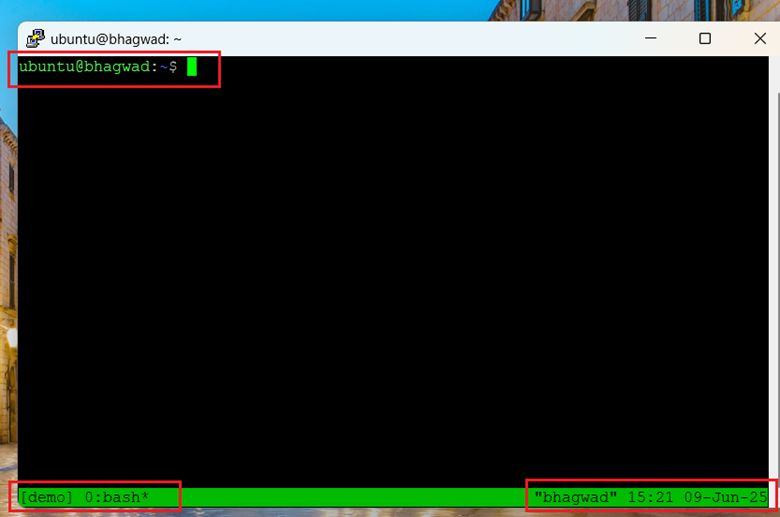
Tmux is a "terminal multiplexer", that allows you to run several processes from one command line window. Here's how it works.
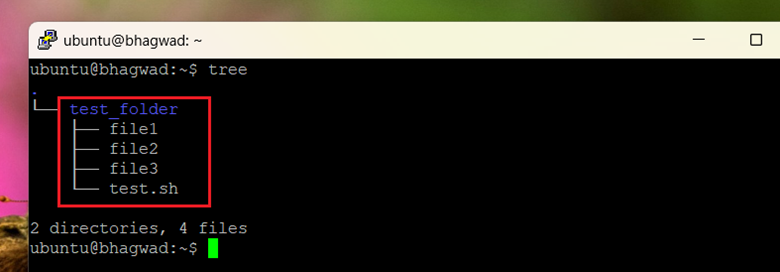
Here's how to archive and compress a folder so that it's easy to move it from one location to another - In both Linux AND Windows!
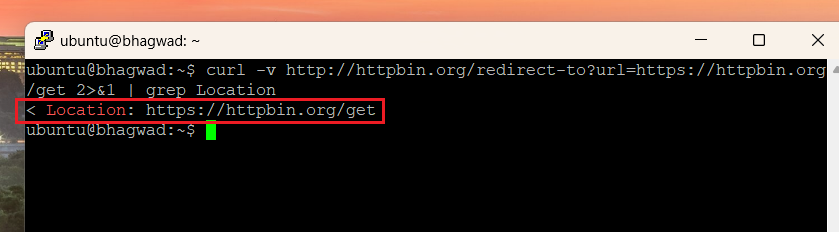
We use curl regularly to fetch resources from websites. Unfortunately, curl doesn't follow redirects automatically. Here's how to fix that.
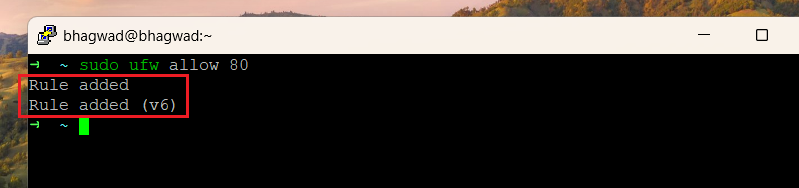
In Linux, particularly on Ubuntu system, here's how we can use ufw to open port 80. No need to mess with IPTables directly!
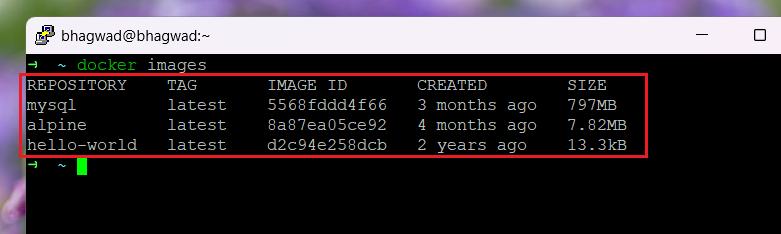
In Docker, containers and images can build up over time, using up space and resources. Here's how to get rid of them.
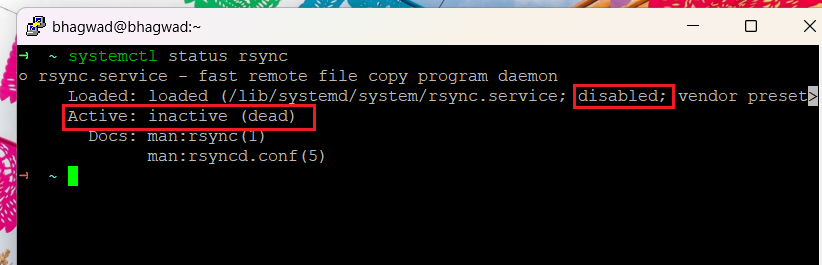
You can use the systemctl tool to start services automatically on boot. We do this using the "enable" keyword.
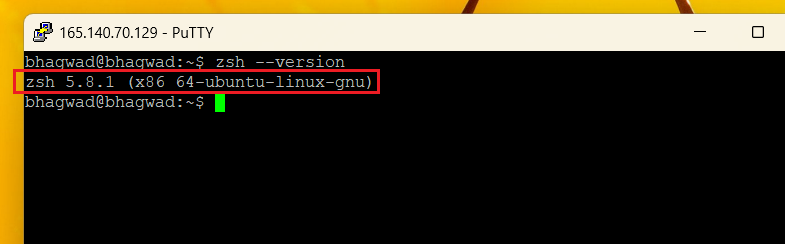
In an earlier post, we discussed the basics of zsh, what it is, and how to get started. Today we’ll look at syntax highlighting in zsh, its meaning, and how to implement...
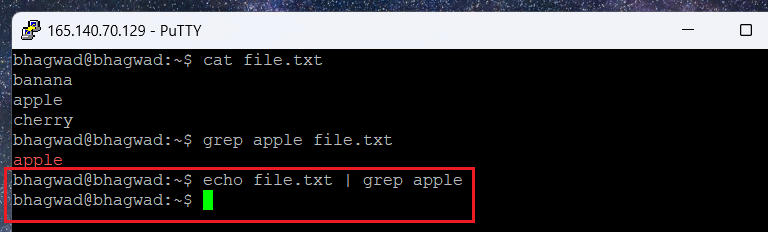
The "xargs" command converts text from standard input into arguments, allowing the output for one command to be used as arguments in other.
Get new NameHero guides and first word on sales like the Pre-Black Friday event, straight to your inbox.