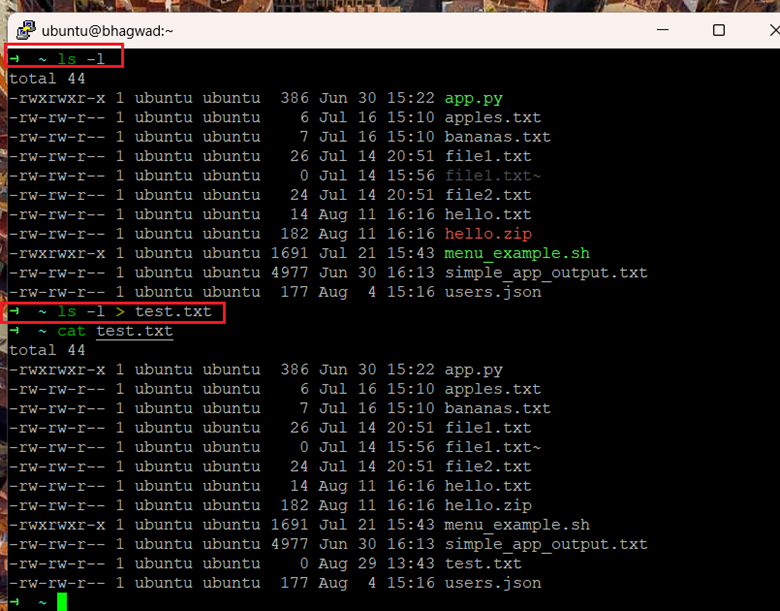
How to Use the Tee Command in Linux
The tee command in Linux is useful when you want to direct the output of a command to multiple locations. Here's how to use it.
Bhagwad Park writes for the NameHero blog.

The tee command in Linux is useful when you want to direct the output of a command to multiple locations. Here's how to use it.
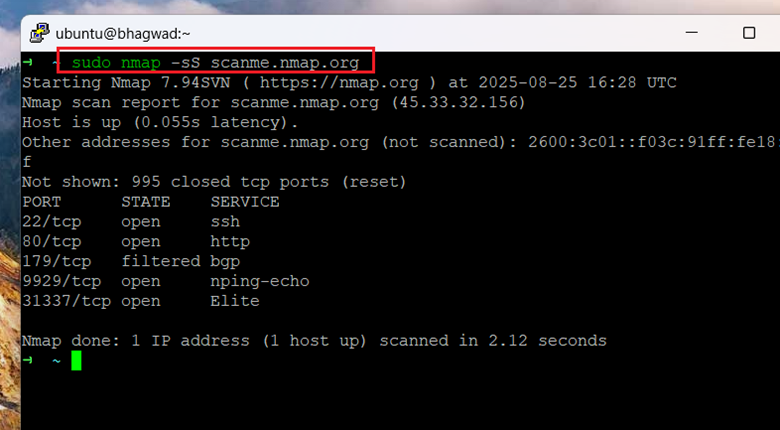
The "nmap" command allows you to scan a remote server and determine its network configuration. Here are the various nmap scan types.
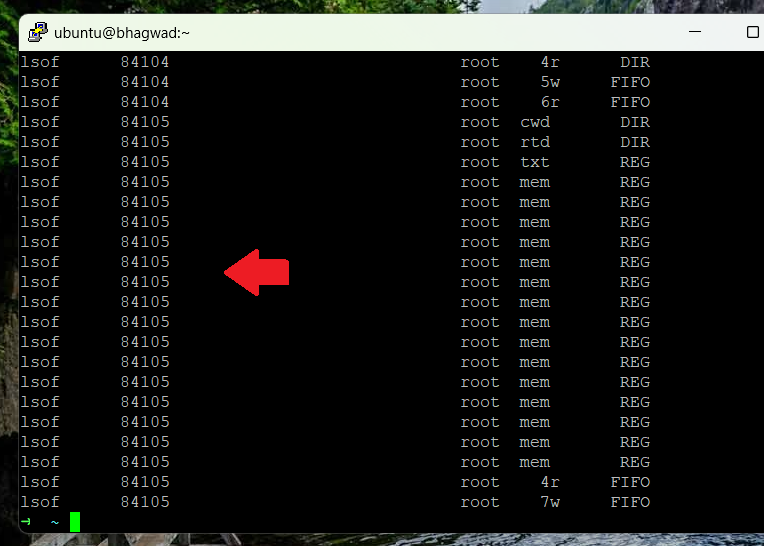
The “lsof” command in Linux stands for “List Open Files”. At any given time in Linux, thousands or even tens of thousands of files are open. Unlike in a system like...
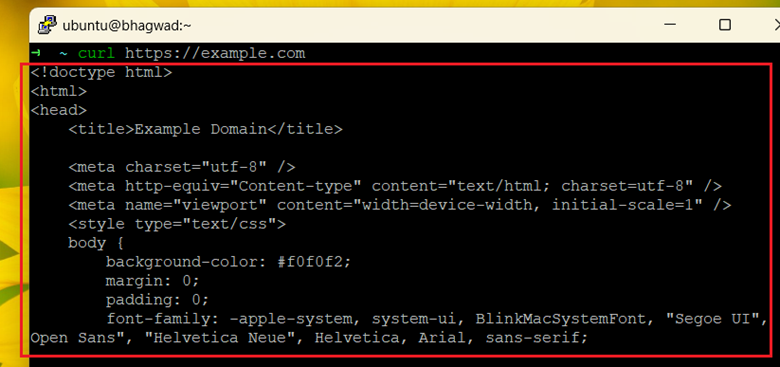
Linux has two popular tools for getting data from third party websites. Here's the difference between curl and wget.
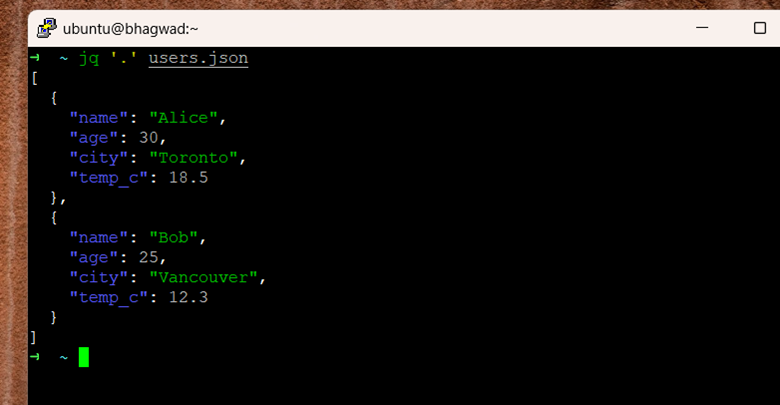
This jq command tutorial will walk you through the usage of "jq" - a command that works with JSON files like "awk" works with text.
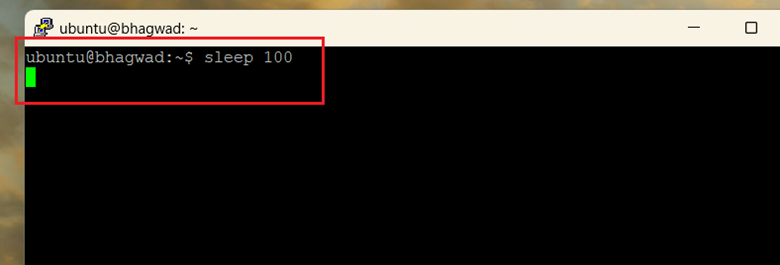
Bash job controls are used to send long running tasks into the background, and bring them forward when necessary.
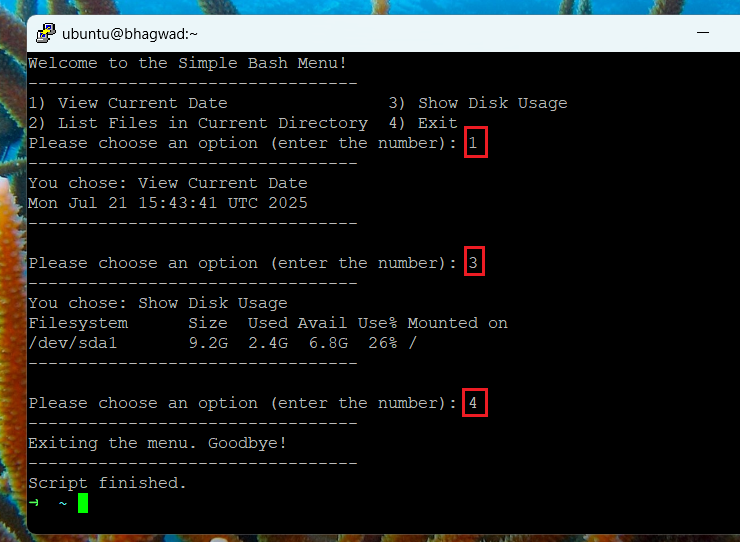
The bash select loop allows your Linux script to present a set of choices to the user as a menu. Here's how to use it.
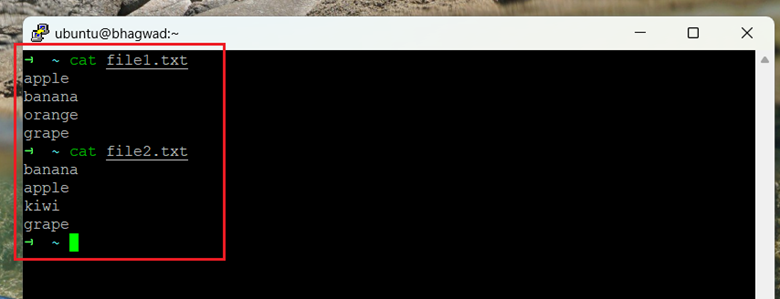
Bash allows you to combine multiple nested steps in a single command using process substitution. It's faster, and more reusable.
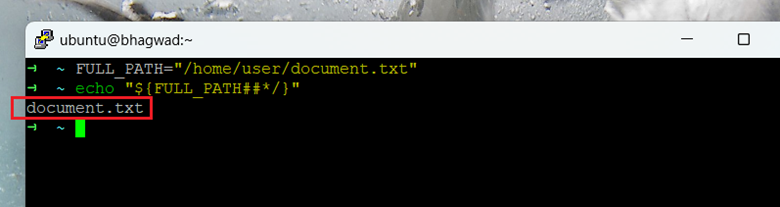
Parameter expansion in bash is very useful when working with strings like filenames and log entries. It allows you to clean up text.
The service file manager in Linux - systemd - is configured using something called "unit files". Here's an example, and how it works.
Get new NameHero guides and first word on sales like the Pre-Black Friday event, straight to your inbox.