
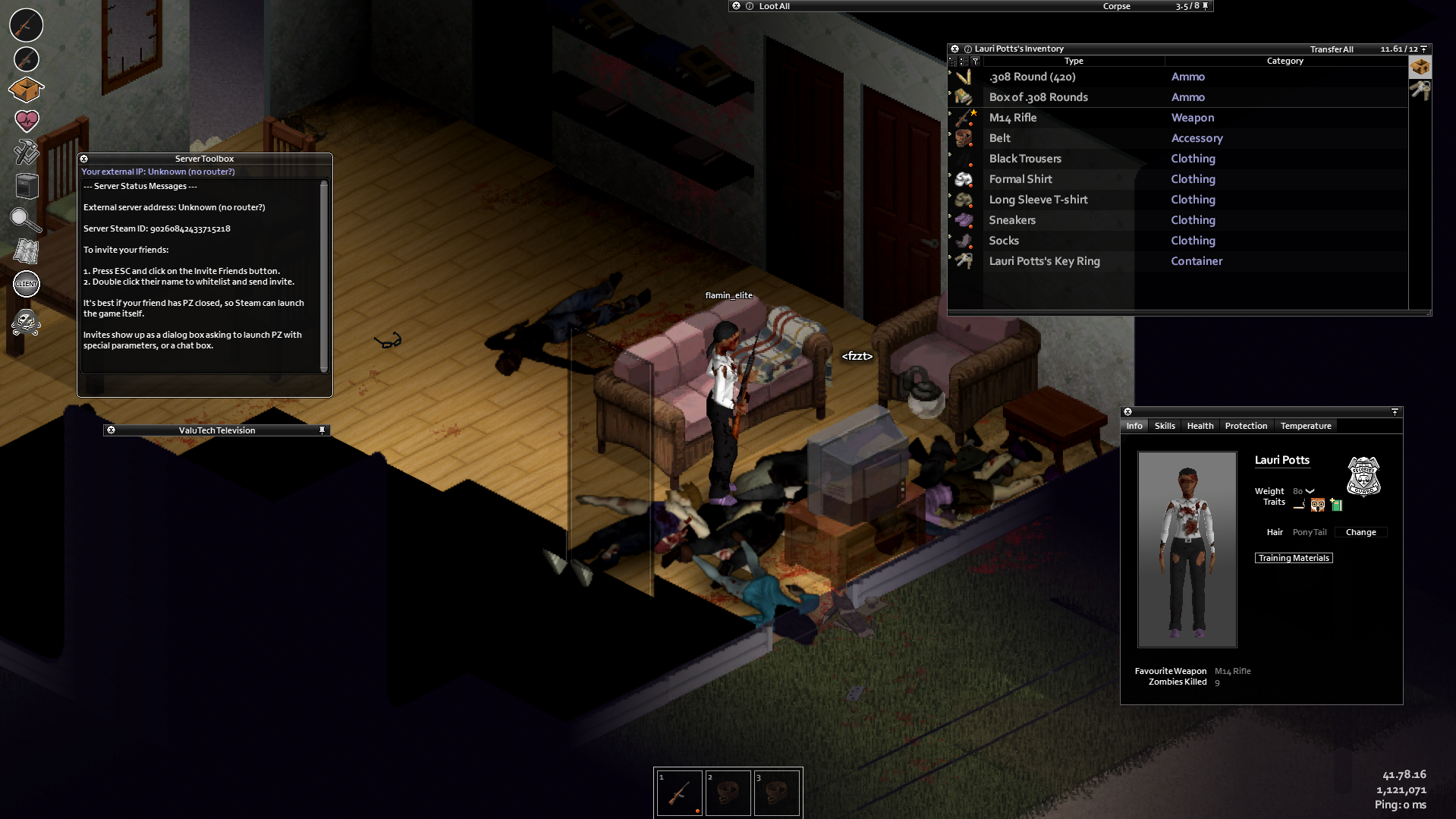
In Project Zomboid, there are various ways to progress through the game and deal with zombies more easily over time. One of those ways is simply watching the television in-game which can give you advantages to different skills. Understanding how to use the TV works and regularly tuning into its programs can give you higher chances of survival in the apocalypse in Project Zomboid.
The TV in Project Zomboid has several channels you can watch. These can range from news to survival skill shows, and even entertainment. It’s up to you what channels you want to spend your time on, especially if you want to progress your abilities in-game.
On that note, this guide gives you a general and complete breakdown of the Project Zomboid TV and program schedules you should watch out for. You’ll get to learn how the TV works, what skills you can upgrade through watching, and which channels should you focus on when using the TV.
What is the Project Zomboid TV?
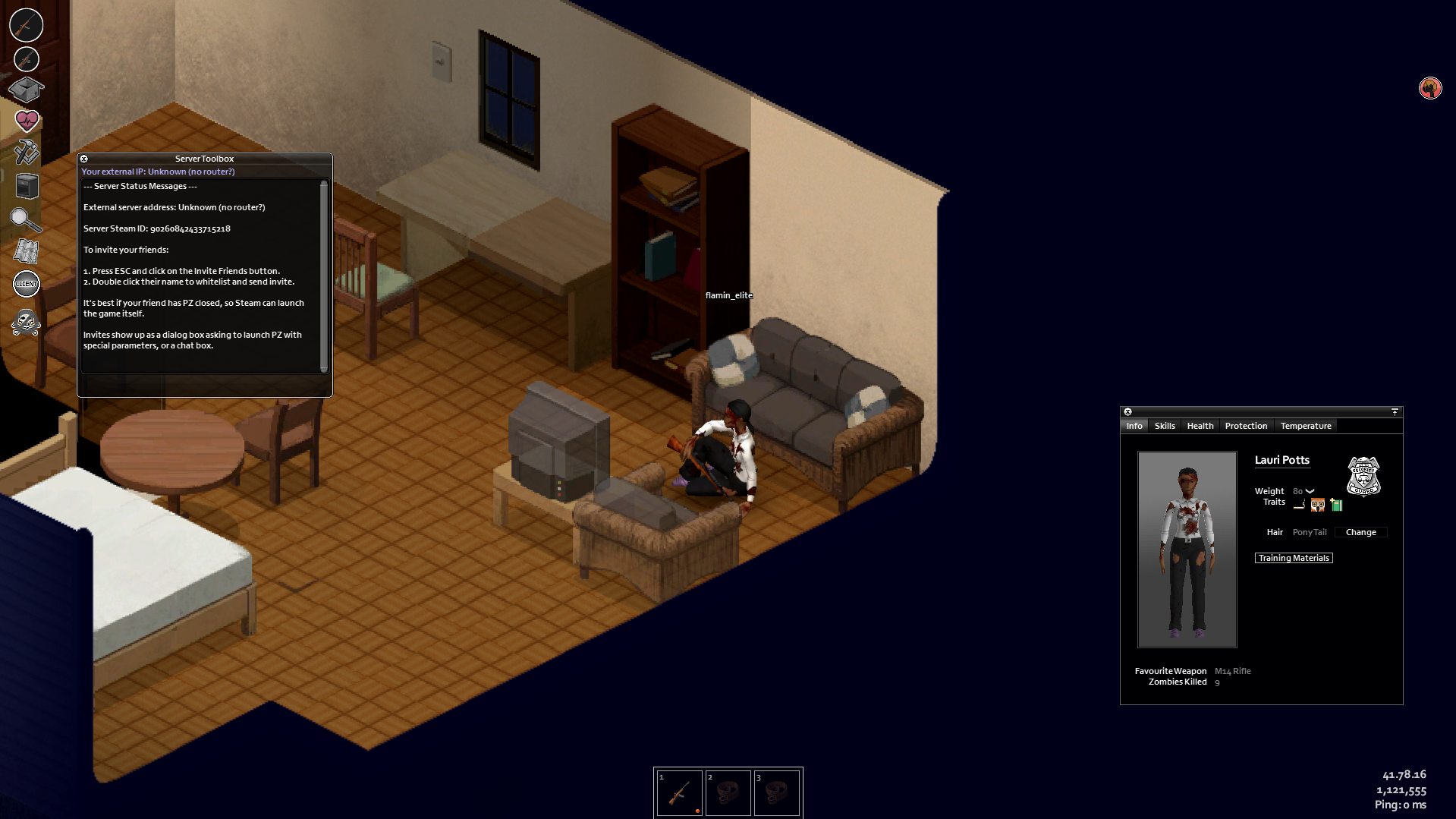
As an appliance, televisions in Project Zomboid are interactive and you can watch a variety of content from it. Similarly, you can also play and watch VHS tapes on TVs, except the Old Antique Television which can’t play VHS tapes. The game mainly uses TVs as a form of skill development and storytelling. Moreover, like other electronic devices in Project Zomboid, you’ll need to connect the TV to a power source such as through an electrical grid or generator.
TVs in Project Zomboid have different TV channels you can watch. There are scheduled programming channels that grant experience in different skills such as cooking, carpentry, and farming. This feature is extremely helpful during the early game as you can speed through developing your skills.
Besides skill improvement, TVs also provide insight into the lore and worldbuilding of Project Zomboid. You can still watch news reports, movies, and other similar content to get an idea of the premise behind the game. You’ll get a better understanding of the world you’re in and better navigate through it.
List of Channels on the Project Zomboid TV
Currently, there are around 10 channels you can watch on the TV in Project Zomboid. We’ll be listing them and the type of content you’ll get from watching each specific channel.
Triple-N
First off, Triple-N is a news and talk show that covers the main Knox Event that premises Project Zomboid. You’ll find interviews of the crew with different people in the exclusion zone discussing the events that led up to the infection. The channel runs for around 12 days.
WBLN News
Another news station similar to Triple-N is WBLN News which also broadcasts the Knox Event and has statements by General John McGrew and the President. This channel also has a late-night talk show called “Talk the Night” and runs for the first seven days of the game.
Life and Living TV
Next is the Life and Living channel which only airs for the first nine days of the game. Watching this channel gives you experience points for your skills and crafting recipes. You can learn skills such as fishing, agriculture, foraging, and even rapping. Advertisements also play during the unscheduled hours of the channel’s shows. We’ll get into detail about this channel’s shows in the next sections.
TURBO
TURBO is a sister channel to Triple-N. It mainly plays television shows but occasionally broadcasts the news from Triple-N. There are programs such as Hollywood Insider, Sunset Drive, and The Omega Department.
PawsTV
In line with entertainment, PawsTV broadcasts entertainment but is meant for children. The channel shows cartoons and then infomercials at night. While you don’t get any benefits from this channel, you can use it to alleviate boredom.
KPATV
The KPATV channel is a public-access television station. You can watch random programs produced by local businesses, organizations, and individuals. This includes Ner News, Five Freedoms, Community, and Popo the Clown.
Music Video Channel
Broadcasting content on what it’s named for, the Music Video Channel airs music videos of different songs. These songs can also be found as CDs that players come across on Project Zomboid.
NSTV
A sports channel NSTV shows a variety of sports and has shows such as Sports Central (for sports news), The Innings (for basketball), and Poker on NSTV (for poker).
BMC
The BMC is a channel that shows movies that can also be found as VHS tapes. Some movies found in Project Zomboid include Home Invaders 2, Dead Wrong, Paris in the Rain, and War Front.
GBC
Last is GBC which airs general programs and shows on one channel. You can catch news, movies, shows, and other similar content here.
You can check out the full description of channels on the Project Zomboid Wiki.
How do you watch the TV in Project Zomboid?
As you’ve learned about the different channels on Project Zomboid, it’s now time to learn how to watch and change channels on TVs.
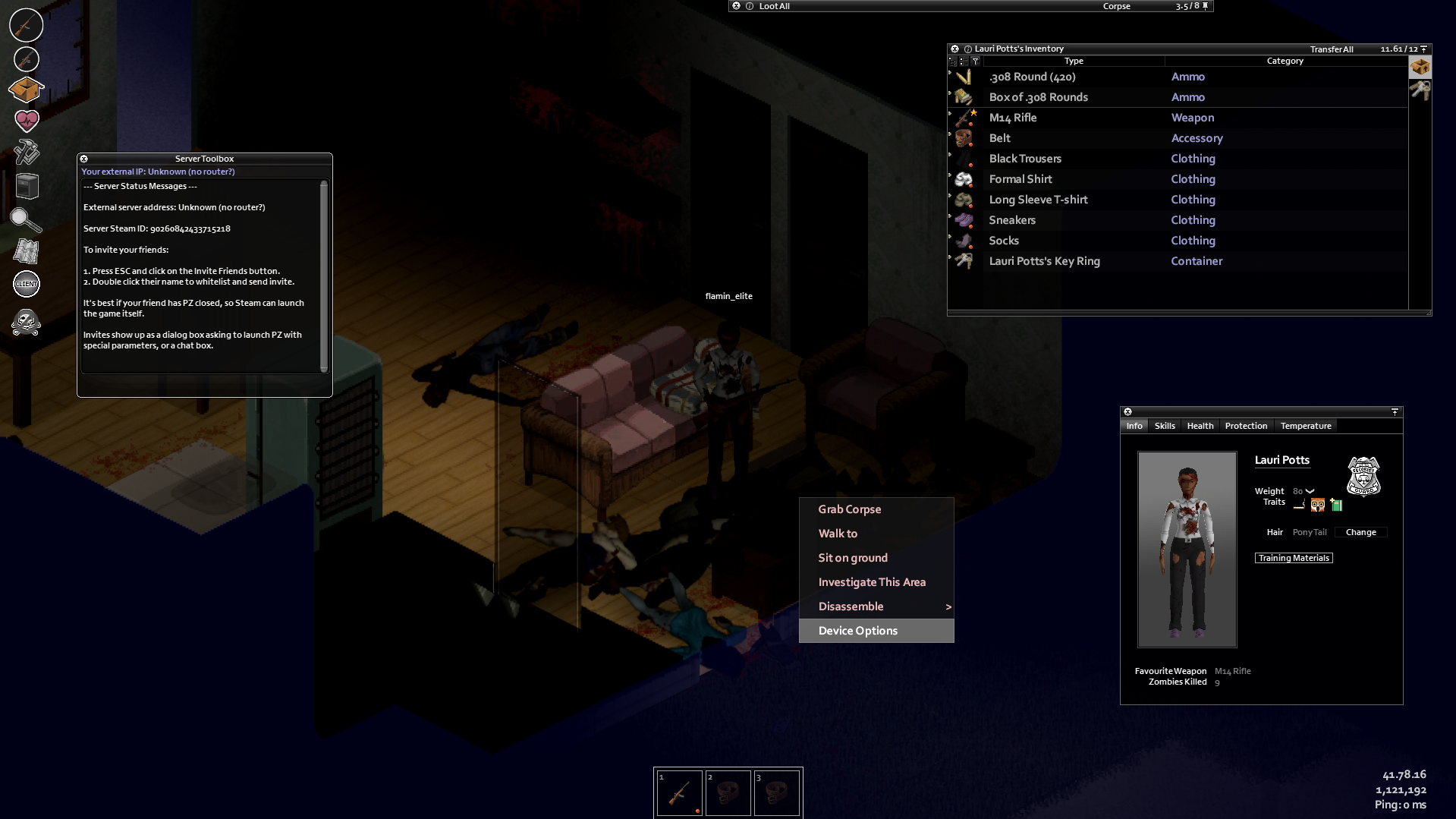
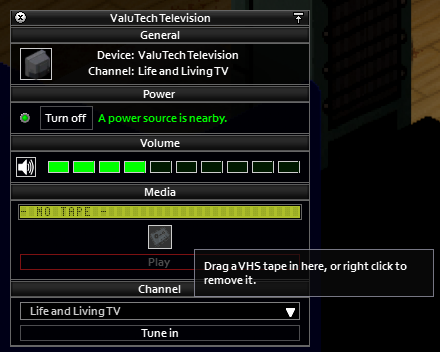
To turn on a TV in Project Zomboid, you simply have to approach it and press “right-click” on your mouse to interact with it and click “Device Options”.
You’ll come across a new window that pops on your screen which shows the TV’s user interface.
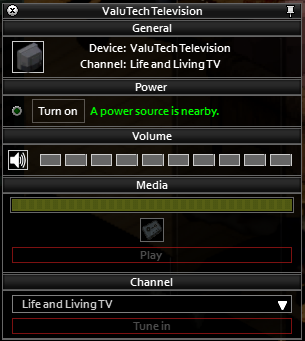
Then press “Turn On” to turn on your TV. While watching TV, you’ll be able to switch channels, change the volume, and even see information about the current channel you’re currently watching.
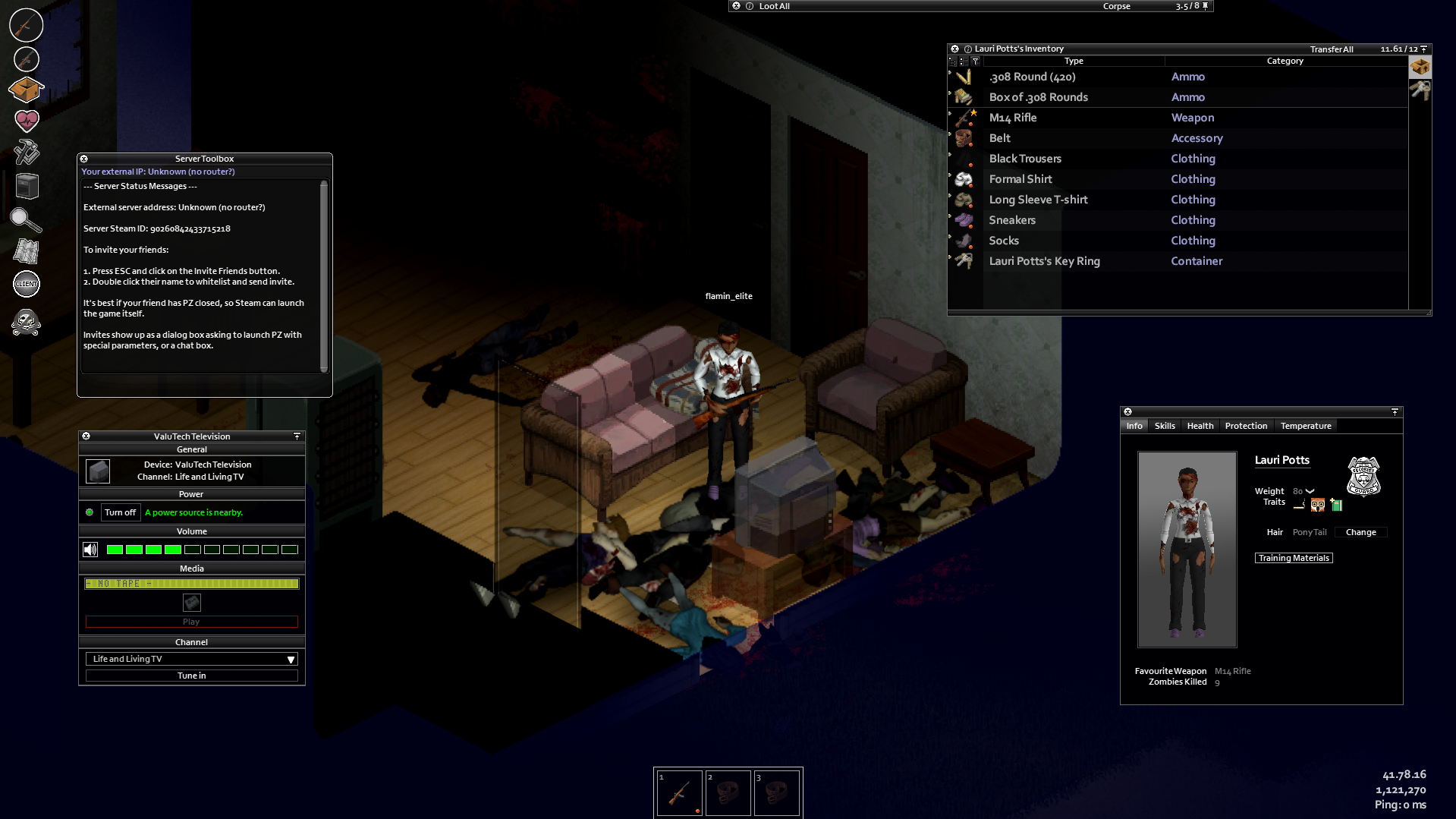
Be careful when increasing the volume of your TV since a loud enough volume can attract zombies. This proves useful when you need a distraction but if that isn’t your goal, monitor your volume level so you don’t draw unwanted attention.
For some TVs with a VHS icon, you can also put VHS tapes and watch them on your TV.
Which channels should you regularly watch on the TV in Project Zomboid?
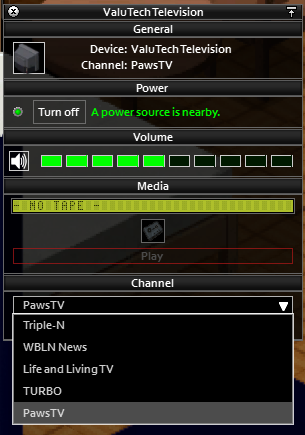
Upon familiarizing yourself with the different channels and learning how to watch the TV in Project Zomboid, you might be wondering which TV channel should you regularly keep up to date with, especially when starting out in Project Zomboid. Well, there are three recommended channels we have you should tune into upon the start date of your gameplay.
Triple-N
Triple-N is a good starter channel since it provides more context of the game so you understand a bit how Project Zomboid’s premise works. Throughout a couple of days, the news reports you get on the channel become more vague but reveal how society is collapsing due to the events of the infection.
You’ll get information on the sickness, government responses to this, military involvement, and even the fall of cities. This channel is perfect if you want to become more immersed in the roleplaying aspect of Project Zomboid.
TURBO
TURBO is more of an all-in-one channel that provides various programs. Here, you can get occasional XP boosts in skills such as Tailoring and some miscellaneous skills. While they aren’t significant, these are still helpful if you want a quick watch.
Life and Living TV
Then we have the Life and Living TV channel. This channel will be the one you’ll be spending the most time watching TV. The channel provides direct XP for survival skills that are very useful in your survival. These include the following:
- Carpentry – Helpful for crafting furniture, building barricades, and strengthening your base.
- Cooking – Helpful for making better meals, reducing food poisoning, and even reducing boredom.
- Fishing – Helpful for obtaining food in bodies of water, especially when you can’t scavenge food.
- Foraging – Helpful for finding food resources around your environment.
- Farming – Helpful for growing your food when canned food runs out.
- Trapping – Helpful for catching animals that can be butchered and used as food.
Remember that this channel runs only for nine days. It’s helpful to watch this regularly in the first week of your playthrough as you can gain huge amounts of XP.
What is the Life and Living TV Schedule?
Moving onto the more detailed schedule of the Life and Living TV channel, you should know that there are three main programs screened on the channel.
The first channel is called “Woodcraft” which is a television show that can teach you how to do various woodworking projects. You’ll be able to learn how to build a new piece of furniture with every new episode. This channel mainly covers the Carpentry skill.
Next is “The Cook Show” which teaches you how to cook. At the end of each episode, you learn a new recipe that can be cooked at home. As in its namesake, this show covers the Cooking skill.
Then we have “Exposure Survival.” This program covers the survival skills of Fishing, Agriculture, Foraging, Trapping, and even some Carpentry. You’ll be able to better survive the wilderness through this program.
In terms of the actual TV schedule, we’ve tabulated according to day, specific time, and skill you’ll pick up for the programs on the Life and Living TV channel.
| Timeslot | Skill Learned | Base XP Acquired | Recipe Acquired (if applicable) | |
| Day 1 | 00:00 | Fishing | 75 | |
| 06:00 | Cooking | 112.5 | Cake Batter | |
| 12:00 | Carpentry | 75 | ||
| 18:00 | Fishing | 62.5 | Fishing Rod | |
| Day 2 | 06:00 | Cooking | 75 | |
| 12:00 | Carpentry | 75 | ||
| 18:00 | Agriculture | 75 | ||
| Day 3 | 06:00 | Cooking | 62.5 | |
| 12:00 | Carpentry | 100 | ||
| 18:00 | Fishing | 75 | ||
| Day 4 | 06:00 | Cooking | 87.5 | |
| 12:00 | Carpentry | 75 | ||
| Day 5 | 06:00 | Cooking | 75 | |
| 12:00 | Carpentry | 112.5 | ||
| 18:00 | Foraging | 50 | ||
| Day 6 | 06:00 | Cooking | 62.5 | Pie Dough |
| 12:00 | Carpentry | 100 | ||
| 18:00 | Trapping | 112.5 | Trap Crate | |
| Day 7 | 06:00 | Cooking | 87.5 | Cake Batter |
| 12:00 | Carpentry | 112.5 | ||
| 18:00 | Foraging | 100 | ||
| Day 8 | 06:00 | Cooking | 125 | |
| 18:00 | Carpentry | 37.5 | ||
| Day 9 | 06:00 | Cooking | 75 |
Keep in mind, however, that the XP you gain can also change depending if you have the Slow Learner or Fast Learner Trait.
Other tips and tricks for using the TV
When using the TV in Project Zomboid, remember that broadcasting starts on July 9th which is the start date of the game. After nine days, broadcasts on the TV become rarer and TV stations will then shut down due to societal collapse. This is also referred to as a “media blackout” event that happens in the game so maximize all opportunities to get the skills you need.
Another tip is to always turn on your TV and put it at a decent volume for you to multi-task around your house and continue watching. You’ll still be in range of watching TV and get the XP you need. But be careful with loud volumes as again, this can attract zombies.
Lastly, it helps to have a copy of the TV schedule on hand so that you know what to tune into when you’re playing. This will make it more efficient for you to monitor the programs you watch and the skills you’ll obtain. By taking advantage of the TV, you can get a good advantage in survival skills in Project Zomboid.

Renee is a freelance writer with a passion for gaming and pop culture content. While she mainly writes about games, she also does graphic design and illustration work from time to time. With a passion for the creative arts, she blends her skills to tell stories across various mediums.
Leave a Reply