
Minecraft is one of the most customizable game experiences on the planet. Truly, nothing compares. However, the game has to organize these customizations into different categories to make them easier for you to manage.
This guide will go over one such customization — a Resource Pack that provides you with new animations, sound effects, and more to provide a more realistic experience. This guide will break down everything you need to know about the “actions stuff” pack, including how to download it and what it will provide.
Let’s get into it.
What Is The Actions And Stuff Minecraft Resource Pack (Texture Pack)?
Actions and Stuff is a Minecraft Resource Pack (Texture Pack) that overhauls your in-game animations in both first and third person.
Note that this guide will be covering the Java version of the pack, as the Bedrock Edition is a bit different. You can install the Bedrock version by using the Minecraft: Bedrock Edition Marketplace and buying it with Minecoins.
This pack alters the following:
Player Animations
This Texture Pack adds a ton of new character animations.
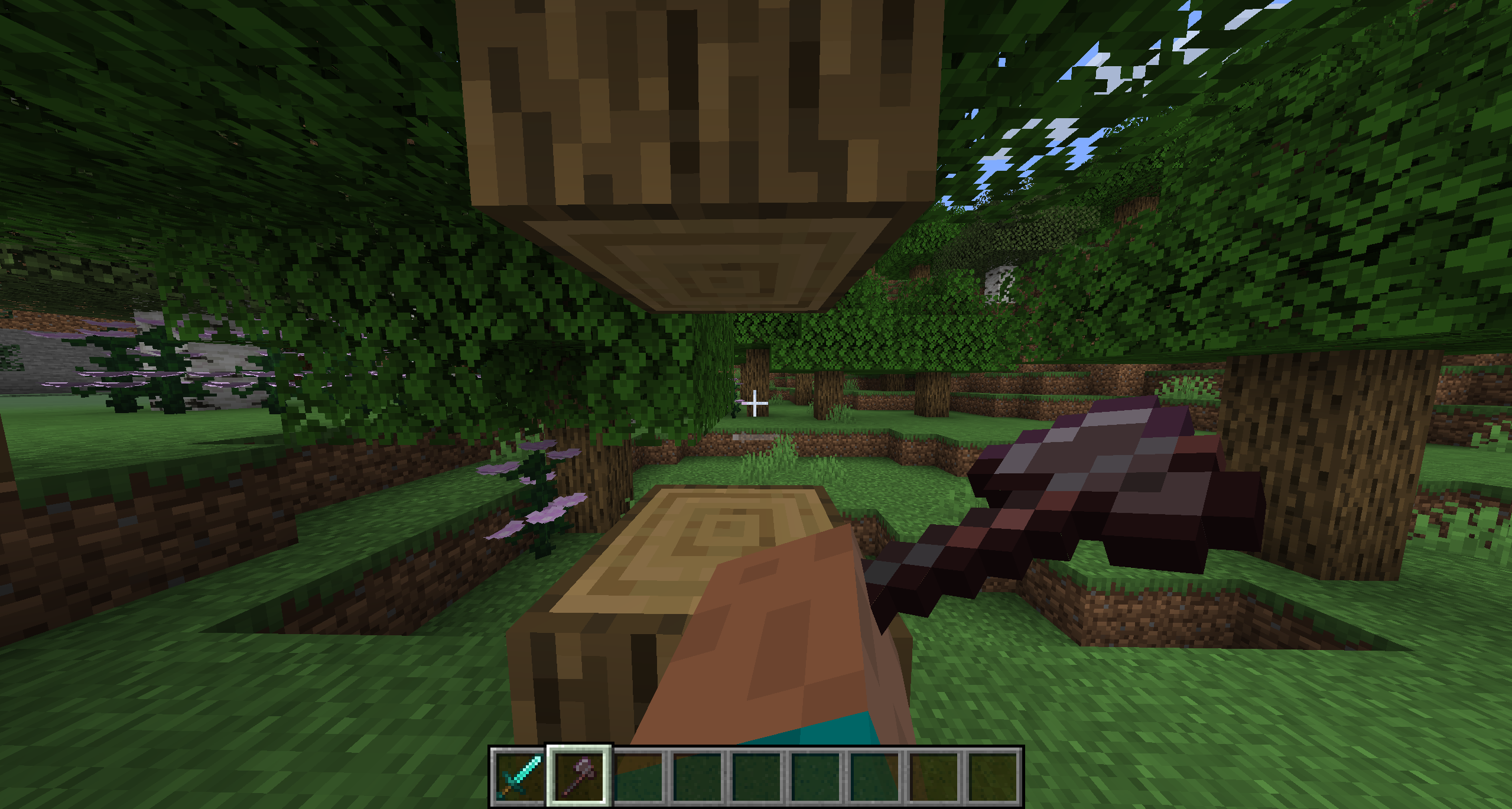
To start, there are new tool animations when using the Sword or the Axe, amongst other tools. Your character swings it from the side, rather than straightforward like in the base game.
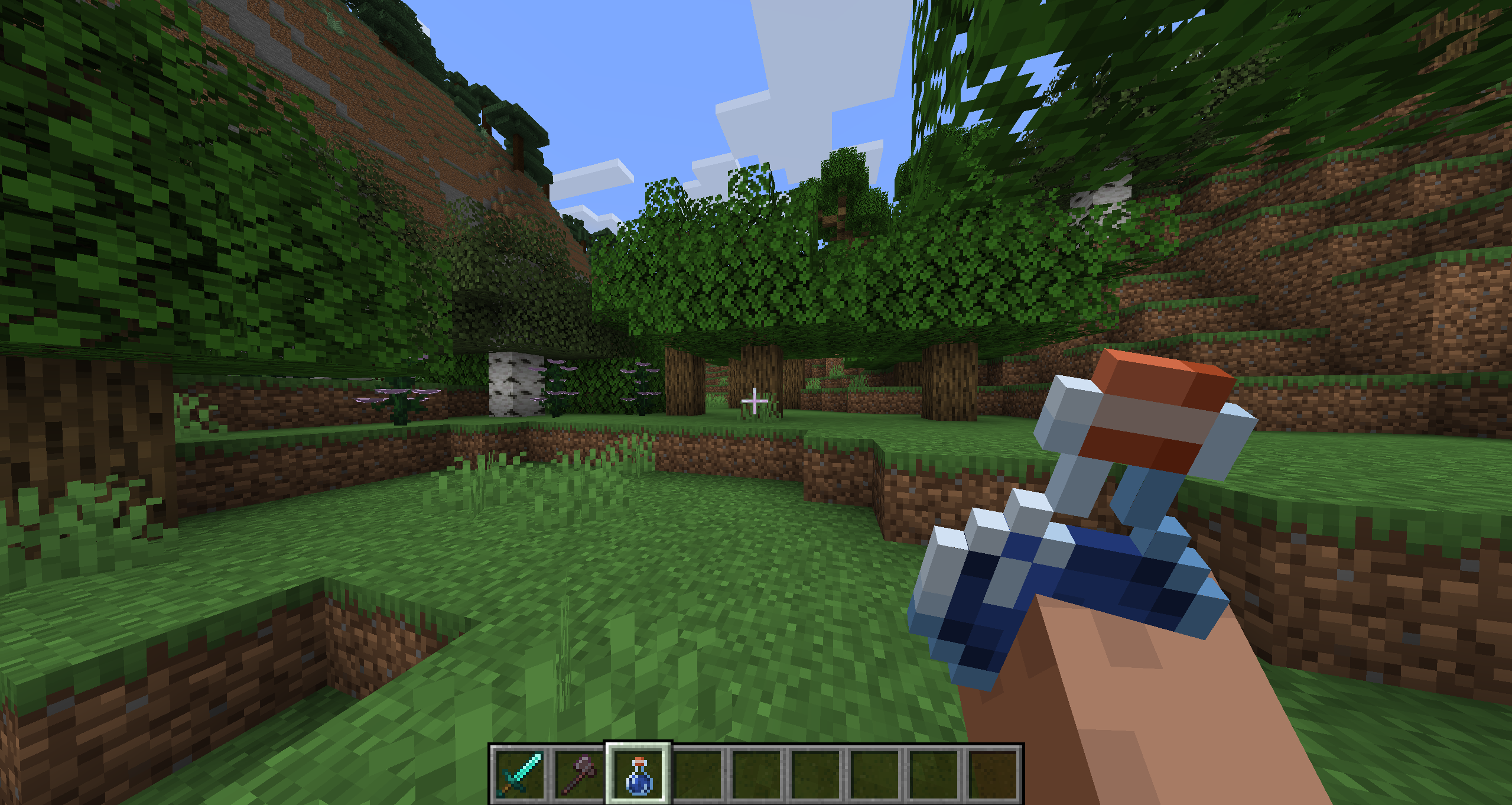
The same goes for food and potions. Your character will outstretch their arm as if they’re bringing the item up to their face to consume.
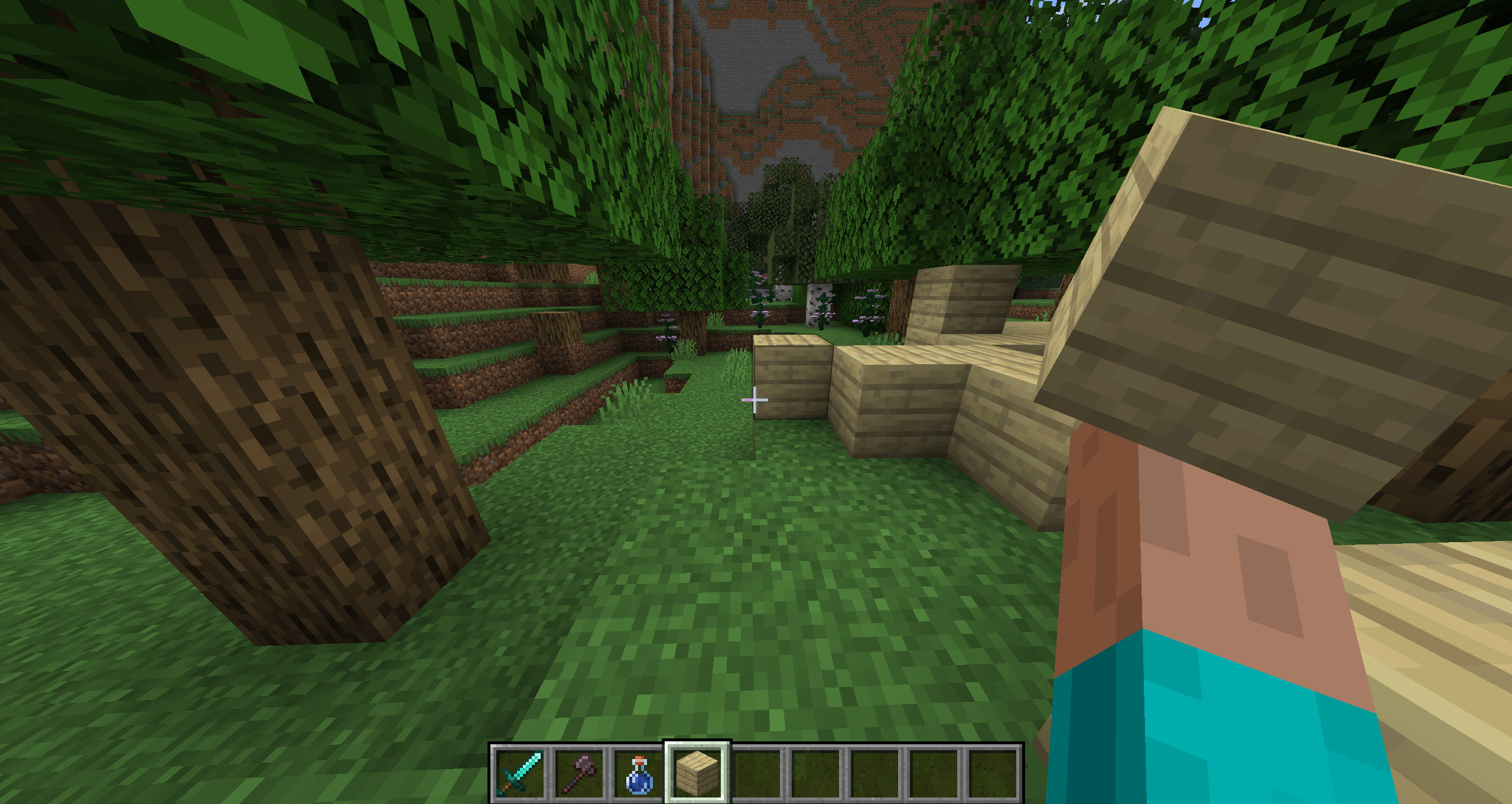
Placing items like blocks is also a bit more realistic. Your character will once again stretch their arm out to place a block down, making for a more dramatic but understandable movement.
These animations also stretch to swimming and jumping, and even drawing a Bow!
Mob Animations
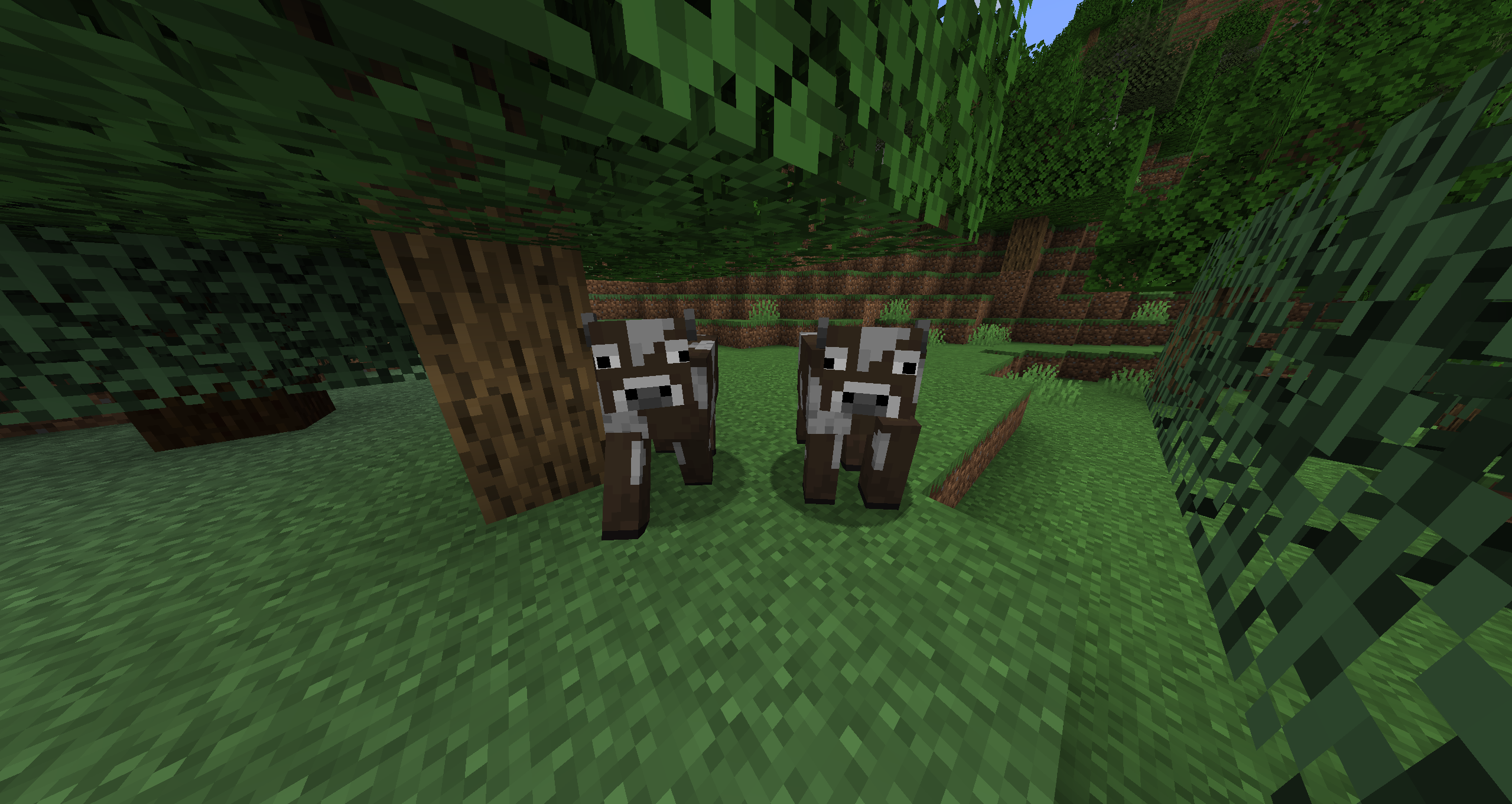
The Resource Pack adds new animations for mobs like Cows and Pigs, having them run along the world with individual leg movements. It’s much less stiff, making for more realistic-looking movement.
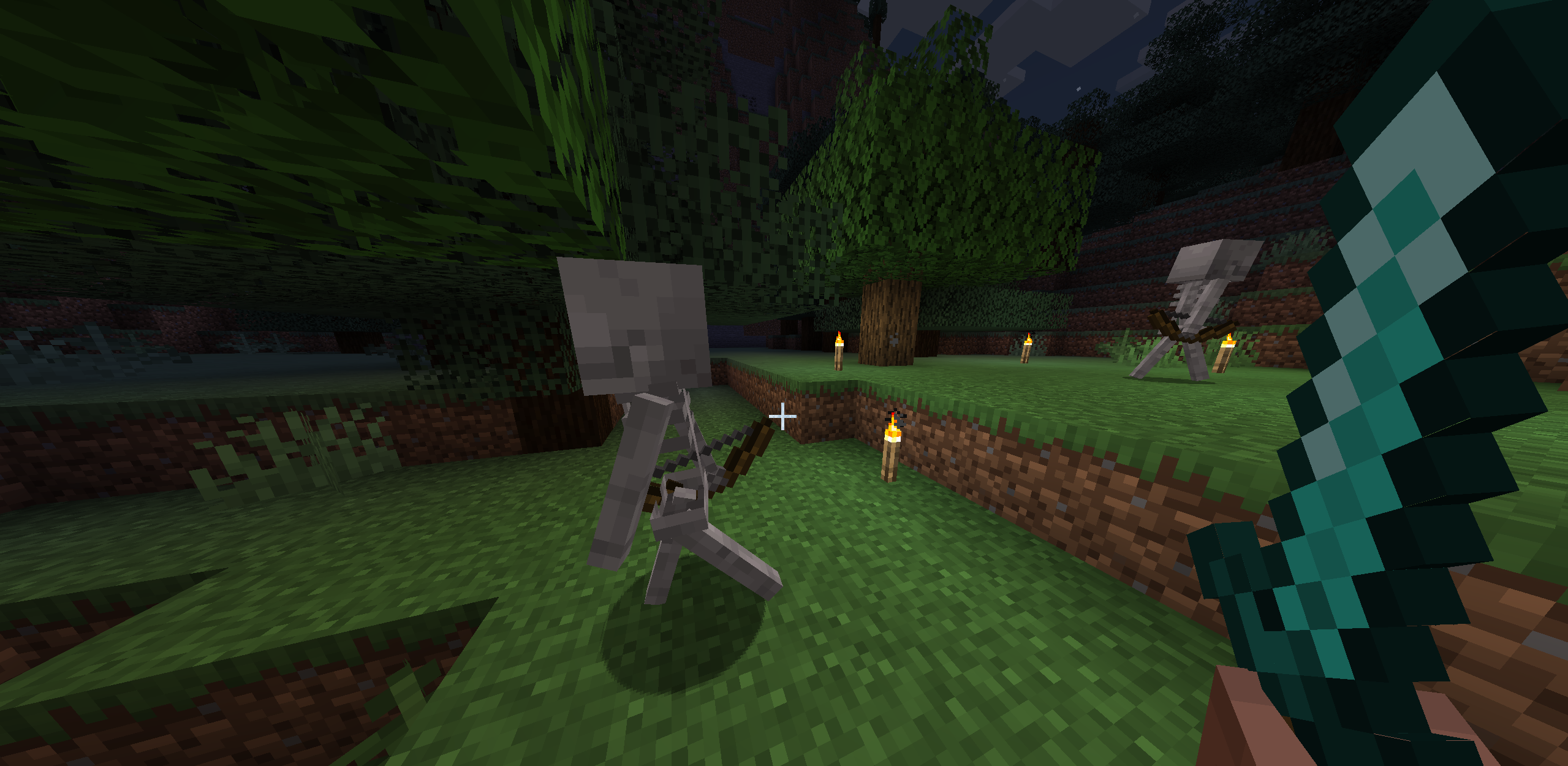
Skeletons and other enemy movements are more fluid as well. The Skeleton swings its arms and Bow as it walks, as well as other things it may be holding.
3D Item Models
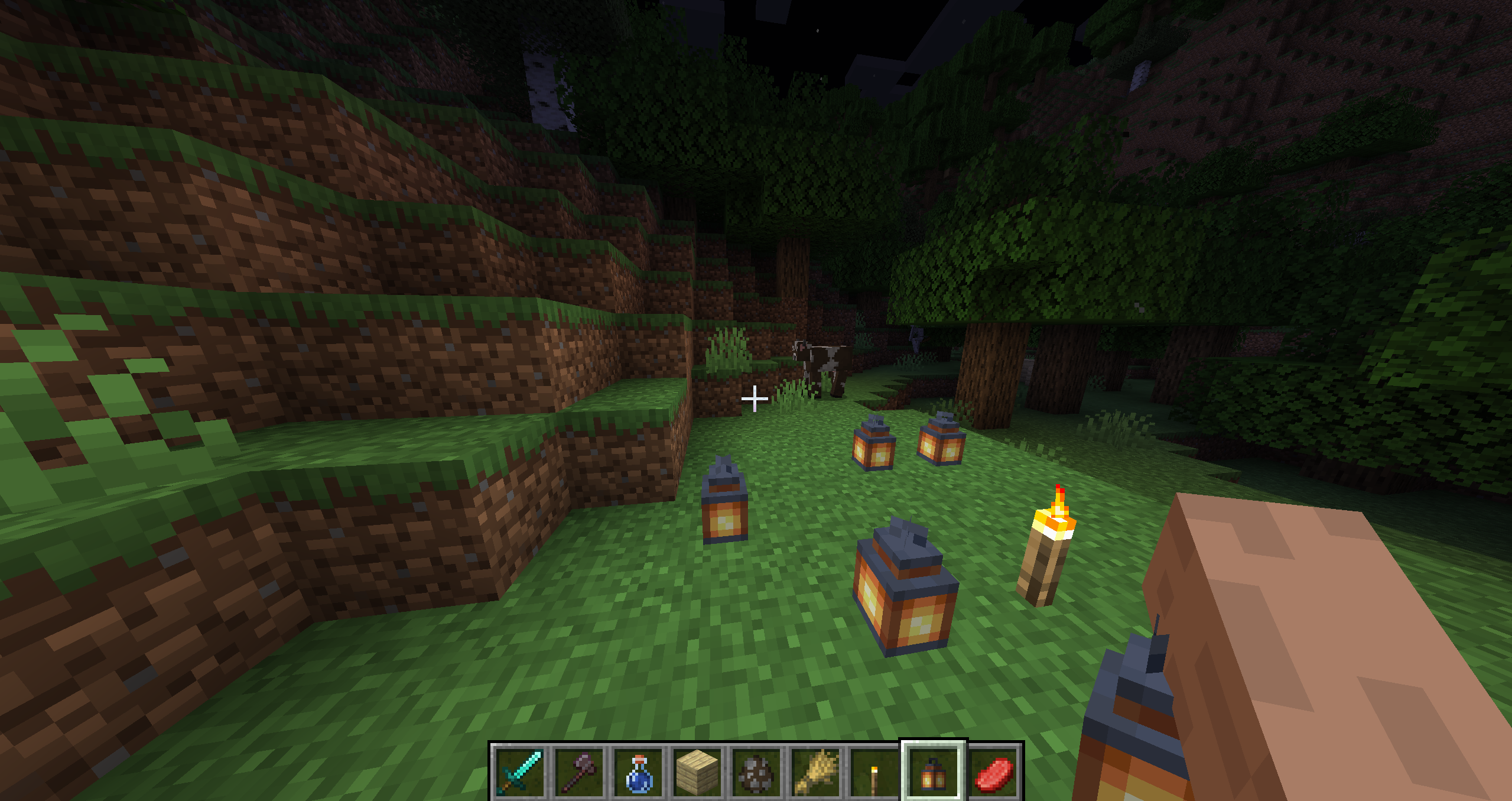
While this is a bit harder to communicate with a simple image, some items, like the Lanterns, have 3D models that swing in your hand while moving.
Improved Sounds
Many of the game’s sound effects, such as the Sword swing and your character’s footsteps, are improved and synced to work with the new animations. These sound effects help support the vision this pack is trying to portray.
Texture Overhaul
What’s The Difference Between A Resource Pack And A Texture Pack?
If you’ve been playing Minecraft for a long time, you might know the term Texture Pack pretty well. Texture Packs overhauled your game’s textures, giving them a brand new look in a variety of ways.
Resource Packs are similar, only more powerful. These types of modifications can alter Minecraft’s block models and sound effects to overhaul your game even further than a normal Texture Pack.
This is important to note, especially when it comes to Minecraft: Bedrock Edition vs. Minecraft: Java Edition, as some packs in the former game’s Marketplace are called Texture Packs, while the latter typically refers to them as Resource Packs.
How Do I Install Resource Packs?
Let’s break down how to install Resource Packs in Java Edition. We’ll use the Actions and Stuff pack as an example.
1. Head to the Actions and Stuff Download Page
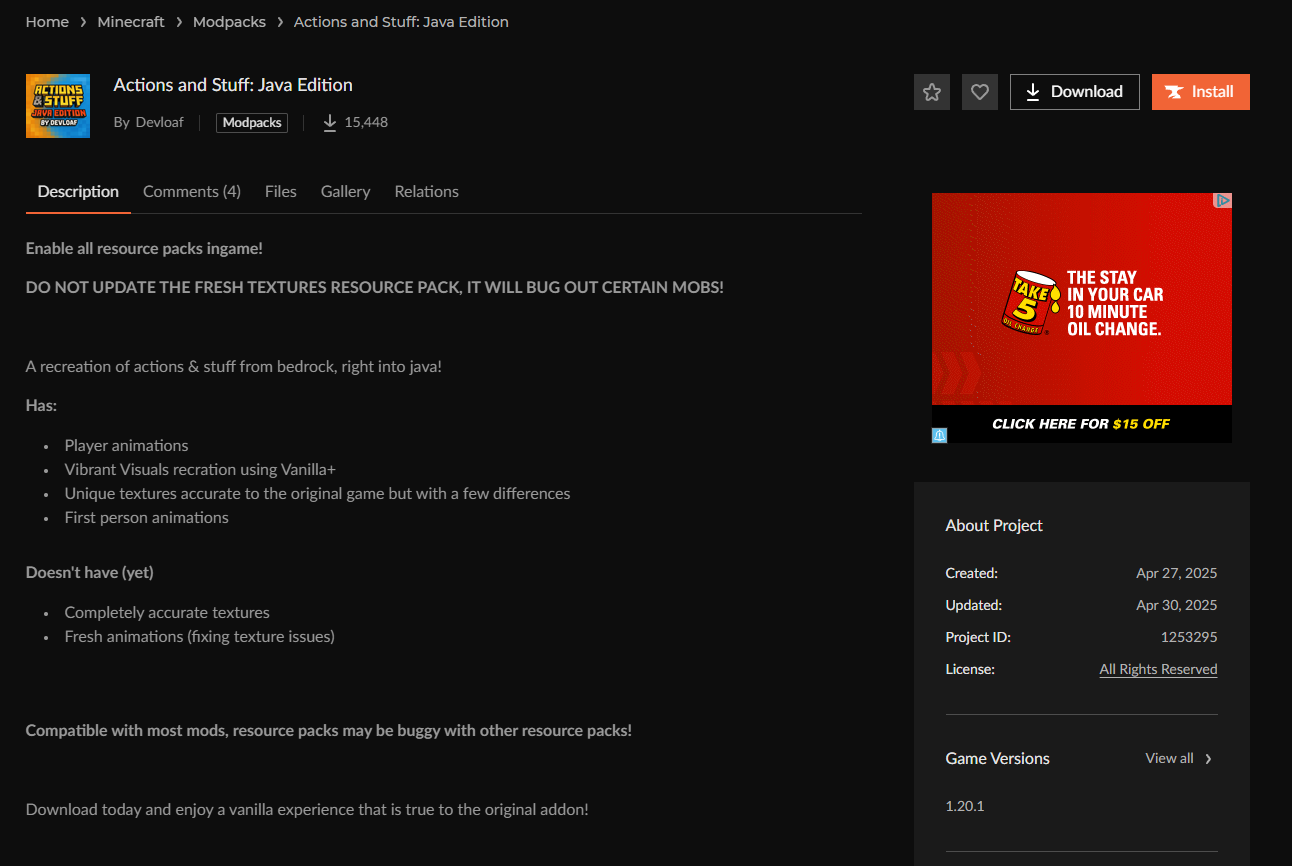
Navigate to this link to download the Resource Pack. You’ll have to download it through the CurseForge mod manager first.
2. Click Install
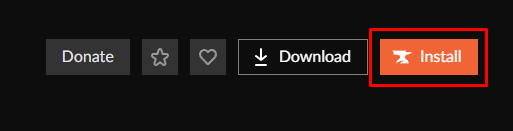
Once on the page, click Install.
3. Save The Installer
Save the CurseForge Installer somewhere easily accessible, like your desktop.
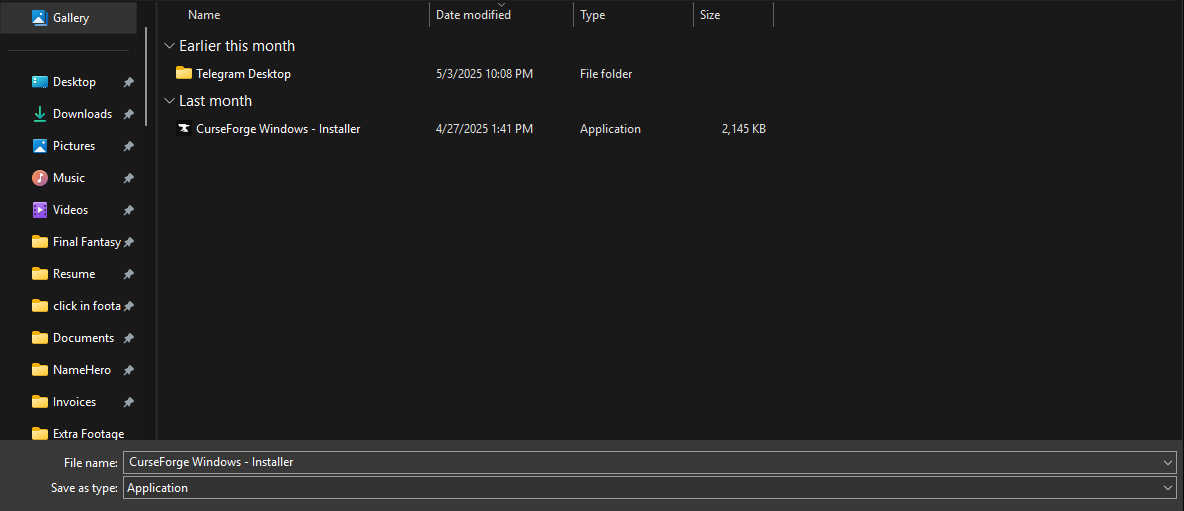
4. Run the Installer
Run the Installer after downloading it, and install CurseForge. Then, open the app.
5. Choose Minecraft
You’re given a list of games to choose from. Select Minecraft.
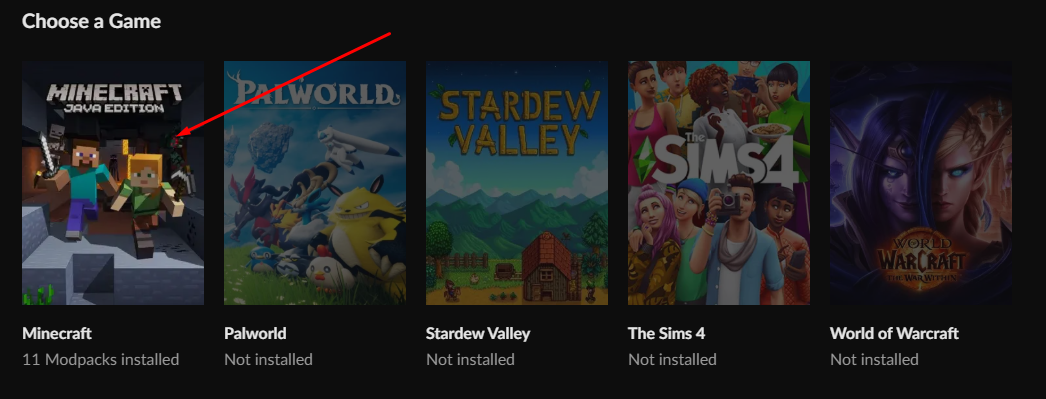
6. Search for Actions and Stuff
Type Actions and Stuff in the search bar.
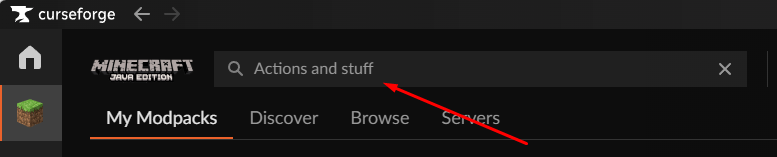
7. Click Install
Click Install on the mod page’s top-right side.
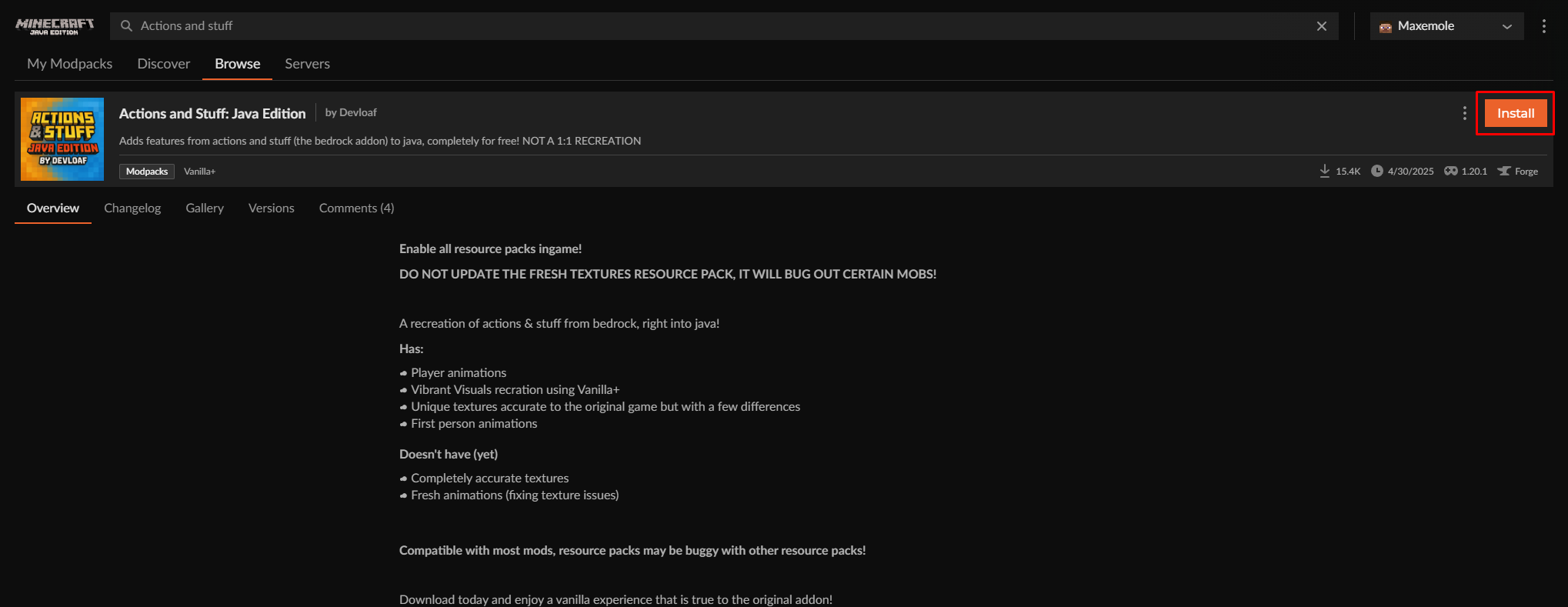
8. Launch the Pack
Head back to the My Modpacks page and click Play on the Resource Pack.
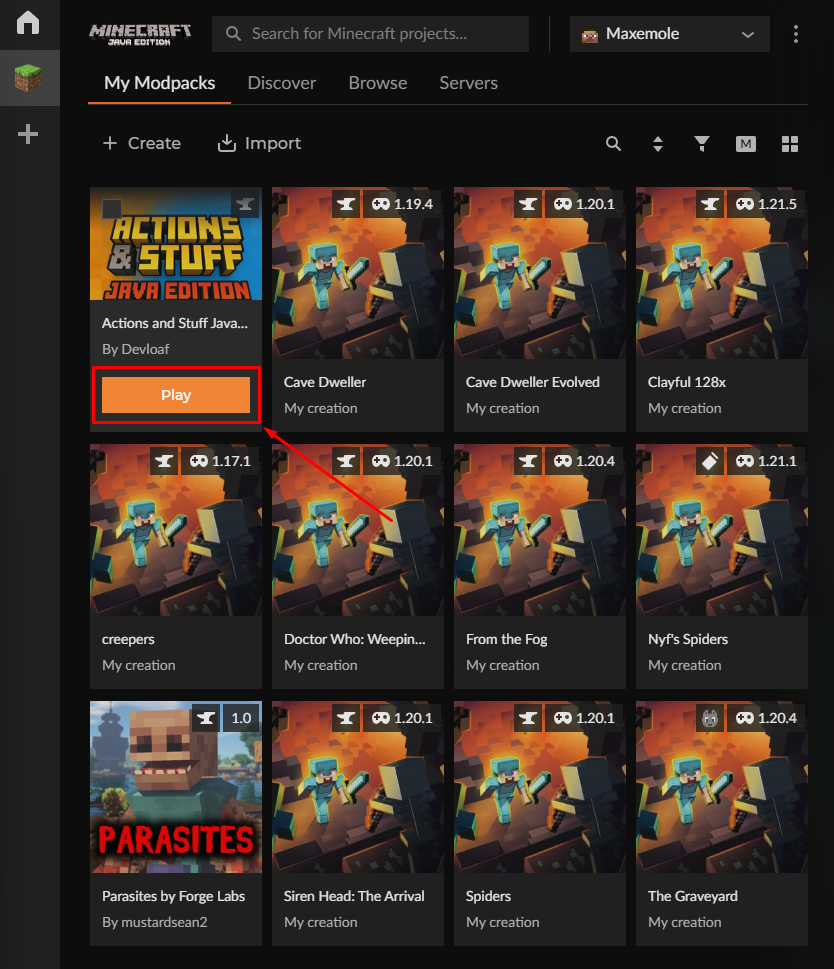
It will install and then launch the game.
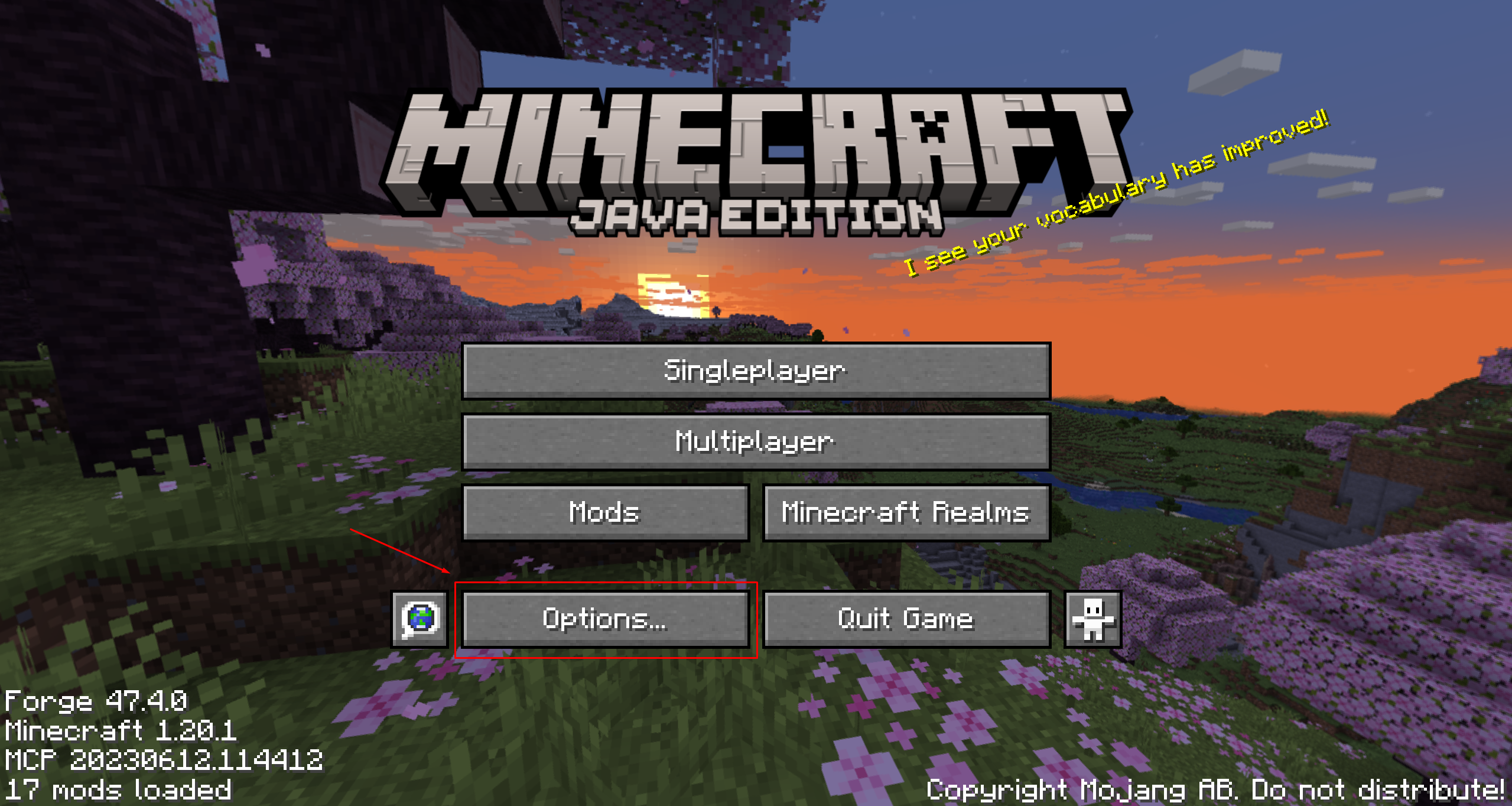
9. Click on Options
Once the game is launched, click on Options.
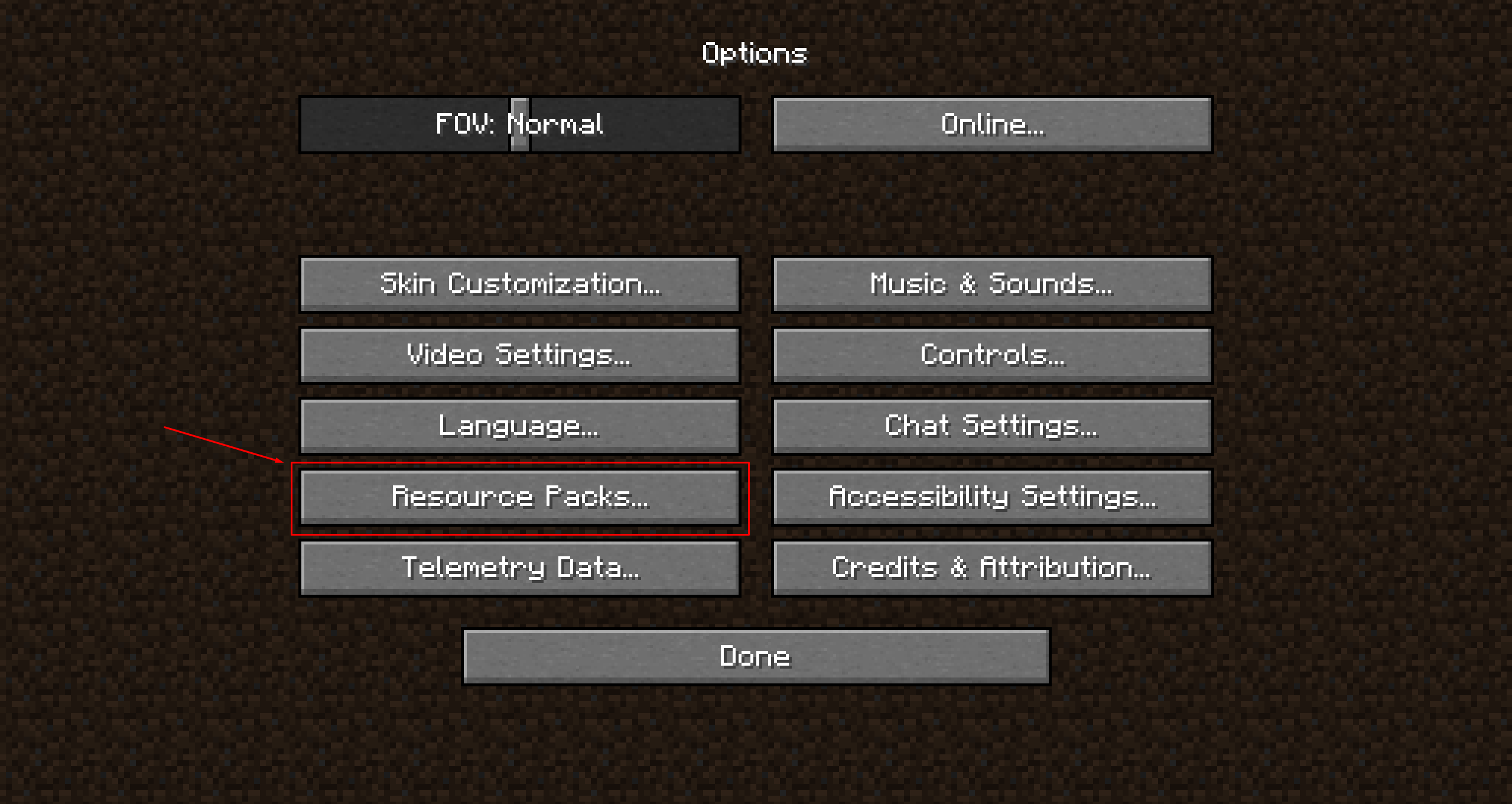
10. Select Resource Packs
Select Resource Packs.
11. Activate the Resource Packs
Click on the arrow for both the 1.21.2 Fresh Moves Pack and the FreshAnimations pack.
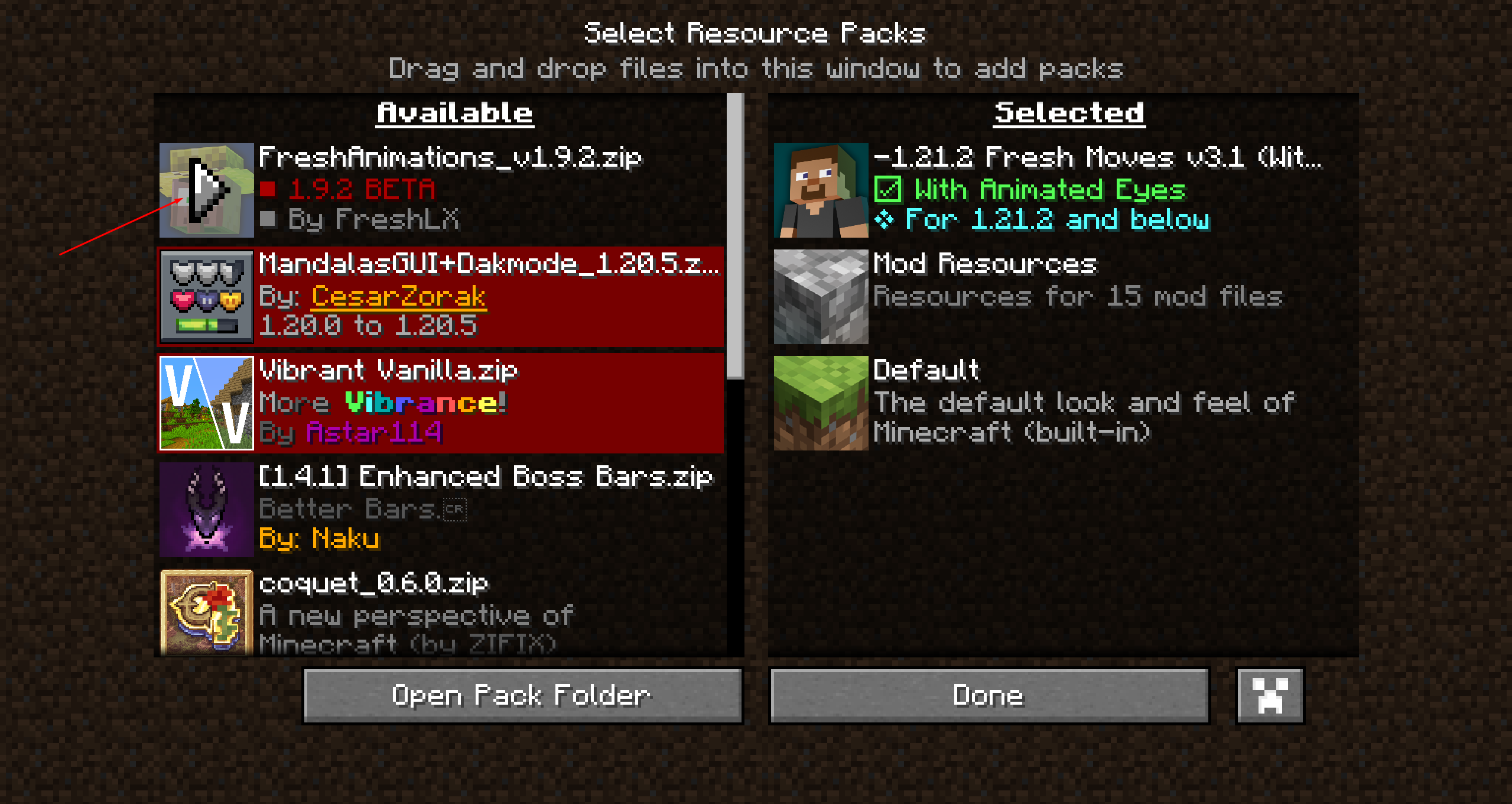
Once they move to the right-hand side, click Done.
Now that you not only know how to install Resource Packs, but how to install the “actions stuff” pack as well, why not place the mod on a Minecraft server so your friends can join in on the fun?
If you’re looking to play Minecraft with your friends, check out NameHero for a comprehensive server solution.
Our servers offer support for up to 32 players, with built-in DDOS protection alongside comprehensive backups. For more information on getting a NameHero server, click here.
NameHero specializes in delivering some of the very best in gaming server tech without breaking the bank. Every Minecraft server comes with DDR4-3200 RAM, NVMe storage, AMD EPYC CPUs, and more!
Already have a server? That’s okay, come hang out with us on Discord!

Max is a freelance writer with a love for gaming and technology. He’s always looking for the next big game to play and tinkers with tech in his remaining free time.
Leave a Reply