
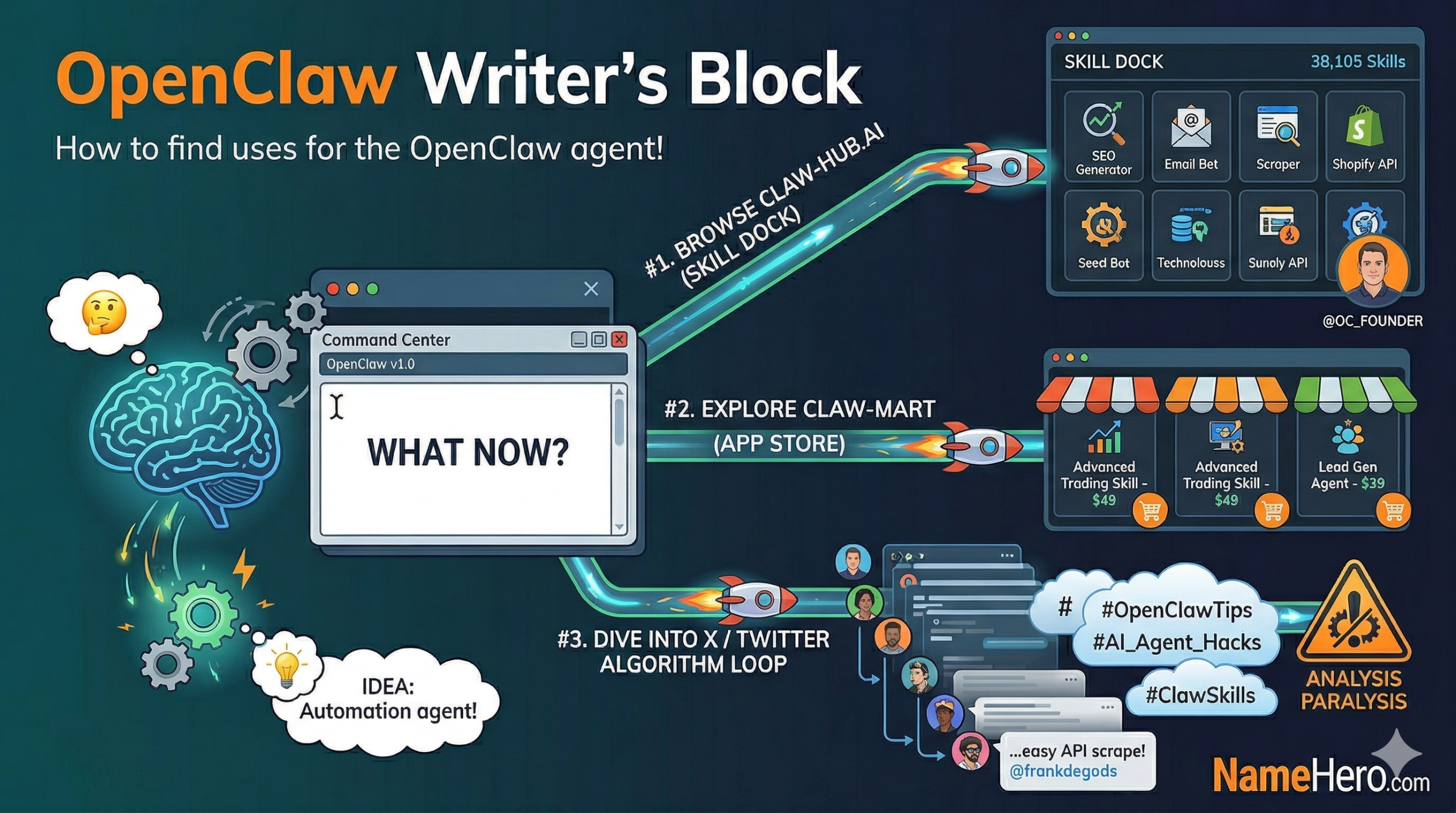
You’ve taken the plunge and installed OpenClaw after seeing it on X, LinkedIn, and Reddit 20 times. Now what?
This feeling is often meme’d as many people succumb to the FOMO and install OpenClaw but find themselves stuck at ground zero figuring out what to actually do with it. I’m going to give a few tips on how to get your brain jogging.
Before I do that, make sure you check out my other tutorials as I do offer an easy way to get setup with a Claude subscription (and you can start with replacing your usage of ChatGPT or Claude currently) or setup an email inbox for your agent! These were my starting points.
Don’t have an OpenClaw instance yet? Check out NameHero’s VPS instance with auto-installed OpenClaw. Get up and running in a few minutes.
3 Ways To Get Rid Of OpenClaw Writer’s Block
It’s kind of the same feeling as having writer’s block. You need something to get your idea juices flowing. Since OpenClaw is probably relatively unknown to you, you don’t know where to start.
I like to start with checking out what OpenClaw skills are available. OpenClaw skills are files that contain instructions and code to help OpenClaw agents do tasks with one keystroke or click. By checking out what skills are available, you gain an understanding of what’s possible by:
A. showing you what others are doing (through download and star metrics) and
B. seeing what platforms, services and API’s are connectable (maybe you’re already using some of them!)
#1. Check Out ClawHub.ai – The “Skill Dock”
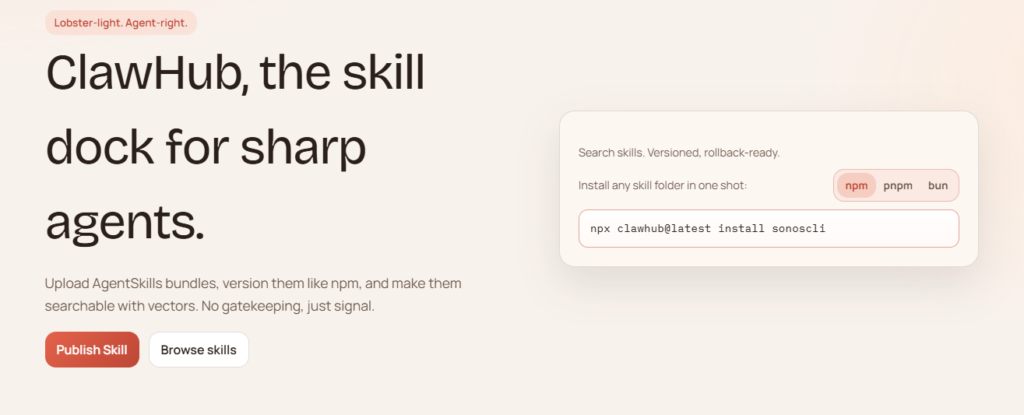
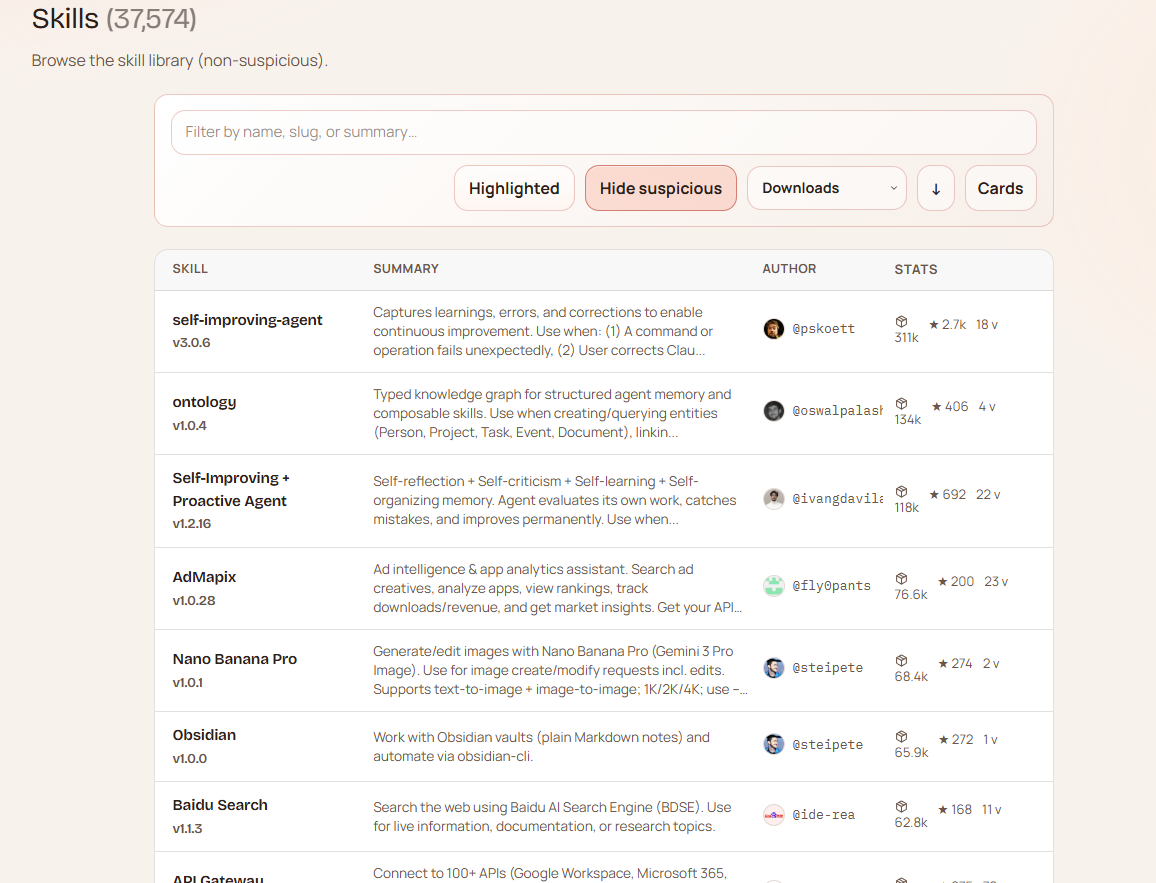
This is a popular one – even the founder of OpenClaw has a profile! With nearly 38,000 skills at the time of writing this, there’s got to be something here…
I will give a word of caution – like downloading a program for your computer, some of these files may contain adware or otherwise have malicious intentions so it’s best to do your research with judging skills based on stars and downloads. I also like to research the creator as well in some cases.
Luckily they also make it possible to filter out what they deem to be “Suspicious” skills:
#2. Check Out ClawMart – The AI Assistant App Store
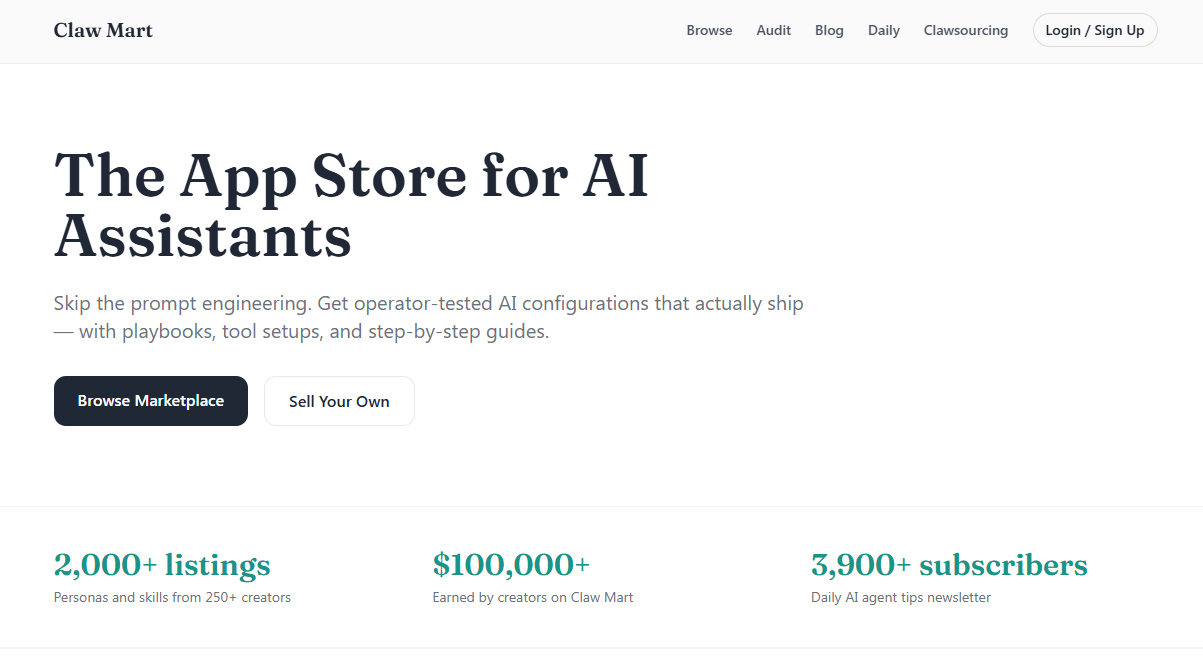
ClawMart is very similar to ClawHub.ai except everything here is for sale. There’s a pro and a con to that. Some people share skills for the greater good on ClawHub, others try to monetize a really badass skill on Clawmart or elsewhere. Obviously if you purchase something there’s a chance there could be some competitive value there vs. using a free skill that hundreds or thousands of other people use. For example, a skill that creates SEO friendly content. There could be a proprietary blend from an SEO marketer that is well worth the extra few bucks.
#3. Get Into The OpenClaw X Algorithm Loop
You may already spend some time on X but you may not be in the OpenClaw algorithm. Doing some searches of OpenClaw, OpenClaw skills, OpenClaw tips, etc. may get you started. I’ve found some really cool examples of OpenClaw being used and often times people are like an open book. I found this a few weeks ago and it was a much easier way to scrape and access X through their API than what I had hacked together previously:
A lot of times there are a lot of tools, services and API’s that all do the same or similar things and X can help you figure out what’s the right configuration for what you are trying to do. However, it’s also easy to get into analysis paralysis especially with X users frequently being critical.
Still Stuck? Come Back To It… But Shut It Down If You Are Using Credits!
If you’re still stuck or maybe none of this really lights a fire for you, that’s okay. Installing it and coming back to it is perfectly fine. I did the same thing a few months ago. As long as you setup your Claude subscription, you won’t be burning any credits while you put it on the backburner.
If you are using API credits, make sure you burn all of them and turn off automatic reload or simply shut down your VPS instance or local machine. OpenClaw will burn API credits through it’s heartbeat functionality if you have a channel setup!
Give NameHero OpenClaw A Try
Give our OpenClaw Hosting a try for just a few bucks a month – with OpenClaw auto-installed. You can also register a domain with NameHero and setup a custom domain if you’d like to use it for support emails, sales agent email abilities, and more!

John is the COO of NameHero and is an entrepreneurial, data-driven digital marketer and business operator with +16 years of experience across many different marketing channels, industries and strategies (B2C & B2B).
Leave a Reply