Mac Mini vs VPS vs Hardware: What’s the Best Way to Run OpenClaw?
Uncover the differences between Mac Mini vs VPS vs Physical Hardware for OpenClaw. Learn the tradeoffs for each in this simple guide.
A lot of the chatter on X, especially when the OpenClaw hype first kicked off, was fixated on one question:
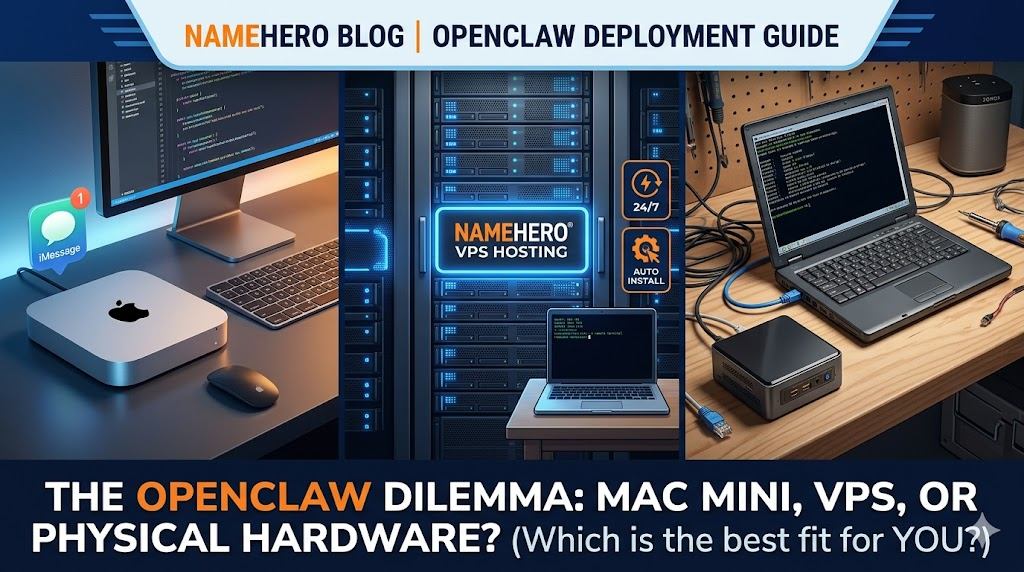
What’s the best way to run OpenClaw? Mac Mini, VPS, or your own computer?
If you scroll long enough, you’ll see a lot of confident answers about needing a Mac Mini. The sexy, sleek Apple computer that runs anywhere from $600 to $1,499 for the M4 Pro model.
A Mac Mini can be the right solution. But like anything, there are tradeoffs. So instead of a deep technical breakdown, here’s the practical version of when each option actually makes sense.
#Option #1: Mac Mini
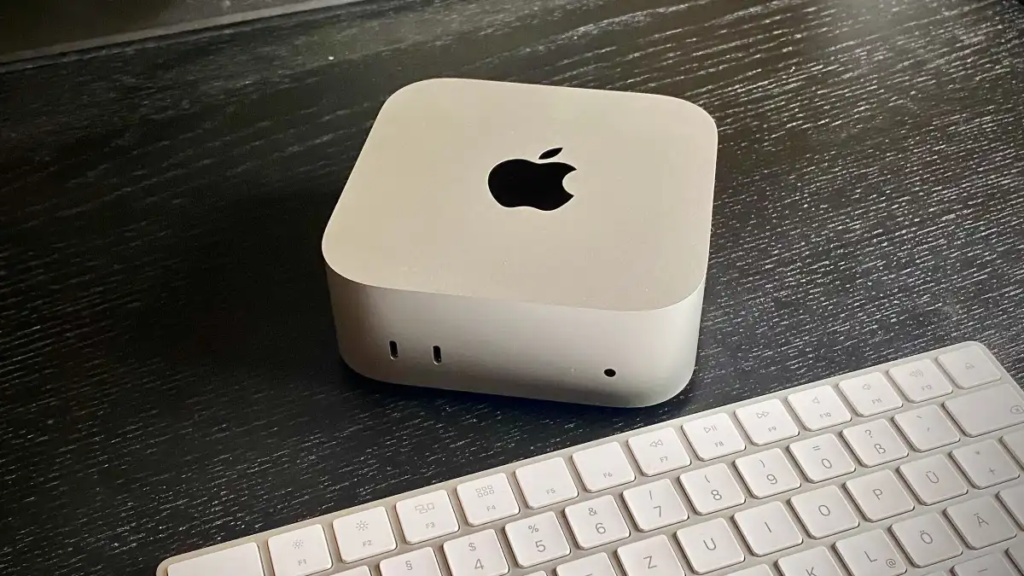
Major publications started reporting delays and stock shortages on Mac Minis a few weeks ago – all driven by OpenClaw. As an Apple shareholder, this was good news.
Companies and consultants were spun up over night that will drive/fly to your home with a brand new Mac Mini and install it for a huge fee. Rich tech bros in San Francisco loved this one.
But why? It comes down to one distinct advantage across other solutions: iMessage support.
Well two if we ‘re being precise, iMessage and some Apple HomeKit support if you are into the smart home thing.
Apple does a good job of protecting their own and unfortunately there isn’t much of a workaround. You can find skills or hacks to force support for a Linux machine or VPS but reliability remains a serious issue and without reliability, your AI agent can’t be that helpful.
TL;DR: If you want to be able to integrate your OpenClaw into your iMessage, Mac Mini is worth splurge. I will say, I don’t have any plans to give OpenClaw access to my iMessages. I like to keep it separate from all my email as well and create it’s own email inbox.
#Option #2: VPS
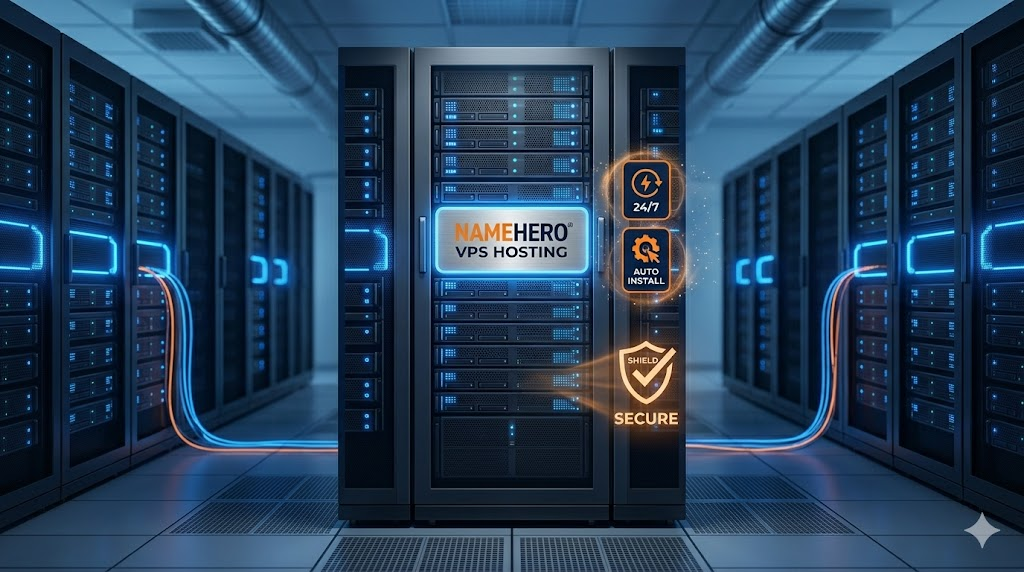
The power of VPS is you get the separate system from your own personal computer that runs 24/7. It won’t have access to your network of devices easily but you also don’t have to worry about network or power issues as it’s not located physically in your house.
Not all VPS companies are created equally. Some users report issues with Hetzner bare metal servers where they purchase a server and due to ports being open, they are quickly hijacked by port scanners.
Luckily, here at NameHero, we’ve got you covered. We offer our OpenClaw VPS packages with the utmost security measures in mind. No headaches to access – we’ve got your best interests in mind. The beauty of OpenClaw is you can choose to harden yourself as well if you wish but out of the box, we deploy our VPS hosting instances safely and securely.
So why would you go with VPS?
- Always On – never have to worry about network or power issues that you would with a physical unit.
- Affordable – compared to a Mac Mini or buying a NUC, you can get the specs you need at a fraction of the cost
- Easy – our VPS packages come with OpenClaw and Ubuntu auto installed so no configuration needed in order to get setup.
TL;DR: VPS packages remain the best bang for your buck and easiest setup across all options especially when you go with a host like NameHero who has their VPS instance optimized specifically for minimal frustration and maximum performance.
#Option #3: Physical Hardware
Physical hardware is our last option to consider, meaning your primary computer, an old computer laying around, or otherwise a different device other than a Mac Mini which we covered above. I used a NUC that I purchased for crypto mining about 2 years ago that still has some nice specs.
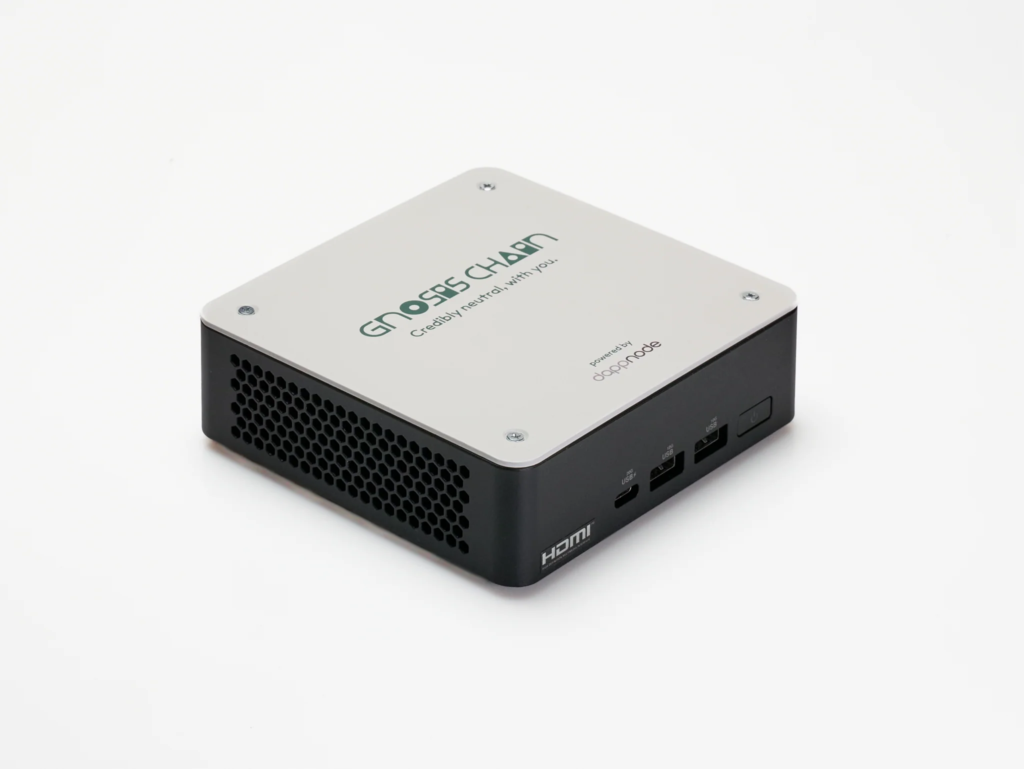
Being on your home network is nice because you’re able to easily use it on your local network to connect to other devices, like your Sonos speakers or a printer.
If you are first starting to tinker with OpenClaw, there’s nothing wrong with just doing it on your primary computer to learn setup and etc. But it’s not practical to leave your computer running 24/7 and I would argue using Claude Cowork or another solution may be better for a primary computer.
One of our employees was able to revive his old laptop and now dedicated it to running OpenClaw, the minimum specs are really quite low and can go a long way. 2 Core CPU, 6-8 GB RAM, and let’s say 50-100GB storage.
TL;DR: If you have something laying around already that is idle, or you like the idea of your OpenClaw helping connect or manage local network devices, then this may work for you. However, sometimes management of those devices is best left to the native apps (i.e. Sonos, Brother printer, etc.)
#So what should I pick?
My recommendation is try starting with a VPS for as low as $4 per month when you go with a host like NameHero and if you choose to stick with OpenClaw and have some very helpful use cases, then splurge on a NUC or Mac Mini. If you’ve got an old computer laying around and a few hours on your hands, then you can save the $4 and learn something but I frankly feel like it’s nice to have everything auto setup so you aren’t spinning your wheels for hours in some cases!