

I keep running into the same problem. Someone shares a solid six-minute explainer, I mean to watch it, and three days later the tab is still open. I wanted Hermes to take the link and hand me five bullets I could actually use.
So I opened Chat on our test VPS and asked it, in plain English, to watch a YouTube video and send me a summary with exactly five bullet points.
What we’re doing
This is one job only: paste a YouTube URL into Hermes and get five clear bullets back. I used the dashboard Chat path. I’m going to assume you have not setup WhatsApp or another messaging method just to keep this simple.
Under the hood Hermes loads a builtin helper called youtube-content. In plain English, that skill pulls the video’s transcript, the written text of what was said. It is not staring at pixels the way a person watches a screen. When captions exist, that transcript is enough for a useful summary.
Hermes is running on a NameHero VPS for this, so it stays on when my laptop sleeps.
What you’ll need
- Hermes already running on a NameHero VPS, with a working AI key so Chat can think. If you are still on the first hello, start with Your first conversation with Hermes.
- A browser open to the Hermes dashboard
- A live YouTube URL. A dead link will fail honestly. Hermes will not invent a summary.
Walk through it
On the left of the dashboard, open Chat. If the first load says session not found, click New chat. You should see a ready status and your model badge live.
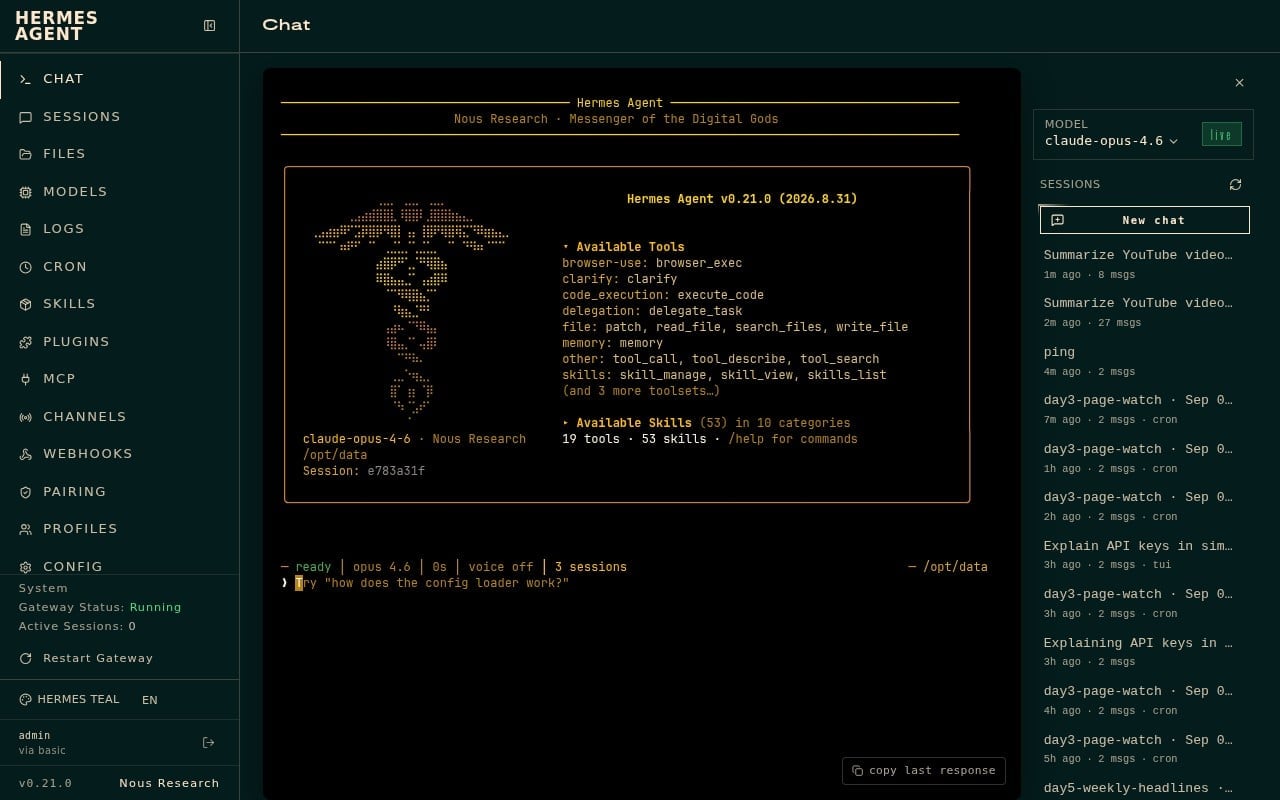
I typed this prompt, then put my URL at the end:
Watch this YouTube video and send me a summary with exactly 5 bullet points: https://www.youtube.com/watch?v=mpQZVYPuDGU
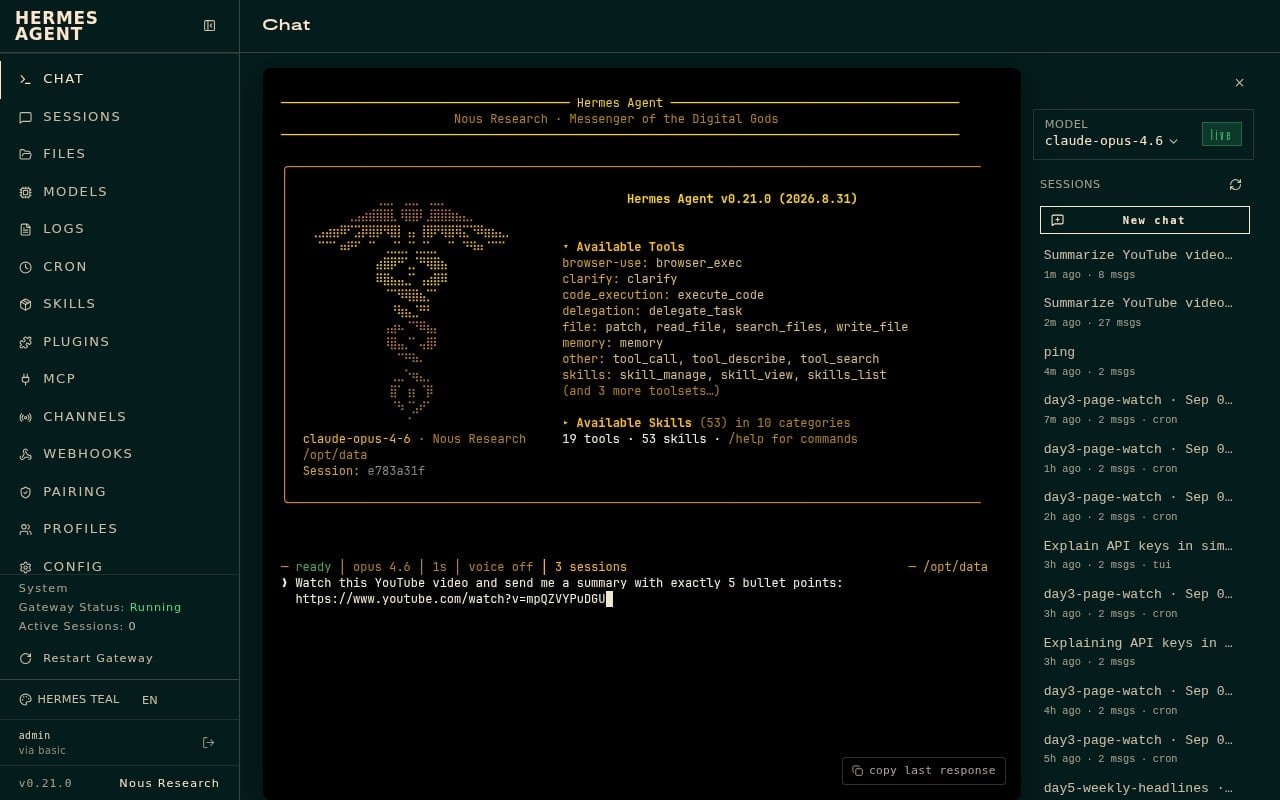
That live link is PowerCert’s “DNS Explained” video, about six minutes. It is a beginner hosting topic, which made it a fair test.
My first try was a dud. I used a different YouTube ID that is no longer available. Hermes did not fake five bullets. It said the page and its download check both reported the video gone, and it offered to check the URL, hunt for a mirror, or summarize a local transcript if I had one. That took about a minute and a half on the command line. Then I switched to the live PowerCert link above.
On the working URL, Chat showed a short tool trail. It looked up the youtube-content skill, installed a small transcript helper, and ran the skill script. First useful text showed up in about twenty seconds. The full five bullets were there when status returned to ready.
What Hermes produced
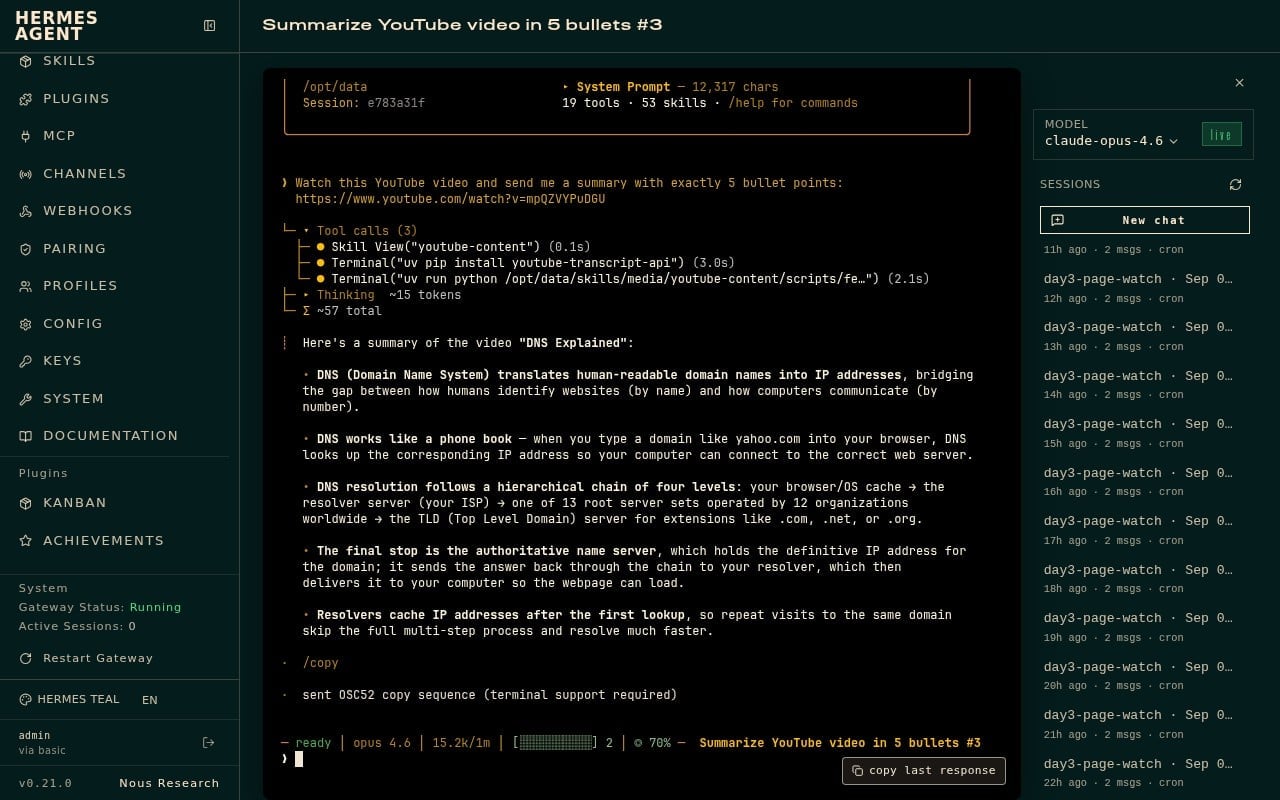
Here is what Chat gave me.
Here’s a summary of the video “DNS Explained”:
- DNS (Domain Name System) translates human-readable domain names into IP addresses, bridging the gap between how humans identify websites (by name) and how computers communicate (by number).
- DNS works like a phone book — when you type a domain like yahoo.com into your browser, DNS looks up the corresponding IP address so your computer can connect to the correct web server.
- DNS resolution follows a hierarchical chain of four levels: your browser/OS cache → the resolver server (your ISP) → one of 13 root server sets operated by 12 organizations worldwide → the TLD (Top Level Domain) server for extensions like .com, .net, or .org.
- The final stop is the authoritative name server, which holds the definitive IP address for the domain; it sends the answer back through the chain to your resolver, which then delivers it to your computer so the webpage can load.
- Resolvers cache IP addresses after the first lookup, so repeat visits to the same domain skip the full multi-step process and resolve much faster.
I ran the same prompt from the command line too. It came back with five DNS bullets in about twenty-nine seconds. Chat’s wording is a little cleaner for beginners, so that is the set I am quoting here.
What I learned
Hermes can turn a YouTube link into five useful bullets when you ask in plain English. Open Chat, start a New chat if you need one, paste your prompt with the URL, and wait for the reply in the chat window.
It is not watching the video like a person. It uses a builtin helper called youtube-content to read the transcript, the written text of what was said. That is why a live video with captions works well for this job.
One gotcha: a dead or removed YouTube URL will fail. Hermes should say the video is unavailable and offer recovery ideas instead of inventing a summary. Double-check the link before you assume Hermes is broken.
On this setup, “send me a summary” means the answer shows up in Chat. Messaging apps were not configured on the test box, so that is the path I taught.
Hermes Agent Hosting comes with Hermes preinstalled on a NameHero VPS. NameHero support is available by live chat if you get stuck.

John is the COO of NameHero and is an entrepreneurial, data-driven digital marketer and business operator with +16 years of experience across many different marketing channels, industries and strategies (B2C & B2B).
Leave a Reply