
I can already ask Hermes a quick question in Chat. What I wanted next was different. I wanted it to write a real blog post for the NameHero hosting blog, something a beginner could read without feeling lost.
So in this walkthrough I take a simple keyword, tell Hermes who we write for, and show the steps I use to get a draft that sounds like us. To be more specific, we will build a writing prompt in ChatGPT, paste it into Hermes, get the draft, then run a humanizer pass so it does not sound like AI marketing copy.
Hermes is running on a NameHero VPS for this, so it stays on when my laptop sleeps.
What we’re doing
Our example keyword is what is a VPS. That is a fair first article for a hosting blog, and it is easy to check whether the draft actually helps a beginner.
A writing prompt is the brief. It tells Hermes the title, audience, outline, length, and tone rules. A humanizer pass is a second rewrite that keeps the facts and cuts the habits that make AI writing sound fake.
Why ChatGPT builds the prompt
ChatGPT is good at turning a messy idea into a clear brief. Hermes is good at following that brief and writing on your server. Splitting those jobs matters. If you ask Hermes to invent the outline and write the article at the same time, it invents structure while it writes. You lose control of voice and audience before the first paragraph lands.
Most beginners already know ChatGPT. Using it for the prompt feels familiar. You stay in the planning seat. Hermes stays in the writing seat. When the brief is solid, Hermes is not guessing who NameHero is or who the post is for.
What you’ll need
- Hermes already running on a NameHero VPS, with a working AI key so Chat can think. If you are still on the first hello, start with Your first conversation with Hermes. If Chat says it needs a brain, see Why does Hermes need a key from OpenAI or Anthropic?.
- ChatGPT in a browser, signed in
- The Hermes dashboard in a browser
- A focus keyword, plus one or two sentences about your business and who the post is for
Walk through it
Start with the business context, not just the keyword. For this post I told the brief that NameHero is a hosting company, the blog is for beginners, and the article should explain what a VPS is without a hard sell. The keyword was what is a VPS. Length was about 400 to 600 words.
Open ChatGPT and ask it for a ready-to-paste writing prompt only. Do not ask it for the finished article. Give it the keyword, who NameHero is, who the reader is, the outline you want, the length, and the tone rules. You want ChatGPT to hand you a brief you can paste into Hermes.
Here is the kind of ask I use:
Write a ready-to-paste writing prompt for an AI assistant that will draft a short beginner blog post for the NameHero hosting blog. Focus keyphrase: what is a VPS. Audience: a small business owner who is not especially technical. Explain that we are a hosting company writing for beginners. Include a clear outline, target 400-600 words, and ban AI marketing phrases. Do not write the blog post. Output only the writing prompt.
Copy the prompt ChatGPT gives you. Then open Hermes Chat and start a New chat.
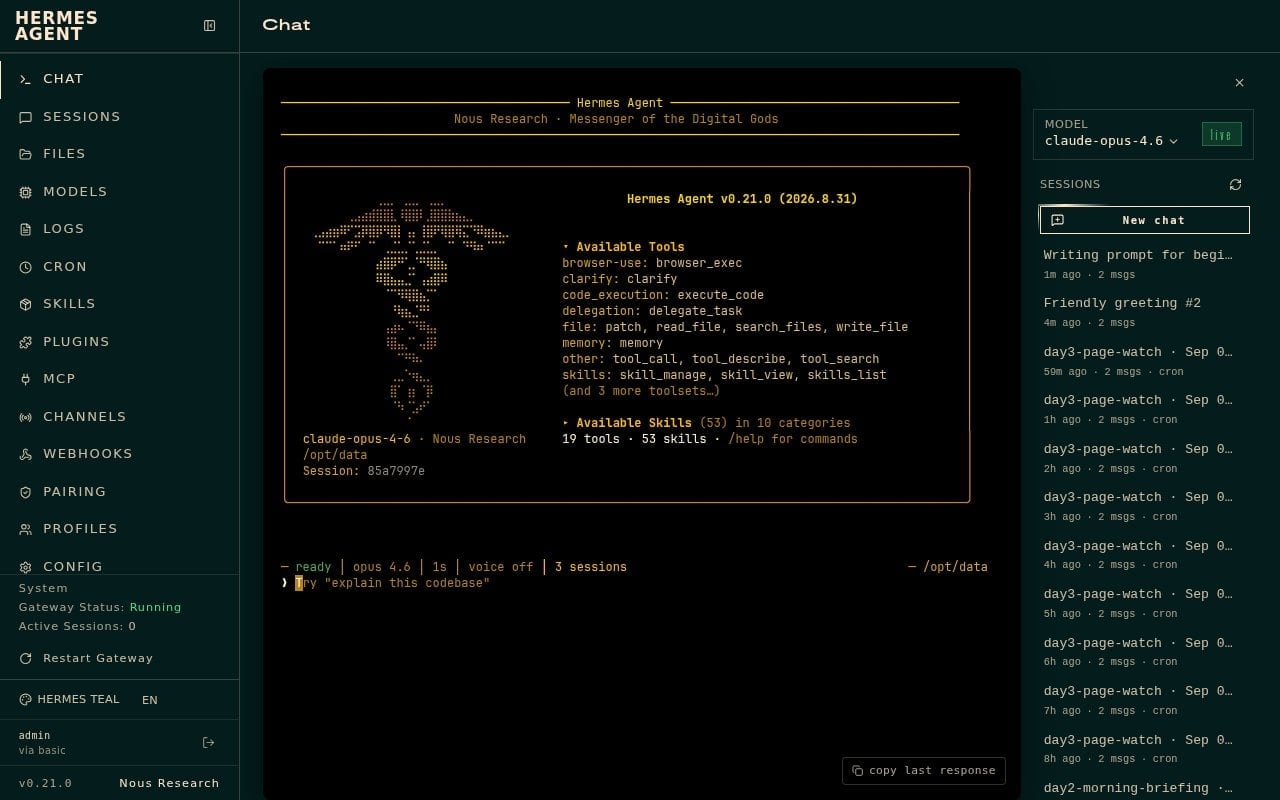
Paste that writing prompt into Hermes and send it. Hermes should follow the brief and write the post.
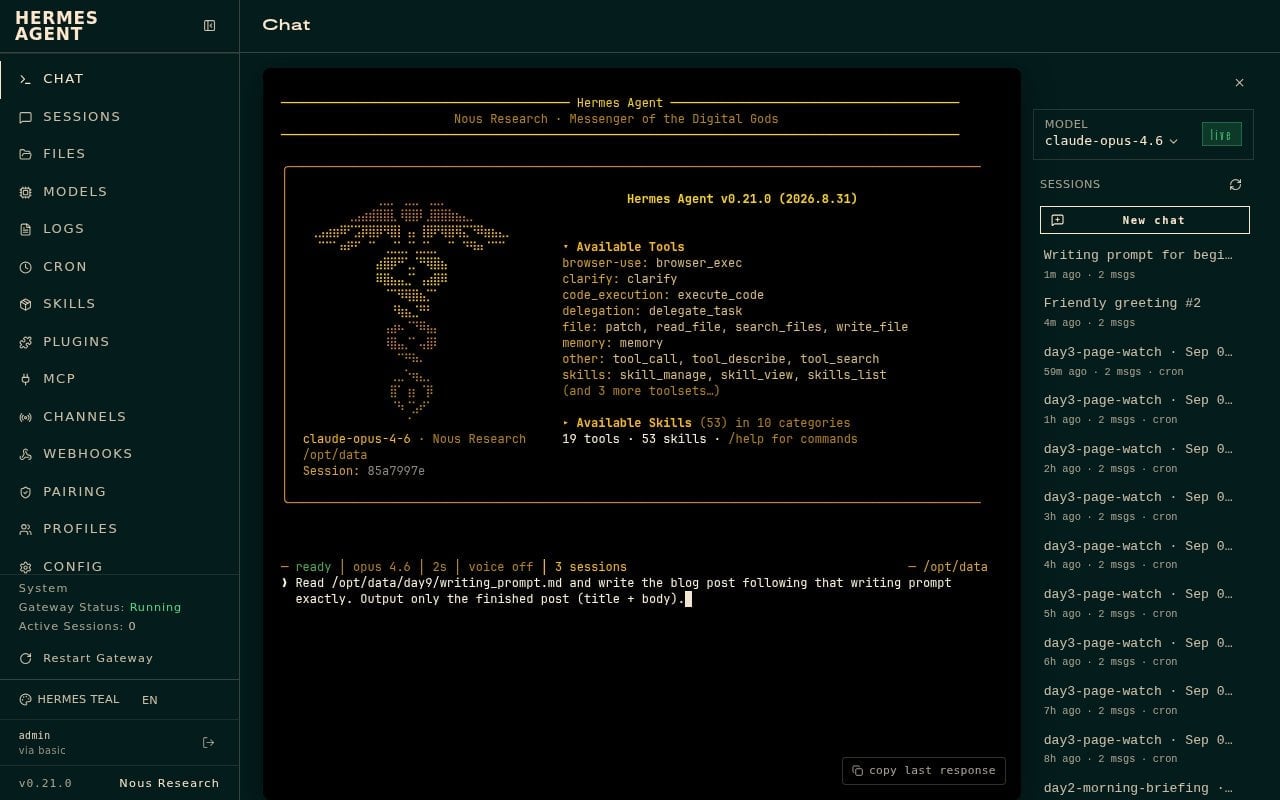
On our test, Hermes returned a full “What Is a VPS?” draft. Short slice of the opening:
A VPS is a type of web hosting that gives your website its own private portion of a server, rather than sharing everything with other websites. If you have ever wondered what is a VPS and whether your business needs one, this post will explain the idea in plain terms and help you decide when it might matter.
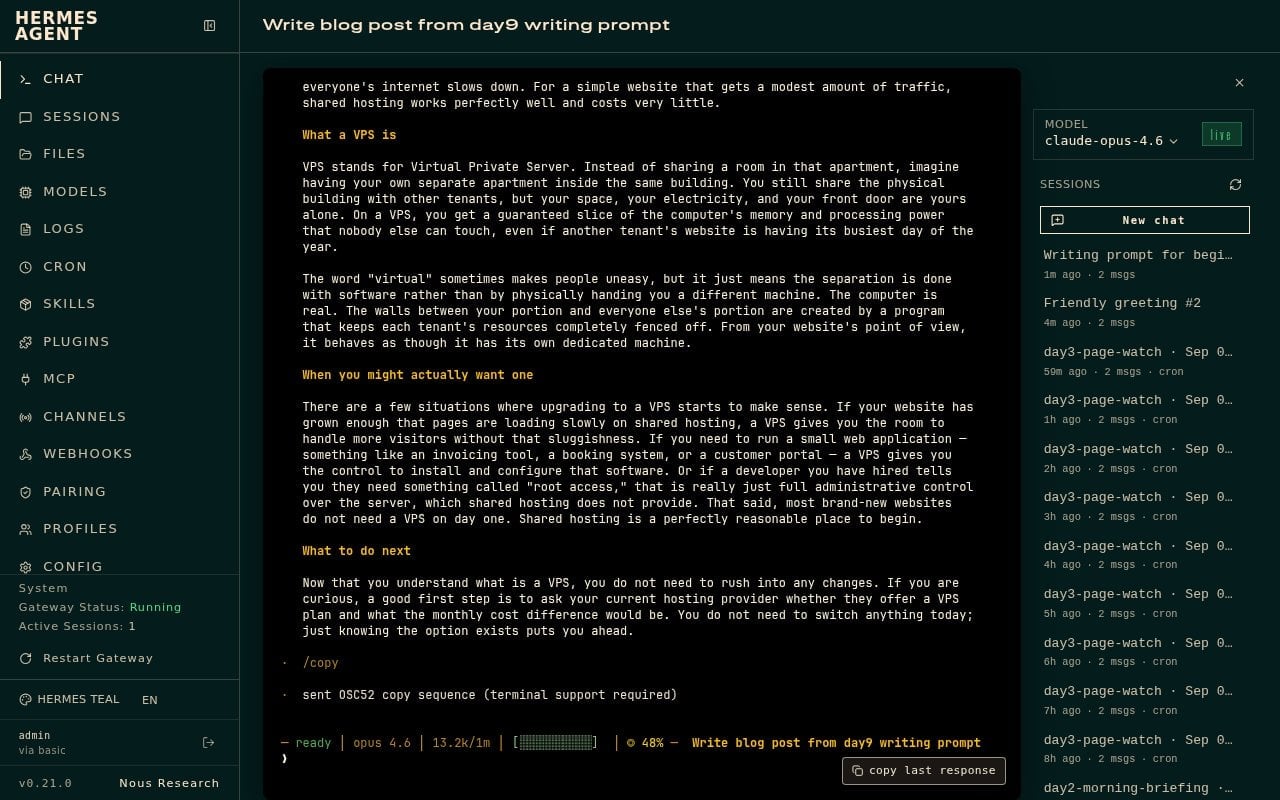
That draft has the facts. It still reads a little stiff. Do not publish it raw.
Start a New chat for the humanizer pass. Paste the draft and ask Hermes to rewrite it: keep every factual claim, cut AI marketing cadence, keep the keyword, keep the length, and keep a calm practical voice for a beginner hosting reader. There’s also a number of skills out there that you can use as well.
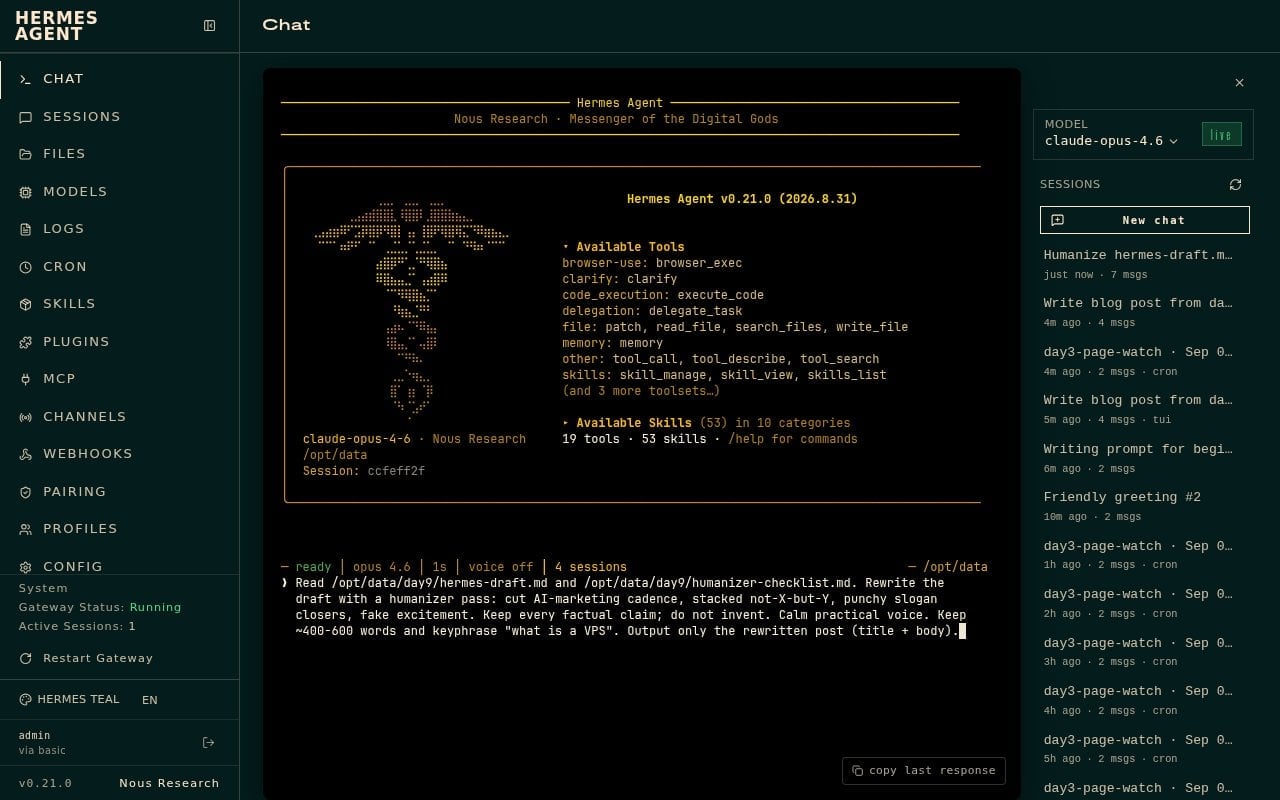
Short slice of the humanized opening we got back:
Most small websites start on shared hosting. You and a bunch of other sites sit on the same server, sharing the same memory, processing power, and internet connection. That arrangement is cheap and it works.
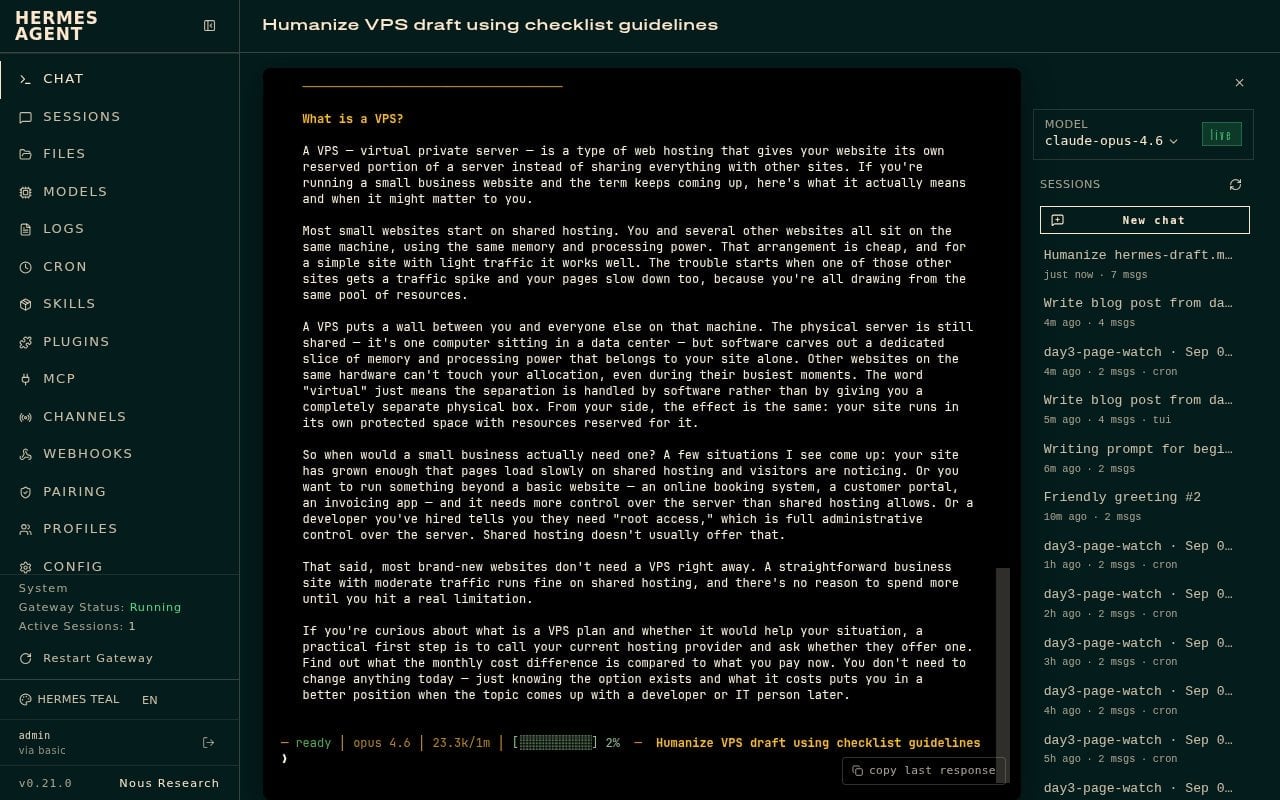
Same facts. Less textbook. That is the version I would edit and publish.
What I learned
Hermes can write a real blog post when you give it a real brief. The brief should include the business, the reader, the keyword, the outline, and the tone. For NameHero, that means we are a hosting company writing for beginners, and the first post in this walkthrough was what is a VPS.
ChatGPT builds the writing prompt because that is the planning step. Hermes writes from that prompt. Then a humanizer pass keeps the facts and cleans the voice. Keyword and context, then prompt, then draft, then humanizer.
Do not skip the brief, and do not skip the humanizer. A keyword alone is not enough context for a company blog, and a first draft is not the same as a post you want under your name.
Hermes Agent Hosting comes with Hermes preinstalled on a NameHero VPS. NameHero support is available by live chat if you get stuck.

John is the COO of NameHero and is an entrepreneurial, data-driven digital marketer and business operator with +16 years of experience across many different marketing channels, industries and strategies (B2C & B2B).
Leave a Reply