


There are a lot of platforms and software options for launching an ecommerce website. But, for many aspiring entrepreneurs, it will all boil down to WordPress vs Shopify. Both platforms provide a broad range of ecommerce functionality, but the real question is which one is best for your needs.
To make the right choice, you have to understand what ecommerce features each tool offers, and which are the most important for your website. It’s also crucial to know that WordPress and Shopify offer very different experiences when it comes to building and managing an online store.
In this article, we’ll put Shopify vs WordPress in terms of features, ease of use, and pricing to help you pick the best option for your next project. Let’s get to it!
Shopify vs. WordPress: An Introduction
If you’ve ben thinking about launching your own online store, you’ve probably heard of Shopify. This ecommerce platform has become one of the most popular in the world. This is likely because it makes it easy for basically anyone to launch an ecommerce site without coding knowledge.
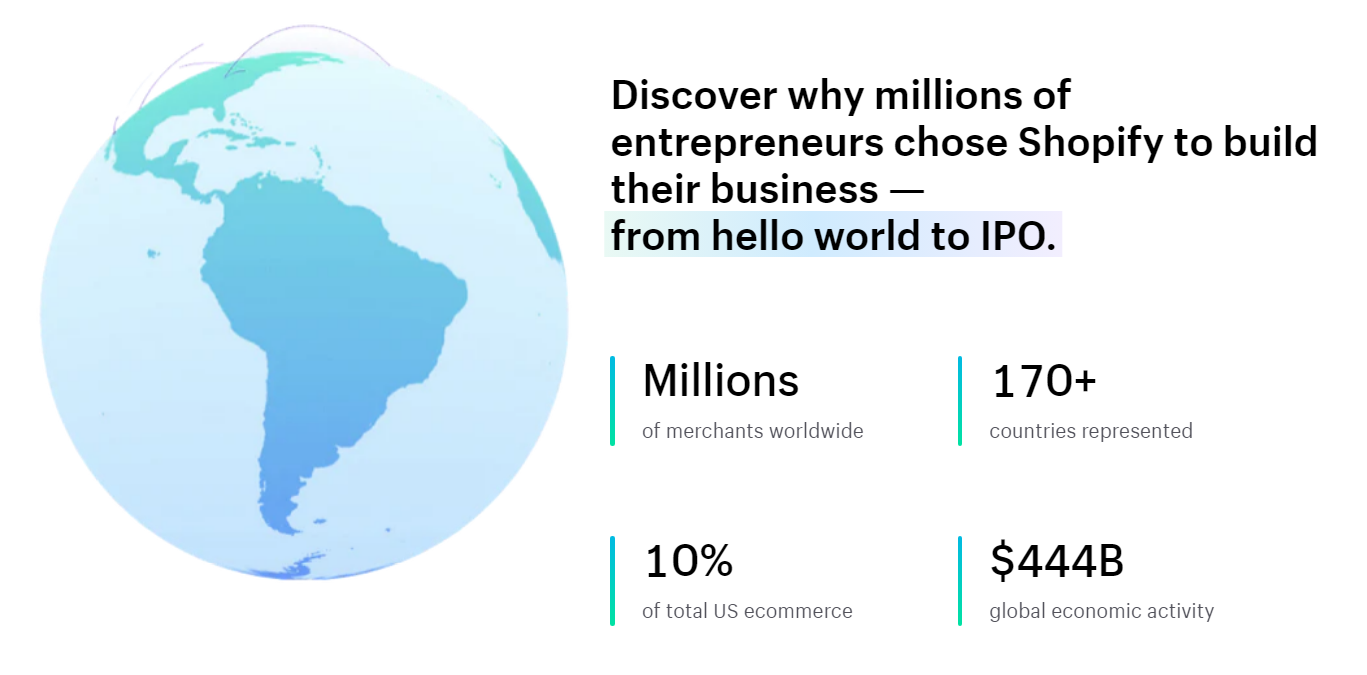
What’s more, Shopify is an “all-in-one platform”. It includes an ecommerce website builder, tools for publishing products, built-in payment gateways, marketing tools, and several other features. Therefore, it can be a great choice for pretty much any online business.
Meanwhile, WordPress offers a very different kind of experience to users who want to build an online store. A lot of people know the Content Management System (CMS) as a blogging platform. But, it has evolved immensely since its inception.
Today, you can use WordPress to create just about any type of website. That’s because it’s open-source and fully customizable:
This is largely thanks to the wide array of third party plugins that integrate with the CMS. Additionally, there are WordPress themes for almost every niche.
If you want to use a WordPress website to sell products online, you’ll need to install ecommerce plugins. The most popular option is WooCommerce, which can compete with Shopify in terms of ecommerce features.
Before we move any further, it’s important to make a distinction between Shopify and WordPress. The former is a hosted platform, which means your website exists on Shopify servers and it’s a closed system. Therefore, you can’t access or customize the source code.
WordPress takes a different approach. You can install the CMS on any hosting provider you want and customize its code in any way you see fit. Ultimately, this gives you a lot more control over your ecommerce store.
Shopify vs. WordPress: Ecommerce Features
If you want to launch and grow your online store, your main concern when choosing between WordPress vs Shopify will be ecommerce functionality. That is to say, which platform offers more or better features for launching and running an ecommerce store.
Let’s start by talking about what Shopify offers before moving on to WordPress. These are the main ecommerce features:
- Pre-designed store templates. If you don’t want to design an online store from scratch, you can choose from a broad collection of Shopify templates.
- Abandoned cart recovery tools. You can use Shopify’s built-in tools to reach out to customers that leave their shopping carts.
- Marketing functionality. Shopify includes a wide variety of marketing tools, including the option to create email lists, set up live chat, and create lead capture forms. It also has some built in SEO features for ecommerce.
- No transaction fees. This applies if you use Shopify payments. Instead of paying transaction fees, you pay for one of the available Shopify plans.
On the other hand, WordPress only offers some of those features out of the box.
The CMS gives you access to a powerful drag-and-drop editor. Or, you can install your preferred page builder.
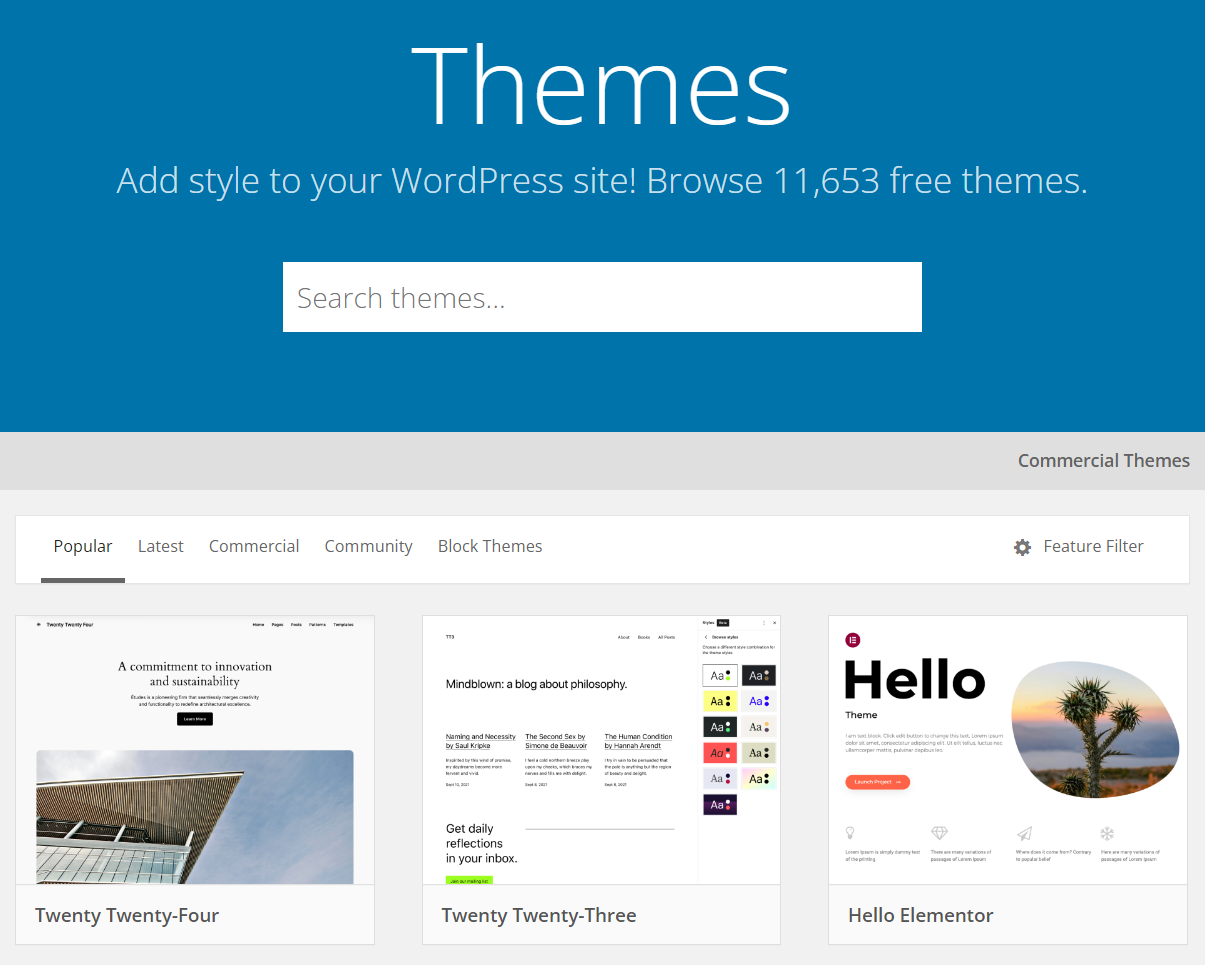
Additionally, you get to choose from literally thousands of WordPress themes (both free and premium), whereas Shopify offers only about 200:
As we mentioned, to add ecommerce functionality to your site, you’ll need to use a WordPress plugin. WooCommerce is by far the most popular option:

WooCommerce also has a significant collection of extensions, which you can use to add all the ecommerce features that Shopify offers and more. For instance, you can add plugins to create subscriptions or to optimize your store with analytics:
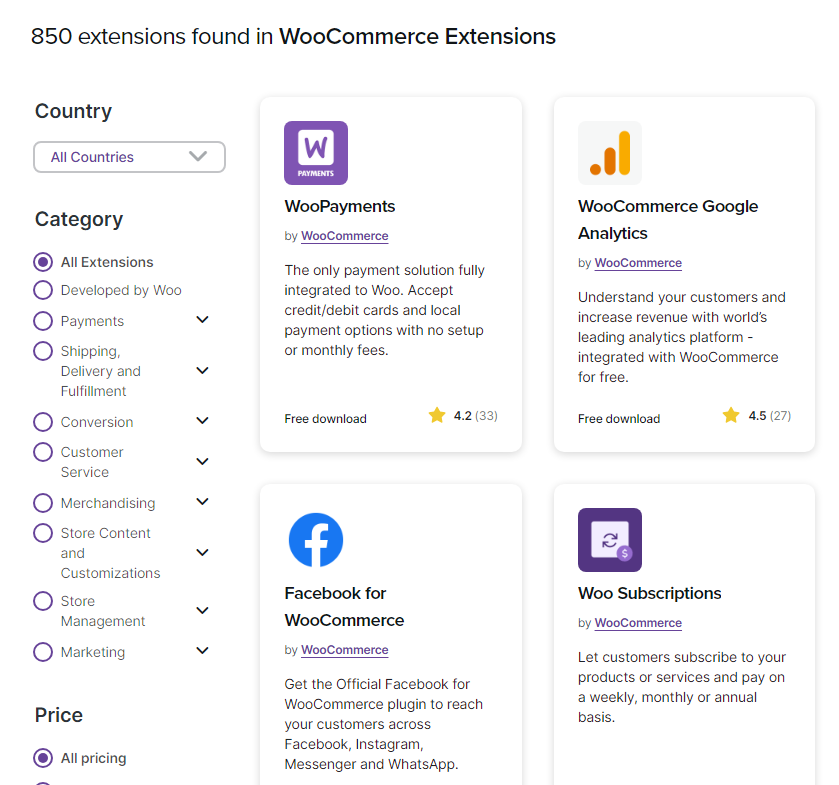
You can even add free tools to get SEO capabilities. WooCommerce comes with its own payment gateway but it connects to most major payment processing platforms, including international options:
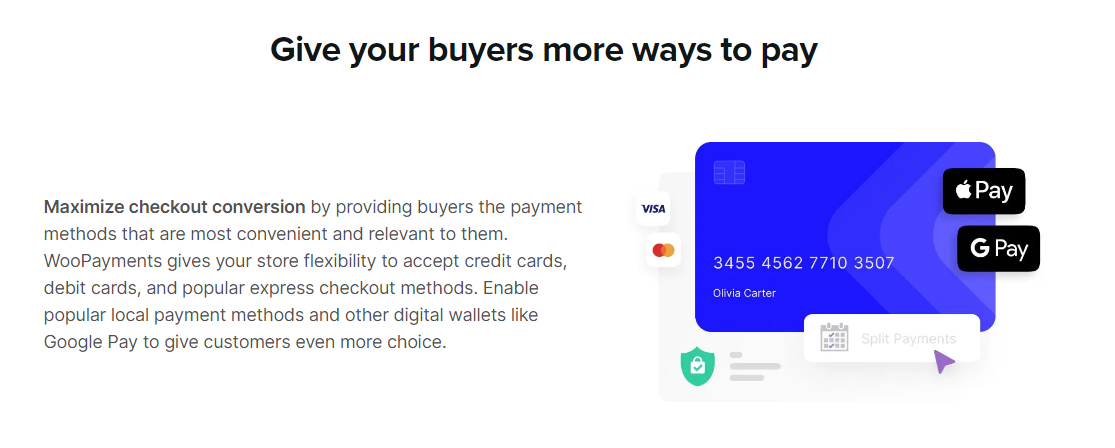
To sum it up, you can configure WordPress to rival and surpass Shopify in terms of functionality. The catch is that this requires works and figuring out which ecommerce plugins and extensions to set up for your online store.
Shopify vs. WordPress: Ease of Use
In terms of ease of use, Shopify easily takes the cake if you don’t have experience using WordPress. You can sign up for a Shopify plan and have an online store ready to go in a matter of hours (or faster):

This is possible because Shopify already offers all the features you need to set up and manage an online store. Plus, you’ll be able to use a drag-and-drop builder to design your pages.
There’s a learning curve to the platform, particularly if you’re new to ecommerce. But you can learn how to use its tools one by one.
It’s also worth noting that Shopify offers great documentation. This makes it even easier to launch your first online store if you don’t mind reading a few tutorials.
WordPress is not an inherently complex platform, but it requires a lot more setup than Shopify to launch an online business. You’ll need to purchase web hosting, install WordPress, build your site, and and set up an ecommerce plugin.
It’s worth noting that a good web host will install the CMS for you, or enable you to do it in one click. Whats more, WordPress allows you to build a site using straightforward blocks. Meaning, you won’t have to touch a line of code if you don’t want to.
Although WooCommerce is the most common ecommerce tool, there are plenty of options to choose from:
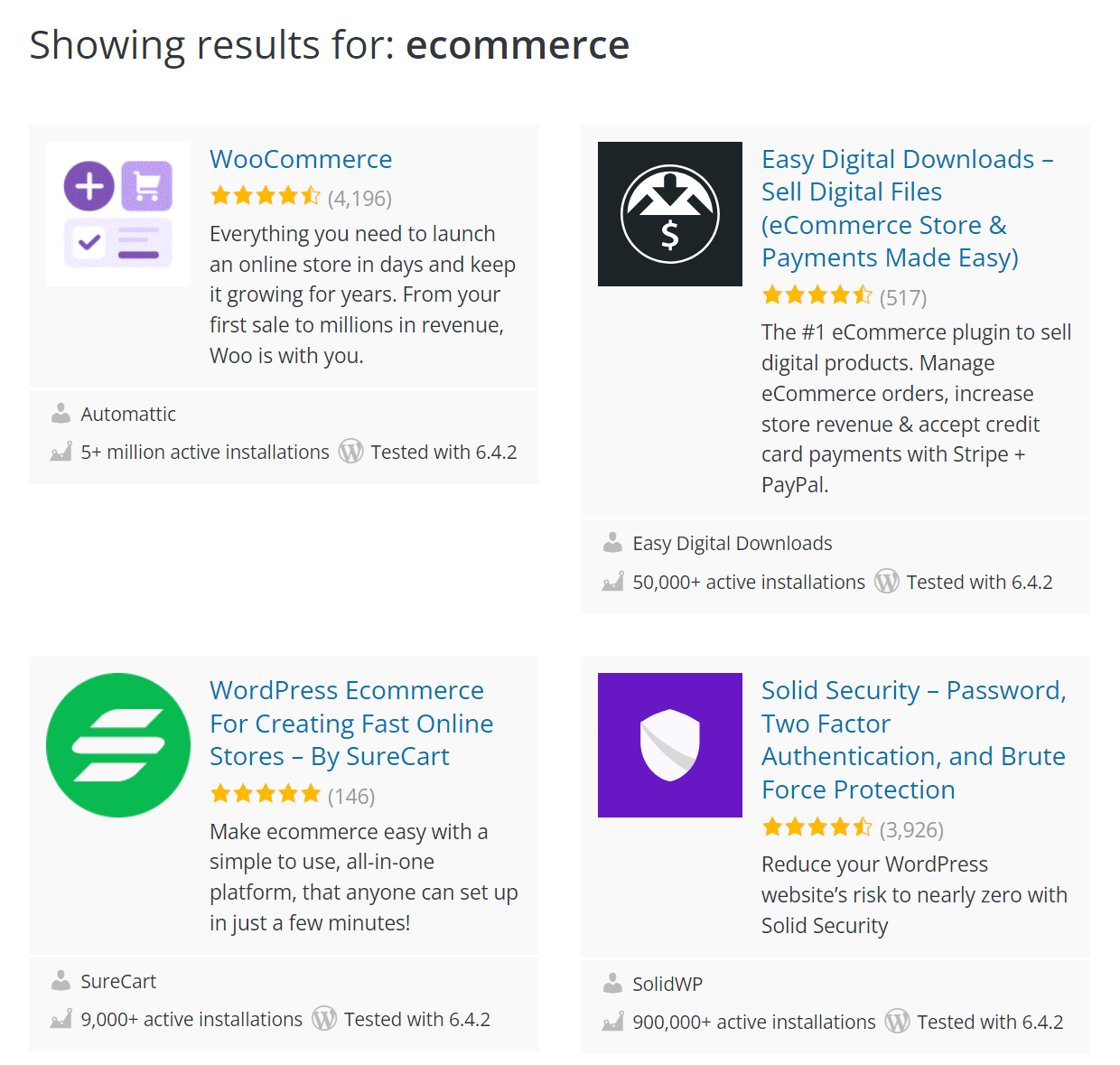
Once you configure your choice of plugin and set up payment solutions, you’ll be ready to go.
Overall, WordPress and Shopify offer very different ecommerce experiences. With Shopify, you get a hosted platform that includes every feature you need out of the box.
With WordPress, you need to find a web host and configure the CMS to have ecommerce functionality. This can take a while, but the result is that you can design your online store in any way you want, with any features you need – which is something Shopify can’t match.
Shopify vs. WordPress: Pricing
Pricing is perhaps the most important consideration when choosing ecommerce platforms. That’s because you’re bound to use the same platform for a while, and migrating from one to another can be challenging.
Shopify plans are fairly straightforward. You pay a set fee by the month (or year) and you get access to mostly the same ecommerce features with every plan:
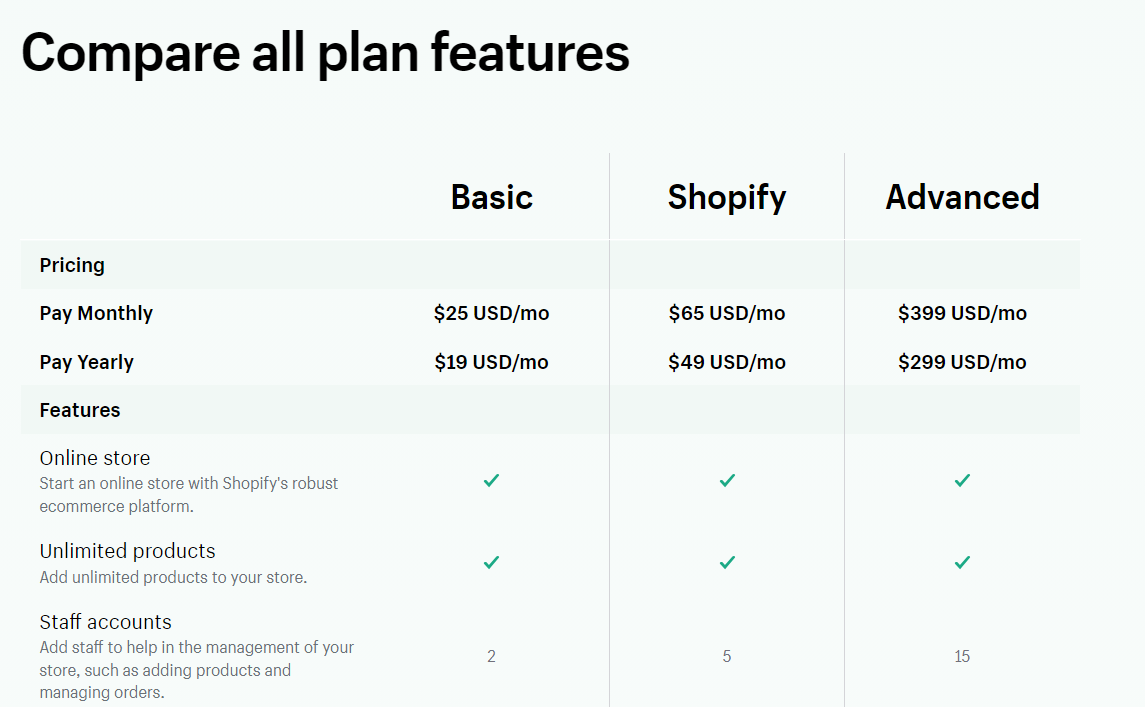
The biggest difference between each Shopify plan is that the more expensive options give you access to an increasing number of staff accounts. The base Shopify plan starts at $25 per month.
WordPress can be a lot cheaper than Shopify. We say “can” because how much you pay for a WordPress site will depend on a lot of factors, including what web hosting provider you choose.
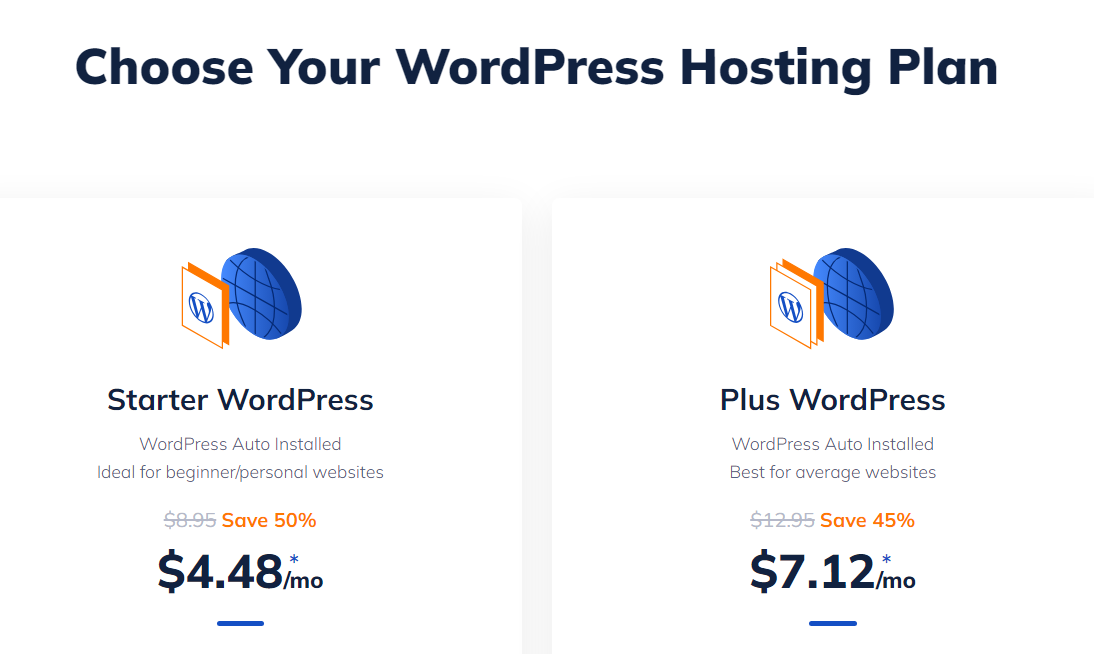
With NameHero, you can get WordPress hosting plans starting at $4.48 per month. Or, if you decide to opt for WooCommerce, you can get hosting plans specifically for the tool. This will make setting up your online store even easier.
Plus, NameHero is a domain registrar too. That means you can also register a domain with the web host.
Aside from paying for web hosting, you can install some ecommerce plugins (including WooCommerce) for free. Additionally, there’s a massive library of free WordPress plugins and themes.
So, to put it simply – how much you spend creating your WordPress site will largely depend on whether you want to use premium plugins and themes, which usually isn’t necessary. That makes WordPress the obvious choice in terms of getting the most value for your money.
Conclusion
If you want to build an online store, you need to use the right tools for the job. This will depend on your needs, but Shopify and WordPress are among your best options for launching ecommerce sites. So, what should you consider when deciding between WordPress and Shopify?
To recap, Shopify is a very user-friendly platform, providing you with everything you need to build an online store. However, WordPress gives you far more control over your online business. What’s more, you can use WordPress themes and plugins to get access to the best store designs and ecommerce tools.
Do you have any questions when it comes to Shopify vs WordPress? Let’s talk about them in the comments section below!

Sophia is a staff writer at WordCandy.co, where she produces quality blog content for WordPress plugin and theme developers, hosting providers, website development and design agencies, and other online businesses.
Leave a Reply