

Both WordPress and Blogger are completely free content management systems that are ideal for setting up and growing blogs. But which one should you use?
Well, it depends on what features are most important to you. Blogger is a convenient all-in-one solution, but it has limited customization options. Meanwhile, WordPress offers far more control and flexibility, making it suitable for all types of websites, but it comes with a slight learning curve.
In this post, we’ll compare WordPress and Blogger across five key areas. Then, we’ll show you how to set up a professional blog with WordPress. Let’s get to it!
Blogger vs WordPress: 5 Key Differences
WordPress and Blogger are popular blogging platforms that are free and beginner-friendly. They offer templates, integrations, and a fully-fledged content management system (CMS). So how are they different, and which platform is better?
1. Ease of Use
One way to settle the Blogger vs WordPress debate is to consider how easy to use they are.
Blogger is a complete blogging solution by Google, offering free hosting and a subdomain. It also handles security and maintenance tasks which is great for beginners:
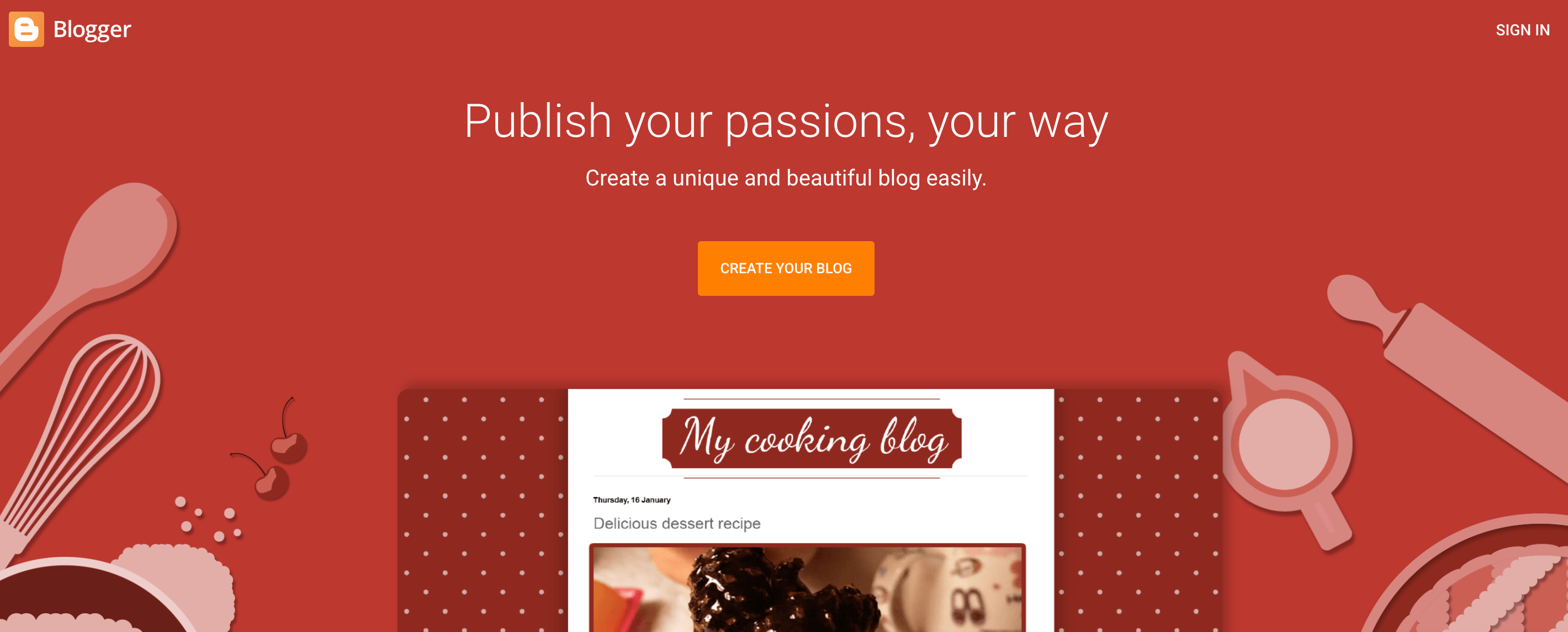
After signing in with a Google account, you’ll choose a display name, pick a blog title, and configure a domain (e.g. you can buy a domain or connect to a custom domain name). The control panel makes it easy to create new blog posts and tweak the settings to your liking.
Since self-hosted WordPress doesn’t come with hosting, there’s an additional step to the setup process. You’ll have to choose a web hosting provider and purchase a domain name.
You can find web hosts like NameHero that offer free domains and free SSL certificates with their plans:
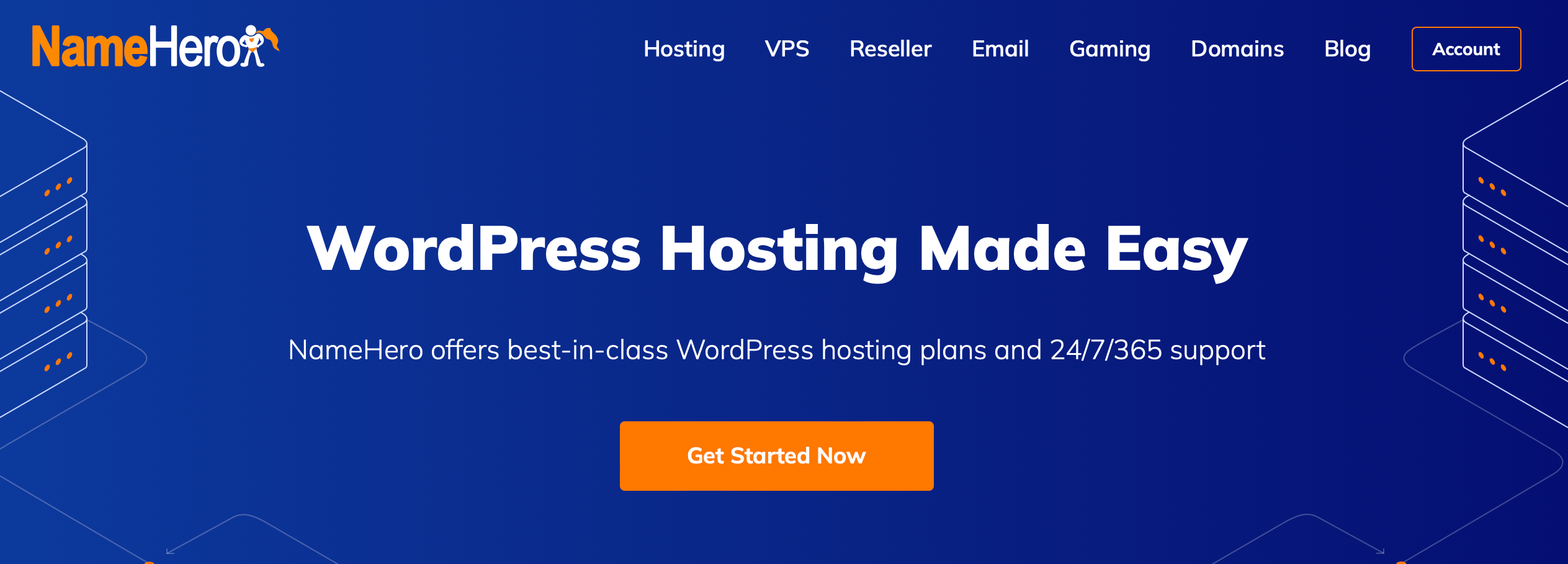
NameHero even provides WordPress-optimized hosting packages, which auto-install WordPress for you so you don’t have to configure the software yourself. These plans also include daily backups, auto-updates, and security measures to keep your site safe.
2. Control and Ownership
One of the key differences between Blogger and WordPress is control and ownership.
Since your Blogger blog resides on Google’s servers, you don’t have much control. Essentially, Google can shut down your blog or revoke access at will.
You’re also limited to built-in features. You might not be able to functionalities or make performance enhancements.
In contrast, WordPress offers complete control and ownership of your content. This gives you the freedom to integrate whatever tools and hosting solutions you like.
3. Design and Customization
Another way to compare Blogger vs WordPress is to look at the design and customization options.
Blogger offers a handful of free templates, but you can import premium themes from third parties. However, this process is much more complicated than it is in WordPress.
The default Blogger themes are very limited in terms of customization. You’ll edit your designs using a visual drag-and-drop editor, but you can only change basic features like the colors, backgrounds, and fonts. You’ll need technical knowledge to apply custom CSS or HTML if you want more advanced customization.
WordPress is the clear winner when it comes to design options. There are over 13,000 free WordPress themes in the official WordPress directory:
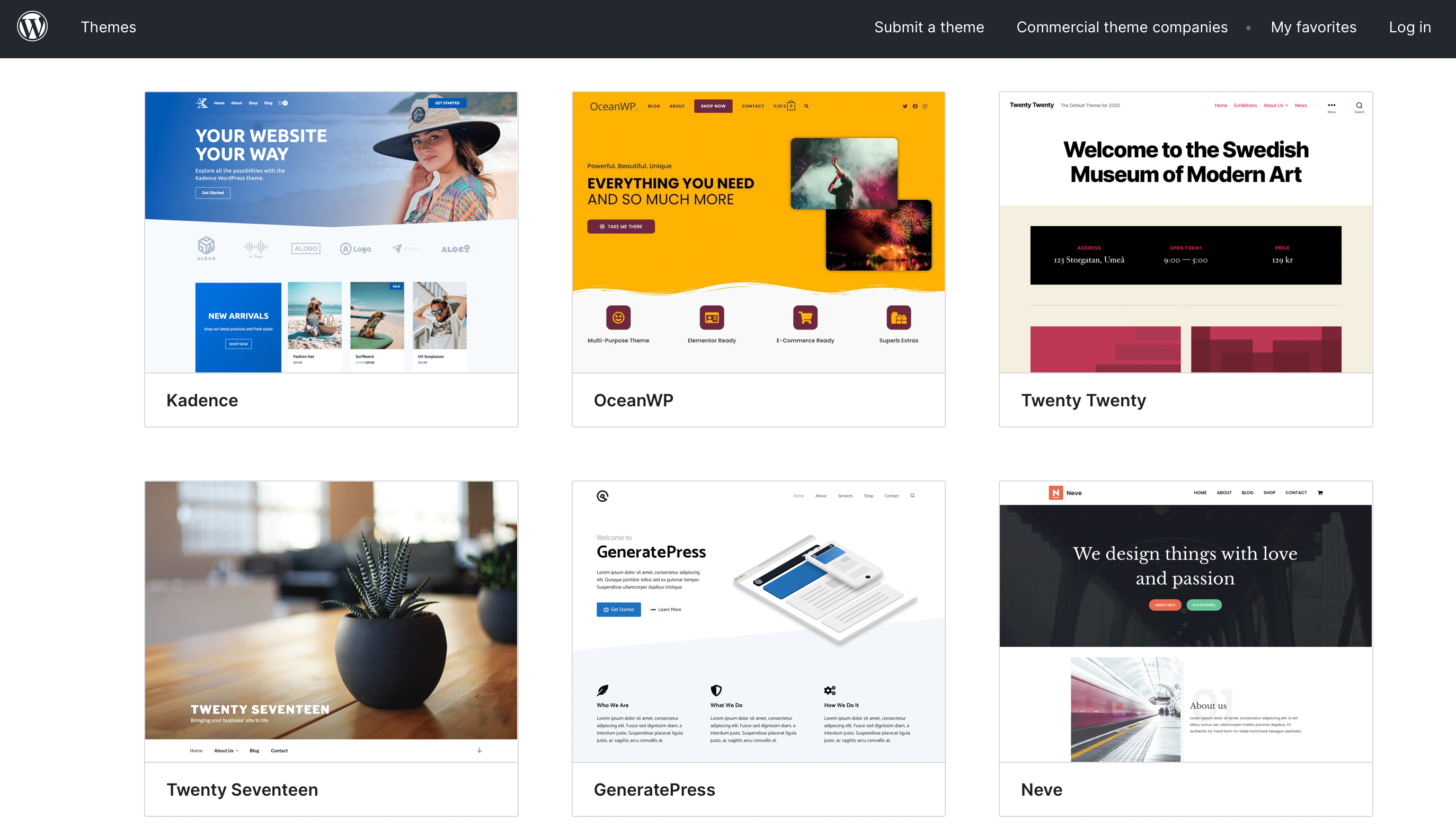
You can even find specific themes for blogs, which typically come with advanced blogging features and SEO capabilities.
It’s easy to install free and premium themes through the dashboard, and you can edit them in the intuitive WordPress Customizer. For example, you might make changes to the menu, header, footer, and templates like blog posts and archives.
If you prefer drag-and-drop functionality, you can use page builder plugins like Elementor.
4. Security
Is it more secure to run a Blogger blog or a WordPress site?
Well, there are advanced security measures on the Blogger platform. Two-factor authentication prevents unauthorized access to your account while an SSL certificate encrypts data.
However, since you can’t self-host your site, you don’t get much control over the security settings and you can’t add your own solutions.
WordPress gives you way more flexibility over how you protect your blog. There are security plugins like Jetpack and Sucuri that scan for malware and block suspicious IPs. Plus, the core software receives regular updates with bug fixes and vulnerability patches.
However, you are completely responsible for securing your blog. It’s up to you to purchase secure blog hosting, use strong passwords, and use themes and plugins from trusted sources.
5. Growth Capabilities
When it comes to growing your blog, you’ll have to think about SEO capabilities, marketing tools, and monetization options.
Blogger is a simple blogging platform, so you won’t find many built-in tools. You can leverage Blogger Stats and Google Analytics to monitor blog traffic and utilize email subscription links and social media integrations.
It’s easy to earn money online from a Blogger site as it integrates with other Google services, including AdSense.
But if you want to boost search engine rankings, choose WordPress. You can install SEO plugins like Yoast to optimize your on-page content with keywords.
With WordPress, you’ll also be able to use marketing plugins to create newsletter opt-in forms and share posts to social media.
In terms of monetization, you have plenty of options. You could display ads, insert affiliate links, sell products, and even create a membership site to limit access to premium blog posts.
Blogger vs WordPress: Which One to Use?
So, which is right for you: Blogger or WordPress?
Blogger is a free blog hosting service that offers a streamlined setup, security features, and a free Blogspot subdomain. It’s a good option if you don’t want the hassle of blog maintenance.
However, you’ll compromise on control and customizability, and you won’t own your blog content.
The self-hosted version of WordPress wins across many areas. Sure, you’ll be responsible for site maintenance and security, although a good hosting provider like NameHero will handle everything for you.
WordPress is unmatched when it comes to customizability and control. This makes it possible to build any kind of site you like.
For example, you could add a store page to sell products or memberships. More importantly, you’ll retain full ownership of your content.
How to Set Up a WordPress Blog
Most blog owners prefer WordPress thanks to its flexibility, customizability, and control.
If you want to fast-track the blog creation process, it’s better to use a website builder like HeroBuilder:
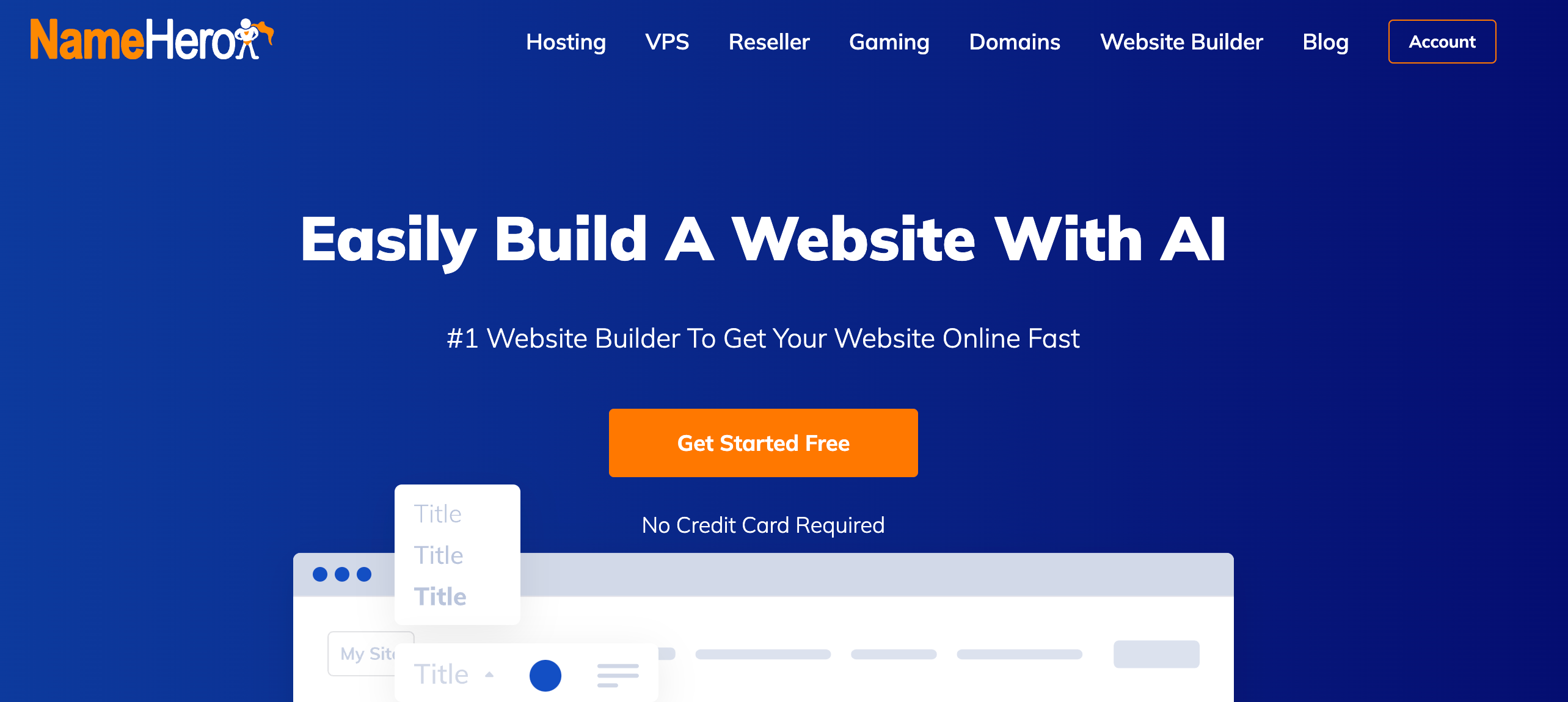
Your WordPress blog gets hosted on NameHero’s blazing-fast web servers. Plus, you can set up a professional email account and connect the site to a custom domain.
Thanks to the power of AI, HeroBuilder can generate a website that’s tailored to your needs. After registering for an account, you can choose a blog name and define your website goals:
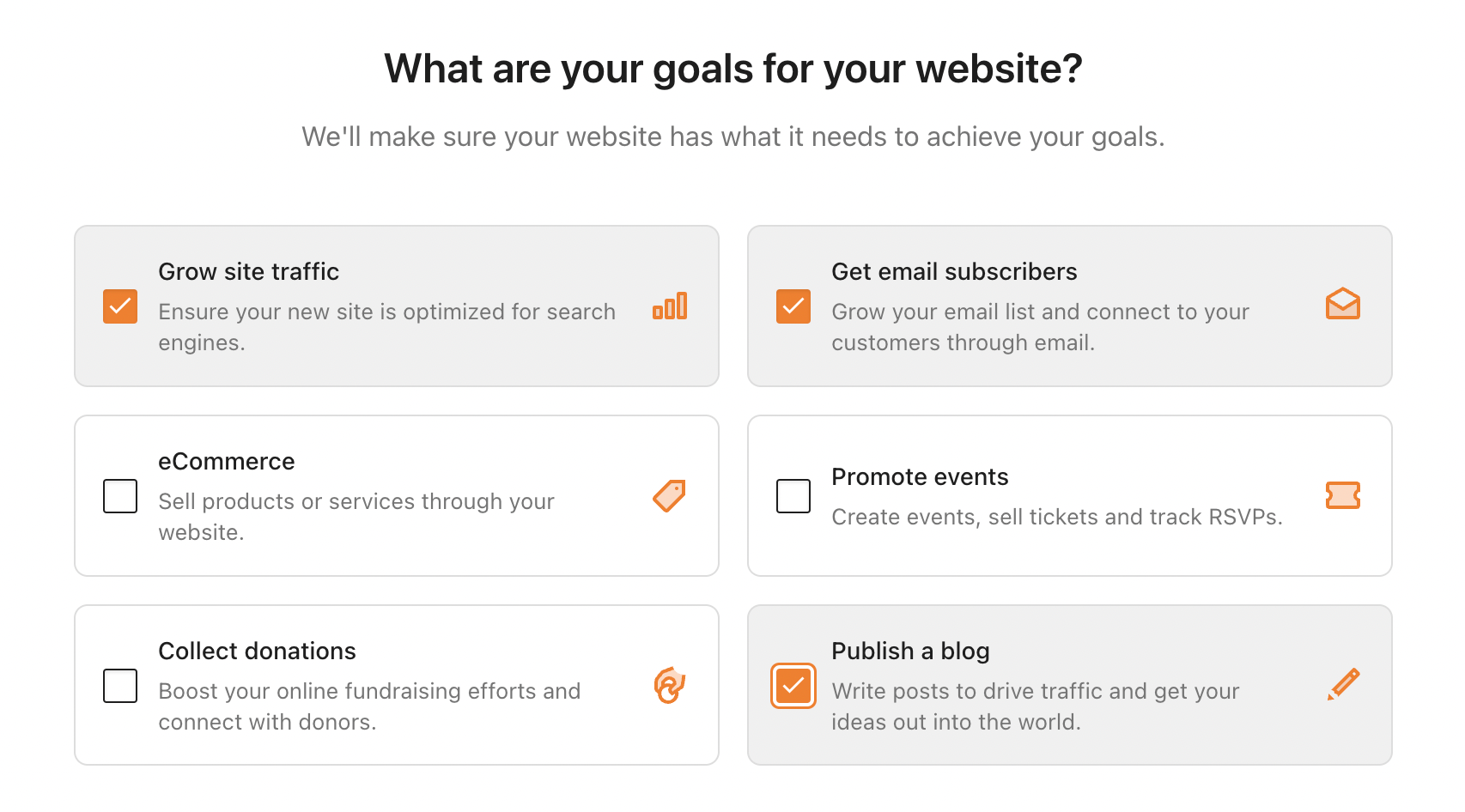
You might want to publish a blog, but you could also aim to grow site traffic or get email subscribers.
HeroBuilder then presents a personalized collection of pre-made templates:
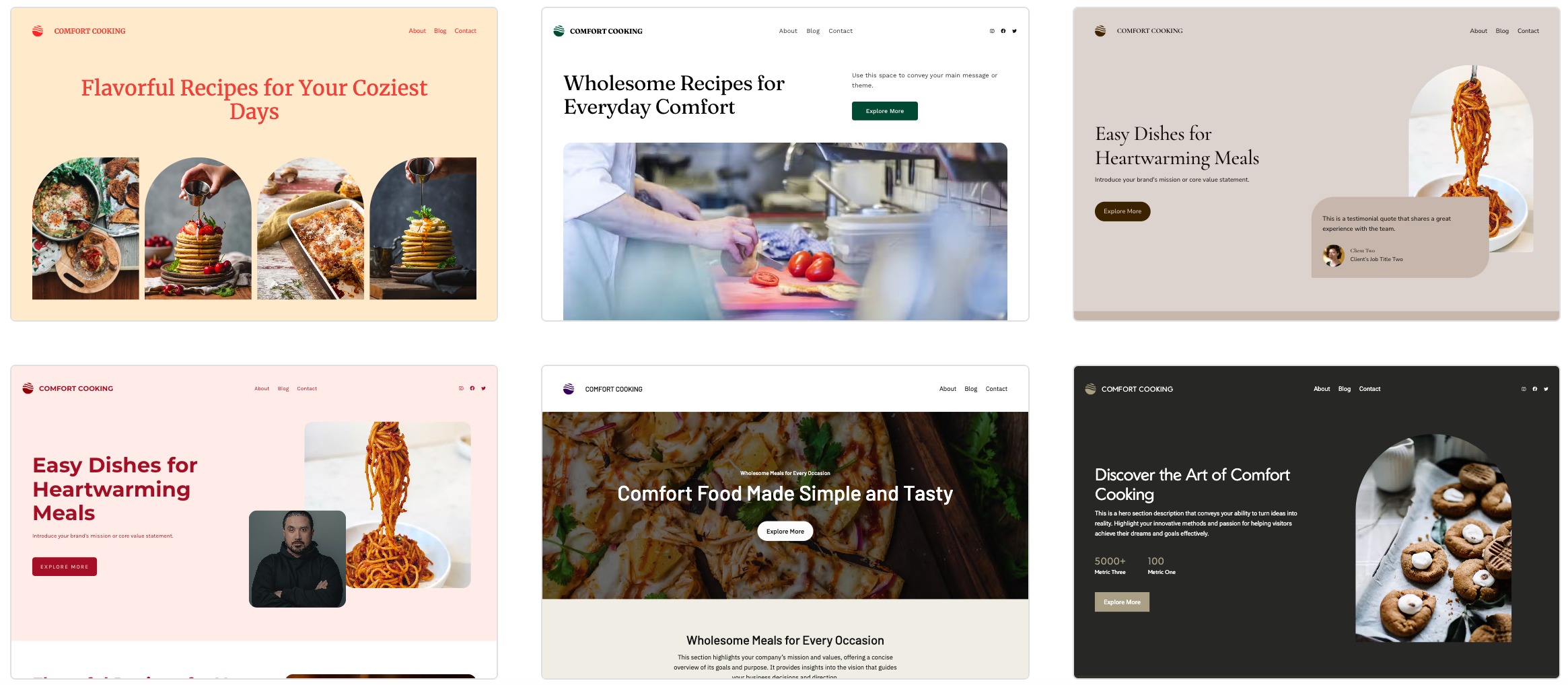
These come with key web pages like a contact page, blog page, and about page, but you can add extra pages if needed (e.g. a gallery, services page, or resources).
It will take a few minutes for HeroBuilder to import your styles, content, and plugins. Then, you can edit the template in the WordPress Block editor.
For example, you can add/rearrange items and adjust styles like colors, fonts, etc. HeroBuilder also provides several AI tools to help you generate blog content.
Conclusion
It’s important to choose the right blogging platform from the get-go. Otherwise, you may have to migrate platforms, or if that isn’t possible, start again from scratch. So which is better: Blogger vs WordPress?
Blogger is a basic blogging platform that comes with hosting, security features, and direct connections to Google services. Meanwhile, WordPress provides more control and customization options, and you’ll own your content.
Whether you’re creating a personal blog or a company blog, you can fast-track the process using an AI-based website builder like HeroBuilder. Get started for free today!

Sophia is a staff writer at WordCandy.co, where she produces quality blog content for WordPress plugin and theme developers, hosting providers, website development and design agencies, and other online businesses.
Leave a Reply