
OpenClaw has taken the world by storm. We started playing around with it a few months ago. Then OpenAI acquired it, and that’s when it clicked for us that this wasn’t just another short-lived trend. We decided pretty quickly that we wanted to be involved, which led us to launching OpenClaw Hosting this week.
At a basic level, it’s just an easier way to run OpenClaw. You don’t need to run it locally or go buy a Mac Mini like half of X will tell you to do. It’s one-click deployment, runs on a VPS, and you get the same performance and reliability we’ve built NameHero on for the past 10+ years.
But before getting into that, it’s probably more useful to explain why you’d even want OpenClaw in the first place.
OpenClaw vs. ChatGPT
Most people are using ChatGPT or Claude like a smarter Google. Type something in, get an answer, keep searching if you want to keep digging. It’s useful, I use it all day for both business and personal life.
But you’re still the one driving everything. You still have to remember:
“check this”
“run that again”
“what was that prompt I used yesterday?”
That’s the difference with OpenClaw.
OpenClaw: Your Own Assistant, Running In The Background
OpenClaw just runs. It’s on your own VPS, you have full control, and you can wire it up however you’d like to converse with it and with the right tools, it can do a lot more. I personally have it wired up to my Telegram app so I can converse with it through that on a wide variety of topics but they also offer Discord, Slack, WhatsApp, among many others.
The easiest way I’ve found to explain it is this:
It’s closer to having an assistant than using a tool.
You don’t open it every time you need something. You set it up once, and then you tell it what to do. A lot of that ends up being repeat tasks.
Here Are My 3 Use Cases
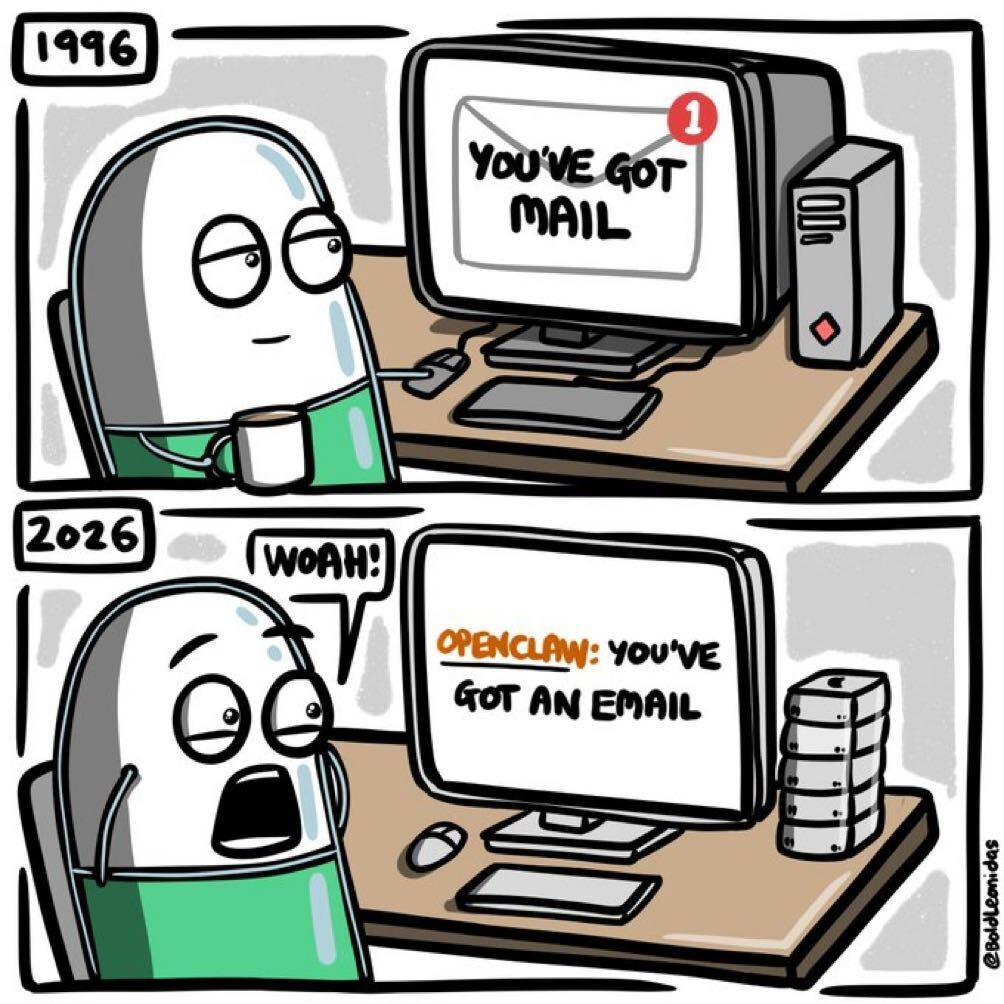
One of the popular memes on X (h/t @BoldLeonidas) is that people talk about how great OpenClaw is without really portraying what you can do with it.
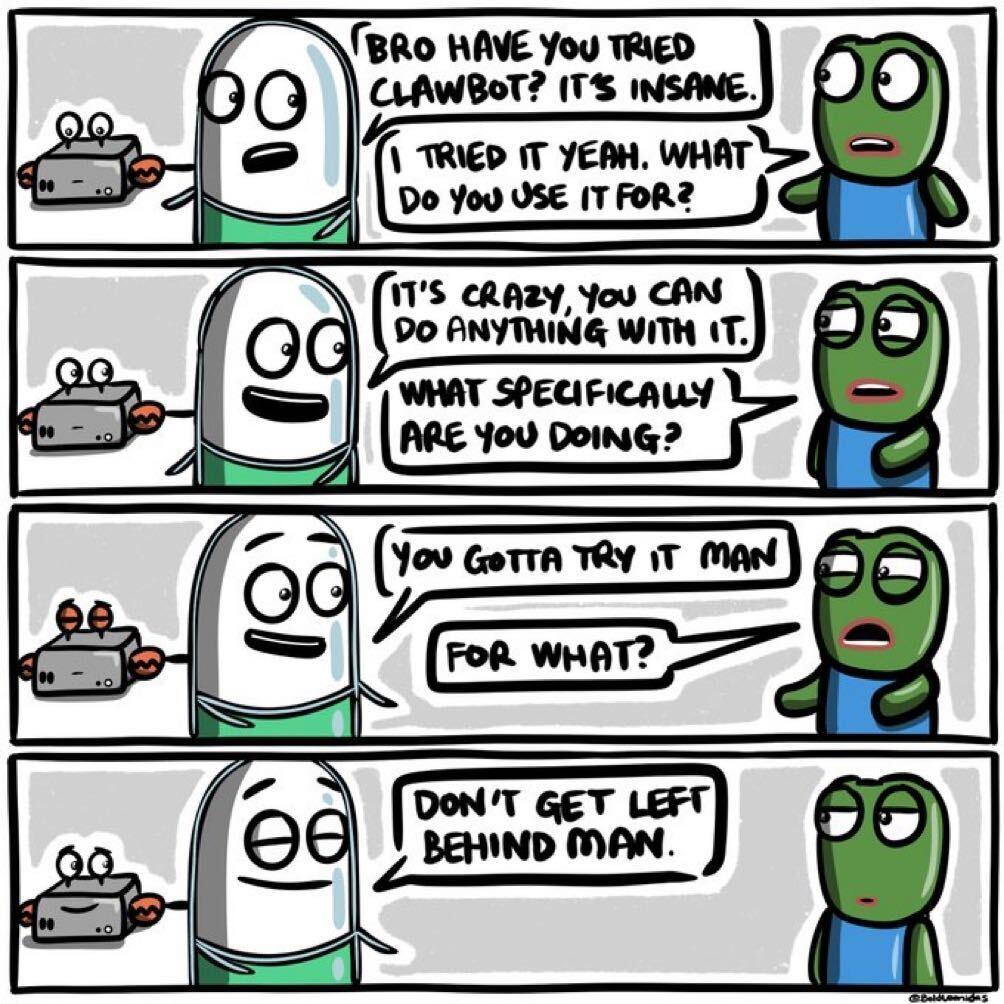
I am going to be the exception and tell you exactly what I’ve found to be useful with minimal time invested… Yes, these aren’t life changing but I use them everyday and really are for my personal life. If you are a developer, or in a tech focused role, they can be much more complicated. This is what KirkBot does for me.
#1. PDF Reports To Text Summaries Delivered To Telegram
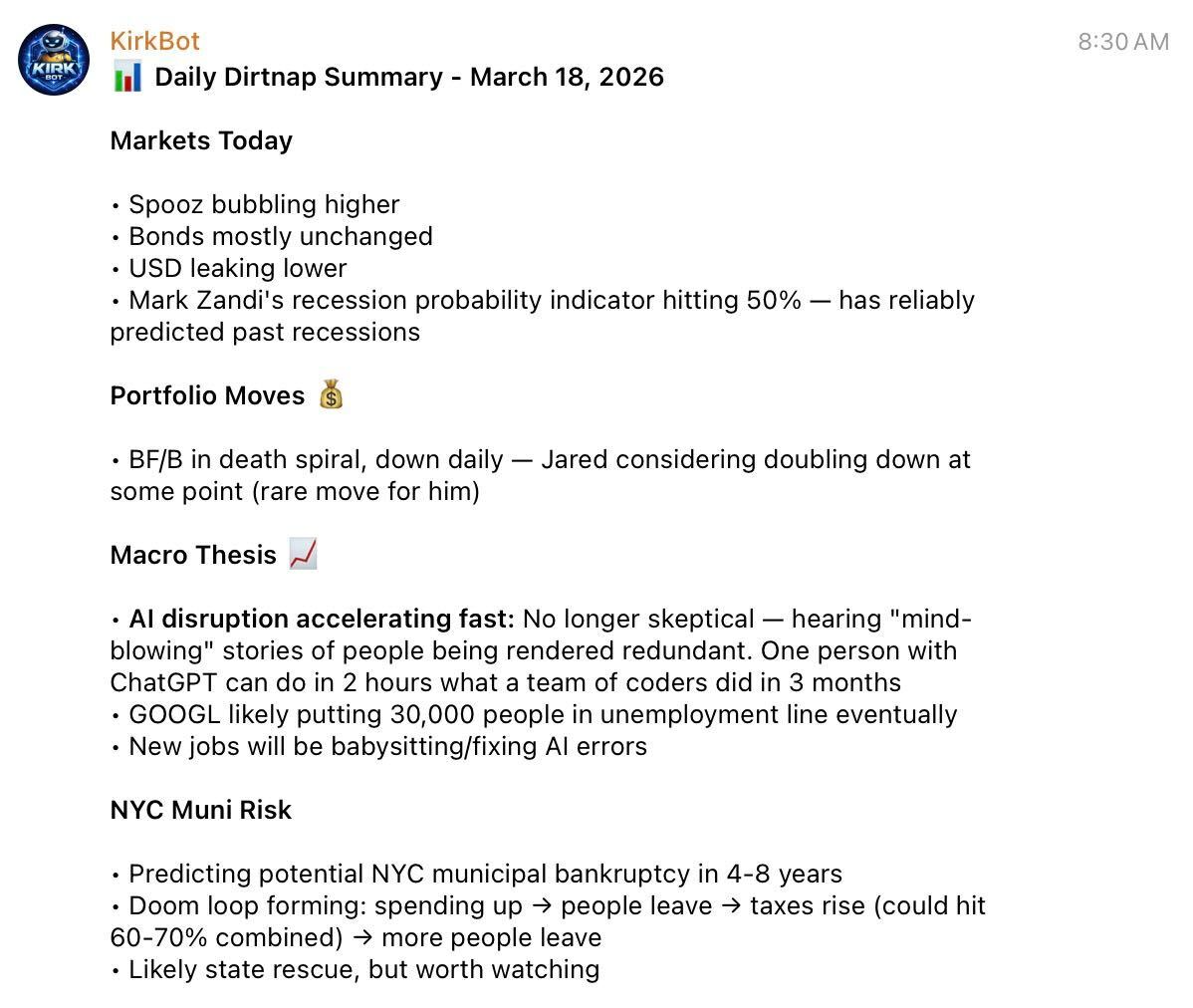
I get daily reports from a paid service about investing and market topics. They’re usually a few pages long, and honestly, a lot of it isn’t relevant to me. I just want to know if there’s anything worth digging into.
Now they just show up summarized in Telegram after setting up a mail inbox for my OpenClaw bot and an auto forward rule for my iCloud email address:
Before:
- open email
- download PDF
- upload to ChatGPT
- ask for a summary
Now:
- OpenClaw receives the email
- summarizes the PDF
- sends it to Telegram
#2. Market Futures Pulse Check
Every morning I want a quick snapshot of where futures are for the Dow and Gold
Yes, I could probably find a website to do this and bookmark it, check it everyday but again, it’s about curating information and making it routinely accessible in a convenient channel.

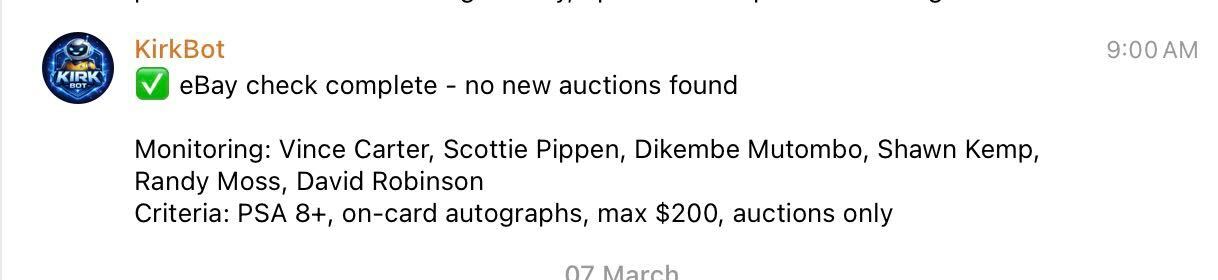
#3. eBay Alerts for New Listings
I’ve been getting back into collecting sports cards. I’ve got my eyes set on a Vince Carter autographed PSA 8 or higher but I want to make sure I pay market rate so I’d like to wait for an auction to come up vs. a Buy It Now listing.
I want OpenClaw to tell me when one appears so I don’t have to keep checking. I’ve also got a list of other players I’m monitoring as well but priorities, right?
Why ChatGPT Doesn’t Really Solve This
If you were super determined, you could do all of this to some degree in ChatGPT, but you can’t do it routinely without prompting, much less getting it delivered to Telegram. You’d have to:
- remember to run them
- keep redoing the same setup
- manually move data around
Use ChatGPT or Claude when you need help thinking. Use OpenClaw when you don’t want to think about it anymore.
Our OpenClaw Hosting
So give our OpenClaw Hosting a try, I’ve barely scratched the surface in my article. It’s only $6.99/month and takes just a few minutes to setup.
If you aren’t impressed with my examples, let’s hear yours. I am going to connect my OpenClaw bot to Meta’s API next to help it manage Facebook Ads and assets.
Embracing new technology like this and being curious when it’s only a few months old will enable you to be ready when things do get more advanced and exciting.

John is the COO of NameHero and is an entrepreneurial, data-driven digital marketer and business operator with +16 years of experience across many different marketing channels, industries and strategies (B2C & B2B).
Leave a Reply