
For the next step in our tutorial series, we’ll discuss how to actually get your Hermes agent to make an outbound phone call. I already cloned my voice with ElevenLabs so Hermes can sound like me, now let’s make a call with Twilio.
So in this walkthrough I set up Twilio as the number provider Hermes telephony uses for outbound. You will get the free signup, where Account SID and Auth Token live, how to attach a number, and the ask I use so Hermes wires it in. Hermes should confirm with you before it places any real call.
Hermes is running on a NameHero VPS for this.
What we’re doing
Twilio is a phone company for software. You get a phone number in the cloud, plus two passwords Hermes needs: an Account SID and an Auth Token. Hermes has an optional telephony skill that saves those credentials, remembers your number, and can place outbound calls or texts from that line.
This post details a piece of what you’ll need if you want your agent to start making calls for you. If you want the voice clone first, see How To Connect ElevenLabs To Hermes For Phone Calls In Your Voice.
What you’ll need
- Hermes already running on a NameHero VPS, with a working AI key so Chat can think. If you are still on the first hello, start with Your first conversation with Hermes. If Chat says it needs a brain, see Why does Hermes need a key from OpenAI or Anthropic?.
- A free Twilio account at twilio.com/try-twilio (verify your email and personal phone)
- A Twilio phone number for Hermes to own (trial Try-out flow or buy/search once you are ready)
- The Hermes dashboard in a browser or connected to Telegram/WhatsApp
Ask Hermes first
Ask Hermes:
I signed up for Twilio. Here is my Account SID and Auth Token. Install the official telephony skill if it is missing (official/productivity/telephony), save the Twilio credentials for Hermes, help me search for and attach a US phone number when I am ready to spend trial credits or buy, run diagnose so I can see what is remembered, and tell me what is still missing before any outbound call. Do not buy a number until I say yes. Do not dial anyone yet. When the line is ready, I will ask you to place a sandbox call to my own verified cell, and you must confirm the number and the script with me before you dial.
Walk through it
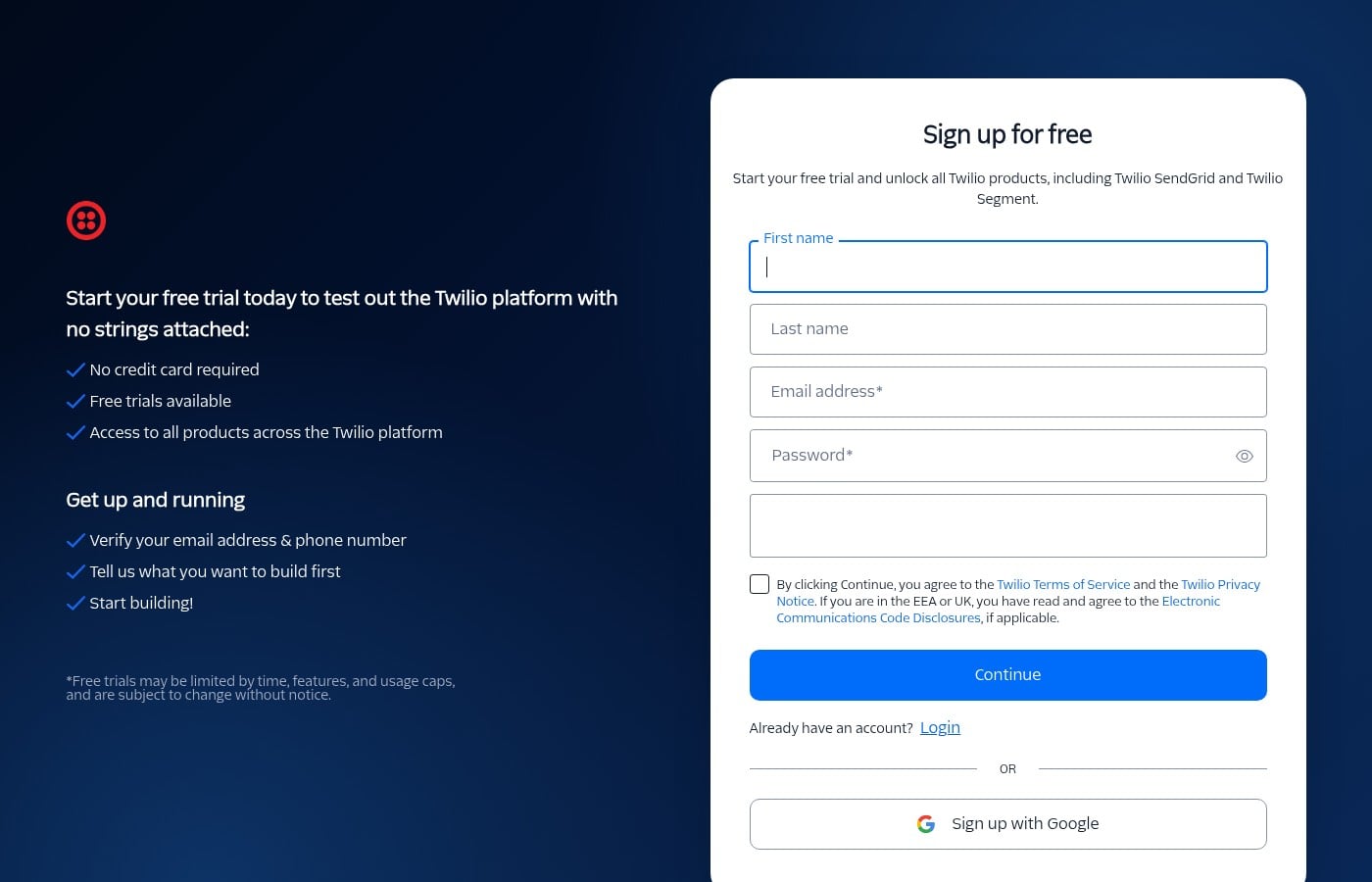
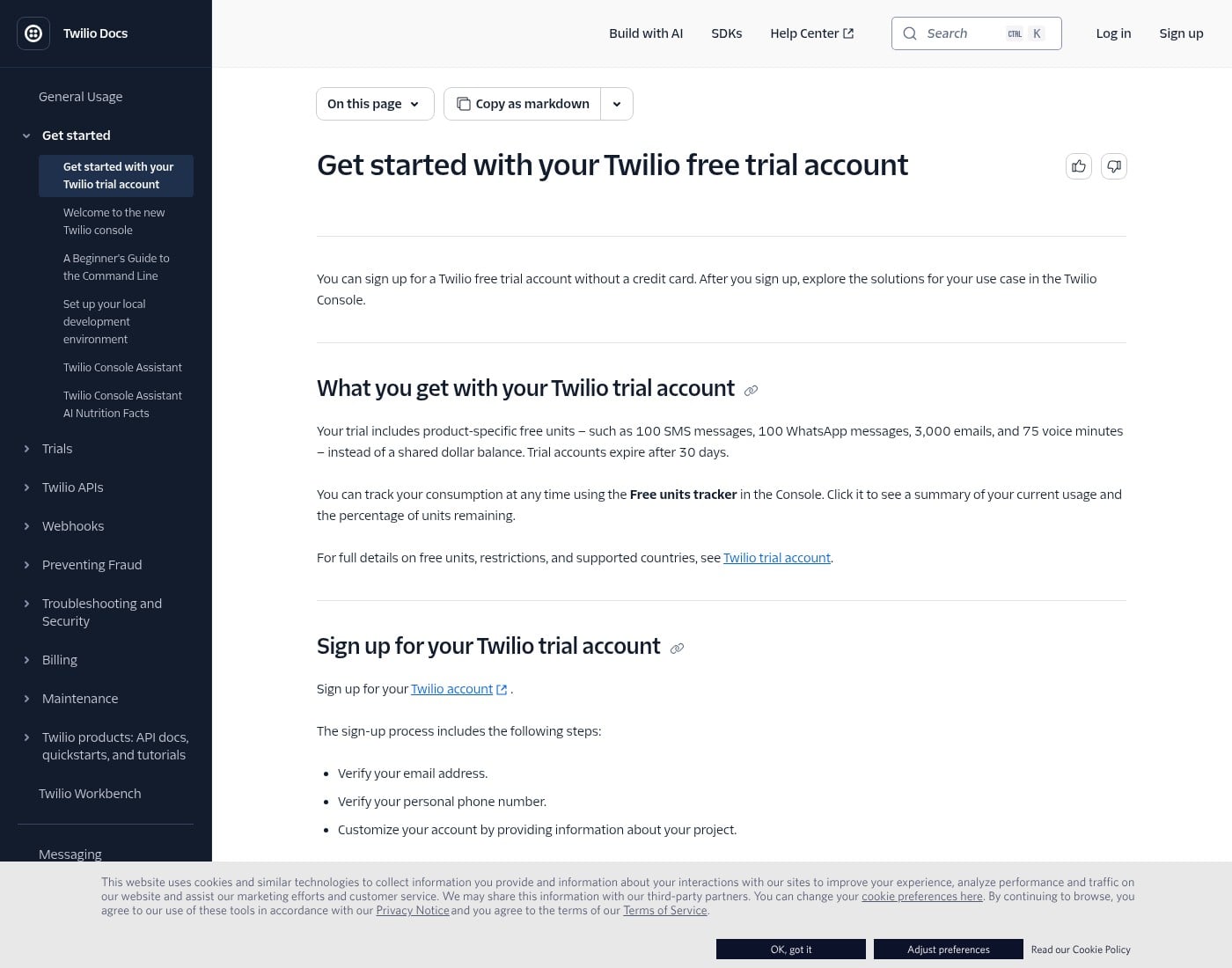
Start on Twilio. Open the free signup at twilio.com/try-twilio. No credit card is required to start a trial. Enter your name, email, and password, verify your email, then verify your personal phone number. That personal number becomes a verified recipient you can call or text during the trial.
After signup, the Twilio Console home page is where you find Account Info. Copy the Account SID (it starts with AC) and reveal the Auth Token with the eye icon. Keep both private. Those two values are what Hermes stores as TWILIO_ACCOUNT_SID and TWILIO_AUTH_TOKEN. Do not paste them into a blog post or a public chat. Trial accounts use the same credential shape after you upgrade later.
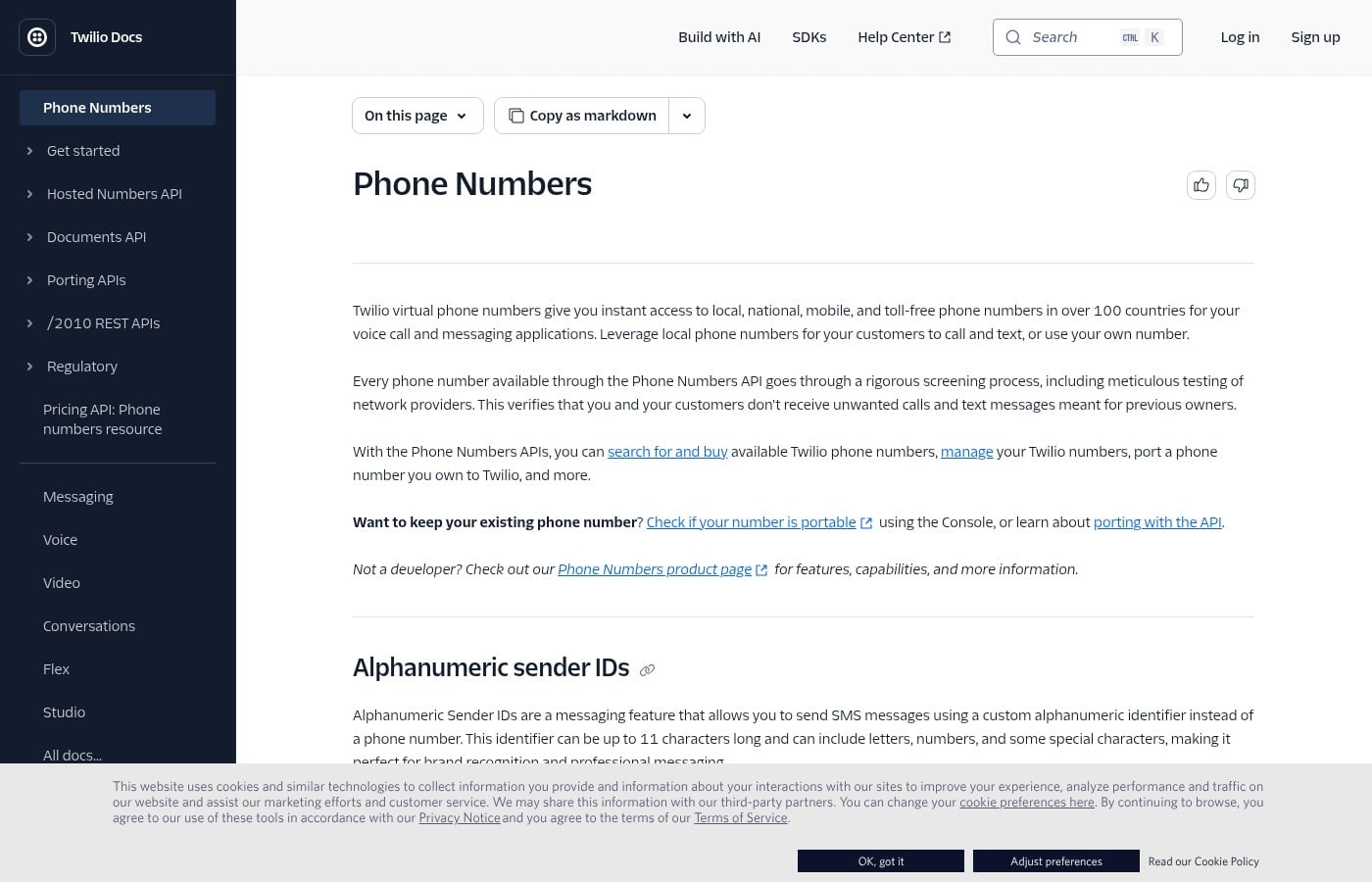
Next you need a phone number Hermes can own. On a trial, product Try-out flows can hand you trial resources for SMS or Voice. When you want a reusable line the telephony skill can remember across sessions, search for and buy a number in the Console, or ask Hermes to search and buy once you approve the spend. Prefer a regular local voice-capable number in your country for outbound practice. Note trial limits: you can usually only call or text verified recipients (about five), your signup number counts, and free voice minutes run out.
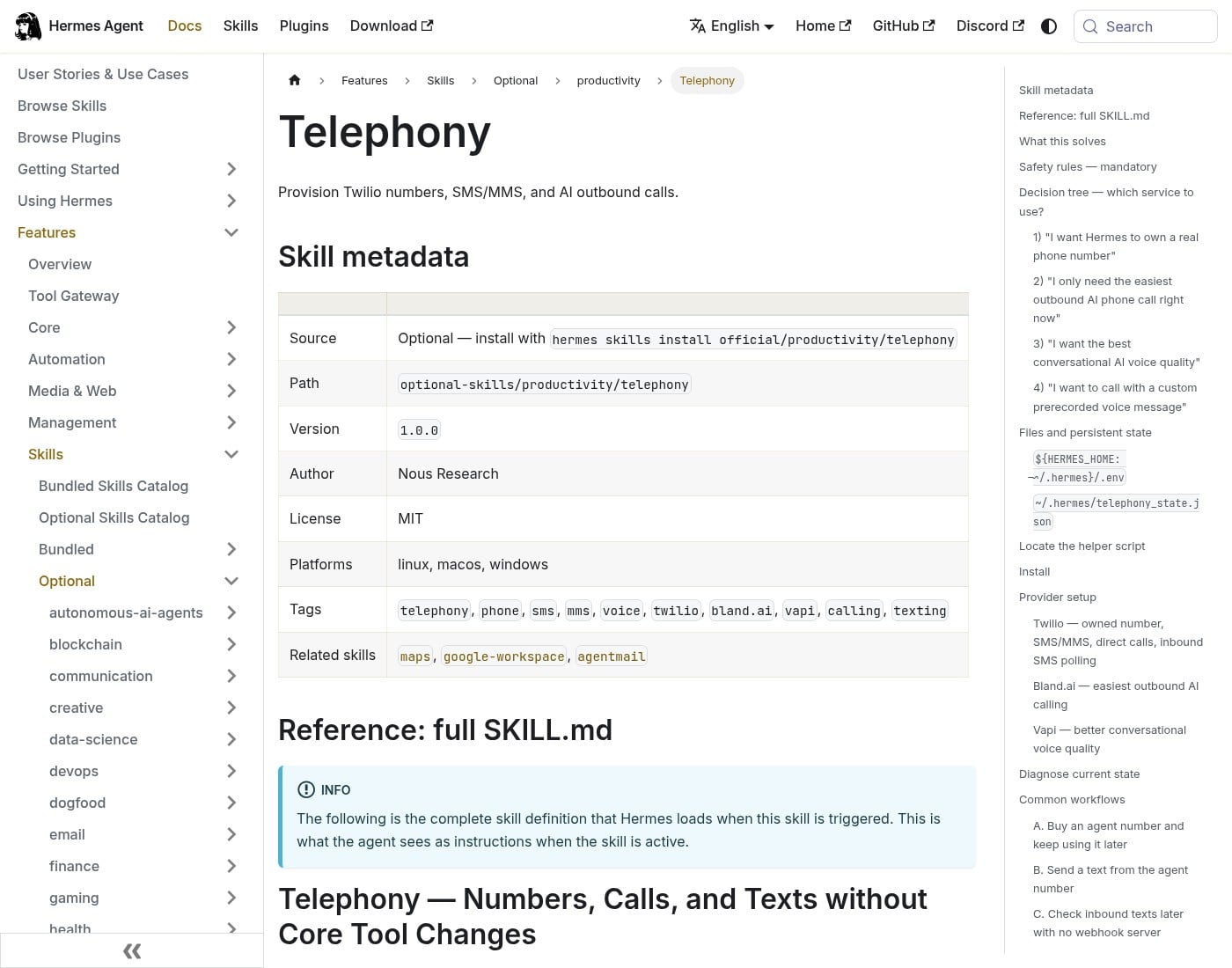
On Hermes, install the official telephony skill from the Skills Hub if it is not already there. The documented install is hermes skills install official/productivity/telephony. Prefer asking Hermes to install it and save your Twilio credentials once Chat works, rather than hand-editing files for sport. Under the hood, the skill helper writes those values into the Hermes .env file and can remember your default number after a buy.
When diagnose shows Twilio ready and a number remembered, do a sandbox call to your own verified cell first.
Tip: on a Twilio trial, if a call fails to a number that is not verified, add that number as a verified recipient in the Console before you retry. That is a normal beginner gotcha, not a Hermes bug.
Further step: once the Twilio line is solid, the next piece for a live booking call in your ElevenLabs clone is Vapi on top of this same number. Keep confirm-before-dial when you get there.
What I learned
Twilio is the phone line. Hermes does not dial from ElevenLabs alone. You create a free Twilio account, copy the Account SID and Auth Token from the Console, attach a number, and install the official telephony skill so Hermes can save those credentials and remember the line.
Ask Hermes to do the wiring when in doubt.
Phone line first. Voice clone and live conversational providers come next.
Hermes Agent Hosting comes with Hermes preinstalled on a NameHero VPS. NameHero support is available by live chat if you get stuck.

John is the COO of NameHero and is an entrepreneurial, data-driven digital marketer and business operator with +16 years of experience across many different marketing channels, industries and strategies (B2C & B2B).
Leave a Reply