


An important part of running a WordPress site is ensuring that it ranks in the search results. This means using an SEO plugin to optimize your pages with keywords and implement other strategies. But which is the best solution?
Many popular SEO plugins provide on-page recommendations, XML sitemaps, and schema markup. However, you can also find tools that offer dedicated features for blogs, WooCommerce sites, and local businesses.
In this post, we’ll explain why you should use SEO plugins for WordPress. Then, we’ll look at the best tools for the job. Let’s get started!
Do You Need a WordPress SEO Plugin?
Search engine optimization (SEO) refers to best practices that help your WordPress website appear in search engines like Google.
Well-optimized websites and pages are more likely to earn top rankings in the search results. This makes your content more visible to users, enabling you to capture organic search traffic.
It’s certainly possible to handle search engine optimization without prior experience. Another option is to outsource the task to professional SEO services, but this can be expensive.
SEO plugins for WordPress are more affordable. These tools make it easy to improve on-page SEO elements (e.g. meta tags, keywords, internal links, etc) so that search engines better understand your content.
The best WordPress SEO plugins also target technical SEO elements, with features like XML sitemap creation. Some tools even improve local SEO or ecommerce SEO specifically.
An SEO plugin ensures that your content is in good shape and allows you to maximize exposure in the search results. It’s the best option if you don’t want to pay for an expert.
However, a WordPress SEO plugin is just one piece of the puzzle. You’ll still have to conduct keyword research and consider other factors to perform well in search engines, such as producing high-quality content and improving site speed.
5 Best WordPress SEO Plugins
You don’t want to install more than one WordPress SEO plugin as it will lead to conflicts. So, to make sure that you choose the right tool, here’s a review of the most popular SEO plugins on the market.
1. Rank Math

The Rank Math plugin is a powerful solution that addresses local SEO, WooCommerce SEO, and image SEO. It comes with a user-friendly setup wizard and allows you to import data from other popular SEO plugins.
There’s an “Easy” mode for beginners (where the plugin will do most of the work for you). However, if you want more control over your WordPress SEO settings, you can switch to “Advanced” mode.
The readability analysis isn’t very detailed, but the SEO analysis is super comprehensive. You can optimize meta titles/descriptions, add schema markup, edit social snippets, and generate an XML sitemap.
The plugin is also compatible with Google Search Console and Google Analytics. Plus, you might like to use the AI content module that helps you craft SEO-friendly headings, outlines, and even whole articles.
Price
You can use Rank Math for free or upgrade from $6.99 per month. The AI content feature starts at $4.99 per month.
2. Yoast SEO

The Yoast SEO plugin is one of the biggest names in the industry and for good reason.
Like Rank Math, it provides a streamlined setup wizard to configure basic SEO settings. You also have the option to import SEO data from other SEO plugins and even clean up the old data if needed.
The traffic light system is unique to Yoast, revealing instant feedback on certain content elements like keyword density and meta tag length. Yoast SEO also provides an in-depth readability analysis, which includes checks on paragraph length, subheading distribution, and more.
The plugin integrates seamlessly with tools like Semrush, so you can perform keyword research without leaving the WordPress dashboard. With Yoast Premium, you’ll get access to AI-driven features (to automate many tasks) and full access to the Yoast Academy tutorials.
Price
You can use the free version of the Yoast SEO plugin or upgrade for $99 per year.
3. All in One SEO
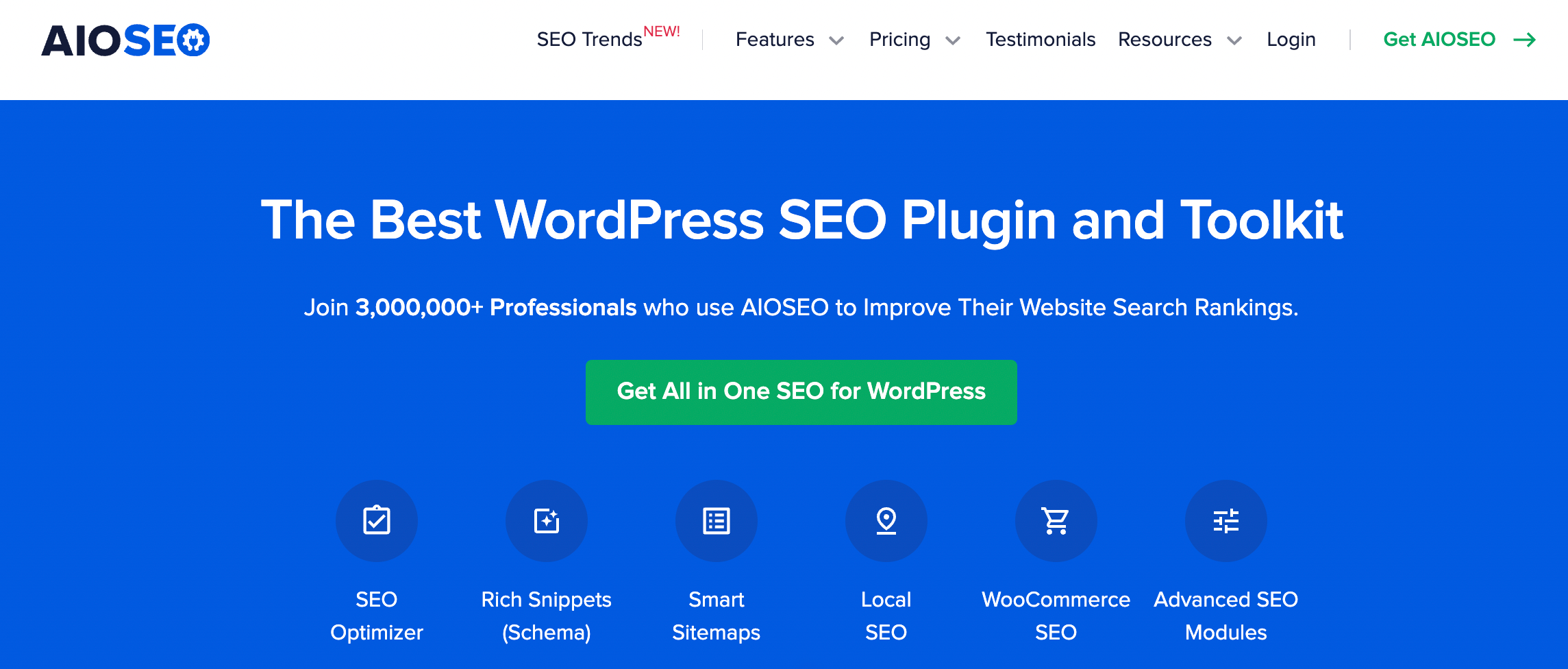
All in One SEO (AIOSEO) is a full-service SEO pack, but its on-page SEO checker is one of the finest.
Similar to Yoast’s traffic light system, AIOSEO provides a clear SEO score as well as actionable tips to optimize your posts and pages. It evaluates keyword usage, meta tags, content readability, and more.
This tool is one of the best WordPress SEO plugins for multi-author blogs since you can signal your expertise and authority using the Author SEO feature. You’ll also gain user access controls that determine who can view and modify your SEO settings.
AIOSEO boasts a powerful schema generator and a built-in integration to add Open Graph metadata. It also offers several advanced features like a robot.text editor, video SEO enhancement, 404 tracking, Google News sitemaps, and full control over RSS feeds.
Price
You can use a free version of AIOSEO or upgrade from $49.60 per year.
4. The SEO Framework

The SEO Framework is a full-featured SEO plugin that maintains accelerated site speeds. Therefore, it’s ideal for users who are worried about weighing down their WordPress website with extra tools.
It ensures faster loading times by avoiding database bloat and slow queries, and it includes built-in caching mechanisms to further enhance website performance.
The SEO Framework offers plenty of automation features. Upon activation, the plugin scans your unique WordPress environment to define the best configurations (although you can edit these, too).
AIOSEO auto-generates an XML sitemap and meta tags (in any language). You’ll also find on-page visibility settings like canonical URLs, indexing, and follow/nofollower links.
This WordPress plugin offers free and premium extensions including a local SEO module and article structured data. That said, you can find free plugins that offer this functionality out of the box.
Price
There’s a free version or you can upgrade from $7 per month.
5. Squirrly SEO

Squirrly is a great option if you want to cover SEO from every angle. It combines an AI-based plugin with cloud services to help you optimize your WordPress site.
This is one of the best WordPress SEO plugins since it lets you conduct keyword research within the platform. It also carries out in-depth SEO audits to help you raise the ranking of specific web pages.
Like Rank Math, it comes in two modes: beginner and expert. The former automatically defines the best settings for your site while the latter lets you tweak the configurations to your liking.
Besides the typical SEO features (e.g. meta tags, rich snippets, social sharing, indexing, etc), you also get real-time SEO feedback as you work. It integrates with Google Search Console, Google Analytics, and popular caching plugins.
Price
The free version of Squirrly covers one website and five keyword research sessions per month. If you need more, you can upgrade from $9.99 per month.
Conclusion
Unless you plan to pay for SEO services, the easiest way to boost your search engine rankings is to install a WordPress SEO plugin. This tool helps you optimize title tags, meta descriptions, permalinks, and more.
To recap, here are five of the best WordPress SEO plugins:
- Rank Math: Best all-around WordPress SEO plugin.
- Yoast SEO: Best for crafting SEO-friendly content.
- All-in-One SEO: Best for multi-author sites.
- The SEO Framework: Best for maintaining site speed.
- Squirrly SEO: Best for serious SEO needs.
A key part of technical SEO is ensuring fast site speeds. Besides using a WordPress SEO plugin, you should choose a performance-focused web host. At NameHero, all plans come with built-in LiteSpeed caching and NVMe storage (faster than SSD). Check out our WordPress hosting plans!

Sophia is a staff writer at WordCandy.co, where she produces quality blog content for WordPress plugin and theme developers, hosting providers, website development and design agencies, and other online businesses.
Leave a Reply