
Today I’m going to walk through how to use n8n to do something useful for your business. Of course, not everyone has the same business needs, and that’s what is sometimes tricky about understanding the possibilities of AI but I know for myself, I’ve heard a lot about n8n so let’s check it out with a made up example of a dog grooming business.
n8n is an automation tool that can be self-hosted (so that’s a bit different than a tool like Zapier) but it can be connected to a lot of things and perform tasks, operations, and processes automatically. There’s a really nice graphical interface with dragging and dropping capabilities so don’t be intimidated just yet!
What you’ll need
Here’s what you’ll need to follow along. Nothing on this list takes more than a few minutes to set up:
• An n8n account (the free 14-day trial works fine, or a self-hosted install)
• A Calendly account (the free tier is plenty for this)
• A Google account with access to Google Sheets
• About 30 minutes
Getting started
Regardless of your hosting method – self-hosting, hosting with n8n or maybe NameHero, you will want to register:
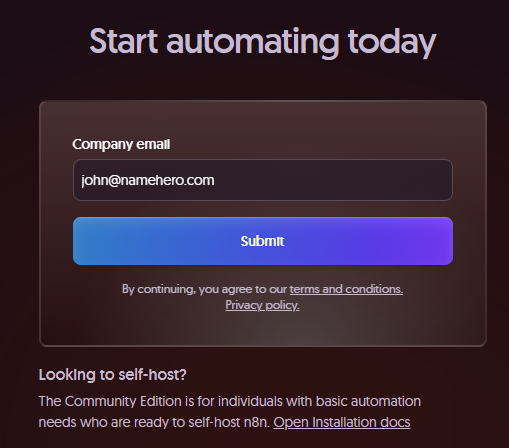
The good news is you can sign up for a 14-day trial for n8n to make sure this will actually be helpful for you or your project.
Building a workflow from a prompt
There’s lots of amazing prebuilt workflows that you can select based on the tools you use today but I’m going to start with a prompt for my made-up dog grooming website.
If you’ve never prompted before, make sure you spend some time thinking through your prompt to ensure there is enough information. In a perfect world, I specify my CRM and any other system but this should be sufficient.
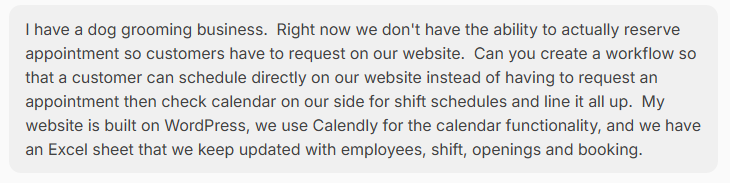
Here’s the exact prompt I used if you want to copy it and swap in your own business:
“I run a dog grooming business and take bookings through Calendly. When a customer books an appointment, automatically add their name, contact info, appointment time, and requested service to a Google Sheet. Send the customer a confirmation, and send them a reminder the day before their appointment.”
Then clarify a few things about how you would like for it to work:
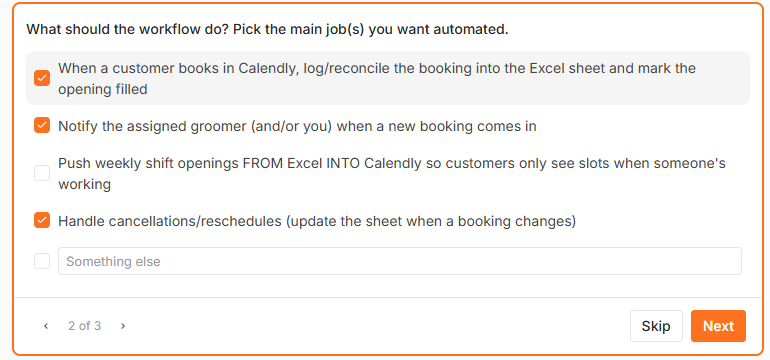
And now it’s building…
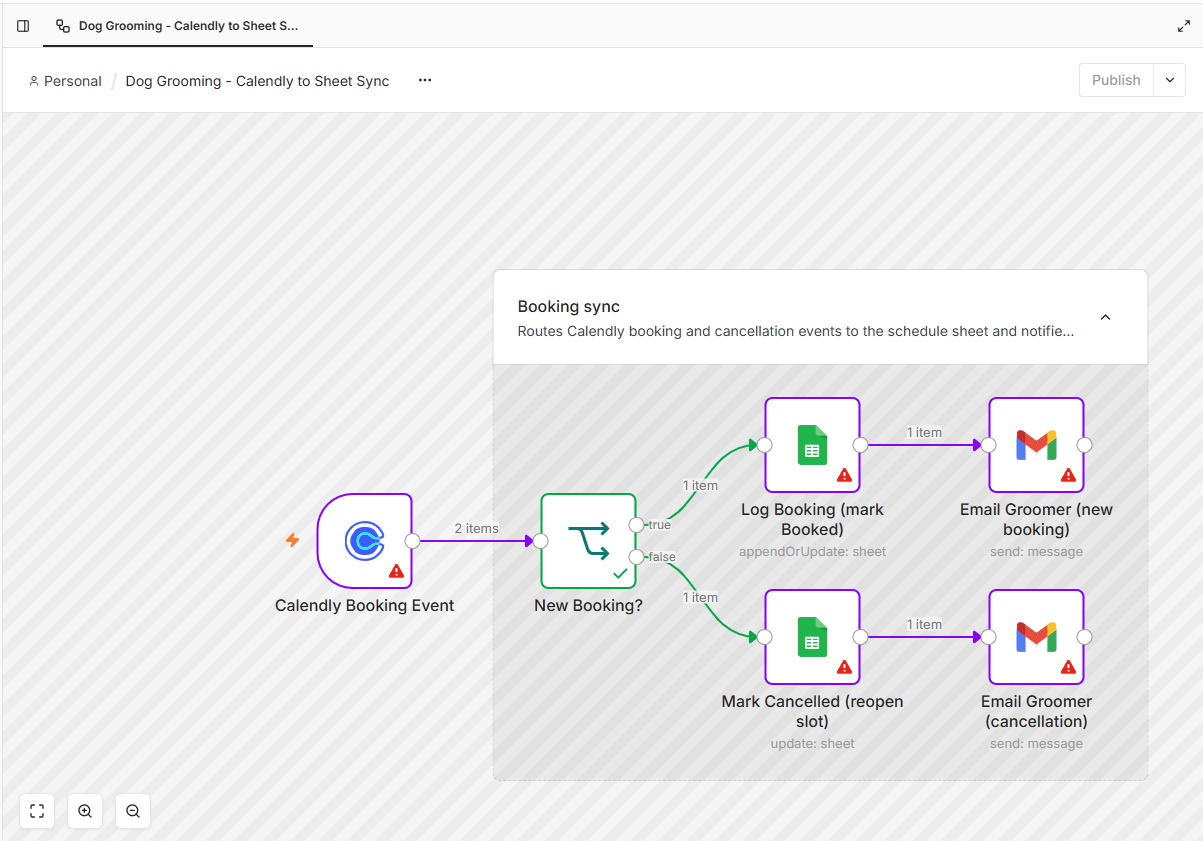
Connecting your accounts
So this is a very simple example of where it would take a business owner or staff member a lot of time to manually verify schedules, contact customers, and more. Before it can work, we need to log into all of the components from my prompt – Calendly and Google Sheets.
One heads up here, because this is the part where I got a little stuck my first time. For each service in your workflow, n8n asks you to create a “credential,” which is basically a saved login that lets n8n talk to that service for you. For Google Sheets and Calendly it’s just a sign-in window: click Connect, log in, and approve the access. It feels tedious the first time but you only do it once, and every workflow you build after this can reuse the same logins.
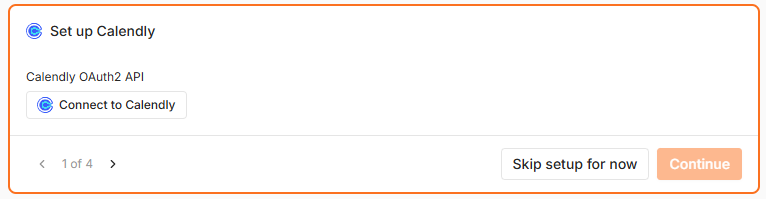
Once every node is connected, flip the workflow to Active and run a test booking to make sure everything fires the way you expect.
Now we can test our workflow on our website and successfully manage the process where n8n effectively talks to all the systems on the backend to make sure they are in sync, automates the process and uses your existing tech stack or system that you are used to (Calendly, Google Sheets, etc.)
Taking it further
The same idea works for a lot more than scheduling. A few things you could add once you’re comfortable with the basics:
• Send reminders by text instead of email (n8n connects to Twilio and similar services)
• Follow up with no-shows to get them rescheduled
• Request a review a day after each completed appointment
• Sync new customers into your CRM or email list
Wrapping up
A quick note on cost. After the trial ends you can pay for one of n8n’s cloud plans, or since it’s open source, you can self-host it on your own server and only pay for the hosting itself. If your workflows run hundreds of times a month, that flat cost really beats paying per task like you would with Zapier.
You don’t need to be a developer to automate this stuff anymore. You describe the process in plain English, connect your accounts, and n8n keeps Calendly, Google Sheets, and your customers in sync behind the scenes. Pick one repetitive task that eats up your week and start there. For me, it was appointment scheduling.

John is the COO of NameHero and is an entrepreneurial, data-driven digital marketer and business operator with +16 years of experience across many different marketing channels, industries and strategies (B2C & B2B).
Leave a Reply