


If you’re looking to capture website traffic from search engines, you’ve probably come across the term SEO (short for Search Engine Optimization). However, if you’re completely new to SEO, you might not fully understand the concept or know how to implement these techniques.
That’s why it can be a good idea to utilize WordPress SEO services. There are options for all types of websites and users. If you’re on a budget, you can use SEO plugins. But if you have more complex needs, you can work with a dedicated WordPress SEO agency.
In this post, we’ll take a closer look at search engine optimization, Then, we’ll discuss the main benefits and types of SEO. Finally, we’ll introduce you to WordPress SEO services. Let’s jump right in!
What Is Search Engine Optimization (SEO)?
If your WordPress website doesn’t get as much traffic as you’d like, search engine optimization (SEO) is the cheapest way to turn things around.
It’s a bit of an abstract concept, but essentially, when we talk about SEO, we refer to a collection of strategies and techniques that make your content more appealing to search engines. As such, you’ll be rewarded with higher search engine rankings, which bring more traffic to your site.
With the added exposure in the results pages, it’s easier to direct users to your web pages. But since any good SEO strategy revolves around relevant keywords, it also enables you to capture highly targeted traffic, which in turn can lead to more conversions and sales.
Although you can successfully implement keywords to get traffic, it often isn’t enough to retain visitors. You have to ensure that your website offers value since search engines also consider factors like time on site and bounce rates.
This means that there are lots of technical SEO considerations. For example, search engines want to know how user-friendly your website is, so it’s important to make sure that your pages are mobile-ready, fast-loading, and accessible to all kinds of people.
The Benefits of SEO for WordPress Websites
As we mentioned above, employing SEO strategies helps improve your online visibility and can result in higher quality leads. But besides appeasing search engines, SEO can make your content more valuable to real users.
Since usability is an important part of SEO, it helps you improve the overall user experience (UX) via speed enhancements, navigation improvements, and mobile optimization. This makes it easier to retain visitors, instead of turning them away to discover your competitors.
Not only that, but SEO is critical to understanding your audience, since you can identify the exact terms and phrases that people use to find content. This puts you in a better position to ensure that visitors remain highly engaged with your site.
SEO is one of the few ways you can get impressive results with very little financial investment. It’s a cost-effective method of gaining more site visitors, without relying on paid advertising. This means you don’t need a hefty budget to get started.
4 Main Types of SEO
When you decide to perform WordPress search engine optimization (SEO), you’ll encounter some different terms. Here are the main SEO strategies to know about, regardless of your website type:
- Keyword research. This enables you to identify popular terms and phrases that your target audience use to find content online. Once you select some relevant keywords, you can incorporate them across your website to increase visibility in the search results.
- On-page optimization. This refers to any change you can physically carry out on your individual web pages. For example, you can optimize title tags, meta descriptions, page headings, permalinks, and more.
- Off-page SEO. This describes all SEO tactics that get applied outside your website. It’s often used to denote link building, which can increase the authority and relevance of your site. But it also extends to online reputation management, social sharing, and more.
- Technical SEO. Often used synonymously with code optimization, technical SEO involves tweaking the technical elements of your website such as speed, mobile-friendliness, and accessibility. You can also fine-tune headless CMS and other frameworks, as well as optimizing code like JavaScript.
There are plenty of other types of SEO strategies that might be useful for your website. For example, if you want to bolster your online presence to attract customers in your region, you can utilize local SEO tactics.
On top of this, there are additional techniques involved in optimizing an ecommerce website. For instance, WooCommerce SEO enables you to improve the performance of category and product pages. Meanwhile, you can delve deeper into subsections of SEO, including video SEO, image SEO, and even taxonomy SEO.
The Best WordPress SEO Services (And Which to Use)
When it comes to optimizing your WordPress website to improve your search rankings, you have various options. Let’s have a look at the most popular ones.
WordPress SEO Plugins
The easiest (and likely cheapest) way to access SEO services is to install a popular WordPress SEO plugin like Yoast SEO or All in One SEO (AIOSEO):
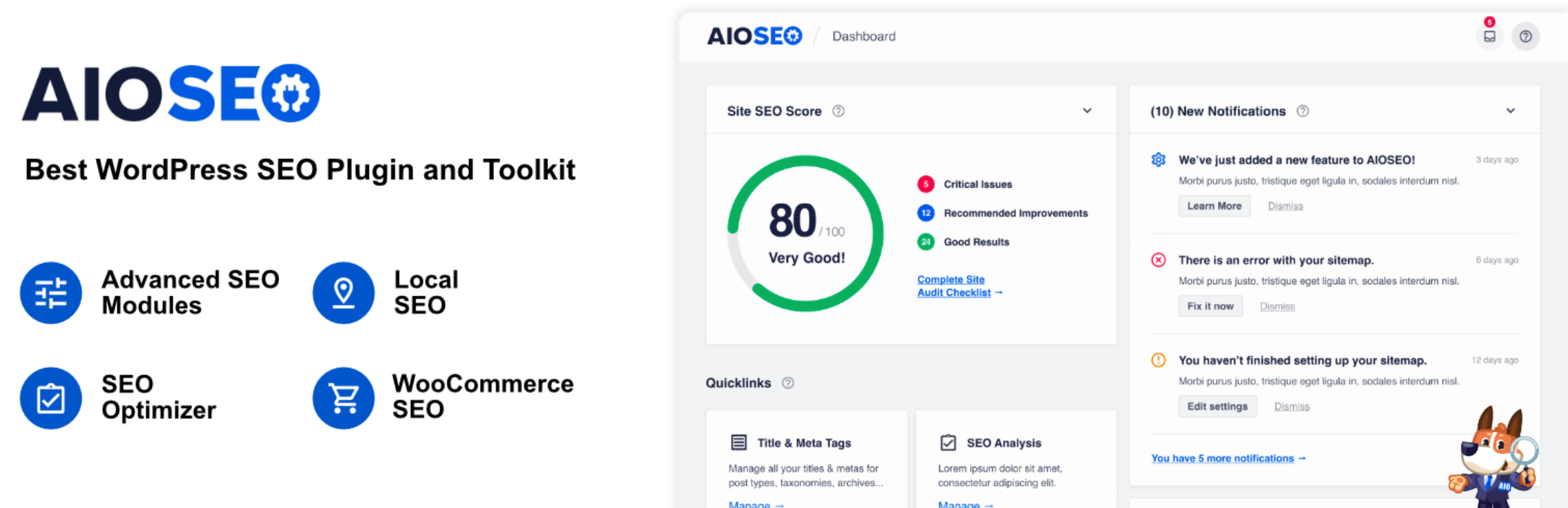
Both of these solutions have a free version available. However, SEO plugins are generally limited to on-page optimization techniques, such as optimizing meta tags and header tags.
Additionally, you’re restricted to a one-size-fits-all approach, which might not be suitable for your website. Instead, you can obtain a customized SEO strategy by using a professional WordPress SEO service.
Freelance SEO Experts
If you have more complex SEO requirements and you have the budget to work with a WordPress SEO expert, you might prefer to hire a freelancer. This is a highly convenient option, since you can reach out to professionals using online platforms like Fiverr and Upwork:
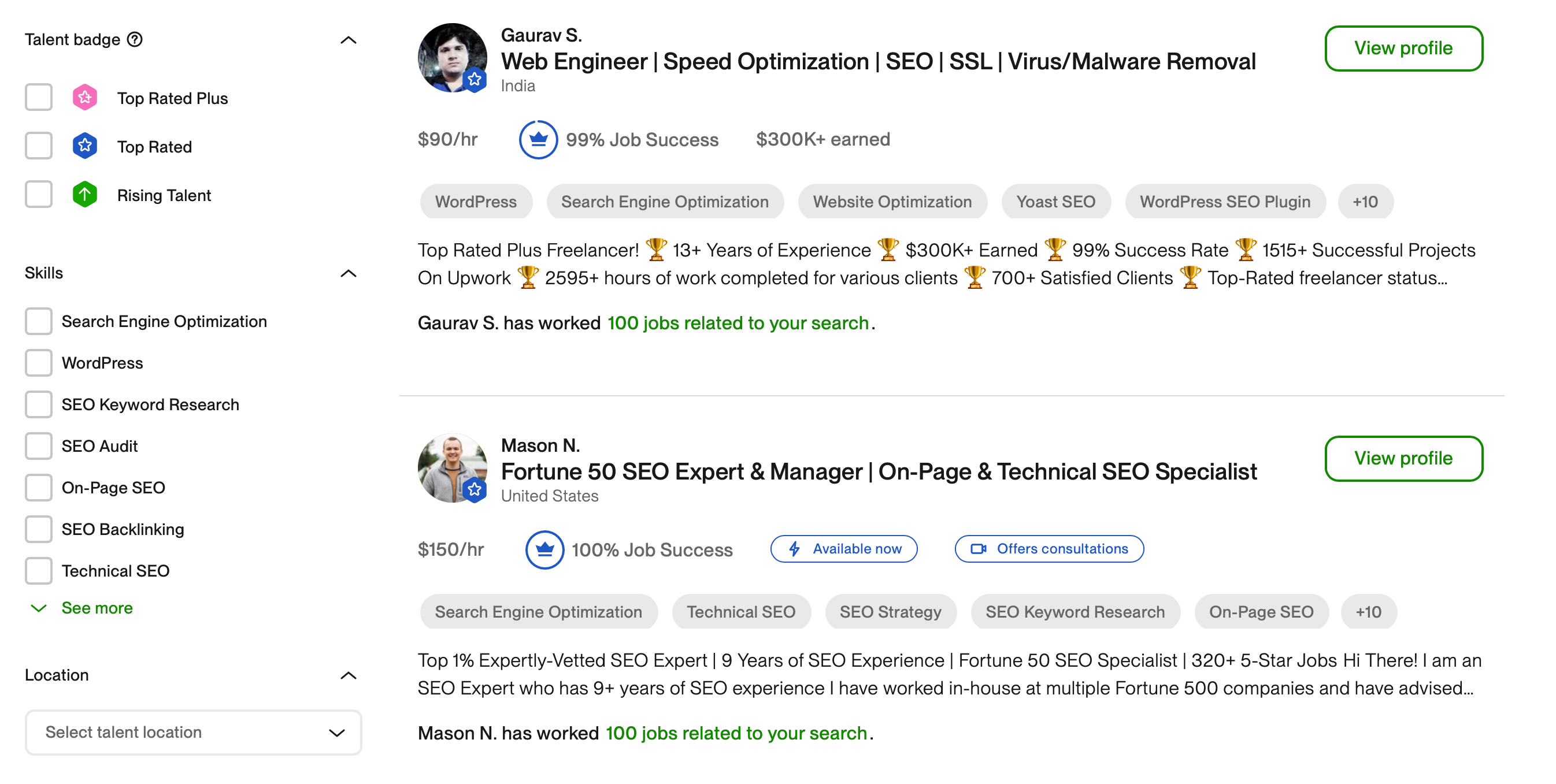
However, this method limits you to the expertise of just one individual. And again, you’re slightly limited in terms of what you get. For instance, most freelancers offer a combination of on-page optimization, technical SEO, and keyword research.
WordPress SEO Agencies
If you’re looking for more customized WordPress SEO strategies that cover all areas of optimization, an SEO agency may be a better fit. Typically, the process will kick off with a comprehensive WordPress SEO audit to pinpoint exact areas for improvement.
For example, at ROI Minds, you’ll receive a free WordPress SEO audit before getting access to a custom WordPress SEO strategy:
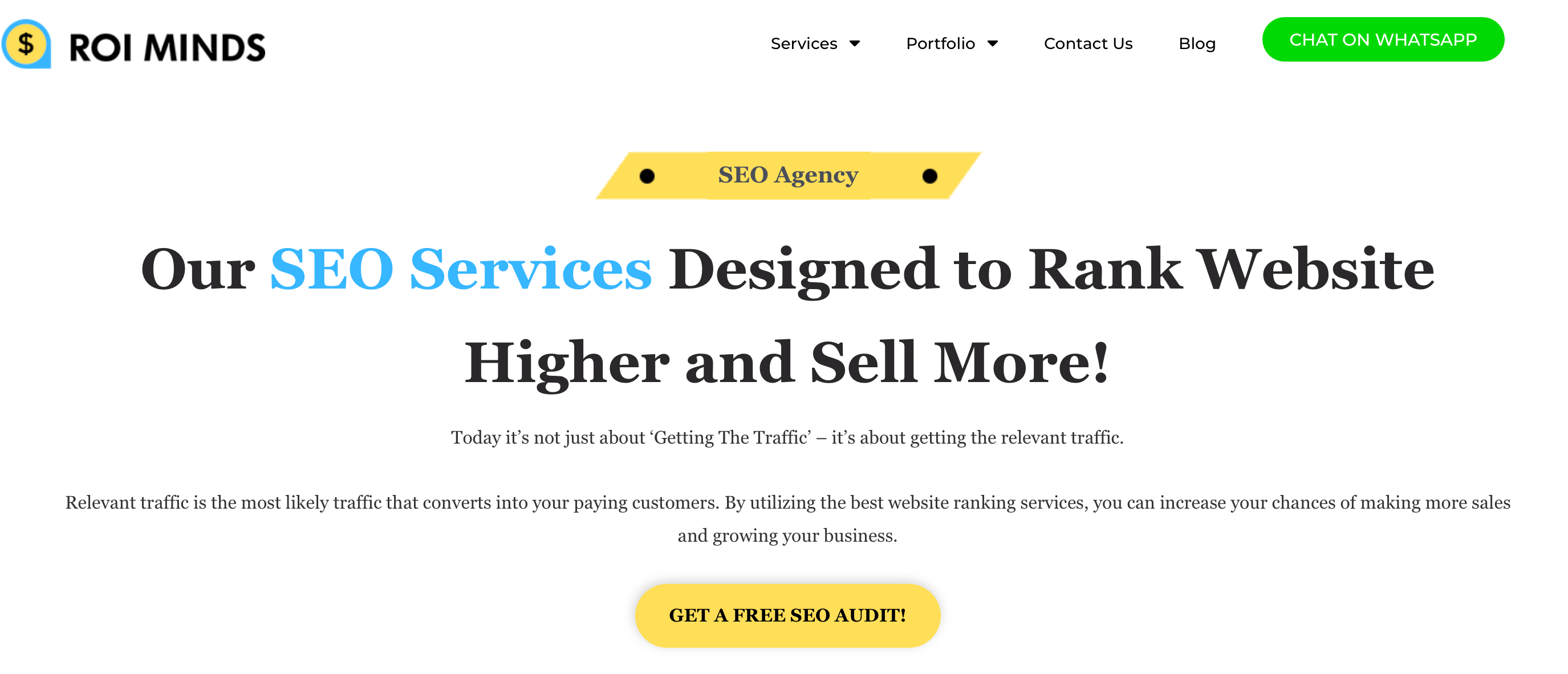
Besides keyword research, you’ll also receive strategic keyword analysis to help you choose the best terms to target. Not only that, but the SEO team will be well-versed in the WordPress content management system (CMS) specifically.
Therefore, you’ll be in the best position to benefit from proven SEO strategies that have been successfully implemented across the websites of other WordPress clients. This might mean optimizing the WordPress database, configuring XML sitemaps, or building domain authority.
The team will usually monitor your SEO performance, too. This enables you to adapt consistently to new SEO trends and identify weaknesses in your current strategy. For instance, you might be encouraged to target different keywords or switch to a new web host to improve WordPress performance.
With that in mind, NameHero makes an excellent choice if you’re looking to boost your loading times:

Our WordPress plans come with LiteSpeed caching to accelerate your WordPress site. Some plans also include a free domain name and a free SSL certificate.
If your WordPress website is hosted with another company, NameHero can help you migrate it to its servers for free.
Conclusion
Although it can sound highly technical, SEO is essentially the process of making your website search-engine friendly. This helps you claim better ranking positions to maximize exposure in the results pages.
There are different types of SEO, but the main ones you need to know about are on-page SEO, off-page SEO, and technical SEO. If you’re only concerned with the first one, you can get by using SEO plugins. But for a more comprehensive strategy, you might want to hire a freelancer or dedicated SEO agency.
When it comes to optimizing WordPress sites, speed plays a critical role in technical SEO. Therefore, you’ll want to use a fast web host. At NameHero, all our web servers are optimized for high performance, and you’ll even benefit from LiteSpeed caching technology. Check out our WordPress plans today!

Sophia is a staff writer at WordCandy.co, where she produces quality blog content for WordPress plugin and theme developers, hosting providers, website development and design agencies, and other online businesses.
Leave a Reply