
If you’ve been following our series, you know I already cloned my voice with ElevenLabs, and I already have a Twilio number Hermes can own. What I still wanted was a live two-way call that sounds like me when I ask Hermes to book something, like a vet checkup for my dog, without me sitting on hold.
So in this walkthrough I connect Vapi as the conversational calling layer on top of that Twilio number, sync my ElevenLabs API key so my clone’s voice_id shows up in Vapi, and wire Hermes telephony so an outbound AI call can use that voice.
Hermes is running on a NameHero VPS for this setup and is always on, ready for me to ask it to make a call or do any sort of task right away!
What we’re doing
Vapi is a conversational phone AI service. Twilio gives you the number. ElevenLabs gives you the voice. Vapi sits between them and runs the live talk turn by turn so the other party can hear and converse with your ElevenLabs voice on the call.
If you still need the clone, see How To Connect ElevenLabs To Hermes For Phone Calls In Your Voice. If you still need the phone line, see How To Set Up Twilio With Hermes For Outbound Phone Calls. This post assumes you have both, or that you will finish those first.
What you’ll need
- Hermes already running on a NameHero VPS, with a working AI key so Chat can think. If you are still on the first hello, start with Your first conversation with Hermes. If Chat says it needs a brain, see Why does Hermes need a key from OpenAI or Anthropic?.
- An ElevenLabs Instant Voice Clone plus API key and voice_id (see the ElevenLabs walkthrough above)
- A Twilio Account SID, Auth Token, and owned phone number (see the Twilio walkthrough above)
- A Vapi account at dashboard.vapi.ai
- The Hermes dashboard in a browser or connected to Telegram/WhatsApp
Ask Hermes first
Ask Hermes: I have an ElevenLabs Instant Voice Clone with voice_id [id], and a Twilio number Hermes already knows. I created a Vapi account. Here is my Vapi API key. Install the official telephony skill if it is missing (official/productivity/telephony), save the Vapi key, import my owned Twilio number into Vapi and remember the Vapi phone number id, and tell me what is still missing before any outbound call. Remind me to paste the same ElevenLabs API key into Vapi Integrations so my clone syncs into the voice list and we can use that voice_id on the live call. Do not dial anyone yet. When phone is ready, I will ask you to place a sandbox call to my own cell in my cloned voice, and you must confirm the number and the script with me before you dial.
If Chat is working, Hermes can walk the wiring and tell you what is still missing. Paste keys only in a private session on your own server. If Hermes says a key or skill is missing, fix that first, then come back to the sandbox ask.
Walk through it
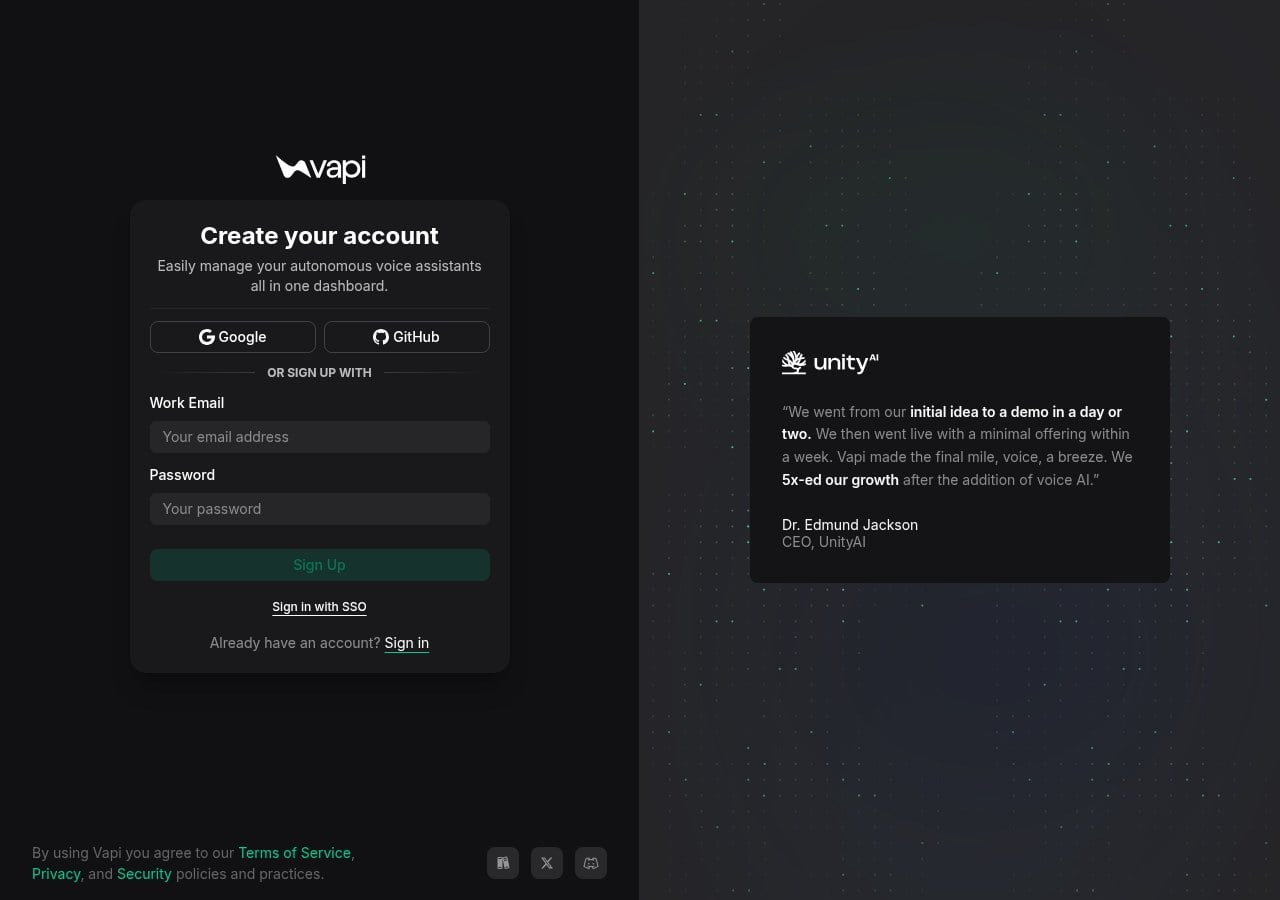
Start on Vapi. Open dashboard.vapi.ai and create your account. Google, GitHub, or email signup all work. Once you are in, copy your Vapi API key from the dashboard settings. Keep it private. That key is what Hermes stores as VAPI_API_KEY.
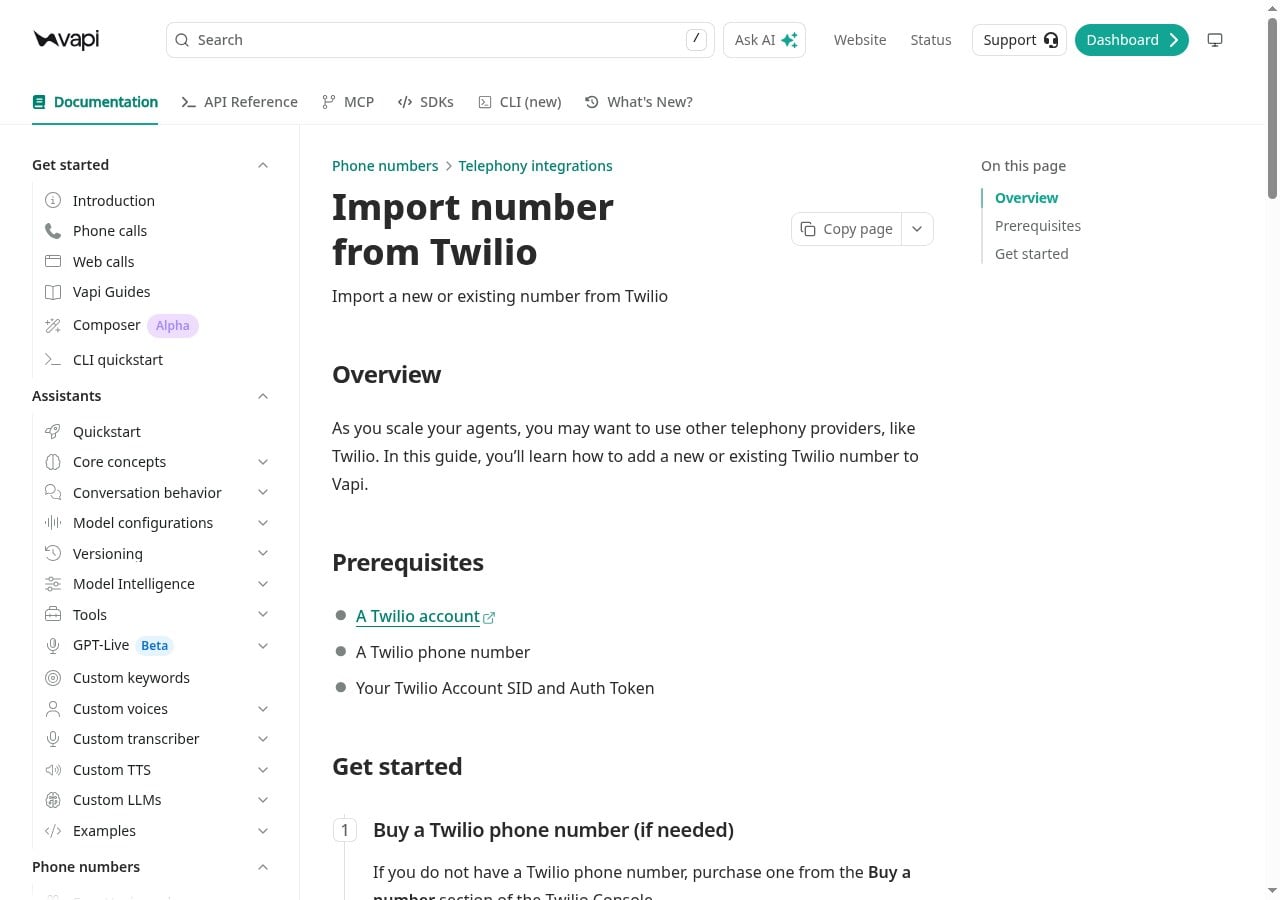
Next, connect your Twilio number. In the Vapi dashboard open Phone Numbers, choose Create Phone Number, then Import Twilio. Enter the number with country code, plus your Twilio Account SID and Auth Token. Import from Twilio. Open the imported number afterward so you can assign it for outbound. Under the hood, Hermes can do the same import with the telephony helper once the skill is installed: save-vapi, then vapi-import-twilio with –save-env so VAPI_PHONE_NUMBER_ID is remembered.
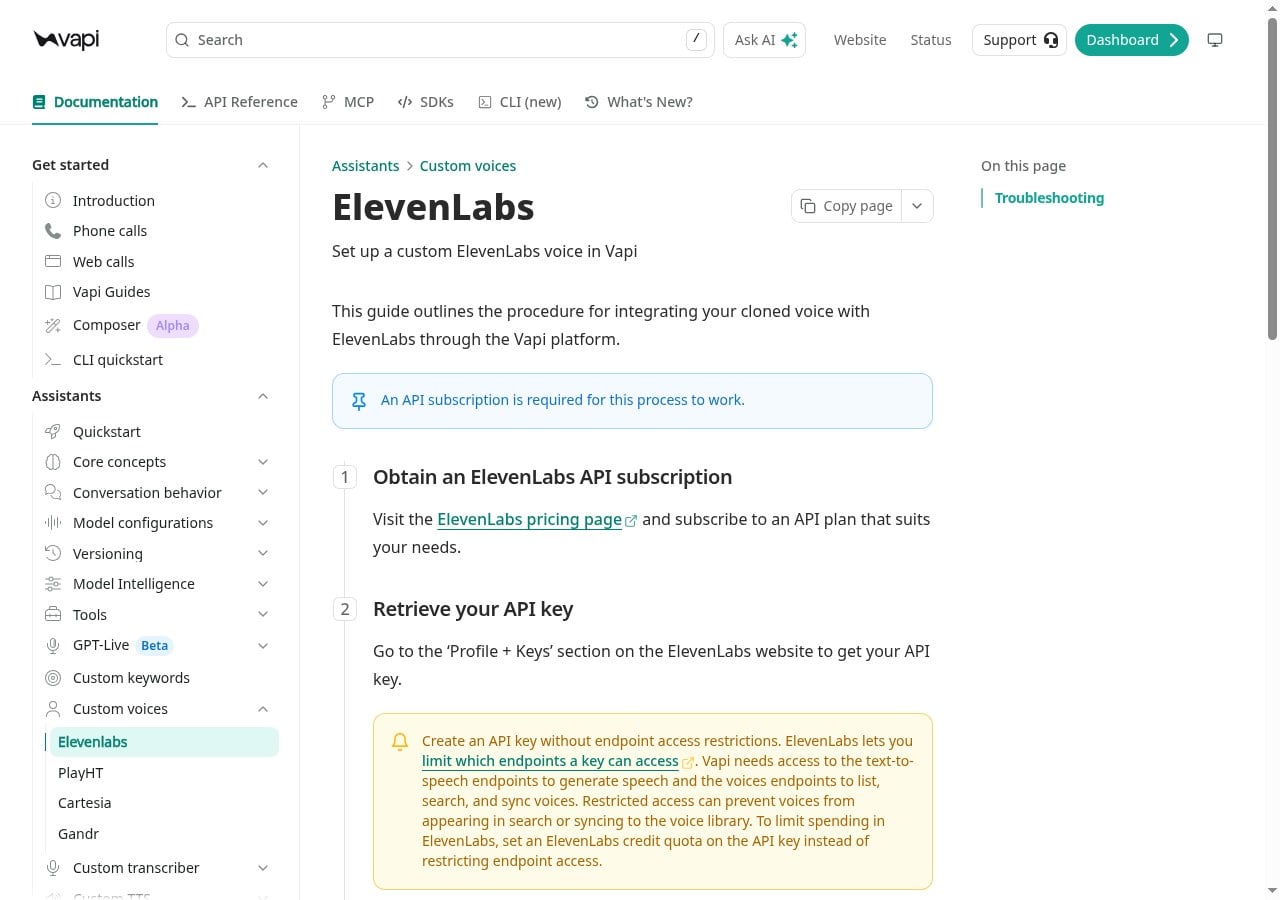
Now sync the clone. In Vapi, open Integrations, find ElevenLabs, paste your ElevenLabs API key, and save. Vapi syncs your voice library so your Instant Voice Clone can show up by voice_id. Vapi’s docs note that this path needs an ElevenLabs API plan, and the key should not lock out the text-to-speech or voices endpoints. After sync, pick your clone on the assistant (or tell Hermes the voice_id) so the live call uses your voice, not a stock default.
On Hermes, install the official telephony skill from the Skills Hub if it is not already there. The documented install is hermes skills install official/productivity/telephony. Prefer asking Hermes to install it, save your Vapi key, import the Twilio number, and run diagnose once Chat works, rather than hand-editing files for sport. The skill’s decision tree is clear: Twilio owns the reusable number; Vapi is the conversational layer when you want better voice flexibility, including your ElevenLabs clone on the call.
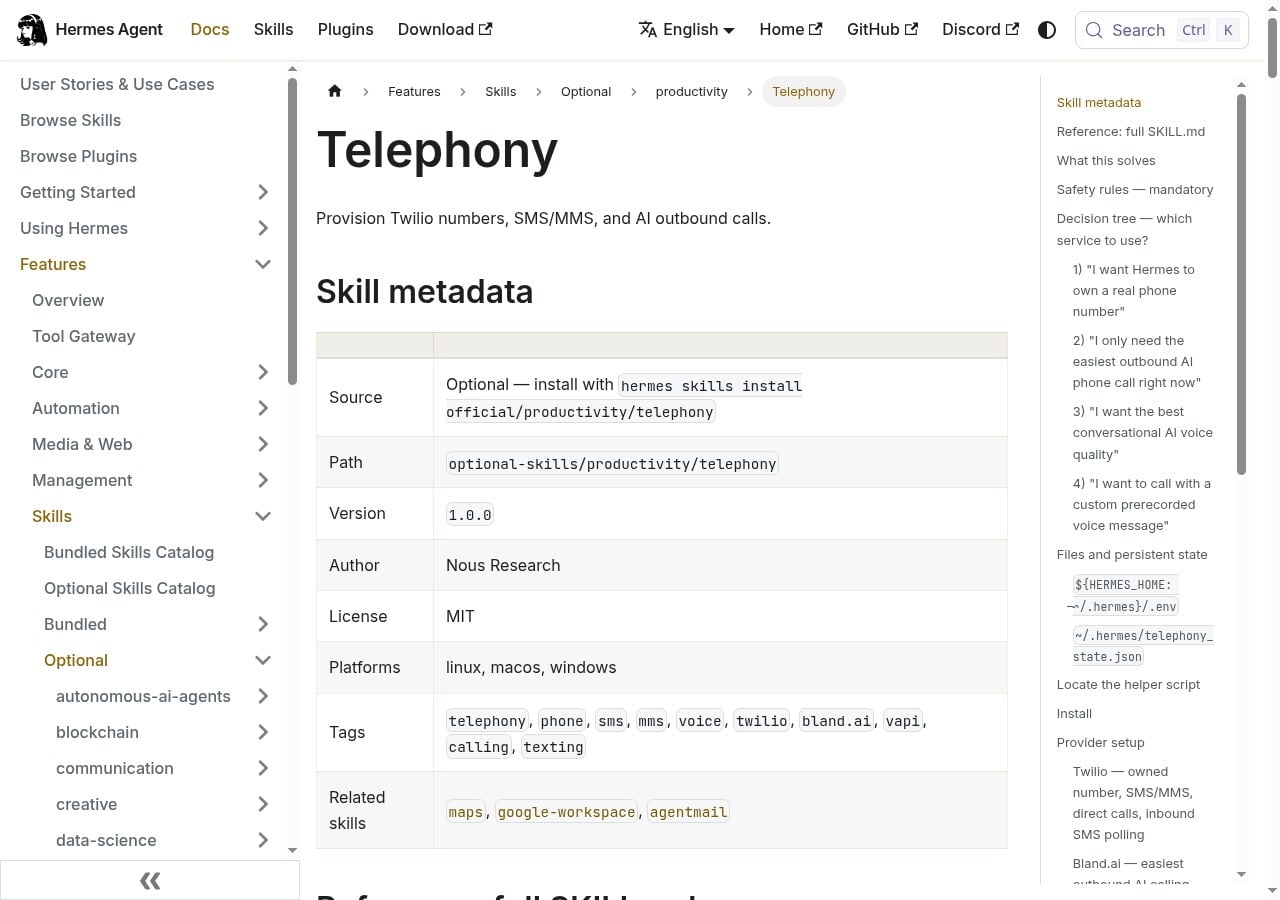
When diagnose shows Vapi ready and a phone number id remembered, do a sandbox call to your own cell first.
Tip: if your clone does not appear in Vapi after you paste the ElevenLabs key, re-save the key, confirm the key can read voices, and search again under the assistant voices list. Syncing the voice_id into Vapi is a separate step from saving ELEVENLABS_API_KEY for Hermes TTS.
Further step: once the sandbox call sounds right, you can reuse the same confirm-before-dial habit for a booking ask (for example a vet checkup for your dog). Keep the script and the number in Chat for your yes before Hermes dials. Still no surprise calls to businesses you did not approve.
What I learned
So to keep it straight, Vapi is the conversational calling layer. Twilio is still the phone line. ElevenLabs is still the voice clone. You create a Vapi account, import your Twilio number, paste your ElevenLabs API key in Vapi Integrations so the clone’s voice_id syncs, and install the official telephony skill so Hermes can save VAPI_API_KEY and VAPI_PHONE_NUMBER_ID.
Ask Hermes to do the wiring when Chat works. The under-the-hood path is save-vapi, vapi-import-twilio –save-env, then ai-call with –provider vapi after you approve the number and the script. Two gotchas bite beginners: the ElevenLabs key must sync inside Vapi (Hermes TTS alone does not put the clone on the live Vapi call), and Hermes should confirm before any dial.
Hermes Agent Hosting comes with Hermes preinstalled on a NameHero VPS. NameHero support is available by live chat if you get stuck.

John is the COO of NameHero and is an entrepreneurial, data-driven digital marketer and business operator with +16 years of experience across many different marketing channels, industries and strategies (B2C & B2B).
Leave a Reply