


Anyone who wishes to set up a website needs to register a domain name. But in the process, you might find that the terms “domain” and “URL” are used interchangeably, which begs the question: is there a difference between them? And if so, what is it?
Domains and URLs are related, but they do have their unique meanings. For example, URLs contain domain names, as well as various other components. You’ll also have to actively register a domain name, whereas this isn’t necessary for a URL.
In this post, we’ll introduce both domain names and URLs. We’ll discuss three key differences between them, including the structure, function, and registration process. Let’s get started!
An Introduction to Domains
In order to fetch the correct web page following a browser request, the internet uses something called IP addresses. These consist of very long strings of numbers, which makes them difficult for real people to remember.
Which is why we have domain names.
Every domain name corresponds to a different IP address. The Domain Name System (DNS) translates this information into the IP address to correctly match browsers with websites.
Domain names are chosen by businesses and individuals who want to set up a website. Typically, they need to be short, memorable, and easy to type/spell. Additionally, many website owners like to include keywords within the domain to help capture highly relevant web traffic.
There’s a definitive structure to domain names (which we’ll discuss later). But generally, domains consist of two parts: the second level domain and the domain extension. Some domains also use subdomains to represent different types of content or locations.
The most typical way to register a domain is to use a domain registrar, but some web hosting services provide free domains with their hosting packages. Usually, the domain will remain valid for a year. After that, you’ll need to renew the domain otherwise it will expire and become available for purchase.
An Introduction to URLs
A Uniform Resource Locator (URL) is a website address or link that is used to access websites and resources on the internet. Like domains, URLs identify the location of a particular web page, but they also provide information about how to access the resource.
Therefore, a URL generally contains more components than a domain name. In fact, a domain name is actually a part of the overall URL, as is any subdomain associated with the primary domain name. On top of this, URLs can include subdirectories (which indicate a certain file location on a web server).
But URLs also contain a protocol or URL prefix that defines how the web browser communicates with the server. For example, HTTP is the standard protocol for transferring data over the internet. Nowadays, many websites use the secure HTTPS protocol to encrypt data.
As you might have guessed, there are similarities between domains and URLs. Both are treated identically by web browsers, so if you type “https://www.namehero.com” and “namehero.com”, you’ll get the same result.
Additionally, both domains and URLs can accommodate keywords to help you gain visibility in search engine results.
Domain vs URL: 3 Key Differences
Now that you know more about domain names and URLs, let’s take a look at three key differences between them.
1. Structure
One of the main differences between domain names and URLs is the structure.
Every domain name contains a second level domain. This is the unique term or phrase chosen by individuals and businesses to represent their online identity (often the brand name). For example, our second level domain is “namehero”.
But every root domain also needs a domain extension (which is also referred to as a top level domain or TLD). These sit at the end of the domain and provide important details about the website. Popular domain extensions include .com, .net, and .org.
That said, you can use specific country codes like .uk or .fr. Plus, you can find extensions that reflect the exact nature of your business such as .shop or .biz if you run an ecommerce store. You also have the option to use a subdomain to create subdivisions within your website.
These are still a part of your root domain, but they often indicate a separate type of content, location, or similar. For example, you may set up a subdomain for your company blog, or use subdomains if you sell products from multiple branch locations.
This extra information can be added to the start or end of the domain name. It’s often made separate from the second level domain using a forward slash or full stop, such as namehero.com/blog or us.namehero.com.
On the other hand, a URL is the complete web address that pinpoints the exact location of a web page or a specific resource. It includes the domain name, but it has many other parts such as the protocol and file path.
There are other components that might be required, like the port number or query parameters.
URL Protocol Options
As we discussed earlier, the standard protocol for data transmission is Hypertext Transfer Protocol (HTTP). It’s used to retrieve content like web pages, images, videos, and more.
That said, if you deal with sensitive information like passwords, personal details, or credit card numbers, it’s better to use the secure protocol HTTPS. In conjunction with a TLS or SSL certificate, it forms an encrypted connection between browsers and web servers.
This replaces the data with random strings of numbers and letters so that if the data gets intercepted, it remains unreadable. As such, it’s a great way to protect customer data and secure online transactions.
Additionally, you might need to transfer website files between an operating system and a web server. In this instance, you might use File Transfer Protocol (FTP) or STFP (the secure version). Meanwhile, Single Mail Transfer Protocol (SMTP) tends to be used by mail servers to send emails.
2. Function
On a basic level, domain names and URLs function similarly within web browsers.
Earlier, we talked about how domains function as a user-friendly alternative to IP addresses. This means that when you type a domain name into a web browser, the DNS system automatically translates them into IP addresses. This allows computers to access resources and web pages that are hosted on a web server.
In contrast, the URL lets you pinpoint the exact location where the page or resource is available. This extends to subdirectories, subfolders, subdomains, and more.
3. Registration Process
Unlike domain names, you can’t register a URL. Instead, URLs are built using the web server’s architecture and the resource location.
Essentially, the URL path already exists and just needs internet users to request it. It also can’t expire, although the URL won’t be accessible if the domain is no longer valid or the page no longer exists.
On the other hand, domain names need to be registered by business owners and individuals who want to set up websites. As we mentioned earlier, you’ll generally need to use a reputable domain registrar like NameHero to do so:
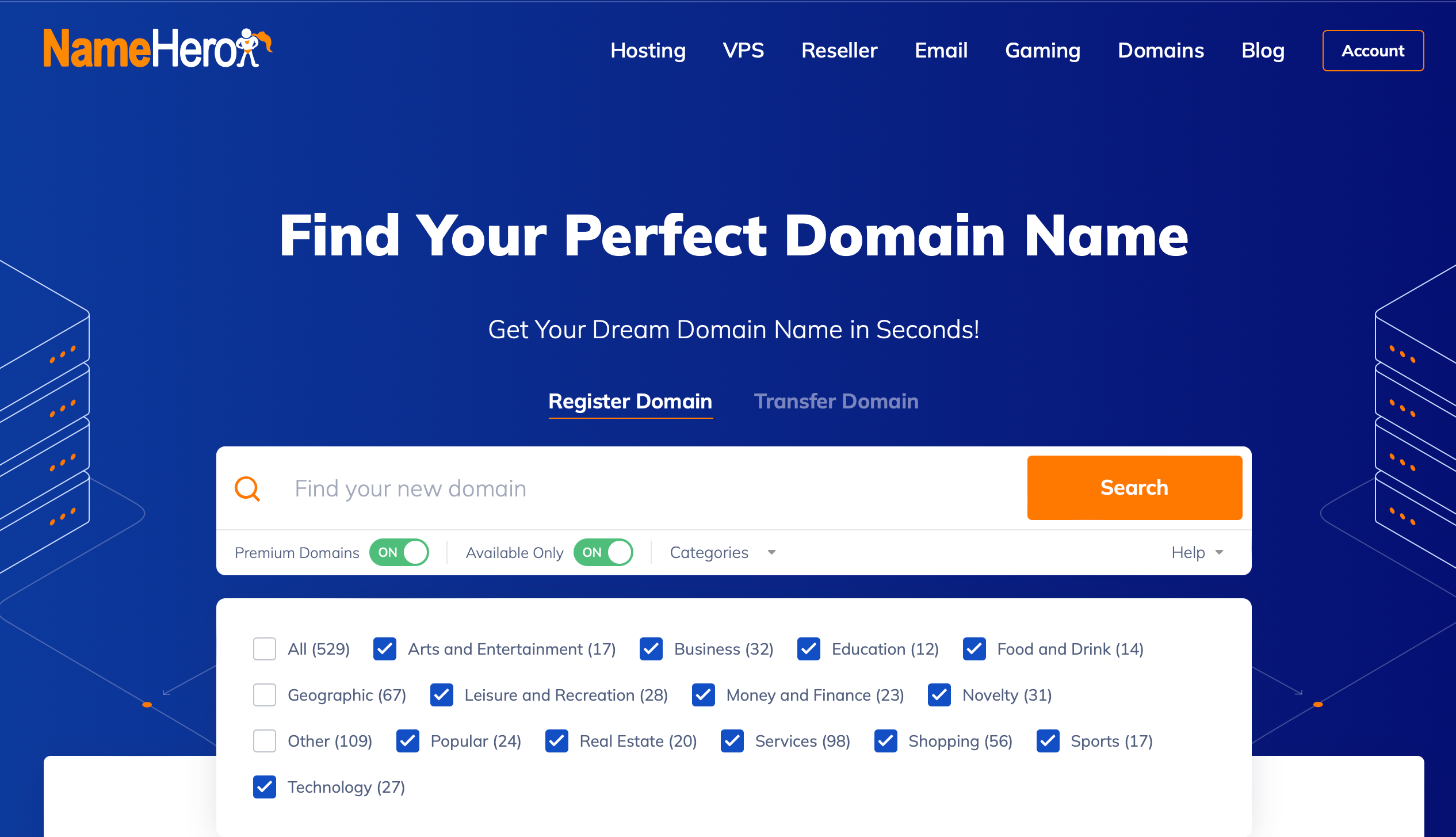
NameHero is a great option because you can browse domain availability first using the free domain search tool. You can also filter the results by industry, or focus solely on premium domains.
On top of this, you can purchase a range of domain add-ons such as domain privacy protection and DNS management. If you also need web hosting, many of NameHero’s hosting packages come with free domain registration.
You’ll also be able to manage all your domains and web resources from a single dashboard. This makes it easy if you ever need to set up subdomains for your website. But it’s also handy when the time comes to renew your domain name before it expires.
Conclusion
While domain names and URLs appear the same on the surface, there are some differences that are important to know if you’re setting up a new website. Both function similarly within browsers, although domains represent IP addresses while the URL provides access to the exact location of a web page or resource.
A URL is the full address that contains the second level domain, top level domain, protocol, parameters, subdirectories, and more. On the other hand, a domain only consists of a second level domain, a TLD, and possibly a subdomain. Plus, a domain needs to be registered by website owners.
NameHero is the simplest way to register a domain name for your business. You can use the free search tool to find a domain you like. Plus, if you purchase a web hosting package, you can even access free domain registration. Find your perfect domain today!

Sophia is a staff writer at WordCandy.co, where she produces quality blog content for WordPress plugin and theme developers, hosting providers, website development and design agencies, and other online businesses.
Leave a Reply