

In an age where content is king, choosing the right platform for your writing is pivotal. Whether a seasoned blogger or starting out, you’ve likely come across Substack and WordPress while searching for the perfect publishing tool. Both platforms offer unique features, but which one is right for you?
Each has its advantages, intricacies, and, yes, a few drawbacks. In this post, I’ll break down everything you need to know to decide between Substack and WordPress.
Understanding Substack
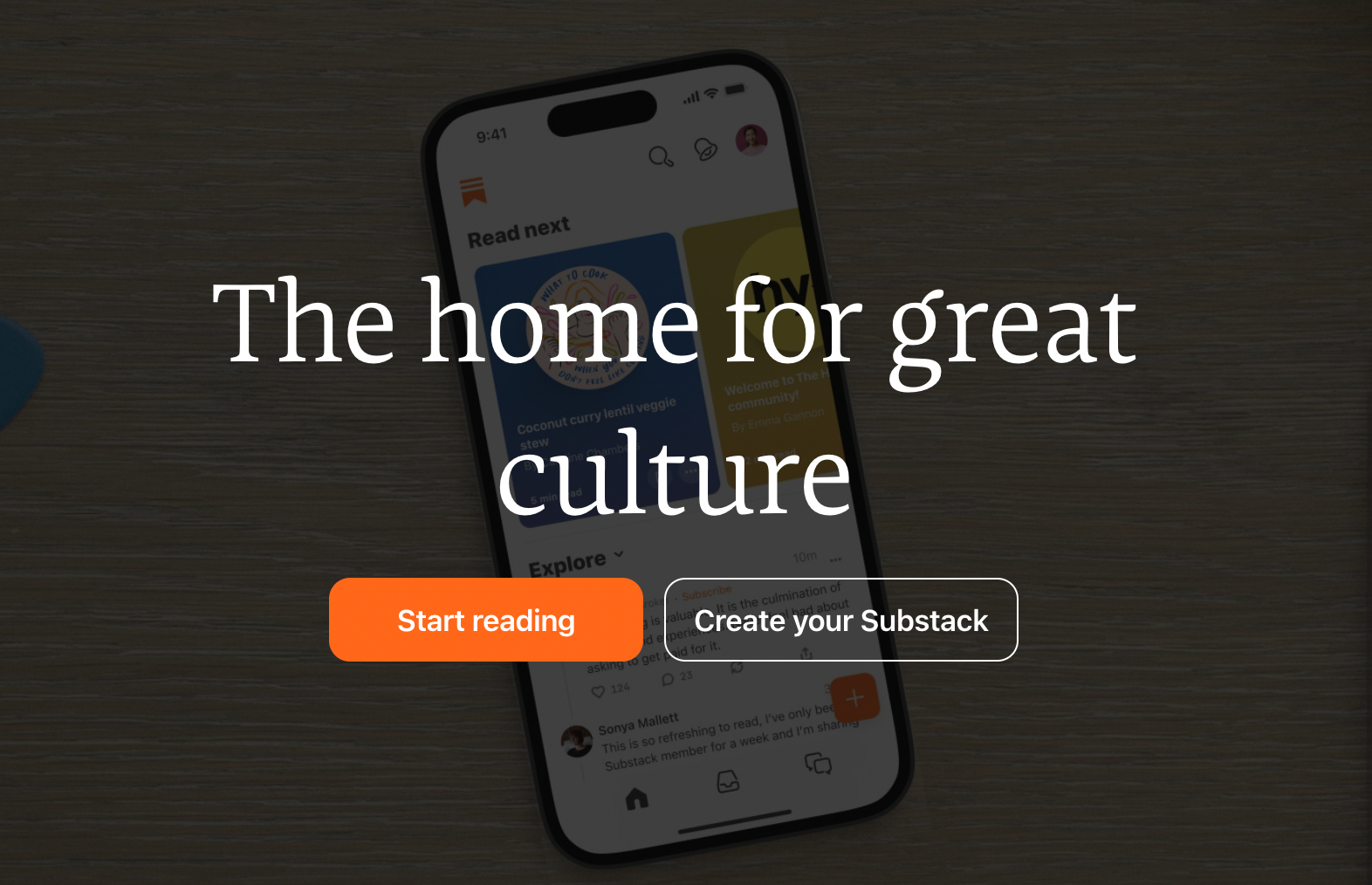
Substack has made waves for making newsletter publishing incredibly easy and straightforward. They took the complex world of email subscriptions and said, “Here, all you need to do is sign up.” The process is highly streamlined: you sign up, write, and hit publish.
Your words land directly in your subscribers’ inboxes, and if you choose to monetize, Substack handles the payments. It’s sleek, simple, and very much what writers who wish to focus purely on content creation might look for.
Understanding WordPress
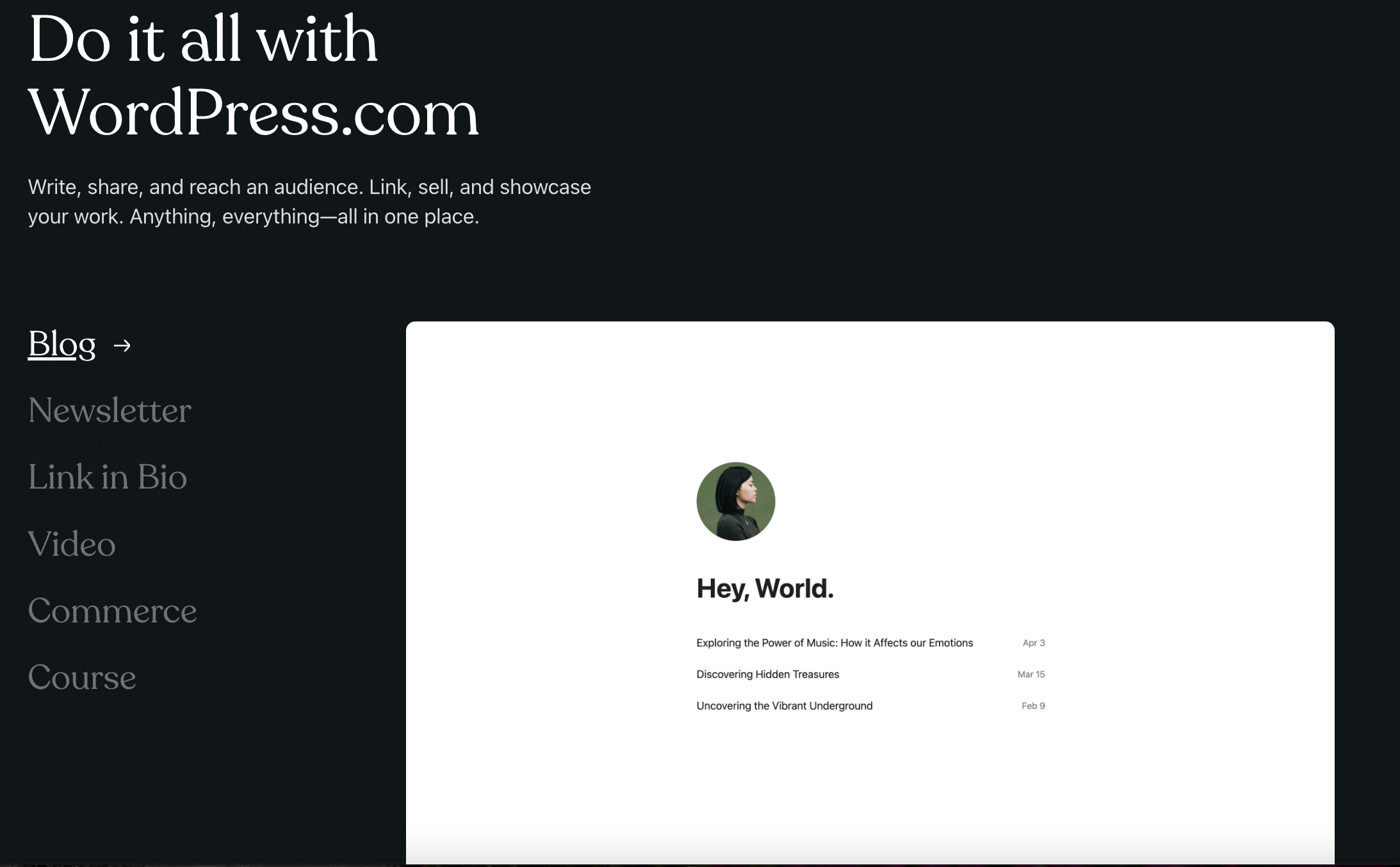
WordPress, on the other hand, is the Swiss Army knife as a content management system. It powers a significant chunk of the internet for a reason. You can create anything from a blog to a full-fledged e-commerce site. A WordPress blog lets you tweak and tailor every aspect of your site.
For instance, if your newsletter took off and you wanted to sell merchandise to your users, you can easily set up a shop with WooCommerce or add an online course to your site via an LMS plugin.
With a universe of themes and plugins at your disposal, if you can dream it, WordPress can most likely help you build it.
What Should You Look For in A Subscription Platform?
Before we discuss Substack vs. WordPress in more detail, it’s essential to understand what makes a subscription platform tick for a content creator. You’re looking at ease of use, features and functionalities, pricing, and how well it can help you grow and manage your subscriber base.
Substack vs WordPress: Similarities
Both platforms have little in common, except they let you publish content and build a subscriber base. They’re different tools but with a common aim of helping creators connect with their audience. You can share your stories, and insights while earning from it all.
Substack Vs. WordPress: Key Differences
#1. Ease of Use
Substack is practically synonymous with ease. You could be sending out your first newsletter within minutes of signing up. Substack wins this feature, hands down.

WordPress, while not overly complex, does have a steeper learning curve. You’re looking at a setup process that involves choosing hosting, selecting themes, and customizing plugins before you send out that newsletter.
#2. Features & Functionalities
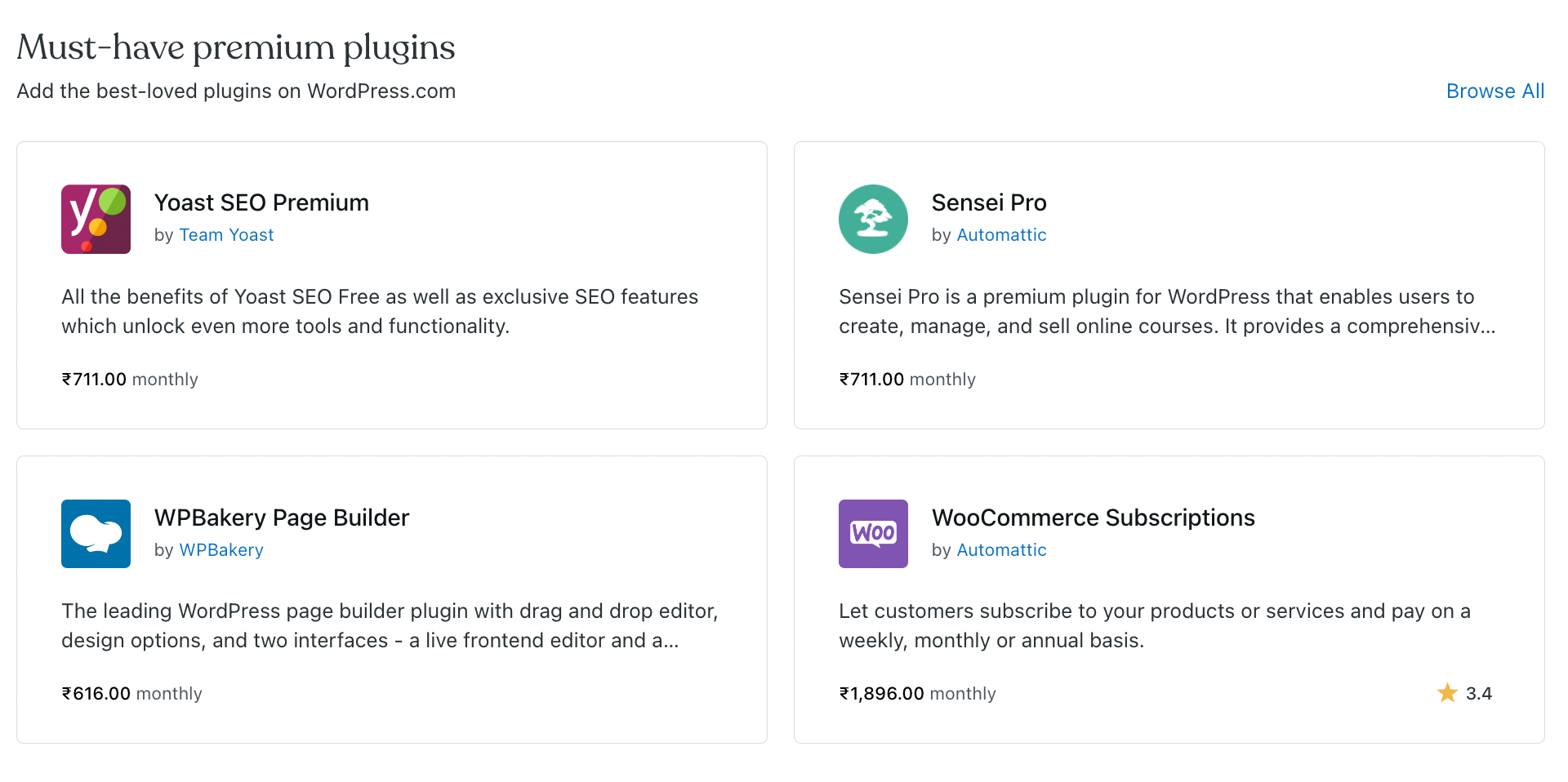
WordPress is the undisputed winner if you’re after functionality. Its extensive plugin ecosystem means you can add just about any feature you can think of.
- Want to analyze your traffic data? Get the MonsterInsights plugin.
- Need to add a contact form? Add WPforms in an instant.
- Thinking of how to rank your blog’s content for Search engine optimization? Install Yoast for WordPress.
- Are you ready to set up a shop to sell some merch about your writing? Get The Woo-Commerce plugin.
- Want to set up a mailing list with marketing funnels to upsell a course you created? Install ConvertKit.
You get the idea; the list is endless.
Substack’s features are limited here, focusing primarily on writing and newsletter subscription management.
#3. Pricing & Fees
Substack is free to start with. But once you start charging your readers, it takes a flat 10% cut of your paid subscriptions. It may not look like much when you’ve got 5-15 subscribers, but once you’re at a larger number like 2000 subscribers, you’ll be paying $200 per month to Substack, which is pretty significant.
WordPress has a different pricing structure. It charges a flat, one-time payment structure for necessities such as web hosting and a custom domain. Prices can add up if you go for a paid theme or plugins, but it won’t ever charge any commission on your paid newsletter.
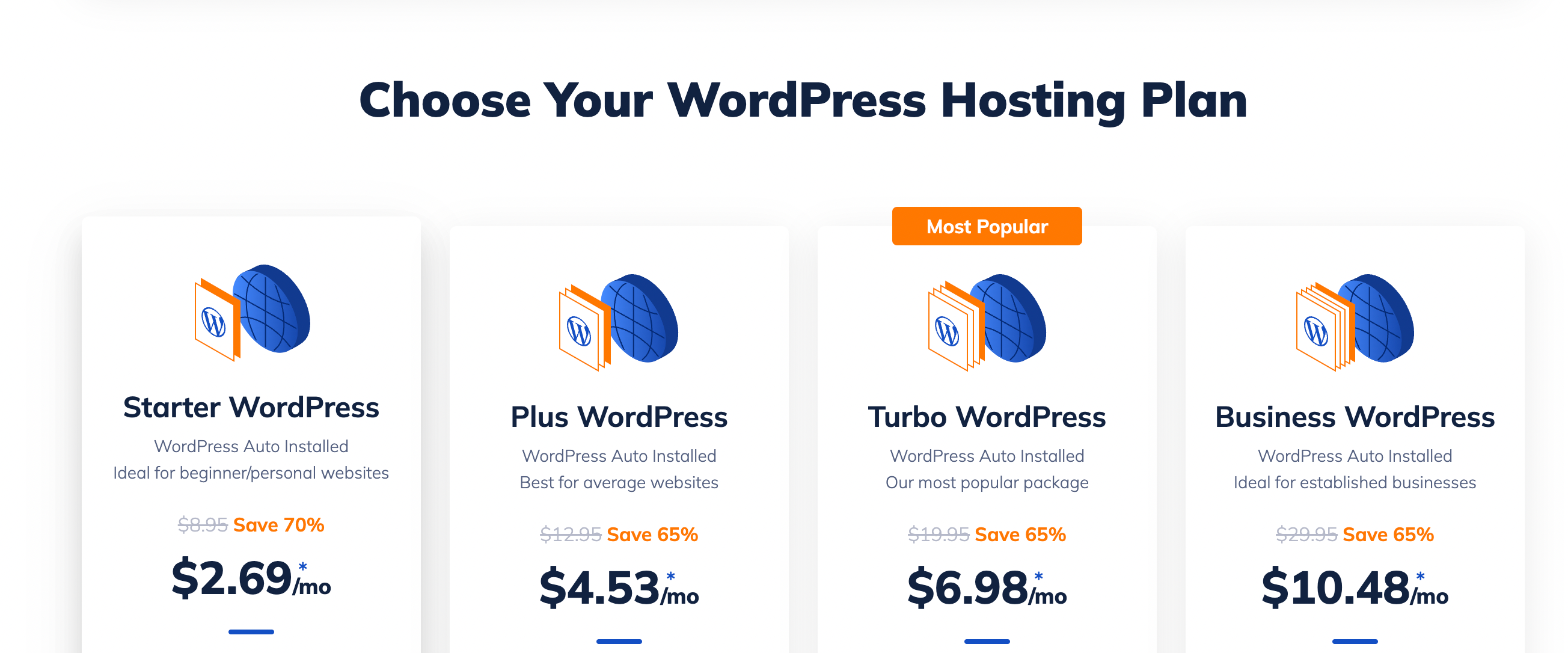
Speaking of hosting, NameHero’s WordPress hosting plans offer an affordable and reliable way to install WordPress and have your site up and running, ensuring it is fast, secure, and always online.
#4. Integrations Available To Grow Subscribers
WordPress excels with its vast array of SEO tools, social media integrations, and plugins designed to help you grow and manage your audience. Substack is more of a closed ecosystem, focusing on email subscriptions without the same level of external integrations.
Substack vs WordPress: What Do Redditors Think?
I took a quick look at a couple of Reddit threads discussing the Substack vs. WordPress debate.
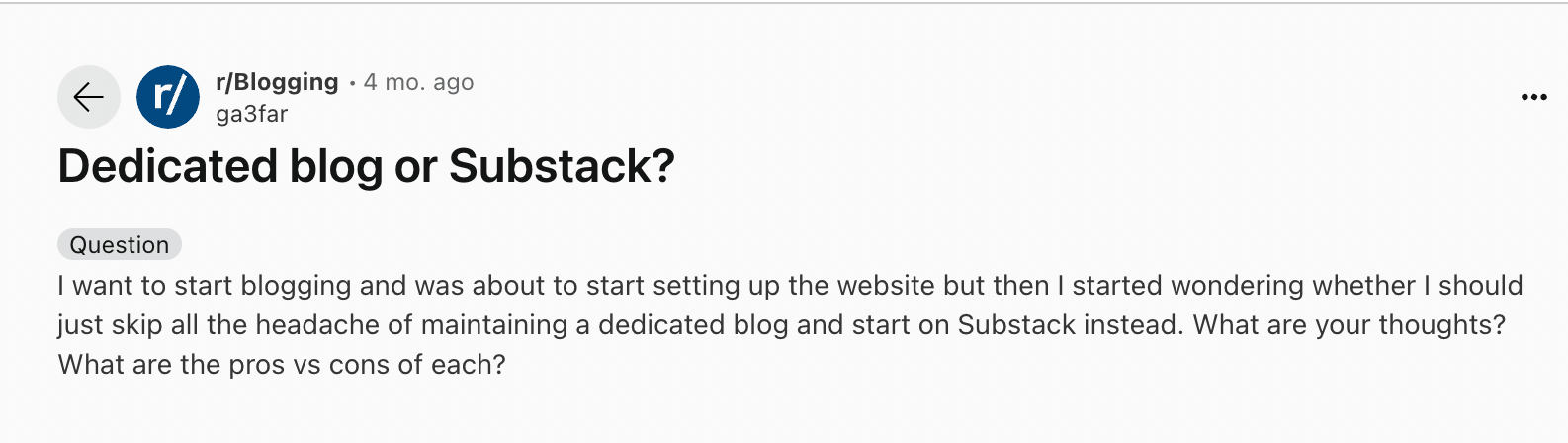
For what it’s worth, the responses seemed to encourage all nontechnical users to start a Substack just to get over the initial fear of starting something new and a WordPress website for those who’re comfortable with a slight learning curve.
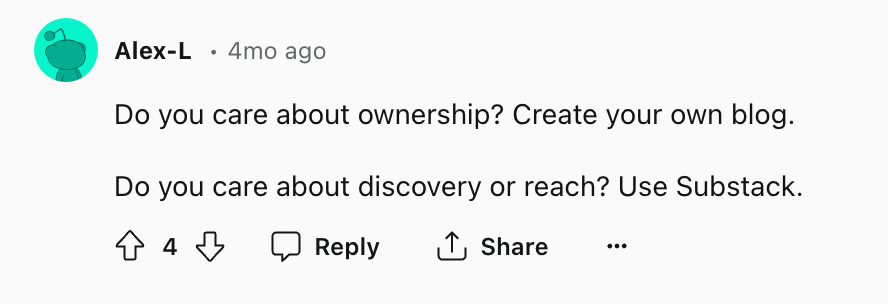
I like this user’s response (screenshot below), which helps explain that Substack, while easy to set up, is never proprietary. But it does help new readers discover your content.
Conclusion: Choosing The Right Platform for You
Choosing the right platform is an important step in your content creation journey. Take a moment to consider your long-term goals, your comfort with technology, and how you plan to engage with your audience.
Ultimately, your choice between Substack and WordPress depends on your needs. If you want a platform that you can set up in 2 minutes and engage with your readers through newsletters, Substack is an obvious choice. It’s straightforward, and it does the job well.
But, if you’re a creator with a long-term plan for online presence and don’t mind a bit of a learning curve, WordPress is unbeatable. It’s powerful, and with the right hosting plan, like those offered by NameHero, it can scale with you as your audience grows.
My two cents? If you want to test and validate your blogging idea and are intimidated by a WordPress setup, get started on Substack. If your newsletter grows and you’re sure you’d like to continue, import your subscribers to a WordPress site immediately.
Regardless of whatever platform you pick, what’s most important is that you start. Your audience is waiting!

Nirali has over a decade of experience working in marketing with startups in a variety of sectors, including e-commerce, ed-tech, and SaaS. She has a keen understanding of the unique challenges and opportunities facing early-stage companies and a track record of developing effective content strategies that drive growth and engagement.
Leave a Reply