


Are you looking to establish an online presence for your business or brand? If this is the case, you might be confused about whether you need a landing page vs website. If you make the wrong choice, you might fail to attract the right audience and fulfill your business goals.
A website contains multiple web pages that serve different goals. On the other hand, a landing page typically has one specific goal such as generating leads. But there are other differences to consider, like navigation, Search Engine Optimization (SEO), and traffic sources.
In this post, we’ll take a closer look at landing pages and websites. Then, we’ll compare the differences between them. After that, we’ll discuss how to set up a single page or an entire site using WordPress. Let’s get started!
What Is a Landing Page?
A landing page is a stand-alone web page that usually serves a specific purpose or goal. For example, many businesses set up landing pages for advertising an event or new service launch.
Additionally, you may create a “coming soon” or “maintenance mode” landing page. If you run an ecommerce store, you may configure a separate landing page for each product.
Most landing pages are designed to generate conversions, whether you’re asking visitors to purchase an item or sign up for an account:
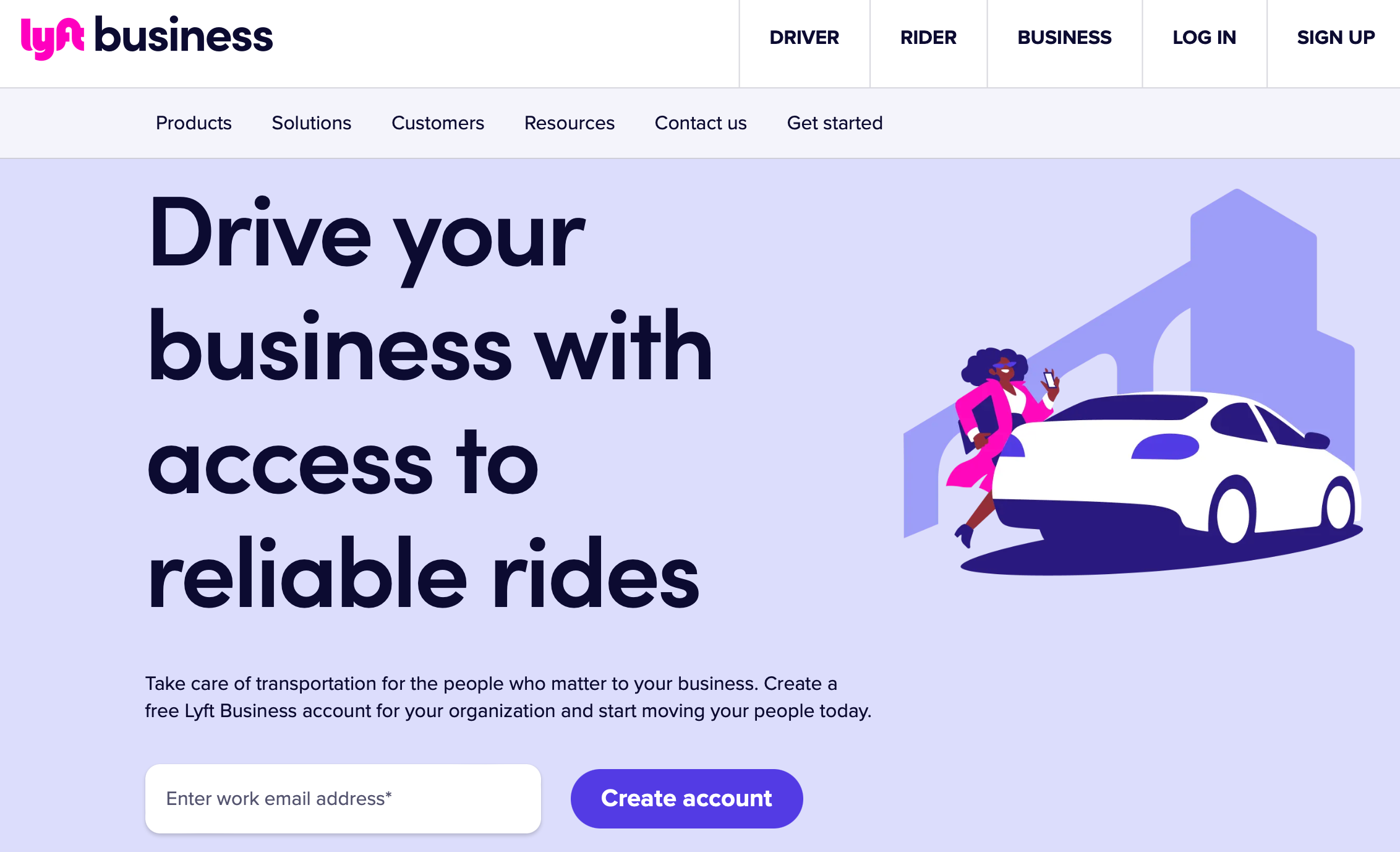
Either way, you’ll usually use a landing page to drive a desired action.
You also have the option to create a landing page as a standalone website. In this instance, you may display various tabs, but all of them point to the same clear call to action (CTA).
What Is a Website?
A website tends to contain lots of landing pages (as well as other pages and sections). For instance, small business websites usually include service pages, contact pages, a blog page, an about page, and more.
Compared to a landing page, a website has a more general goal, such as providing visitors with information about your business:
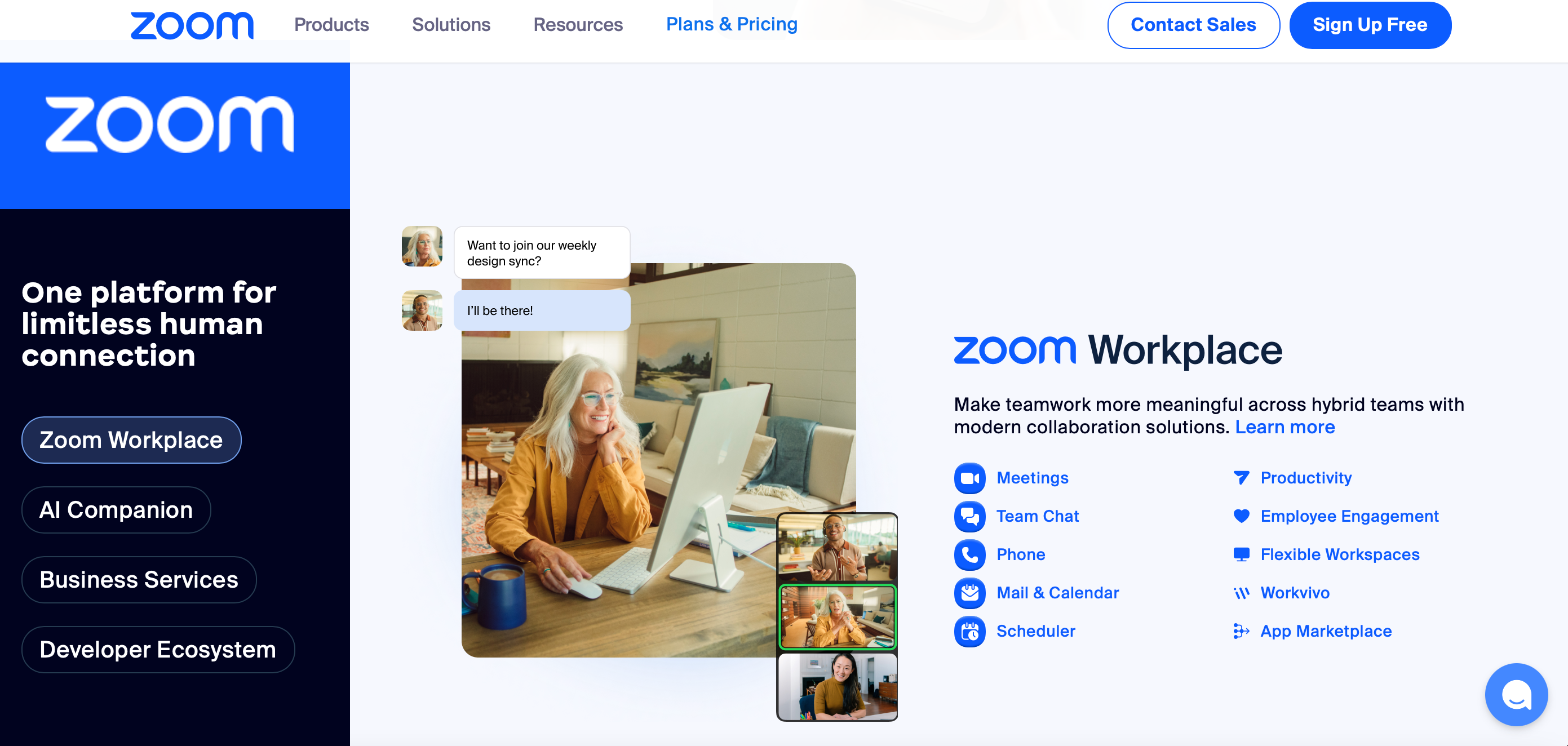
Here, they can navigate all the relevant pages to take different actions. In the example above, you can see at least two calls to action and four menu items that take visitors to different parts of the website.
Typically, websites fulfill multiple goals such as enabling customers to book appointments, download resources, or check out the company’s social media pages. To facilitate easy access, most websites have clear navigation menus (which landing pages don’t usually require).
Landing Page vs Website: Key Differences
Now that you know a bit more about landing pages and websites, let’s take a look at the key differences between them:
- Goal. A website tends to serve many different goals, but typically, it functions as a way to present your business and inform visitors about your products/services. In contrast, landing pages have a very specific goal, which is usually to capture leads or sell products.
- Time. Creating one landing page is a time-saving option if you want to launch a new product quickly. That said, a website is your best bet if you want to establish a strong online presence.
- Audience. Landing pages should reach a more targeted audience, mainly individuals who are looking for a specific solution. On the other hand, websites attract more general visitors who might want to know more about your business.
- Navigation. Unless they are part of websites, landing pages don’t usually contain a navigation bar. However, if you have a website, you’ll need a user-friendly way to encourage visitors to explore all of your pages and quickly find what they’re looking for.
- Traffic. If you’re spending money on paid ads, it’s a good idea to direct traffic to a purpose-built landing page that enables you to measure your Return on Investment (ROI). However, organic traffic (from Google searches or social media) can be sent to any web page.
- Search engine optimization (SEO). Landing pages provide limited SEO opportunities since you’ll usually be targeting narrower search terms. But with a website, you can optimize pages for many keywords including local keywords, product/service keywords, and more.
Many people get confused between landing pages versus websites. While there are some similarities, having a strong understanding of the differences will help you decide which option is best for you.
Landing Page vs Website: When to Use Each
A website is the best way to inform people about your business/brand, explain the story behind it, and answer customer questions. It’s also ideal if you have lots of products or services that you want to display.
But there are certain circumstances when it makes sense to use a landing page:
- Advertising. If you’re running a campaign that contains advertisements (like PPC ads or social media ads), it’s best to link your ad to a landing page that’s dedicated to driving conversions.
- Lead generation. If you want to turn website visitors into qualified leads, you can present your offer on a landing page. Typically, visitors will hand over their email addresses in exchange for a free “lead magnet” like an eBook or free trial.
- Notices. You can use a landing page to convey a certain message to your audience like a coming soon or maintenance page. You can also encourage visitors to subscribe to your mailing list to get notified when it’s available.
- Testing. It’s much easier to test marketing strategies with a landing page. For example, you might want to A/B split test your pages to find the copy, media, and headings that deliver the highest conversation rates.
You may also want to use a landing page as a simple website. However, that’s only likely to work if you have a time-sensitive goal.
You may need to quickly collect registrations for an upcoming event or build a mailing list before you launch a website. In most other cases, it makes more sense to invest the time to build a proper website.
How to Create Landing Pages and Websites
By now, you hopefully know the difference between landing pages versus websites. So, you might be wondering how to create landing pages or set up a website that contains several pages.
There are many platforms available, but WordPress is free, flexible, and beginner-friendly. To get started, you’ll need a quality web host to make your content accessible.
NameHero provides fast web hosting at affordable prices:
You’ll find WordPress-specific plans that auto-install the software for you. Additionally, you’ll get daily backups, DDoS protection, and automatic updates to keep your website secure.
On top of this, you can get a free domain name and a free SSL certificate. Plus, if you run a business, you can even bundle email hosting to get a custom email domain.
Once you have access to the WordPress dashboard, you can install a theme that defines the right look for your site. To sell products online, you’ll need to install the WooCommerce plugin.
If you choose a block theme, you can design all your pages using the flexible site editor. Plus, there are plenty of page-builder plugins that enable you to design stunning landing pages.
Conclusion
It’s understandable to get confused about using either a landing page or a website for your business. A landing page works best for specific campaigns like capturing leads via a lead magnet. But it’s also effective for running paid campaigns.
Landing pages are much quicker to create since they consist of a single page with a single call to action. But if you want to establish a strong online presence and inform visitors about your business, you’ll want to set up an entire site that contains different landing pages and sections.
Whichever option you choose, you’ll need a platform like WordPress and a quality web host. At NameHero, we make it easy to launch your site with auto-installs, SSL certificates, domains, and more. Check out our plans today!

Sophia is a staff writer at WordCandy.co, where she produces quality blog content for WordPress plugin and theme developers, hosting providers, website development and design agencies, and other online businesses.
Leave a Reply