


During the first half of 2024 alone, Cloudflare mitigated 8.5 million DoS and DDoS attacks. That’s a marked increase from 2023 and a clear sign that these attacks are as common as ever. Even small sites can be targets for service-disrupting attacks.
DoS and DDoS attacks can be devastating, but there are also several ways to mitigate and stop them. With the right web host, you might not even have to worry about these attacks at all.
In this article, we’ll break down how DoS and DDoS attacks work and cover the differences between both. Then, we’ll go over several ways to mitigate them, including choosing the right web host. Let’s get to it!
What Are DoS and DDoS Attacks?
DoS and DDoS attacks use standard communication protocols like HTTP, UDP, and Internet Control Message Protocol (ICMP) to flood servers with malicious requests. However, DoS attacks have a single source, whereas DDoS attacks have many (sometimes thousands or even millions).
In this context, requests are messages sent from a client (such as a browser or an application) to the server or the website, asking it to do something. When you visit a website, the browser sends HTTP requests to load the information on it. DoS and DDoS attacks can weaponize multiple requests at scale.
DoS attacks typically involve single actors using specialized tools to overwhelm servers with too many HTTP, UDP, and TCP requests. One famous example of such a tool is the Low Orbit Ion Cannon (LOIC).
Meanwhile, DDoS attacks typically involve networks of infected devices spread across multiple locations, coordinating to send high volumes of requests to a server. The scale of DDoS events can be massive, with botnets performing hundreds of millions of requests per second for the most coordinated attacks in history.
Key Differences Between DoS vs DDoS Attacks
There are several key differences between DoS and DDoS attacks. We’ve already mentioned scale, but here’s how else they differ:
- Complexity of the attack. Comparing DoS vs DDoS attacks is like comparing a crime of opportunity versus a planned heist. To pull off DDoS attacks, malicious actors need access to large numbers of infected devices, which typically involves a lot of preparation.
- Difficulty in terms of mitigation. It can be fairly easy to protect against a cyber attack coming from a single source. You might be able to block a DoS attack with a Web Application Firewall (WAF), but a distributed attack will require more robust security measures to mitigate its impact.
- Potential impact. With sufficient scale, successful DDoS attacks can potentially bring down most websites or applications. How fast your server can recover will depend on your response time (or that of your web host), but a DDoS attack can translate to serious downtime.
DDoS attacks are also constantly evolving in terms of complexity and scale. Google’s own DDoS response team has recorded DDoS attacks at a scale of almost 400 million requests per second.
These large-scale attacks typically focus on enterprise-level websites and applications. However, that’s not to say that regular websites aren’t at risk.
4 Ways to Mitigate DoS and DDoS Attacks
There are several ways in which you can protect your website against DoS and DDoS attacks. Some of these safety mechanisms can also help defend against other security issues, such as buffer overflow attacks.
So, here’s what you can do to protect your site.
1. Use a Web Application Firewall (WAF)
WAFs are systems designed to monitor HTTP/HTTPS requests to your server. They accomplish this by using sets of rules that determine which traffic is allowed and which isn’t.
Modern WAFs can help protect your web server against DoS and DDoS attacks by detecting abnormal patterns that can point to malicious traffic.
This is particularly effective against DoS attacks since a WAF can detect if an IP address is sending an abnormal number of requests to the server. If that’s the case, the WAF can blocklist that IP address.
As for DDoS attacks, some modern WAFs include attack signature analysis functionality, which enables them to recognize web traffic flood attacks and block their sources.
A WAF can help you mitigate application layer attacks, and it can be even more effective if you combine it with other security measures (such as CDNs) to protect against protocol attacks.
2. Integrate a Content Delivery Network (CDN)
Using a CDN can help significantly mitigate the impact of DoS and DDoS attacks. Modern CDNs, such as Cloudflare, make DDoS attack prevention and mitigation a core feature of their services:
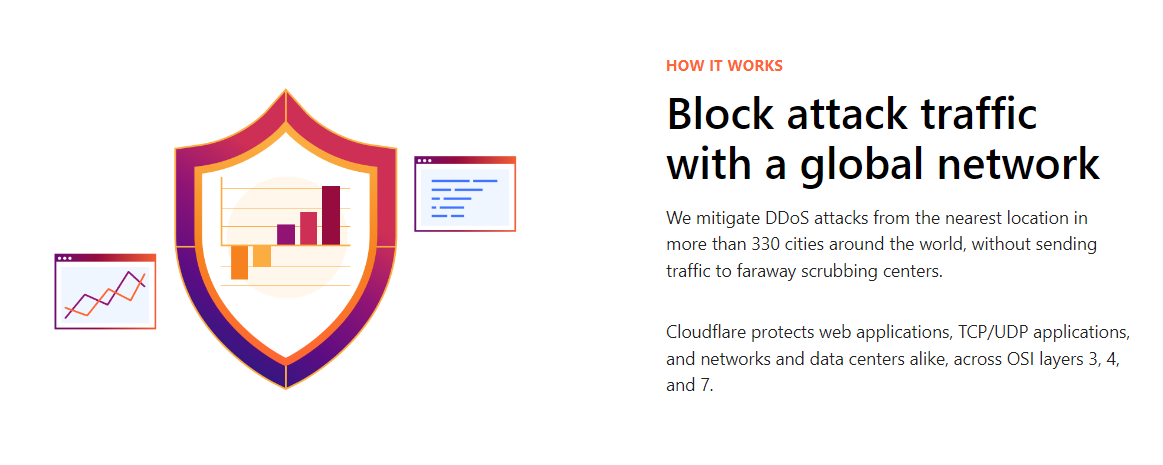
CDNs do this in multiple ways. If you use a CDN for your website, it should help distribute traffic across multiple servers. This makes it harder for distributed denial attacks to reach their intended target and overwhelm it.
CDNs also leverage caching to decrease loading times for site visitors. This means your site’s server will receive fewer requests overall, even during peak traffic times (or during a DDoS attack).
While we’re on the topic of CDNs, it’s worth mentioning that NameHero partners with Cloudflare. We use their Railgun technology to improve website caching and offer better performance on all of our plans.
3. Monitor Your Site’s Traffic
Monitoring your site’s traffic in real-time can help you understand user behavior and detect sudden spikes in requests straight away. Some traffic monitoring tools enable you to set up notifications in case they detect anomalies in the site’s traffic.
Here’s a quick look at one such tool, called Netdata:
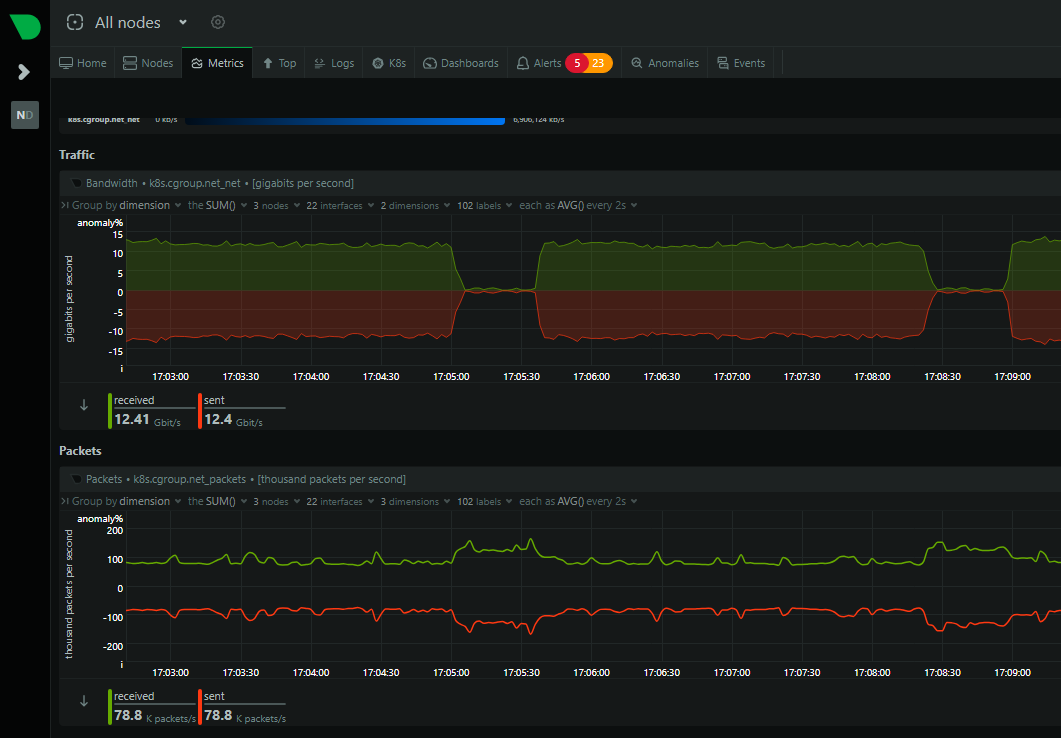
Identifying DDoS and DoS attacks early can help you protect your site. For example, if you detect a flood of traffic coming from a single IP address, you can block it immediately through your WAF and/or CDN:
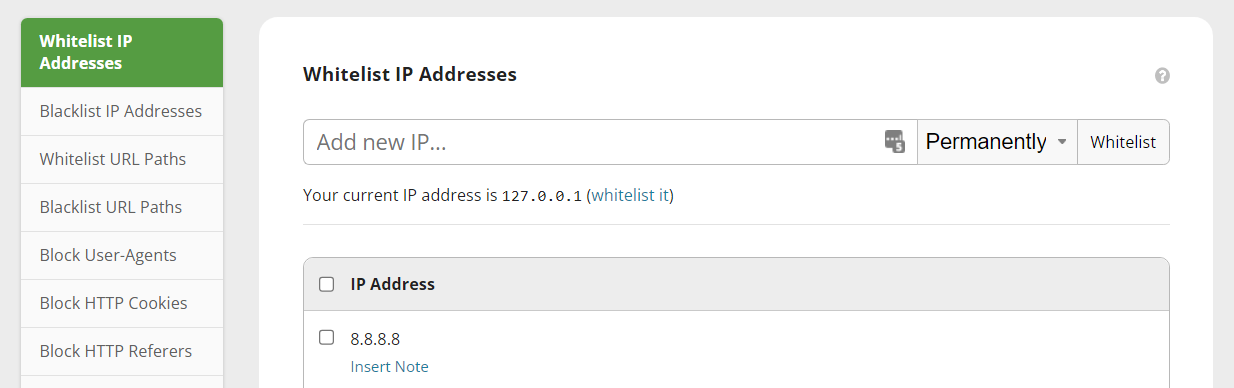
Typically, you’ll be able to peruse traffic logs provided by these tools. These should include any instances of volumetric attacks (that’s a type of DDoS attack).
4. Use a Web Host With DoS and DDoS Protection
One of the most straightforward ways to protect your site against DDoS and DoS attacks is to use a security-minded web host. Request flood attacks don’t just target big-name sites. They can hit anyone.
A reputable web host will offer you access to multiple security tools and integrations, such as WAFs and CDNs. They’ll also take it upon themselves to monitor traffic and help you mitigate DDoS and DoS attacks if they hit the network.
If your web host doesn’t offer any type of protection against such attacks, it might be time to consider moving to a new one.
How NameHero Protects You Against Cyberattacks
NameHero protects you against DDoS and DoS attacks. It does this by using patented packet detection technology to prevent malicious traffic from reaching your website.
We also offer a modern WAF solution that leverages AI to detect malicious requests to your site, and which is effective against even new types of attacks. That, among other features, makes NameHero a leading web host in terms of security:
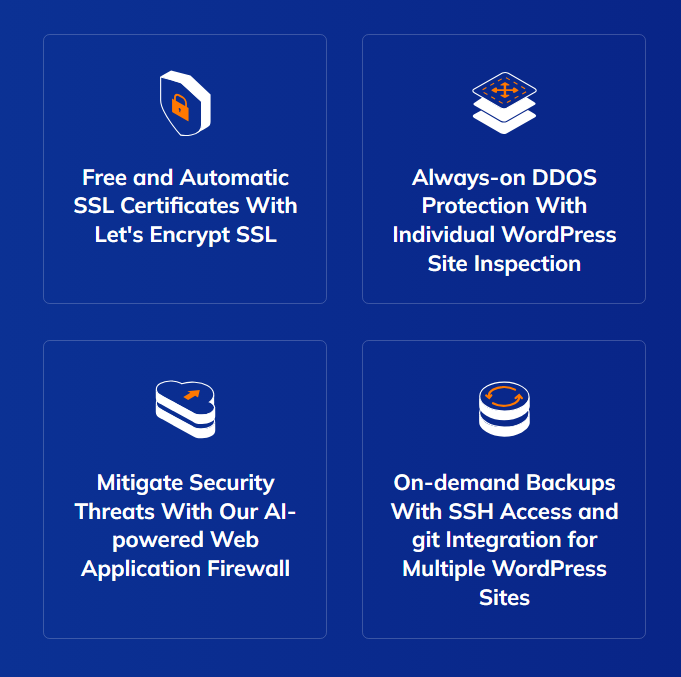
Aside from its advanced security and prevention tools, NameHero offers highly affordable hosting plans for different types of projects. We have starter cloud, WordPress plans, and even gaming server options for you to choose from.
Preventive security measures are the best way to mitigate the risk against DDoS and DoS attacks. If neither you nor your web host implements preventive security measures, successful denial-of-service attacks will result in downtime.
In most cases, it’s a lot easier to sign up for a web host that takes security seriously instead of implementing preventive measures manually. For example, your web host will be much better equipped to set up and configure an advanced WAF.
Conclusion
Traffic-based attacks can affect any website. DoS and DDoS attacks are the most common among these and they’re on the rise, year after year. If you’re unlucky enough to get hit by an attack, it can quickly overwhelm your servers and prevent access to your site.
There’s a lot you can do to mitigate DoS and DDoS attacks, including:
- Using a WAF
- Integrating a CDN
- Monitoring your site’s traffic
- Using a web host with DoS and DDoS protection (such as NameHero)
Do you have any questions about how to mitigate DoS and DDoS attacks? Let’s talk about them in the comments section below!

Sophia is a staff writer at WordCandy.co, where she produces quality blog content for WordPress plugin and theme developers, hosting providers, website development and design agencies, and other online businesses.
Leave a Reply